Blog

Tips
Tips Picks

MOST RECENT

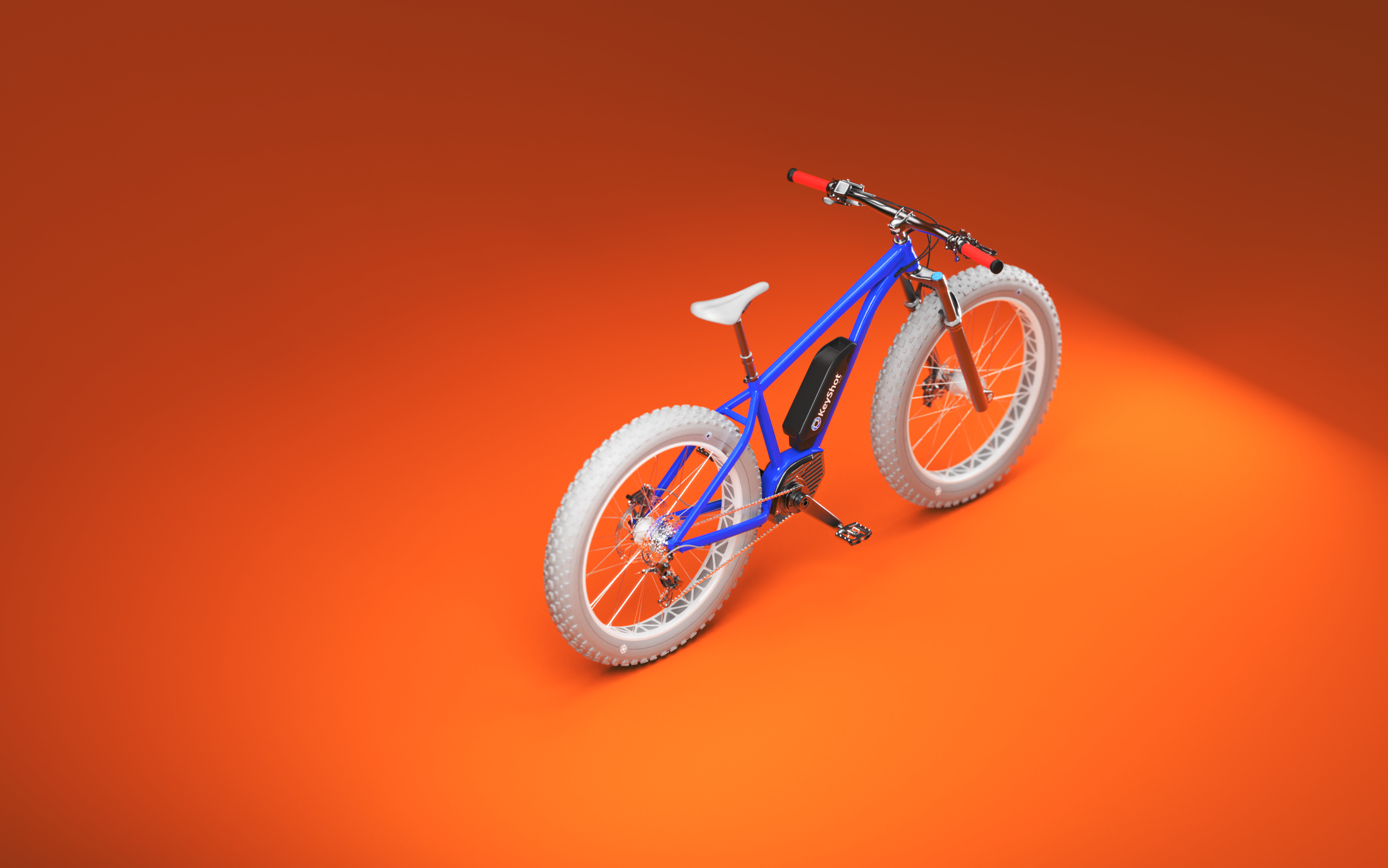
How to Use the KeyShot Web Viewer

How to Use the KeyShot Web Viewer

Sharing scenes across departments, stakeholders and development partners is now easier than ever. The KeyShot Web Viewer, accessible with a KeyShot subscription and KeyShotWeb module, allows you to generate a viewable and interactive web-based scene that anyone can...

How to Create a Bloom Effect in KeyShot
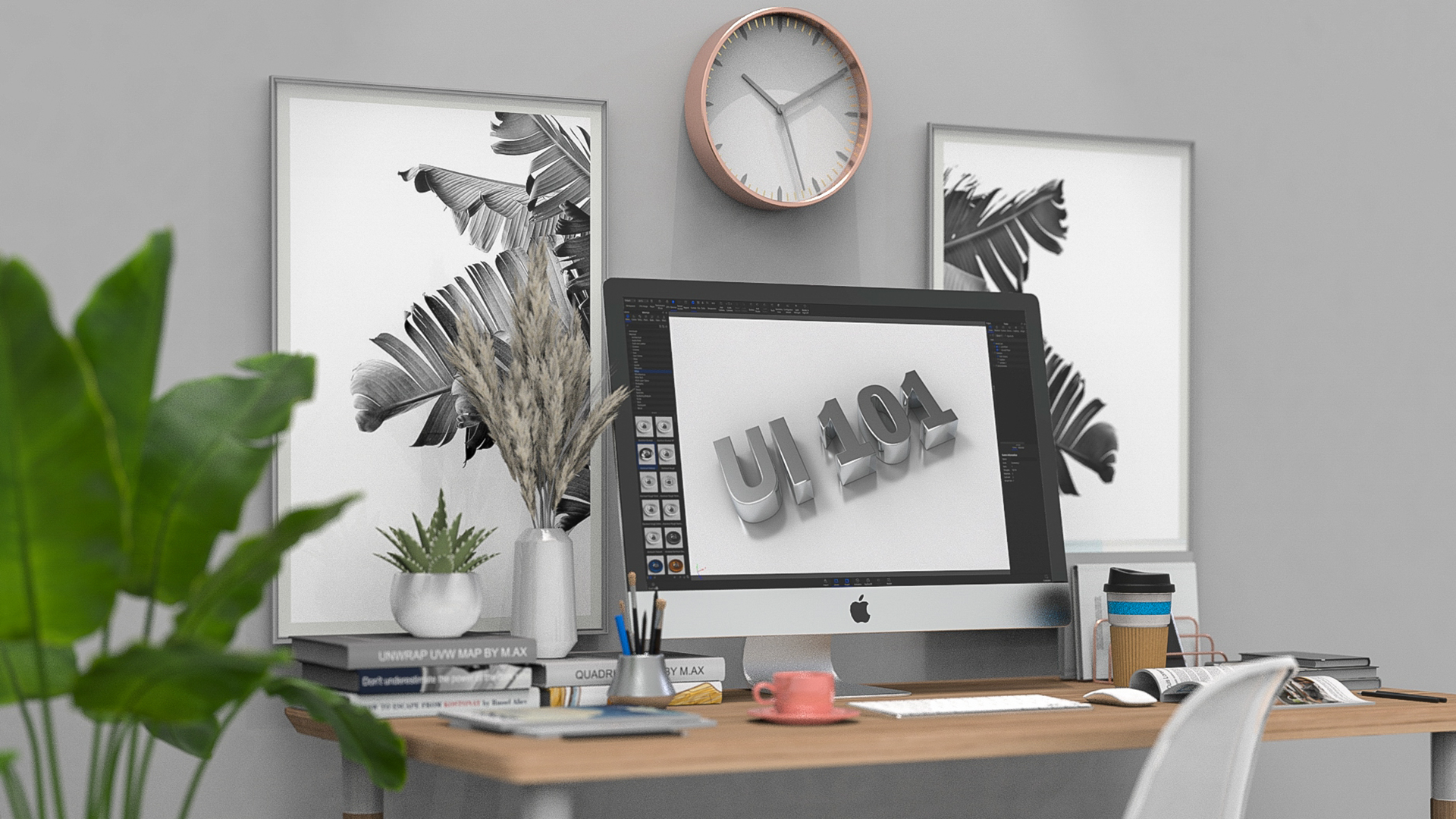
How to Create a Bloom Effect in KeyShot

KeyShot's Image tab is an easy way for you to reduce time spent post-processing renders. Along with greater control, you also have features like Bloom that allow you to further stylize renders to your needs and liking. Read on to learn how you can leverage KeyShot's...

How to Create Worn Edges with Opacity in KeyShot
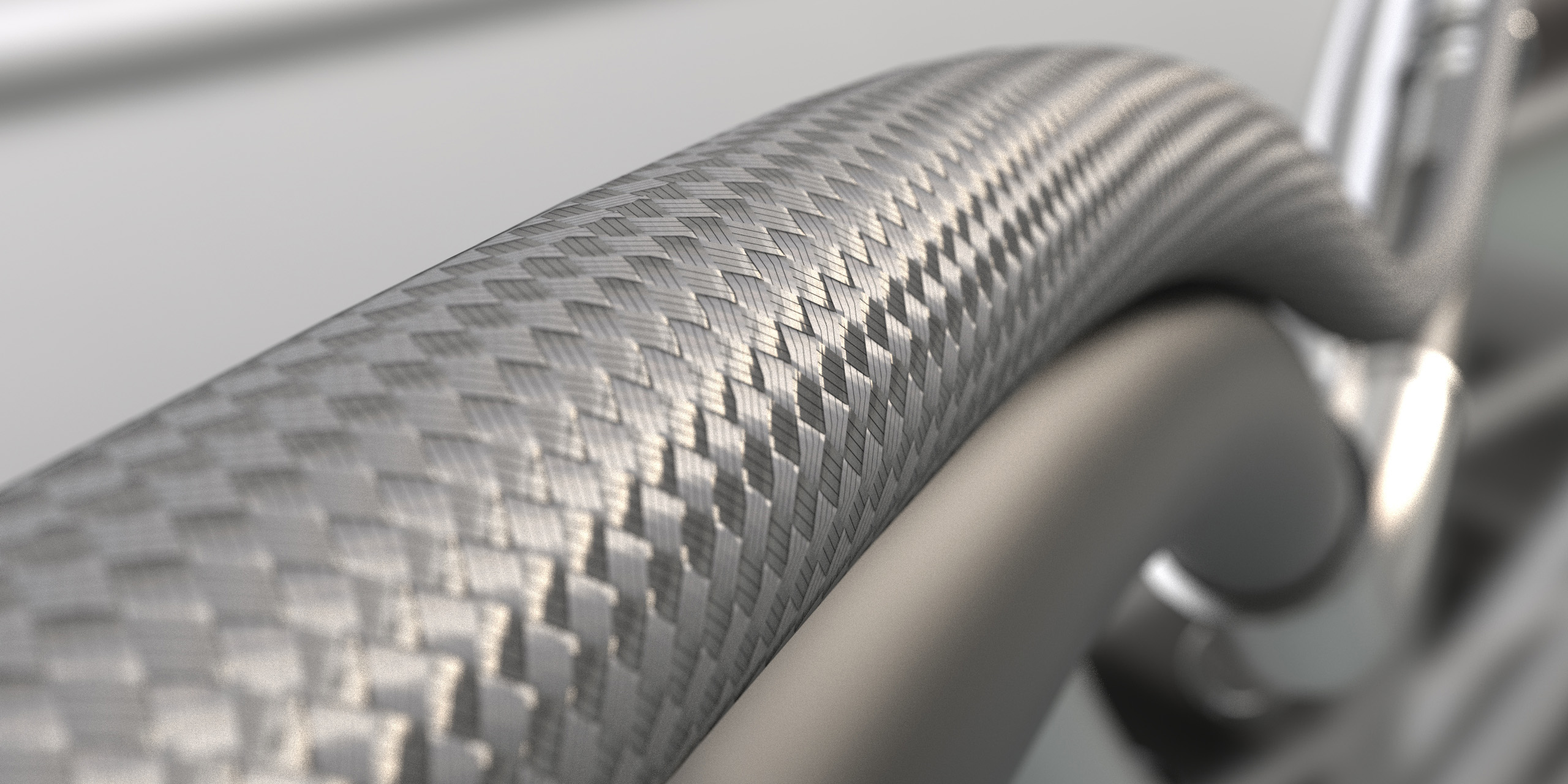
How to Create Worn Edges with Opacity in KeyShot

Creating accurate and realistic renderings can help entice stakeholders and customers buy into the vision of your product concepts. Achieving accuracy requires paying attention to the little things: small details often make the difference between flat and photo-real....

How to Create a Braided Cable Effect Using RealCloth™
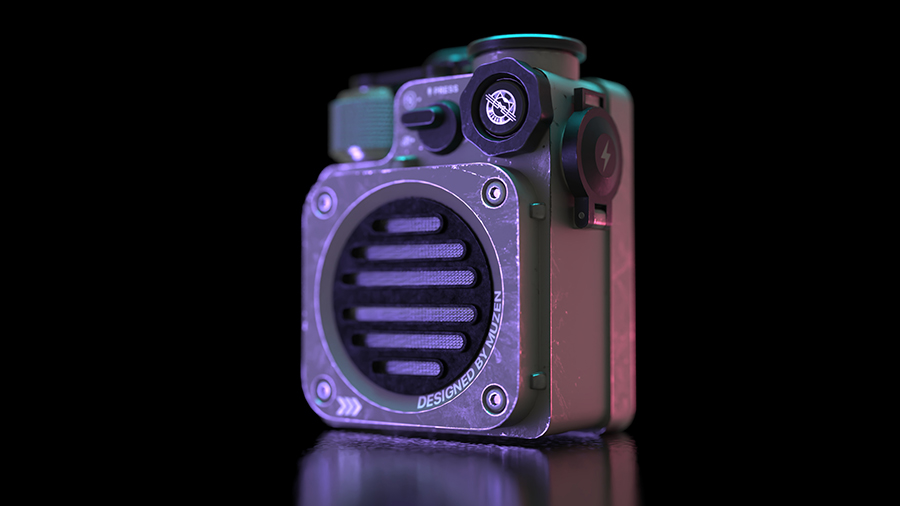
How to Create a Braided Cable Effect Using RealCloth™

Cables show up in all kinds of products, environments and scenes. Here’s how you can use KeyShot RealCloth™ to create a braided cable effect.  Create Braided Wire, Hose, and Cable in KeyShot KeyShot RealCloth™ has applications across all types of woven materials. A...

How to Add Fingerprints in KeyShot Using Roughness Textures
How to Add Fingerprints in KeyShot Using Roughness Textures

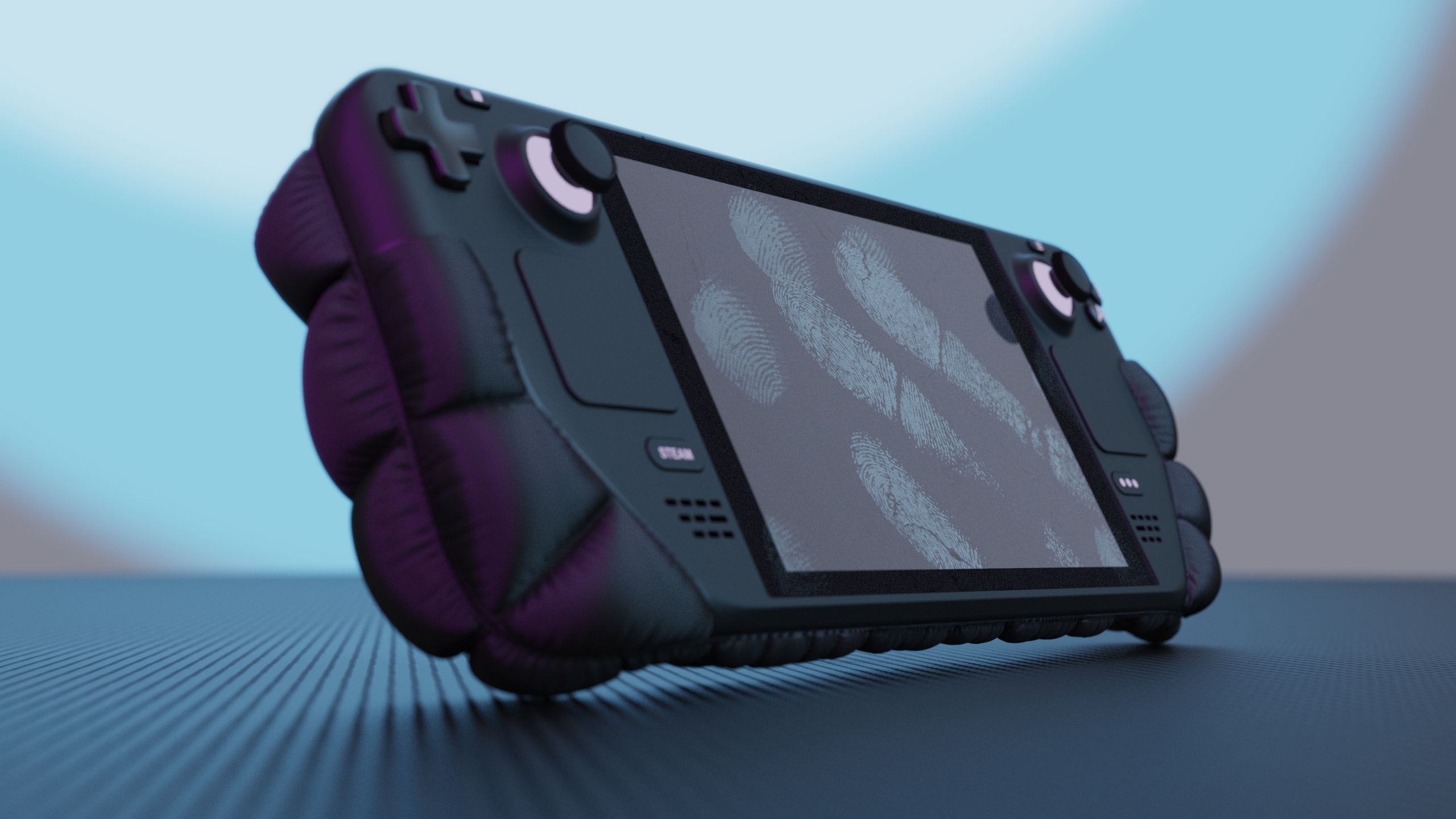
Whether you’re trying to create weathered effects, wear marks, or fingerprints, controlling surface roughness using an image texture in KeyShot will help add a new level of realism and greater flexibility to your projects. Today, we’re going to add fingerprints to a...

How to Add Realistic Ground Shadow Layers in KeyShot

How to Add Realistic Ground Shadow Layers in KeyShot

KeyShot provides plenty of tools to create realistic-looking shadows in any setting. But what about ground shadows? And how can you create a separate ground shadow with a transparent background? Read on to learn how to setup a scene to generate a ground shadow layer...

How to Create Water Droplets and Condensation in KeyShot
How to Create Water Droplets and Condensation in KeyShot

KeyShot not only allows you to create advanced materials and textures with features like 3D Paint, but also provides rich texturing capabilities to add water droplets and condensation. Today, we go in-depth with a texture combination to dial in exactly the water...

Browse by topics