An AI Agent inside Studio, cloud storage that follows you, SSO/MFA for Enterprise, part variations, studio groups and the latest CAD updates.
Author

Karim Merchant
Karim is an industrial design professional and Creative Specialist at KeyShot. Karim leads the KeyShot Quick Tips and other learning series on YouTube; you can also find Quick Tips on the KeyShot website.
Posts by Karim Merchant
How to Use the New KeyShot Studio Color Workflow Features
KeyShot Partners can take our course to earn a KeyShot Bridge Certification.
What is 3D Rendering Software? (and Why Every Design Team Needs It)
In the world of design and creativity, visuals hold everything together. 3D rendering software is the gateway to bringing ideas to life. Even more, it’s what makes up the software that brings...
Watch The Most Popular KeyShot Tutorials Of 2023 (So Far)
Been busy? We get it — we’ve been doing all the things too. If you haven’t gotten a chance to see the most important KeyShot updates, we’ve got you covered. Here are the most-watched tutorials of...
How to Use the New Camera KeyFrame Animations in KeyShot
Building on Keyshot’s existing keyframe architecture, KeyShot 2023 has replaced camera path animation in favor of a keyframe-based camera animation solution. It’s now easier than ever to create...
How to Use the New Features In KeyShot Web Viewer
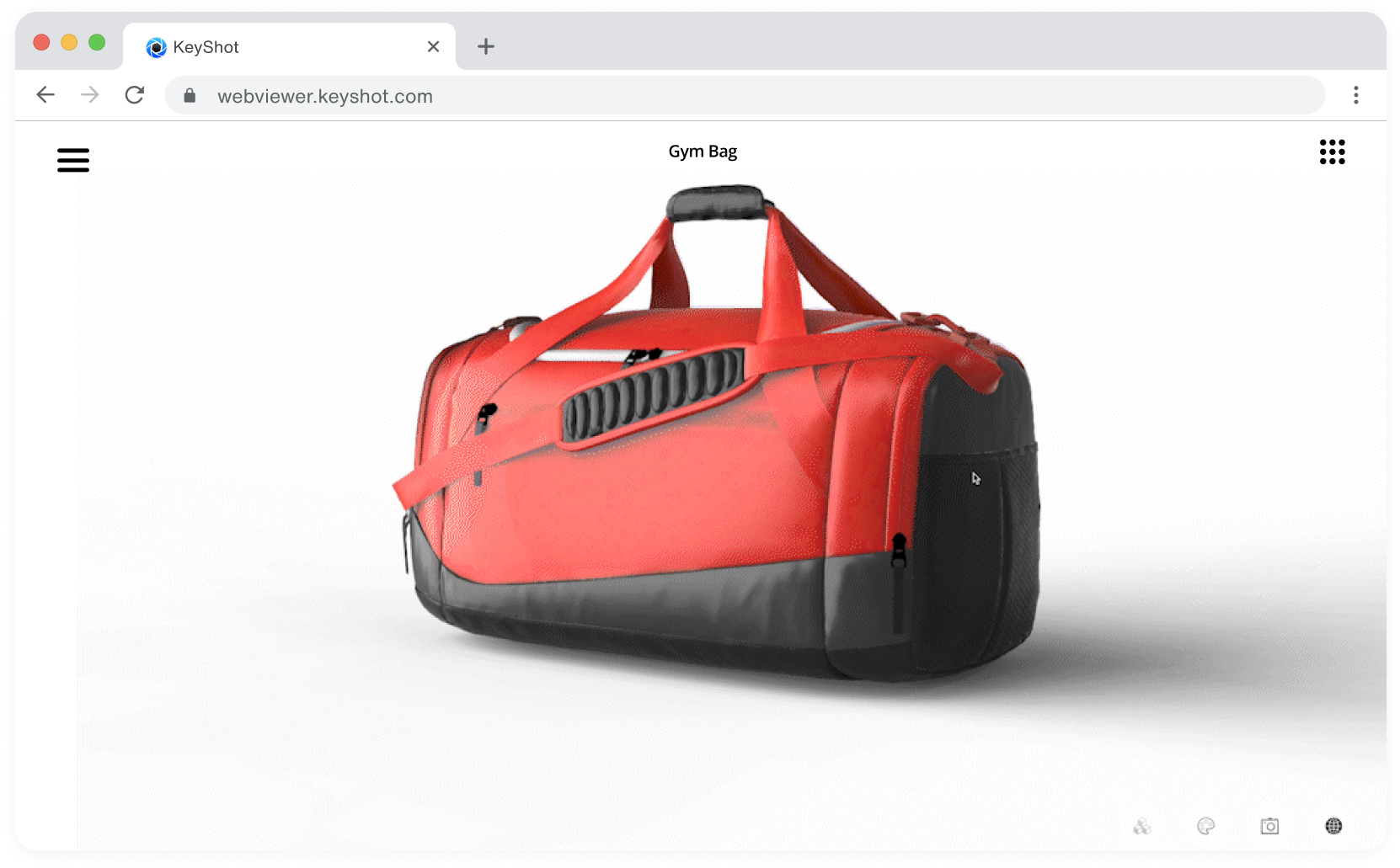
Now you can surprise and delight your internal stakeholders just like you do your customers. KeyShot’s latest Web Viewer update not only optimizes the user experience with an improved UI and faster...
How to Use KeyShot Web Viewer
KeyShot Web Viewer provides the perfect platform to communicate CMF needs and help finalize designs across stakeholders and organizations. Not only does it allow you to package interactive scenes...
How to Use and Create KeyShot Scene Templates
If you’ve ever wanted an easy way to stage many products under the same environment and lighting conditions, then KeyShot Scene Templates are the best way for you to accomplish that. This is a new...
How to Use the EXR Output Option in KeyShot 2023
KeyShot 2023 provides plenty of new options, including Multilayer EXR output for post-processing workflows. If you've ever wanted to output multilayer files but weren't a part of the Adobe...
How to Use the KeyShot Web Viewer
Sharing scenes across departments, stakeholders and development partners is now easier than ever. The KeyShot Web Viewer, accessible with a KeyShot subscription and KeyShotWeb module, allows you to...
How to Create a Bloom Effect in KeyShot
KeyShot's Image tab is an easy way for you to reduce time spent post-processing renders. Along with greater control, you also have features like Bloom that allow you to further stylize renders to...