Blog

Tips
Tips Picks
How to Create Pulsing LEDs with KeyShot

How to Create Pulsing LEDs with KeyShot

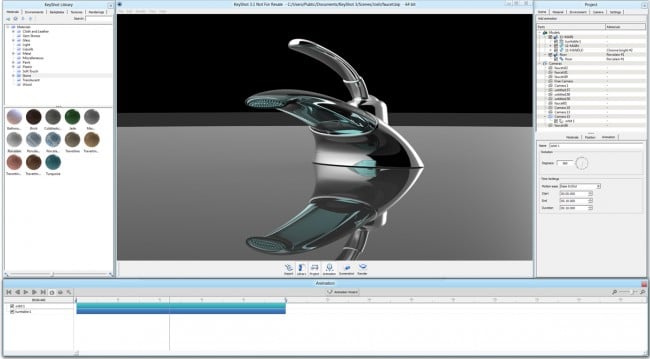
An important feature and visual cue for many real-world products is light. Effectively demonstrating a product’s functionality by flashing, blinking, or gently pulsing an LED is important. Here, we’ll use the Color Fade Animation available in the Material Graph with...

Creating an Exploded View Animation with KeyShot

Creating an Exploded View Animation with KeyShot

Creating an exploded view animation is an eye-catching method to provide motion to your product visuals. With KeyShot Pro, exploded view animations are easy to create and there are some features that make it even easier. Today, we'll run through a few tips and tricks...

Creating a Product Configurator with KeyShotWeb

Creating a Product Configurator with KeyShotWeb

The KeyShot Configurator is a KeyShot Pro feature used to present model and material variations in real-time for design reviews and interactive point-of-sale displays. With the KeyShotWeb add-on, you can take these high-quality, touch-enabled visuals into any web...

KeyShot Network Rendering Basics

KeyShot Network Rendering Basics

Network Rendering is an incredible way to improve your workflow. It allows you to increase your rendering speed and capacity by utilizing multiple computers on one network. All of that hardware combined equals faster output. Plus, sending everything to the network,...

MOST RECENT

Creating Perfect Frosted Glass in KeyShot

Creating Perfect Frosted Glass in KeyShot

While updating some of our quick tips, I came across one about creating Frosted glass in KeyShot. We haven't put it up on the blog before, so I thought why not post a little example with a .bip file for people to download and play around with themselves? Heck yeah!...

3 Tips for Applying Labels in KeyShot

3 Tips for Applying Labels in KeyShot

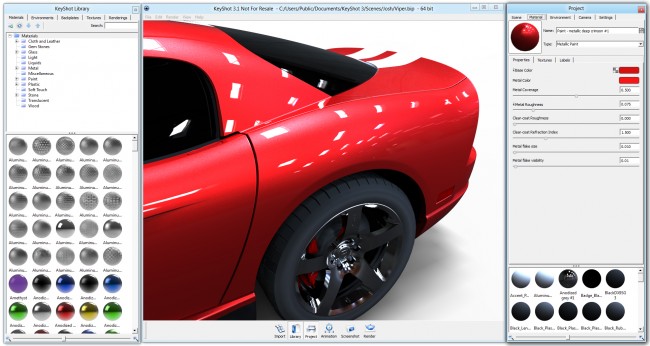
Labels. While I'm known in some parts of the office as the guy who can stick impressive amounts of labels on the face without suffocating, there are more important objects to consider when applying the sticky back graphics. Those objects are your 3D models. Labels are...

Five Tips For Creating Animations in KeyShot

Five Tips For Creating Animations in KeyShot

"Really?! It's that easy? You have got to be kidding me." We hear that all the time. If you use it, you know how simple it is, If you've not tried it, it's easy to start and if you are either KeyShot model animating master or just getting started, we're here to give...

How to Render Realistic Ice in KeyShot

How to Render Realistic Ice in KeyShot

Ice. Clear, sometimes smoky with small cracks, pockets and crystals inside. How do you create the appearance of ice in KeyShot? Boaz Zemer, a student at Shenkar College of Engineering and Design, has perfected the art of ice appearance through a recent class. The...

Softgoods: Rendering Footwear with KeyShot

Softgoods: Rendering Footwear with KeyShot

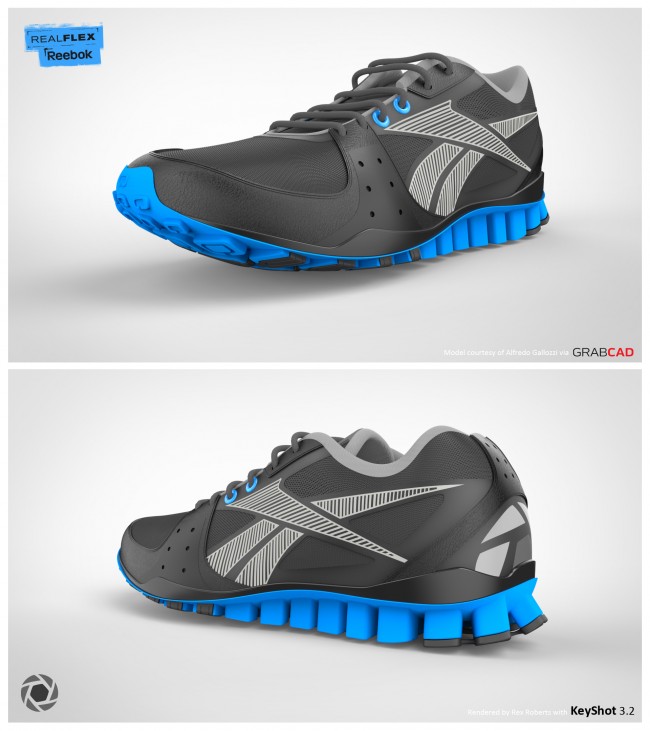
Prepare to squeeze the stitching out of your seat, we have a great resource to share and the fait accompli that is the official KeyShot shoe. Now, if you slip on a pair of shoes, a backpack or a stylish jacket, you can imagine how softgoods are some of the more...

All About KeyShot Render Options

All About KeyShot Render Options

You've got your materials set, cameras positioned and an environment that reflects the sheer intensity of the surrounding lights. What do you do next? Render that sucka. With KeyShot, you have a lot of options for image or animation output, including three different...

Creating Perfect Frosted Glass in KeyShot

How to Render Transparent Materials in KeyShot

After you saw the quick tip on Glass and Solid Glass Materials you may have become highly addicted to transparent blue objects and creating incredible 3D renderings of transparent blue objects. That's ok. You're among friends. Now, it's time to take that up a level...

All About KeyShot Render Options

KeyShot Video Tutorials: Material Creation in KeyShot
Last week we brought you a brief introduction to using textures in KeyShot. That skimmed the surface of all that's possible in KeyShot. Underneath, lies so much more. So, we've put together a series of video tutorials that takes you through materials, textures and...

How To Use Opacity Maps in KeyShot

How To Use Opacity Maps in KeyShot

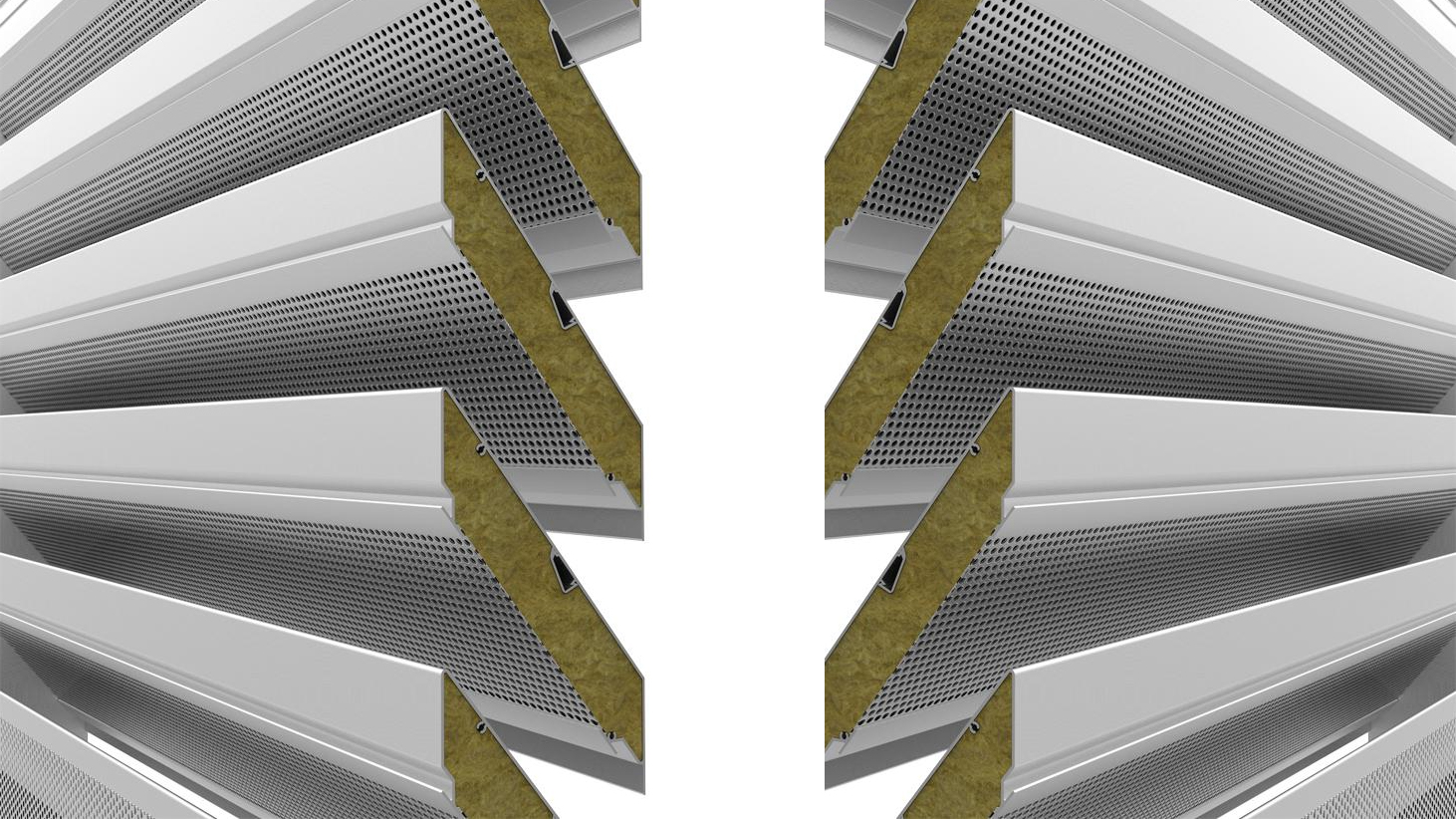
With KeyShot, we squeezed the succulent juice of transparency out of alpha channels to bring you improved opacity maps. There's no need to create detailed holes, repetitive patterns or complicated cutouts in the 3D model. Opacity maps allow you to use a black and...

Browse by topics