
KeyShot Blog
LATEST

How to Use the KeyShot Pattern Tool
The KeyShot Pattern Tool is used to quickly create additional instances of your models within a scene. This is different than using Duplicate to make a copy and much much faster than building out each model in your 3D CAD software. Each instance can look different and...

How to Animate Displacement Geometry in KeyShot
Displacement is a very powerful tool. It allows you to transform the surface geometry of your object and take your renders to the next level of detail and realism. Here's how to bring it to life with animation. Displacement Geometry Animation Animating geometry has a...

Quick Tip 94: Animating Displacement Geometry
Ever wondered how to animate displacement geometry? It's easy in KeyShot. Check out this video where Global Training and Creative Specialist, Ryan Levy, uses a video map in the Material Graph to animate a displacement node. Download the video map MP4:...

Quick Tip 93: Pattern Tool
The Pattern Tool in KeyShot is the best way to make additional instances of your model. Follow along as Industrial Design Specialist, Brooke Harrington, turns one card into a deck of 52. Download this model on the KeyShot Cloud:...
FEATURED
No Results Found
The page you requested could not be found. Try refining your search, or use the navigation above to locate the post.
ALL POSTS

Some Gorgeous White Aston Martin One-77 Inspiration
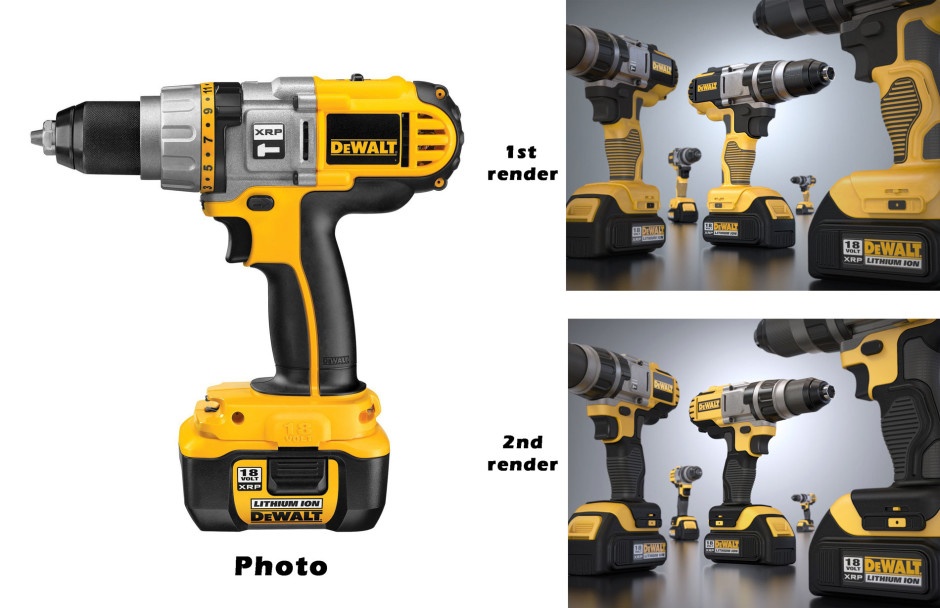
One Fabulous Power Tool Rendering in KeyShot (and All the Files too)

The New KeyShot Plugins are Live

How to Create Custom Materials in KeyShot. The Very Basics.

First Renderings and Animations in KeyShot
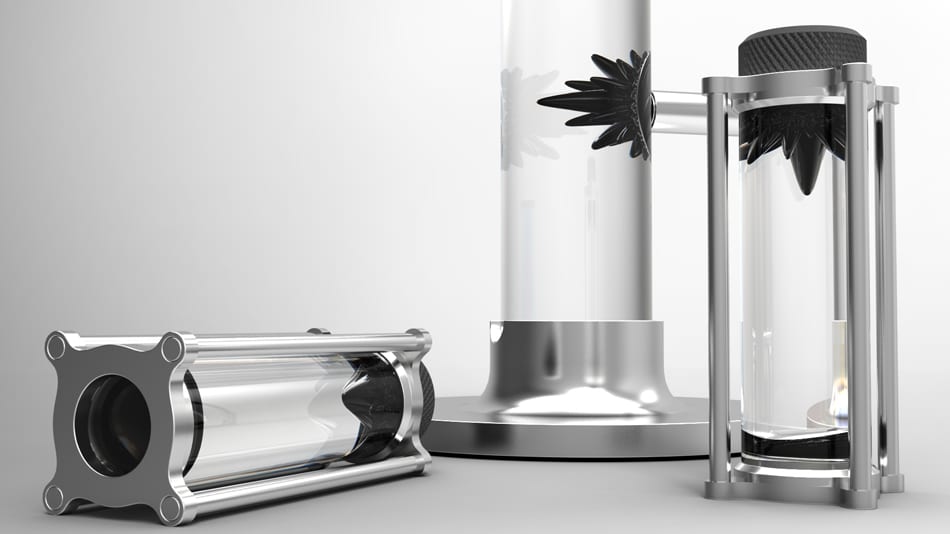
Ferrite – Interactive Liquid Sculpture. Incredibly Cool. Rendered and Animated in KeyShot.
What Makes Real Real?
![Creating the Perfect White with HDRLightStudio and KeyShot [Free HDRI]](https://www.keyshot.com/wp-content/uploads/2023/09/white-paint.jpg)
Creating the Perfect White with HDRLightStudio and KeyShot [Free HDRI]

KeyShot Animation of the Week: Heads Will Spin