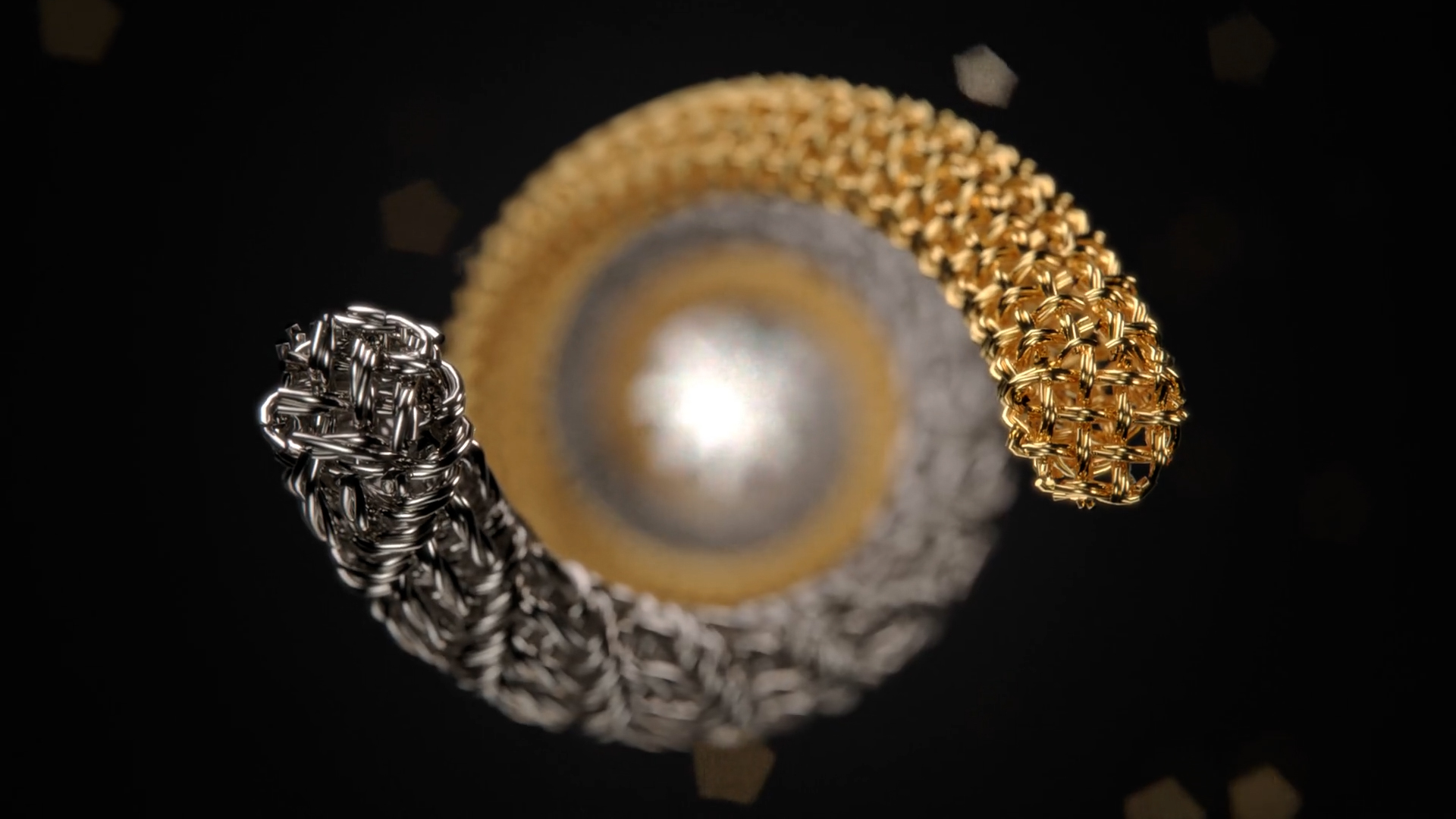
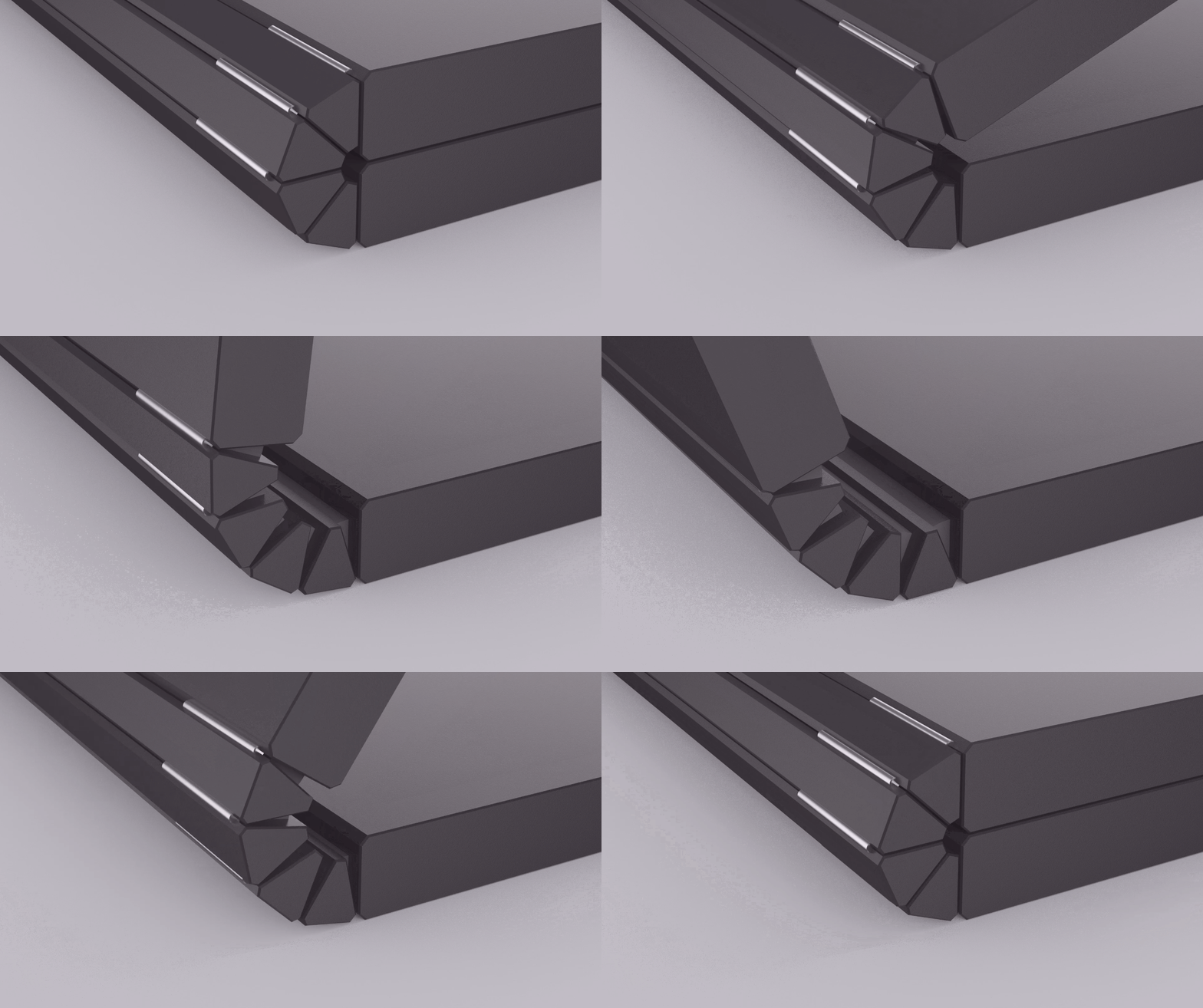
I don’t know about you, but I am SO glad there are more animation options in KeyShot than just turntable. Can I get a high five and a bag o’ chips on that one? Philip Renato is glad as well. He’s Associate Professor at Kendall College of Art and Design you may remember him from the first animation he shared with us a few weeks ago. Now he’s kind enough to show us what his students are doing. The following demo reel is what a handful of students created using the animation in KeyShot 3.
First Animations in KeyShot
This Digital Modeling course at Kendall College of Art and Design covered modeling with Rhino and T-Splines, Rendering in KeyShot and using iMovie to stitch it all together. The renderings an animations are a great example of how renderings and animations can be used throughout the design process. Have a look.