Blog

Tips
Tips Picks
Working With Ground Planes In KeyShot

Working With Ground Planes In KeyShot

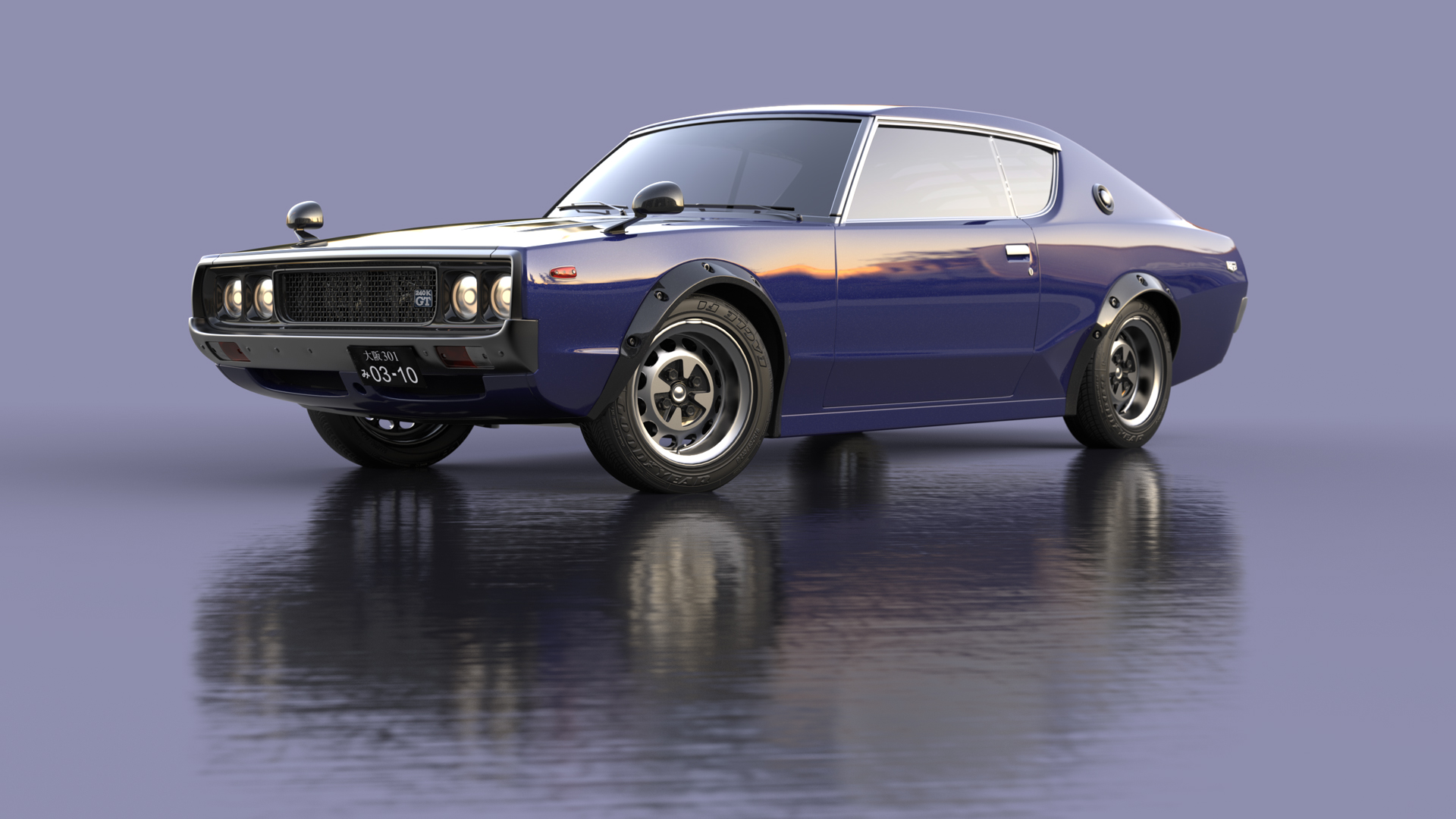
One of the quickest and easiest ways to give your product or vehicle renderings more realism is to add presence in your scenes by setting them on a surface and adding a nice shadow or ground reflection. You may have used KeyShot geometry, a table or podium model, or...

Using Depth of Field In KeyShot

Using Depth of Field In KeyShot

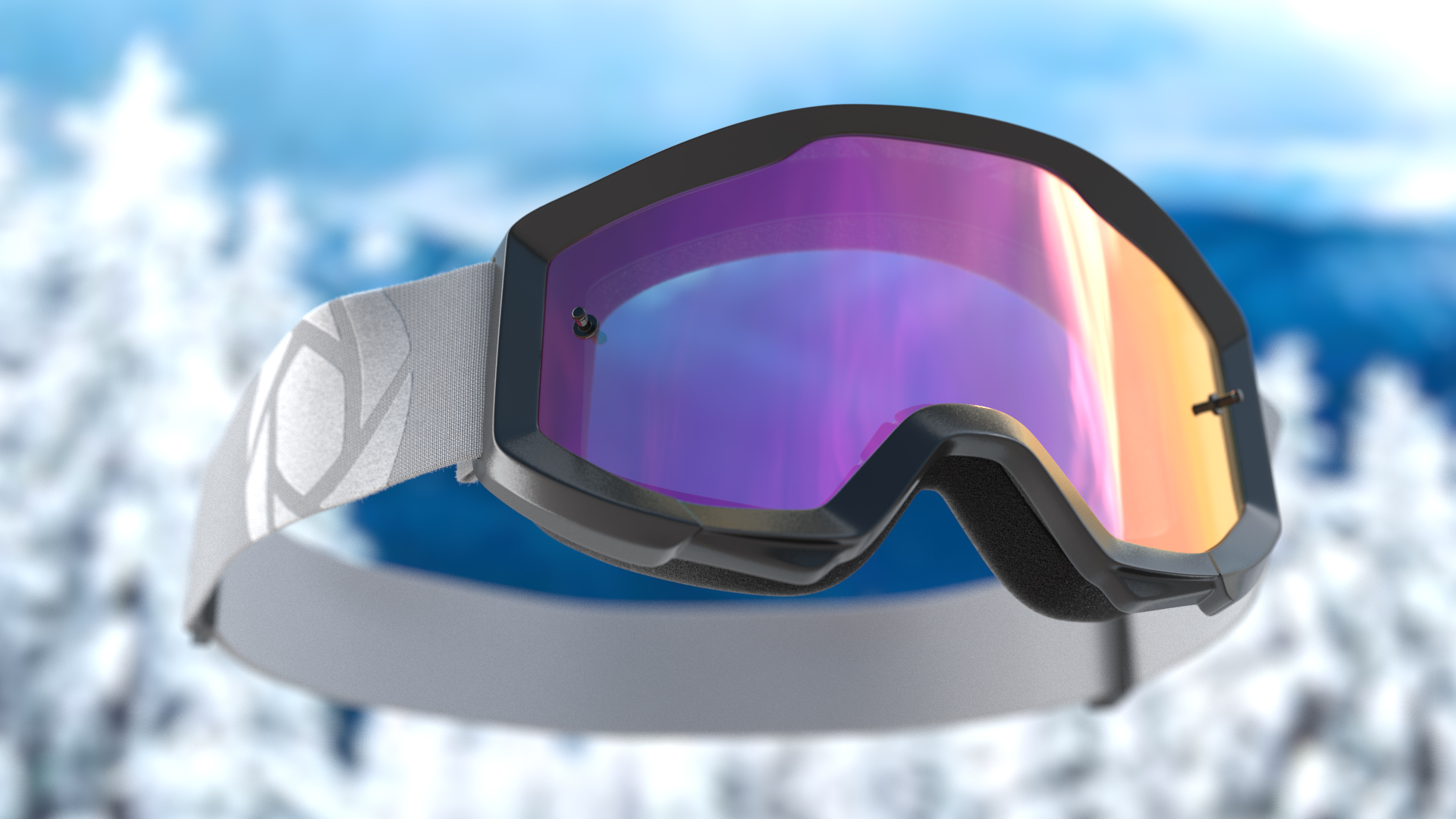
KeyShot has all the features that allow you to capture your scene just as you would with a real-world camera. Its ability to add depth to a scene is no different and, it's a whole lot easier. KeyShot’s Depth of Field (DOF) camera settings is a simple, powerful option...

Adding Textures and Materials to Labels in KeyShot

Adding Textures and Materials to Labels in KeyShot

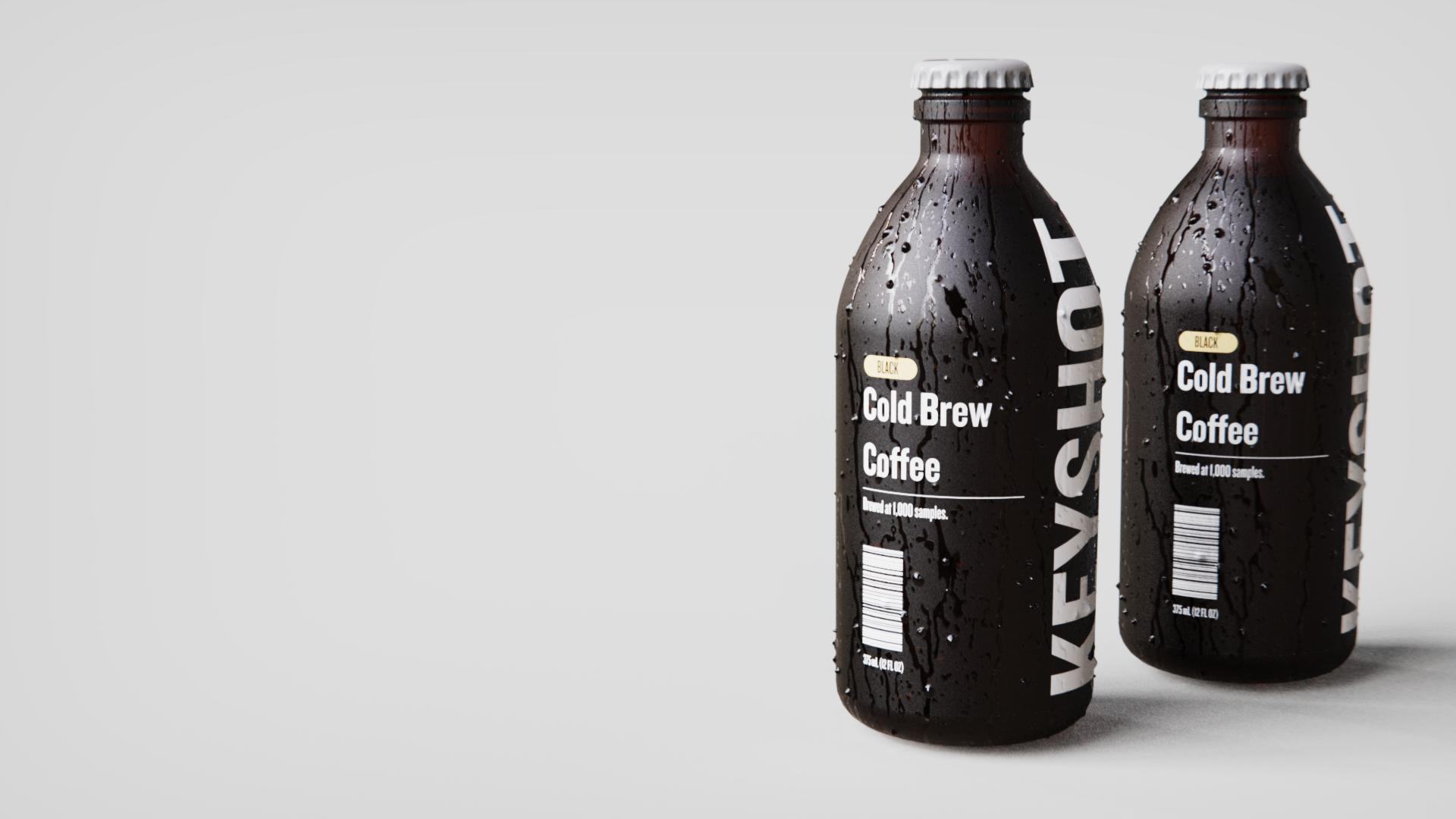
KeyShot allows you to more accurately communicate the physical properties of your labels by applying materials and textures to them. Of course, you can simply add a label to a surface and run with the default settings but you can push the realism even further with...

How to Use Denoise and Firefly Removal in KeyShot

How to Use Denoise and Firefly Removal in KeyShot

When you have unwanted noise or specks of light in your image, Denoise and Firefly Removal will clean it up quick. Today, we'll take a look at KeyShot Denoise and show you how you to use it to smooth out your visuals to produce faster results from your KeyShot scenes....

MOST RECENT

How to Automate Your Rendering Using KeyShot Scripting

How to Automate Your Rendering Using KeyShot Scripting

What is Scripting? KeyShot Scripting allows you to automate repetitive task and build other customizations for KeyShot. KeyShot uses Python scripting, introduced with KeyShot 6.0, to provide you with more automation and reduce time-consuming processes. Automating...

How to Adjust Color Density on Transparent Materials in KeyShot

How to Adjust Color Density on Transparent Materials in KeyShot

When we observe materials in real life, transparent materials like glass can vary in color depending on the thickness of that material. Window glass, for example, will show very little color in areas where the material is thin. However, when looking at the edge of the...

A Unique Approach to Cel Shaded Appearance in KeyShot
A Unique Approach to Cel Shaded Appearance in KeyShot

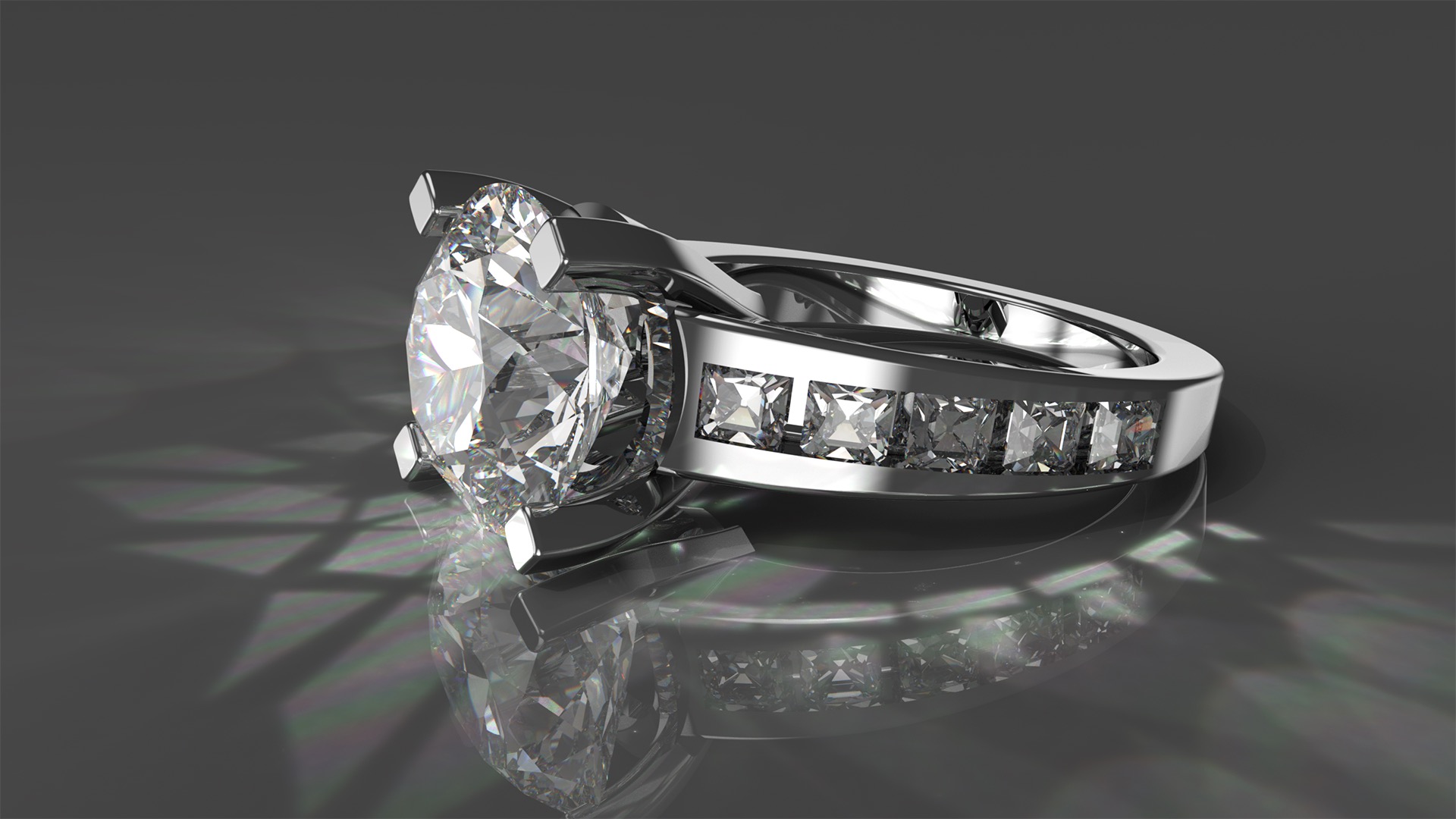
Matt Bridges shared his unique approach to a toon-style, cel shaded appearance in KeyShot using one material and a set of custom made HDRI environments. To achieve this look, Matt applied the chrome material to the entire model. Then he used three different HDRIs--one...

5 Steps to Getting Great Caustics in KeyShot

5 Steps to Getting Great Caustics in KeyShot

When you set out to create a realistic rendering, referencing real life objects, environments and lighting is a great way to ensure your results are accurate. One naturally occurring phenomenon to be aware of is caustics: concentrated light rays from highly reflective...

How To Host a KeyShotXR on GitHub

How To Host a KeyShotXR on GitHub

When you create a KeyShotXR, KeyShot generates a set of static web pages. If you open the html file created, it loads in a browser. However, to share the KeyShotVR with someone else, you need to host it somewhere they can access it. If you don't have access to a...

How to Use Planar Projection to Position Labels in KeyShot

How to Use Planar Projection to Position Labels in KeyShot

Sometimes, positioning labels can be tricky. In some scenarios, your geometry is simple, making it easy to apply a label and carry on. But what if you need to accurately position a label on a tire wall, or the rim of any other cylindrical object, such as a camera...

How to Add Dust on Top of Your Materials in KeyShot
How to Add Dust on Top of Your Materials in KeyShot

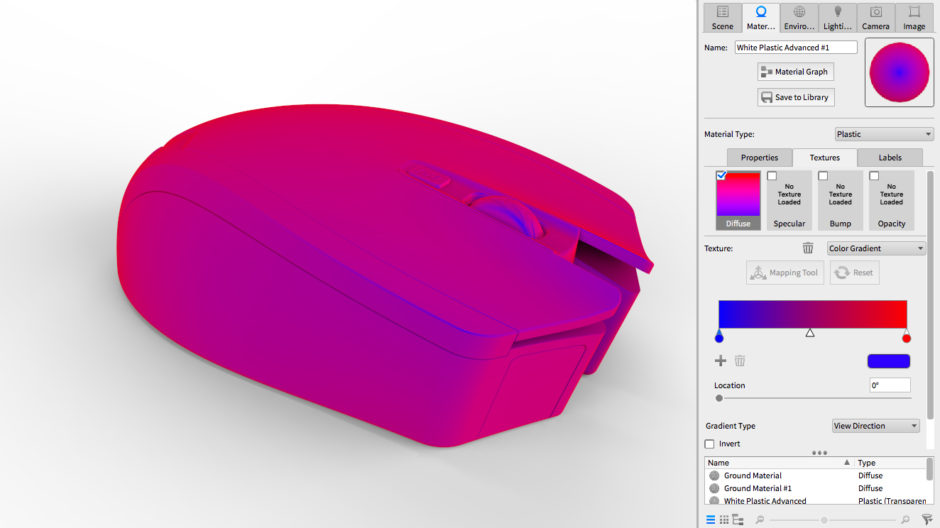
How easy is it to add a layer of dust to your materials in KeyShot? Esben Oxholm breaks down the simple process in a quick tutorial he put together after sharing the image you see above. Apply a texture as an opacity map is all it takes to get an incredibly realistic,...

How to Use the Shift Lens Setting in KeyShot
How to Use the Shift Lens Setting in KeyShot

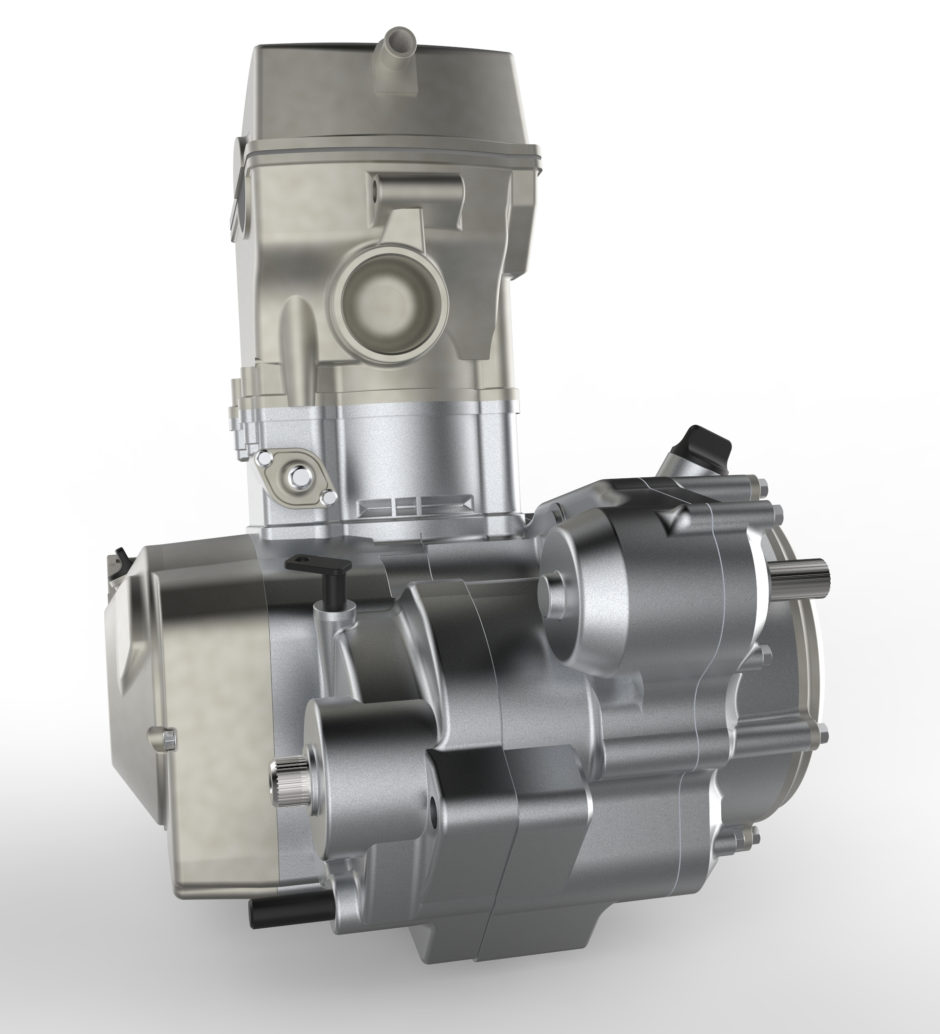
Let's talk about perspective. Any image rendered with perspective enabled will show convergence, or vanishing points, for all parallel lines. In most cases that is desired since perspective helps us understand scale and proportion, and it’s a realistic interpretation...

How to Create Occlusion Passes in KeyShot

How to Create Occlusion Passes in KeyShot

Often times an Occlusion Pass is used to add depth to a rendering during post-processing. KeyShot allows you to do this thanks to the Occlusion material. Recently, we took a look at how occlusion works in KeyShot and how it's used when creating your rendering. If...

Browse by topics