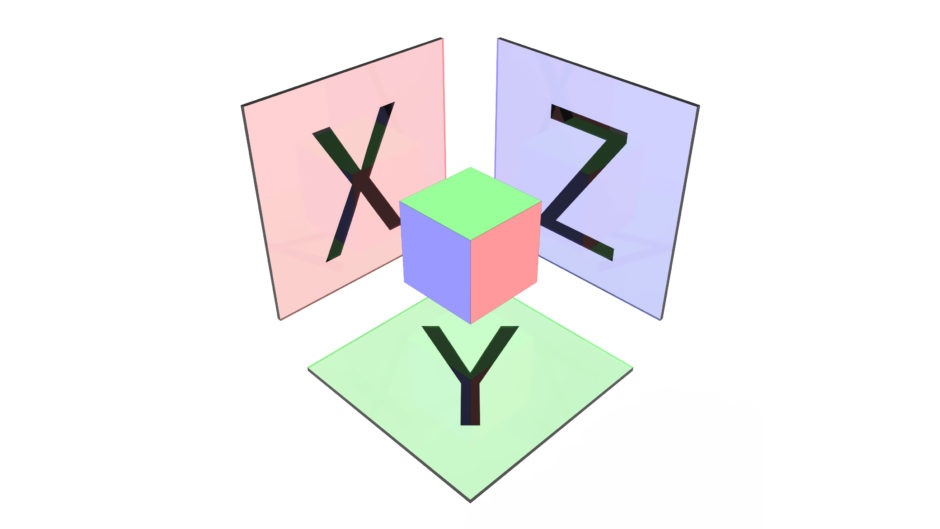
In KeyShot, there are two ways to light your scene. HDRIs are the default method, but physical lights can be used as well. A combination of both HDRI and physical lighting works well too. To add a...

Author
Will Gibbons
Posts by Will Gibbons
How to Use Planar Projection to Position Labels in KeyShot
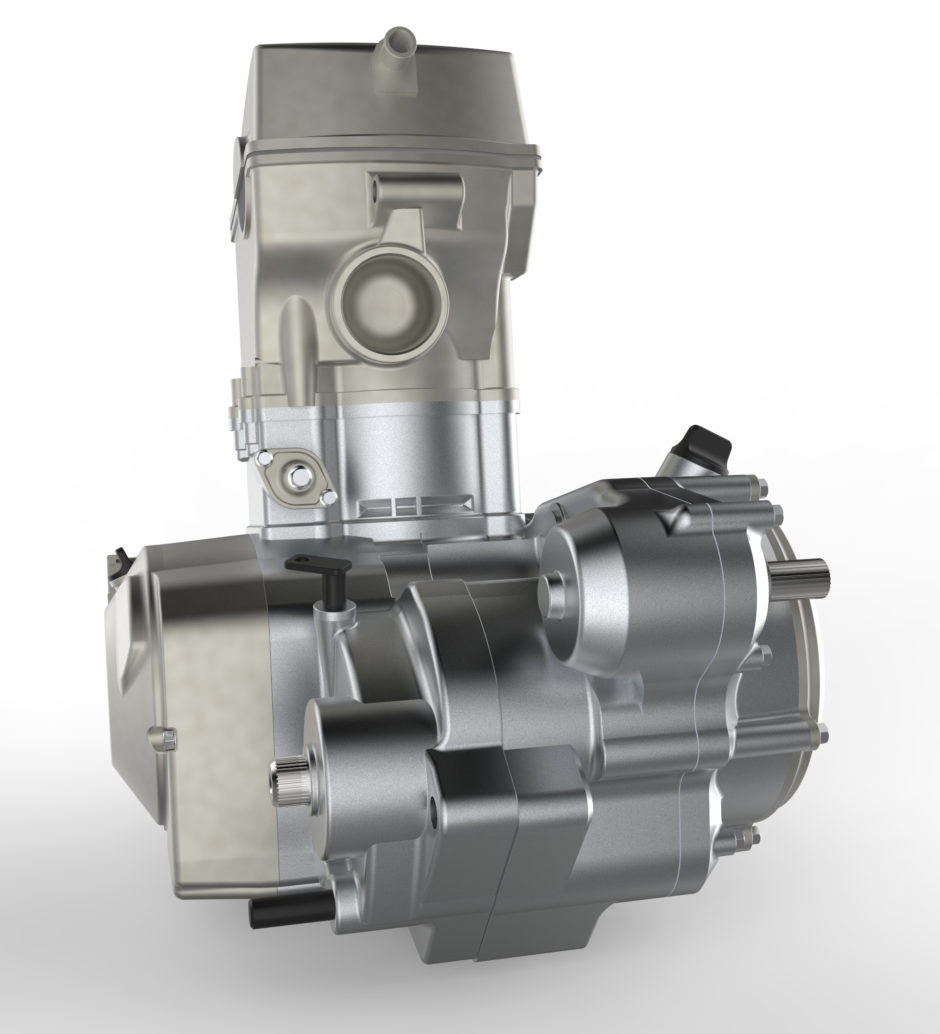
Sometimes, positioning labels can be tricky. In some scenarios, your geometry is simple, making it easy to apply a label and carry on. But what if you need to accurately position a label on a tire...
How to Create Occlusion Passes in KeyShot
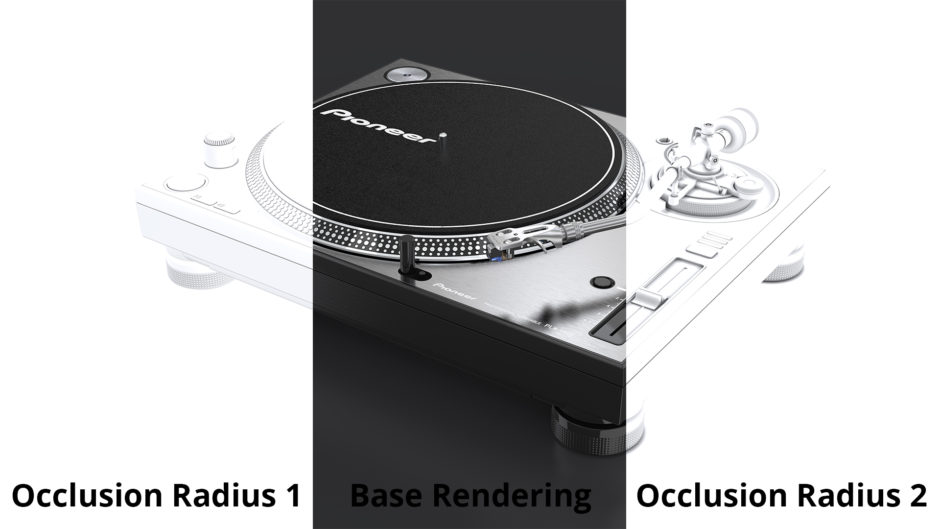
Often times an Occlusion Pass is used to add depth to a rendering during post-processing. KeyShot allows you to do this thanks to the Occlusion material. Recently, we took a look at how occlusion...
How to Set Up Material Templates in KeyShot
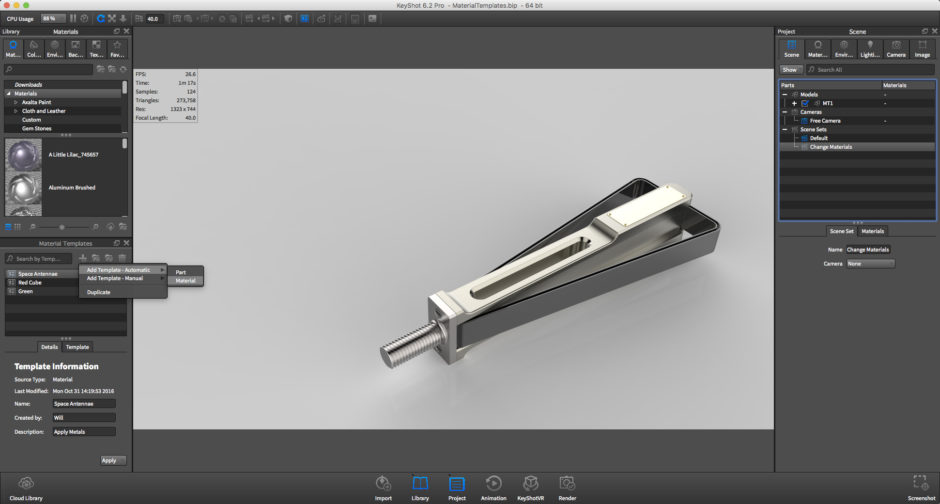
Material Templates are a powerful feature in KeyShot that automate the materials applied to your model in a KeyShot scene. Anyone working with large assemblies can save time using Material Templates...
How Occlusion Works in KeyShot
In the world of CGI, ambient occlusion is a shading technique used to add depth to a rendering. Occlusion is not a real-world phenomena, but a simple shading technique used by some 3D applications...
How to Use KeyShot Real-time Region Rendering
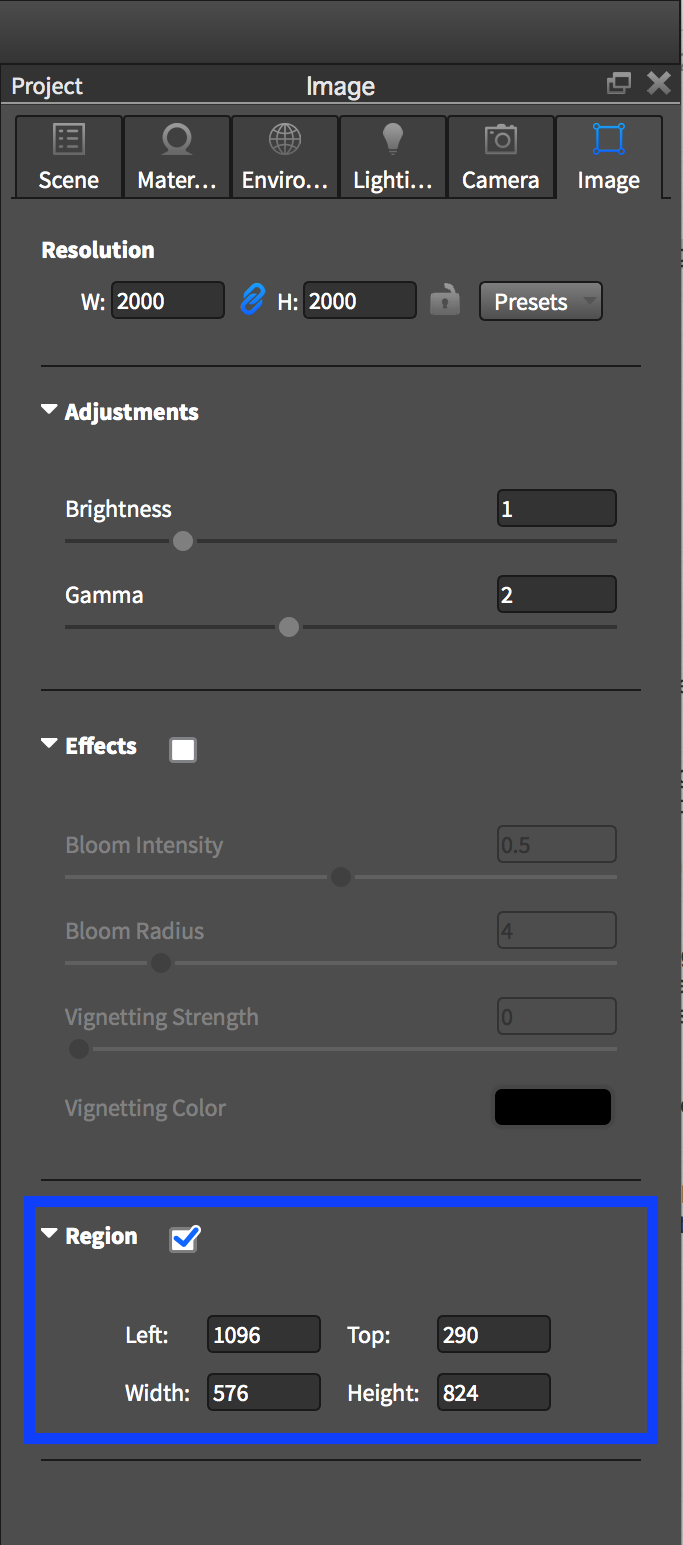
When working on scenes in KeyShot with complex lighting or materials, you may notice the Real-time Viewer can take longer to resolve. Real-time Region Render can help maintain a...
The Difference Between KeyShot Roughness and Bump Textures
Many assume Roughness and Bump are the same thing but did you know they are two completely different material properties? We often rely solely on bump textures to enhance our materials in KeyShot...