
With the new AI Shots in KeyShot 2026.1, we’re bridging the gap between generative speed and CAD-fidelity.
Blog
How to Use KeyShot Studio Geometry to Create Custom Sketch Underlays
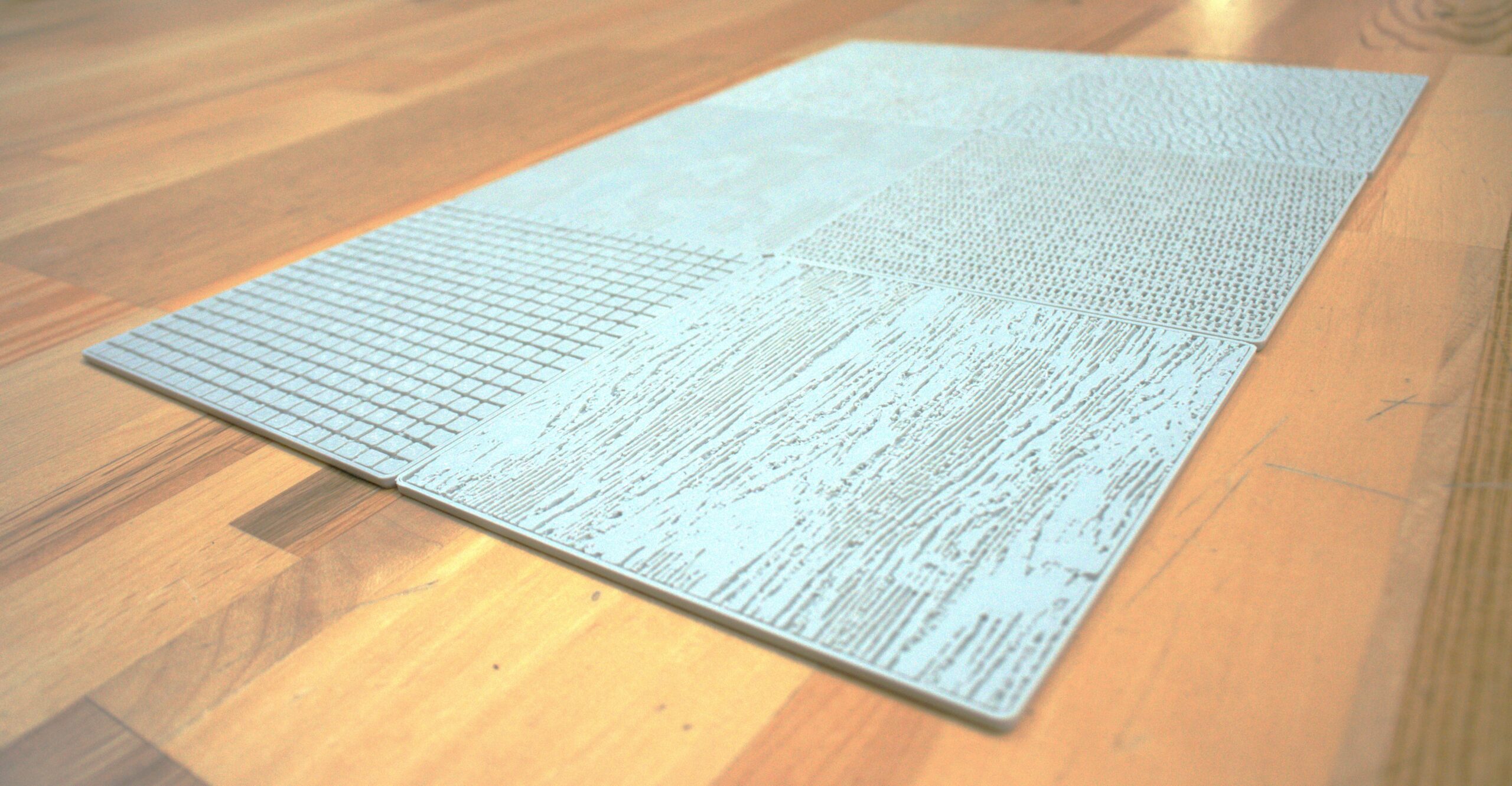
Learn how to create custom, 3D-printed sketch texture plates that help you add instant, textures to your sketches.
Join us for Weekly KeyShot Studio Onboarding Seminars
New to KeyShot? Drop into our weekly Onboarding Seminar, led by KeyShot experts.
Everything new in KeyShot 2026.1: More realistic AI output you can edit and upscale, Move Tool + Custom Pivot upgrades and more
The latest KeyShot Studio also includes faster keyframe animations, more scripting support, faster GPU performance + more!
MOST RECENT
An Introduction to the new AI Shots in KeyShot 2026.1
With the new AI Shots in KeyShot 2026.1, we’re bridging the gap between generative speed and CAD-fidelity.
How to Use KeyShot Studio Geometry to Create Custom Sketch Underlays
Learn how to create custom, 3D-printed sketch texture plates that help you add instant, textures to your sketches.
Join us for Weekly KeyShot Studio Onboarding Seminars
New to KeyShot? Drop into our weekly Onboarding Seminar, led by KeyShot experts.
Everything new in KeyShot 2026.1: More realistic AI output you can edit and upscale, Move Tool + Custom Pivot upgrades and more
The latest KeyShot Studio also includes faster keyframe animations, more scripting support, faster GPU performance + more!
3D design experts worth following for jobs, tips and more
Where are the 3D jobs? What’s going on with AI? Here are the experts we turn to when we need answers.
New in KeyShot Studio: OpenPBR, Cryptomatte, speed improvements and more
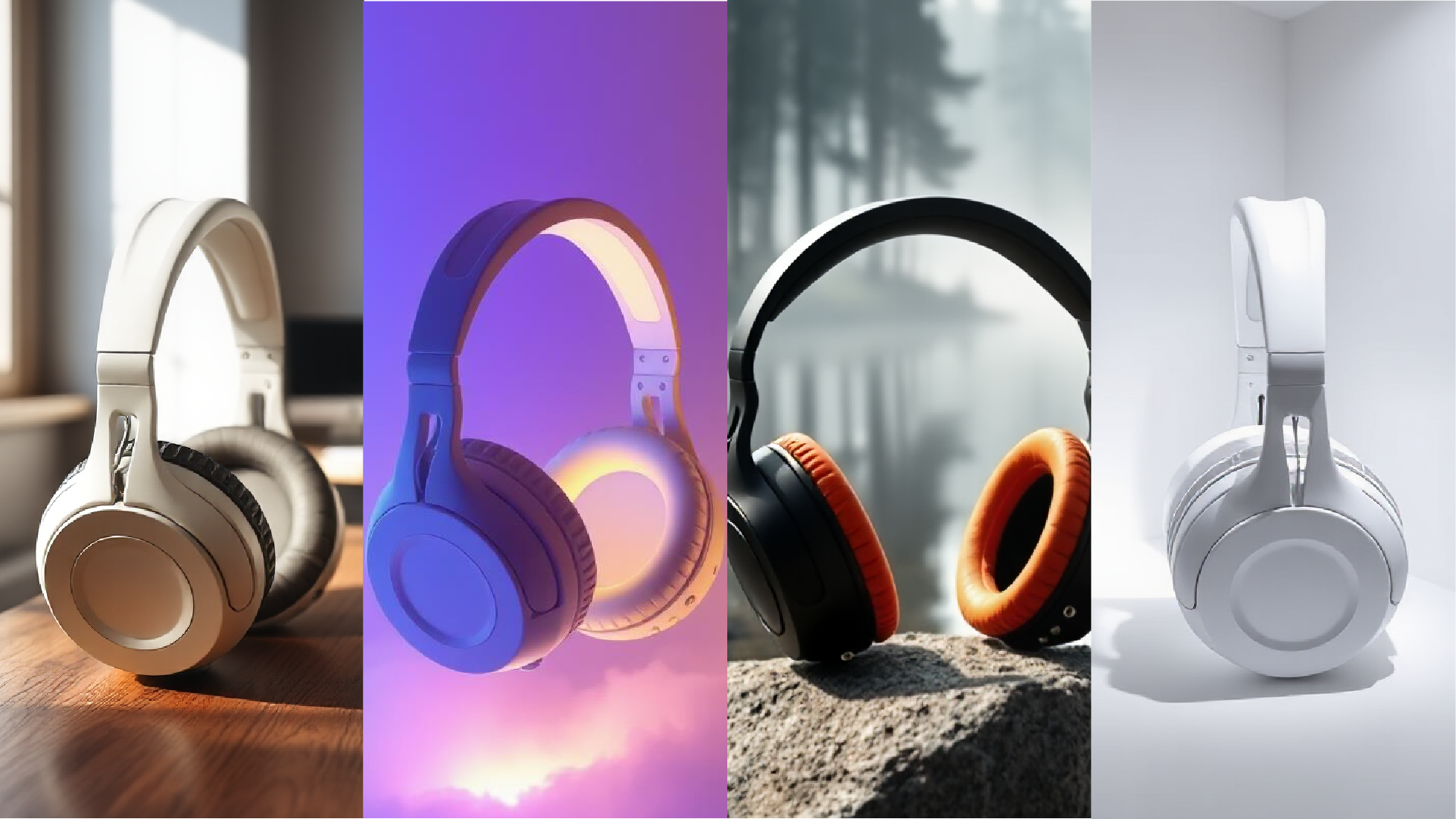
New in Studio: OpenPBR, Cryptomatte, Custom Pivot, and serious speed improvements.
Make this 360-degree spinning turntable with AI Shots
Use better prompts to get better results from the new AI tools in KeyShot Studio.
KeyShot Studio AI prompt tips
Use better prompts to get better results from the new AI tools in KeyShot Studio.
AI Has Arrived: Welcome to the Next Generation of KeyShot Studio
KeyShot Studio AI gives you three new ways to amplify your creativity—whether you’re exploring styles, building scenes, or dreaming up what’s next. Everything runs locally and fits right into your existing workflow, with you in full control.
Smarter Renders Start Here: Discover What’s New in KeyShot Studio 2025.2
KeyShot Studio 2025.2 is here, and it’s packed with tools designed to supercharge your creative process. From the debut of KeyShot Studio AI to precision lighting controls and smarter materials, this update gives you more ways to create, refine, and render—faster than ever. Here’s a look at what’s new.