
With the new AI Shots in KeyShot 2026.1, we’re bridging the gap between generative speed and CAD-fidelity.
Blog
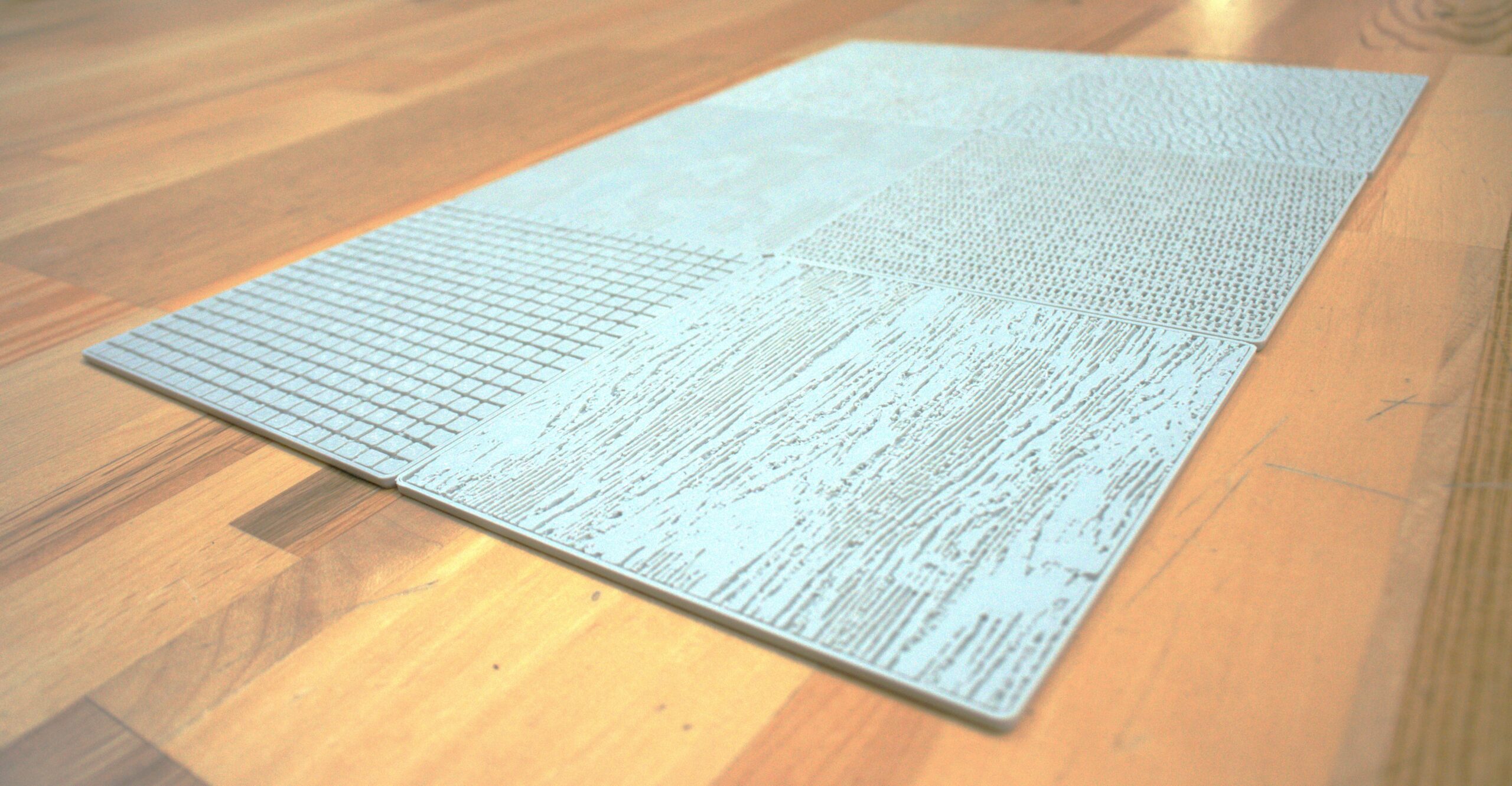
How to Use KeyShot Studio Geometry to Create Custom Sketch Underlays
Learn how to create custom, 3D-printed sketch texture plates that help you add instant, textures to your sketches.
Join us for Weekly KeyShot Studio Onboarding Seminars
New to KeyShot? Drop into our weekly Onboarding Seminar, led by KeyShot experts.
Everything new in KeyShot 2026.1: More realistic AI output you can edit and upscale, Move Tool + Custom Pivot upgrades and more
The latest KeyShot Studio also includes faster keyframe animations, more scripting support, faster GPU performance + more!
MOST RECENT
An Introduction to the new AI Shots in KeyShot 2026.1
With the new AI Shots in KeyShot 2026.1, we’re bridging the gap between generative speed and CAD-fidelity.
How to Use KeyShot Studio Geometry to Create Custom Sketch Underlays
Learn how to create custom, 3D-printed sketch texture plates that help you add instant, textures to your sketches.
Join us for Weekly KeyShot Studio Onboarding Seminars
New to KeyShot? Drop into our weekly Onboarding Seminar, led by KeyShot experts.
Everything new in KeyShot 2026.1: More realistic AI output you can edit and upscale, Move Tool + Custom Pivot upgrades and more
The latest KeyShot Studio also includes faster keyframe animations, more scripting support, faster GPU performance + more!
3D design experts worth following for jobs, tips and more
Where are the 3D jobs? What’s going on with AI? Here are the experts we turn to when we need answers.
New in KeyShot Studio: OpenPBR, Cryptomatte, speed improvements and more

New in Studio: OpenPBR, Cryptomatte, Custom Pivot, and serious speed improvements.
Make this 360-degree spinning turntable with AI Shots
Use better prompts to get better results from the new AI tools in KeyShot Studio.
KeyShot Studio AI prompt tips
Use better prompts to get better results from the new AI tools in KeyShot Studio.
4:04 – KeyShot 4 Importing Data
An overview on importing data in KeyShot 4 that provides details on importing with 100% scale accuracy, import settings, importing multiple models and how to positions and duplicate models after import. Features that make KeyShot the easiest and most powerful 3D...
4:01 – KeyShot 4 Rendering Overview
Get an overview of rendering in KeyShot 4 and find out more about the CPU-based, real-time ray-tracing environment that makes KeyShot the easiest and most powerful 3D rendering and animation software.