KeyShot Blog
LATEST
4:13 – KeyShot 4 Animation Timeline
This KeyShot tutorial explains the timeline used to create part and camera animations in KeyShot. It explains the animation wizard, the timeline interface and settings and how to work with the simple-to use node-based system.

5:03 – KeyShot 5 – Fade Animation
Learn how to integrate the new fade animation into your KeyShot Animation workflow. Download and try KeyShot here: www.keyshot.com/try/ Subscribe to our Tutorials on iTunes and view them where ever you are, on the go, on your iPad or at your desktop.
4:15 – KeyShot 4 Advanced Lighting
An overview on working with physical lights in KeyShot 4. This video provides details on using point, area and IES lights in your KeyShot scene. With KeyShot's physical lights you can achieve real world lighting, with the ability to turn any object into a light source...
4:14 – KeyShot 4 Material Templates
An overview on working with Material Templates in KeyShot 4. This video provides details on creating material templates to speed up the application of materials when you import an object. With Material Templates, KeyShot automatically recognizes the name and applies...
FEATURED
No Results Found
The page you requested could not be found. Try refining your search, or use the navigation above to locate the post.
ALL POSTS
Digizuite welcomes two new global customers

The 7 Stages of Content Lifecycle Management (and How to Improve it)
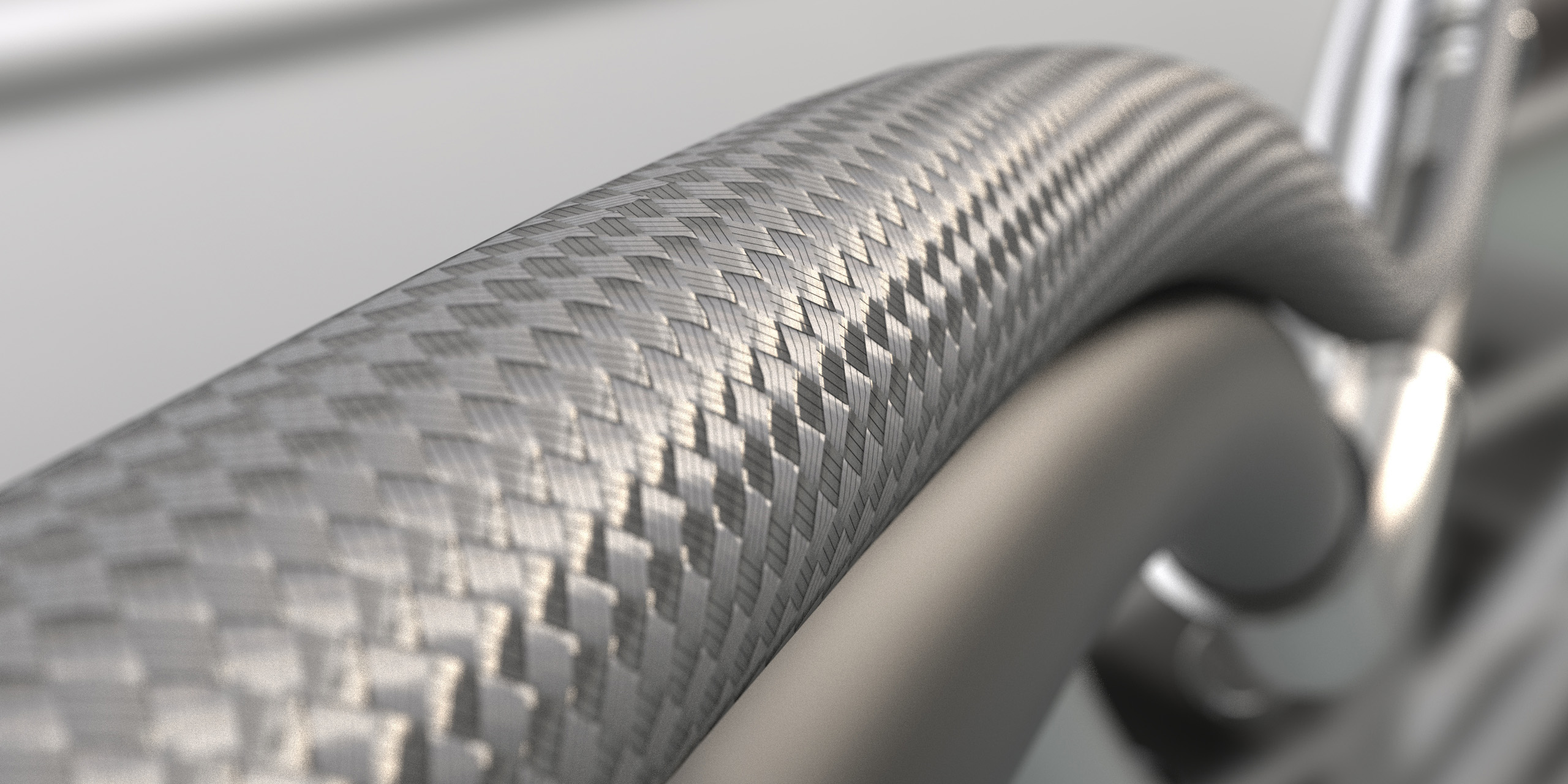
How to Create a Braided Cable Effect Using RealCloth™
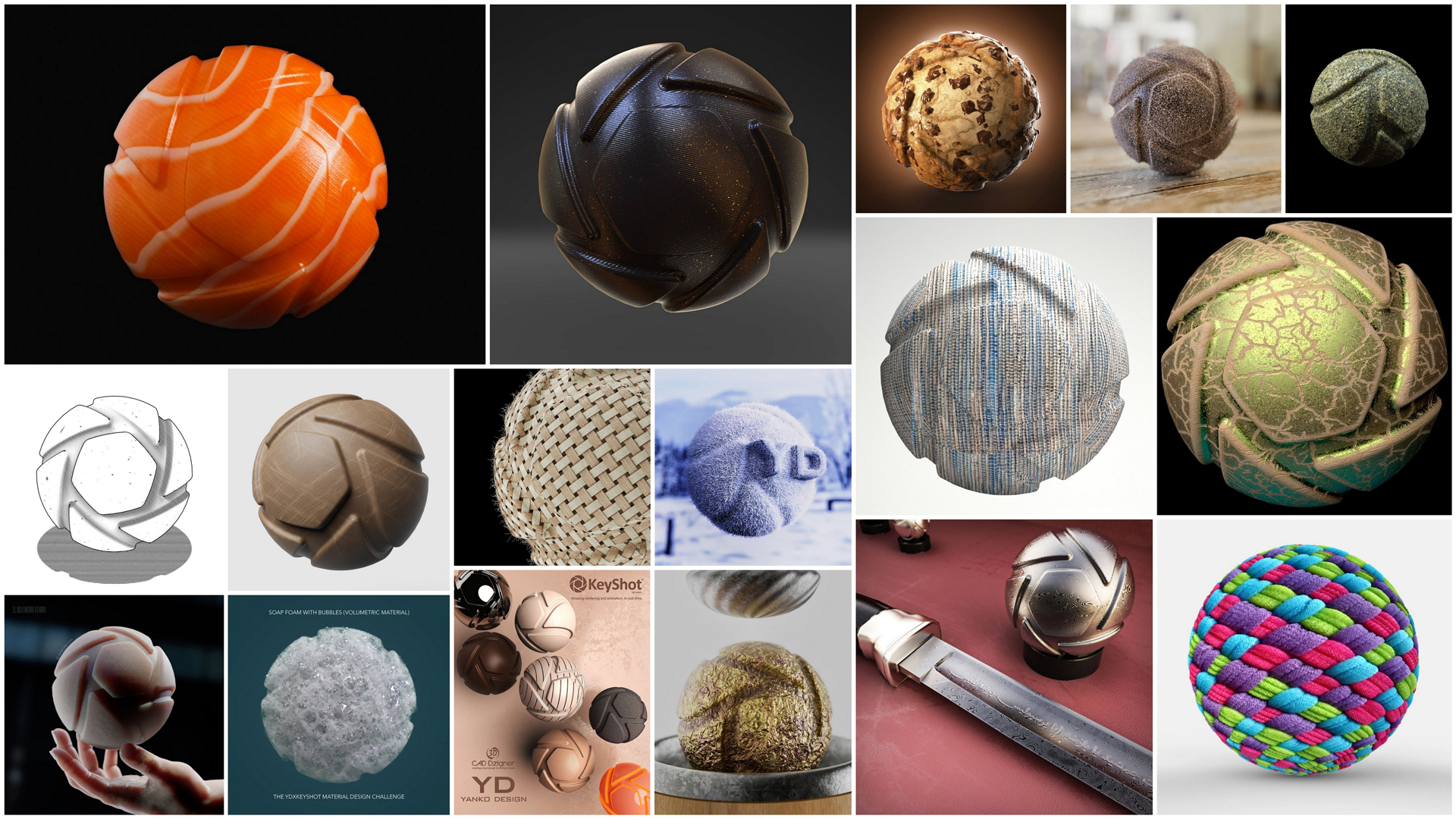
KeyShot and Yanko Design Announce Material Design Challenge Winners

8 Ways To Improve Your Content Supply Chain

6 Problems Enterprises Run into with Shared Drives

Why Manufacturers Need Omnichannel Marketing (and How a DAM can Help)
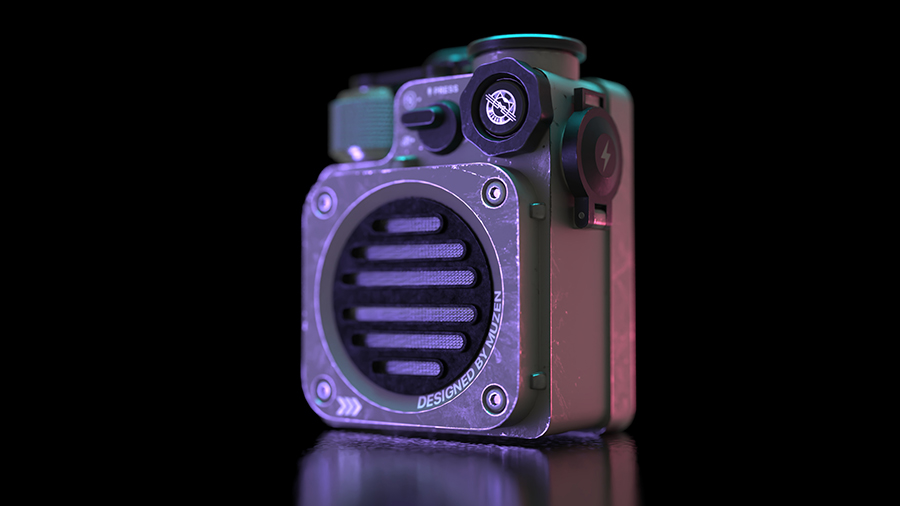
How to Create Quick Custom Lighting with the KeyShot HDRI Editor

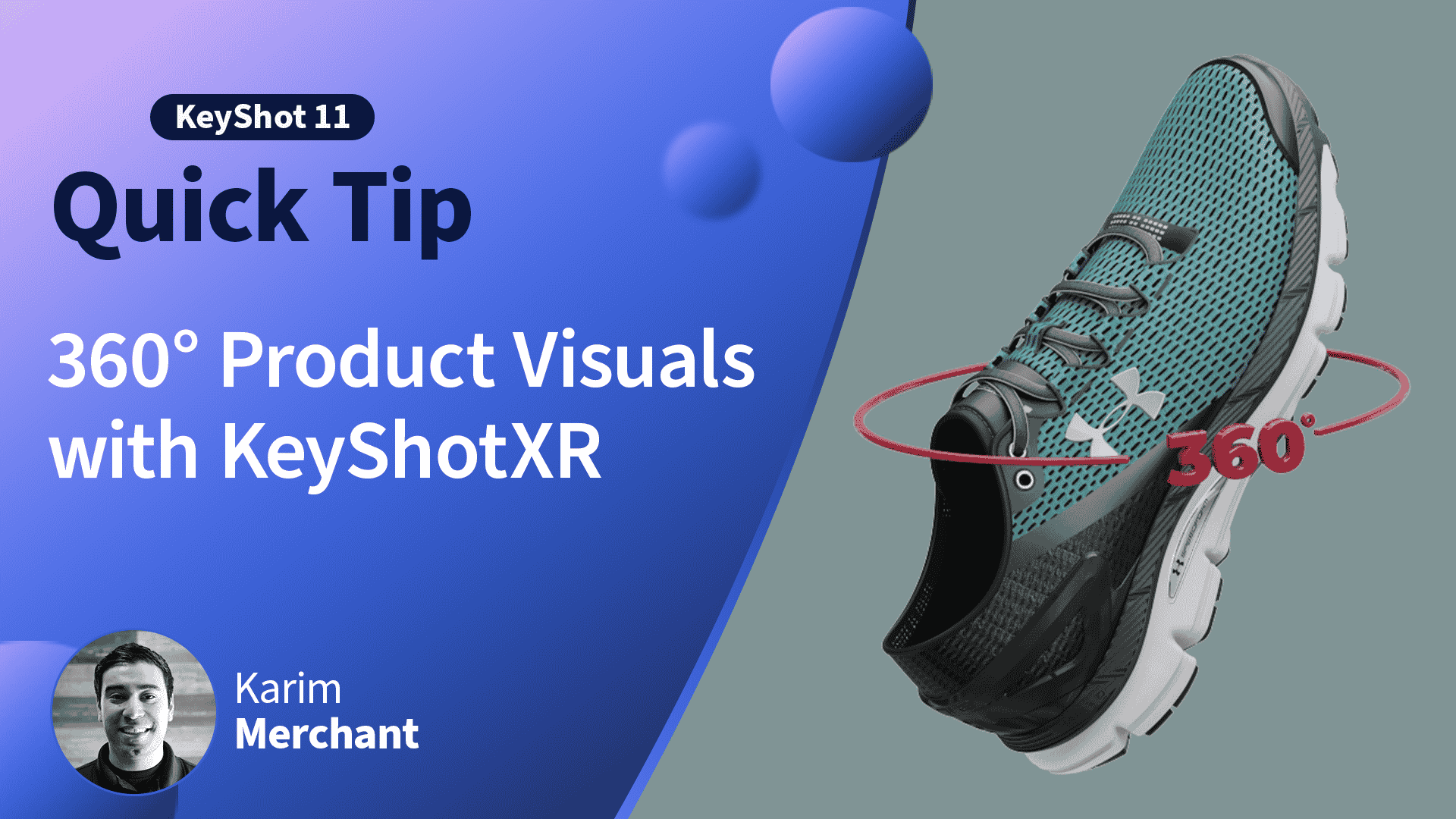
How to Create Interactive 360° Product Visuals with KeyShotXR