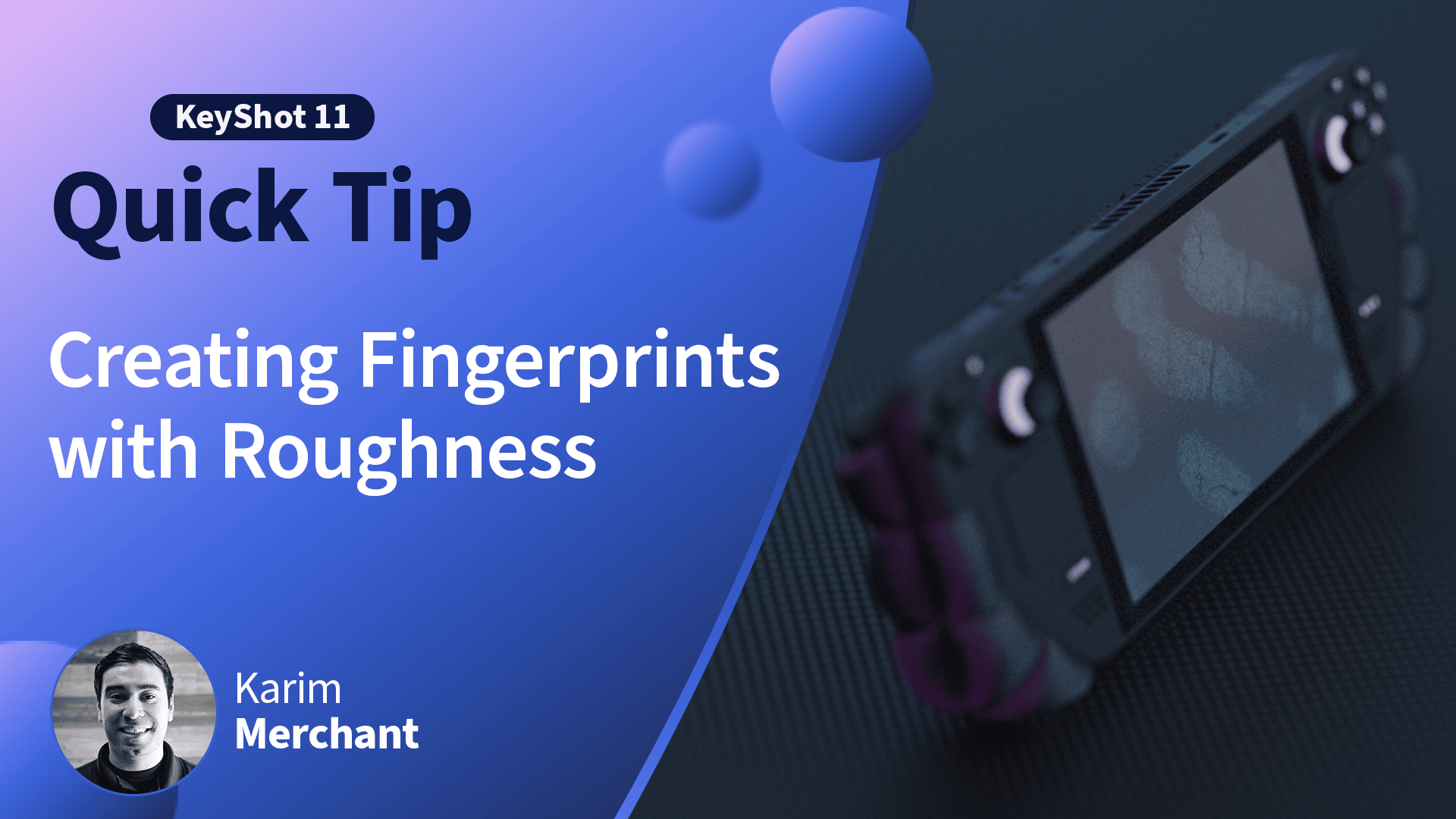
Quick Tip 151: 360 Product Visuals with KeyShotXR

Categories

Date

July 15, 2022
Written By KeyShot
The KeyShot crew fills you in with the latest KeyShot tips and tricks, insight into 3D rendering technology and the people creating the coolest visuals across the engineering, product design and entertainment industries.
360 Product Visuals with KeyShotXR

In this KeyShot Quick Tip, learn how KeyShotXR can help you create interactive 360° point-of-sale visuals for your ecommerce store or website.

Read the blog post: https://blog.keyshot.com/ecommerce-product-visuals-keyshotxr
Download the KeyShotXR: https://ks.ht/3yLybSx
View the KeyShotXR: https://ks.ht/3ockEhP

More Quick Tips Available Here: https://www.keyshot.com/quick-tips/
See What’s New in KeyShot: https://www.keyshot.com/whats-new/
Download and Try KeyShot Here: https://www.keyshot.com/try/

Subscribe to our Quick Tips on iTunes to view them where ever you are, on the go, on your iPad or at your desktop.

Related Posts

Our Favorite Learning Resources to Help You Become a Rendering Master

Our Favorite Learning Resources to Help You Become a Rendering Master

There are so many ways to learn about KeyShot Studio and 3D rendering online that it can be a little overwhelming to know where to start. Whether you’re a brand-new beginner, an advanced render-er or anything in between, here are our favorite learning resources to take your work to the next level. 

Tutorials

Tutorials

KeyShot tutorials guide users through 3D rendering techniques, from basics to advanced methods, enhancing their skills step-by-step.

Quick Tip 150: Add Fingerprints in KeyShot

Quick Tip 150: Add Fingerprints in KeyShot

Learn how to add fingerprints in KeyShot using roughness textures, plus learn more about using the Material Graph and Image Textures to create surface effects in KeyShot. Read the blog post: https://blog.keyshot.com/fingerprints-keyshot-roughness-texturesDownload...