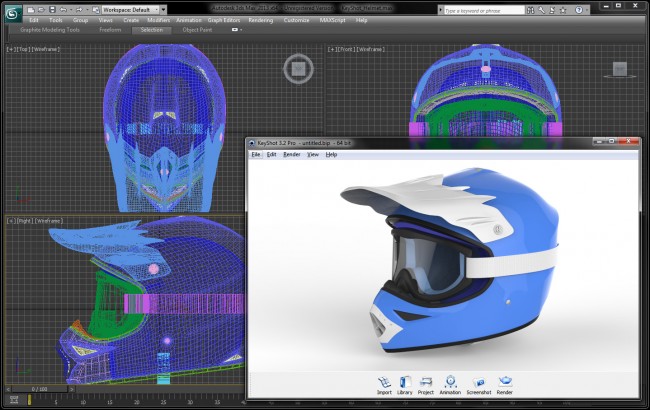
KeyShot Blog
LATEST
How to Create Pulsing LEDs with KeyShot
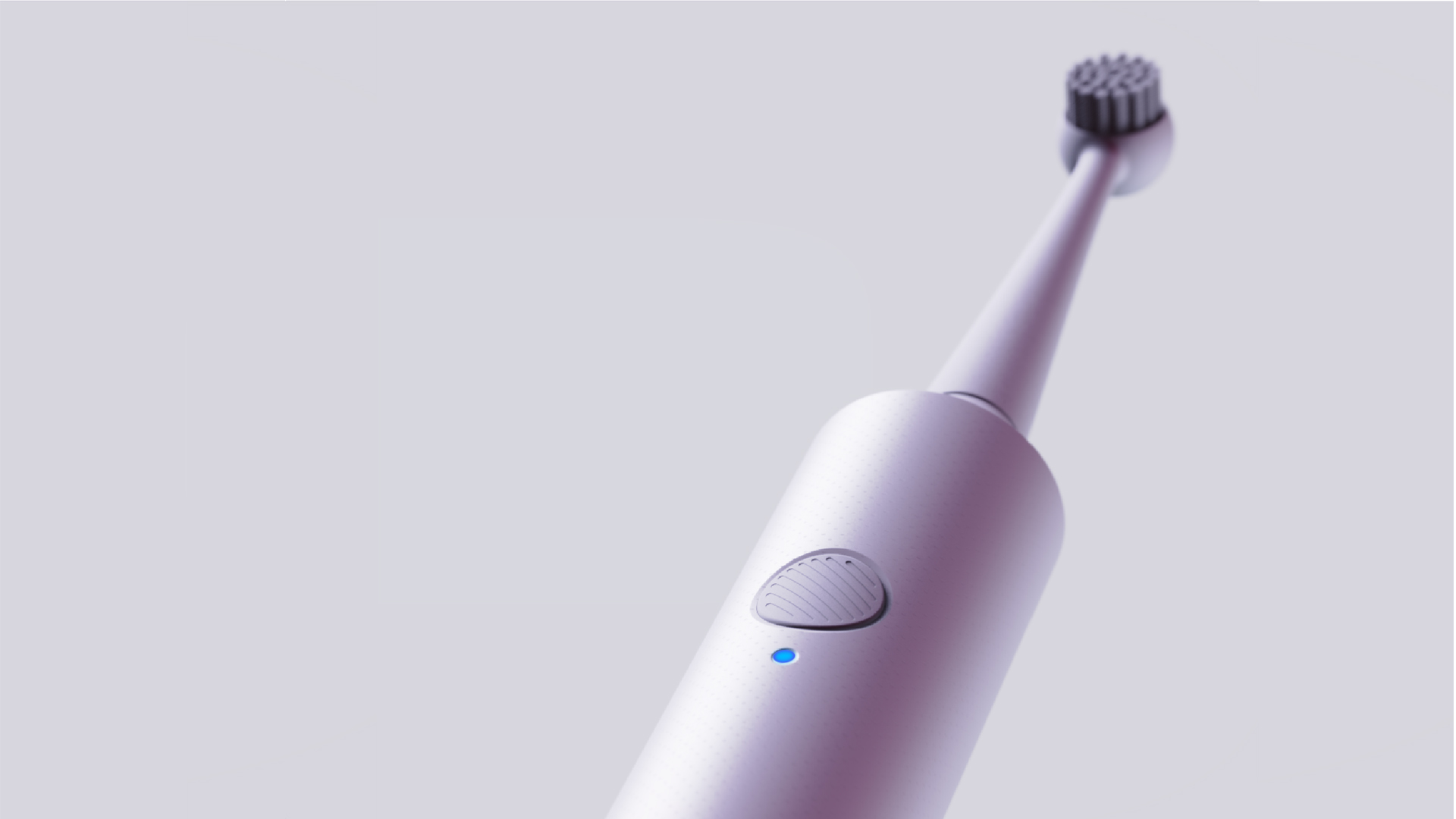
An important feature and visual cue for many real-world products is light. Effectively demonstrating a product’s functionality by flashing, blinking, or gently pulsing an LED is important. Here, we’ll use the Color Fade Animation available in the Material Graph with...
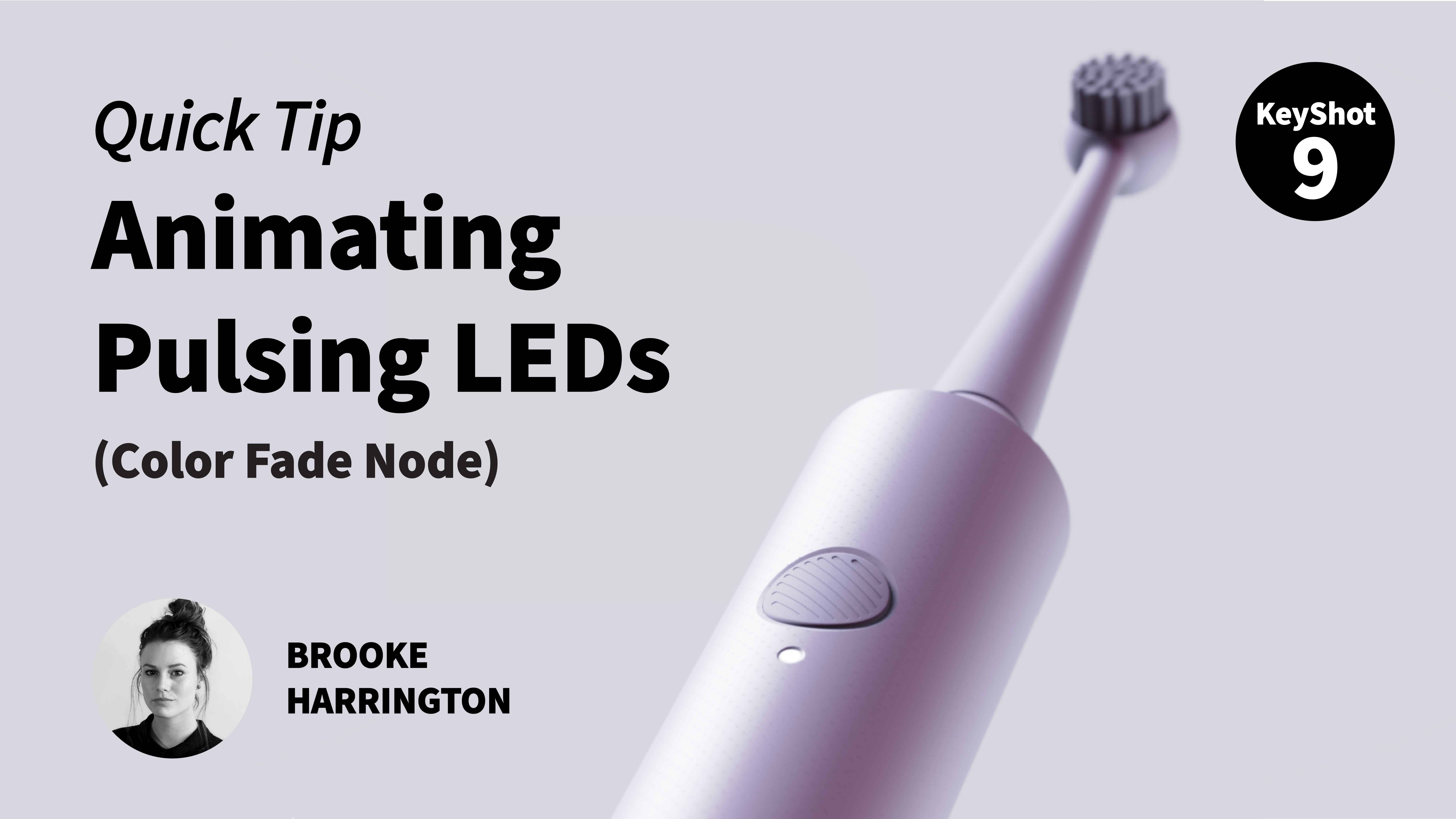
Quick Tip 105: Create an Pulsing LED Light in KeyShot
Effectively demonstrating a product’s functionality by flashing, blinking, or gently pulsing an LED is important. In this video, Industrial Design Specialist, Brooke Harrington, uses the Color Fade Animation Node in order to create a pulsing LED light on an electric...

Quick Tip 104: Create an Exploded View Animation in KeyShot
If you need to create an exploded view of your product, KeyShot's animation tools are the way to go! Watch as Industrial Design Specialist, Brooke Harrington, shows you some tips and tricks for creating easy, eye-catching exploded view animations. Watch the Animation...
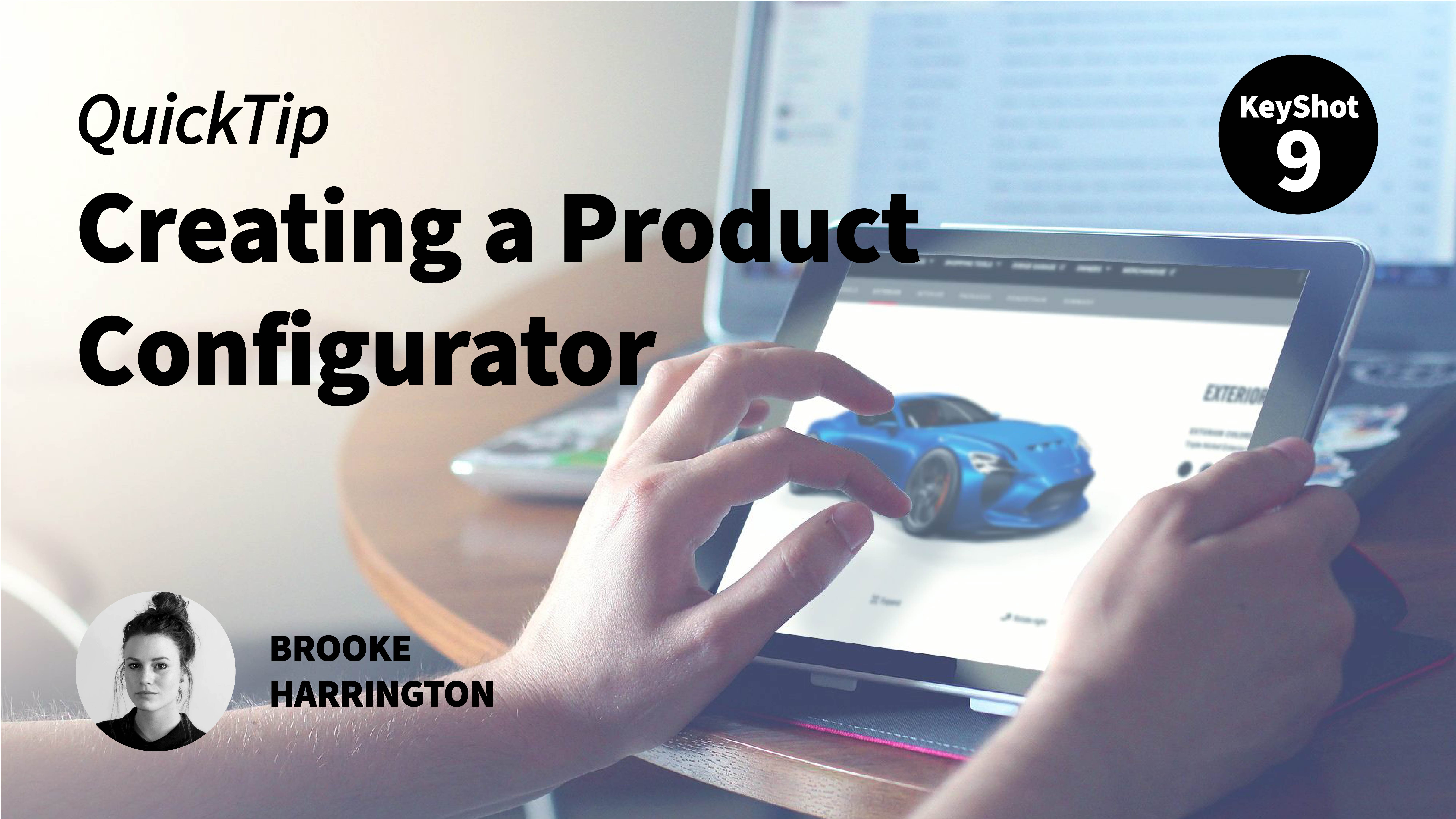
Quick Tip 103: Creating a Web Configurator with KeyShot
KeyShotWeb offers incredible product configurator sharing methods for interactive design review, presentation and point of sale display. Watch as Industrial Design Specialist, Brooke Harrington, uses the Configurator Wizard to quickly create dynamic product...
FEATURED
No Results Found
The page you requested could not be found. Try refining your search, or use the navigation above to locate the post.
ALL POSTS

Come See KeyShot Live Linking for Creo and More at PlanetPTC Live
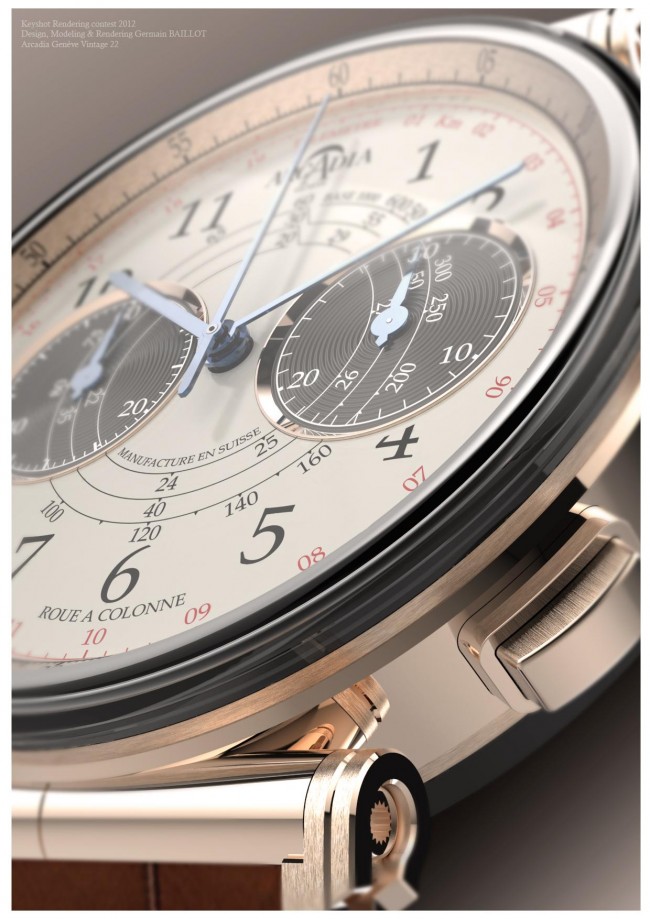
Winners of the KeyShot 3D Rendering Contest!

The Masterful 3D Renderings of Mikael Lugnegård
All About KeyShot Render Options

KeyShot 3.2 Is Here
Luxion Releases KeyShot 3.2: 3D Rendering Enhancements, UI and Speed Improvements
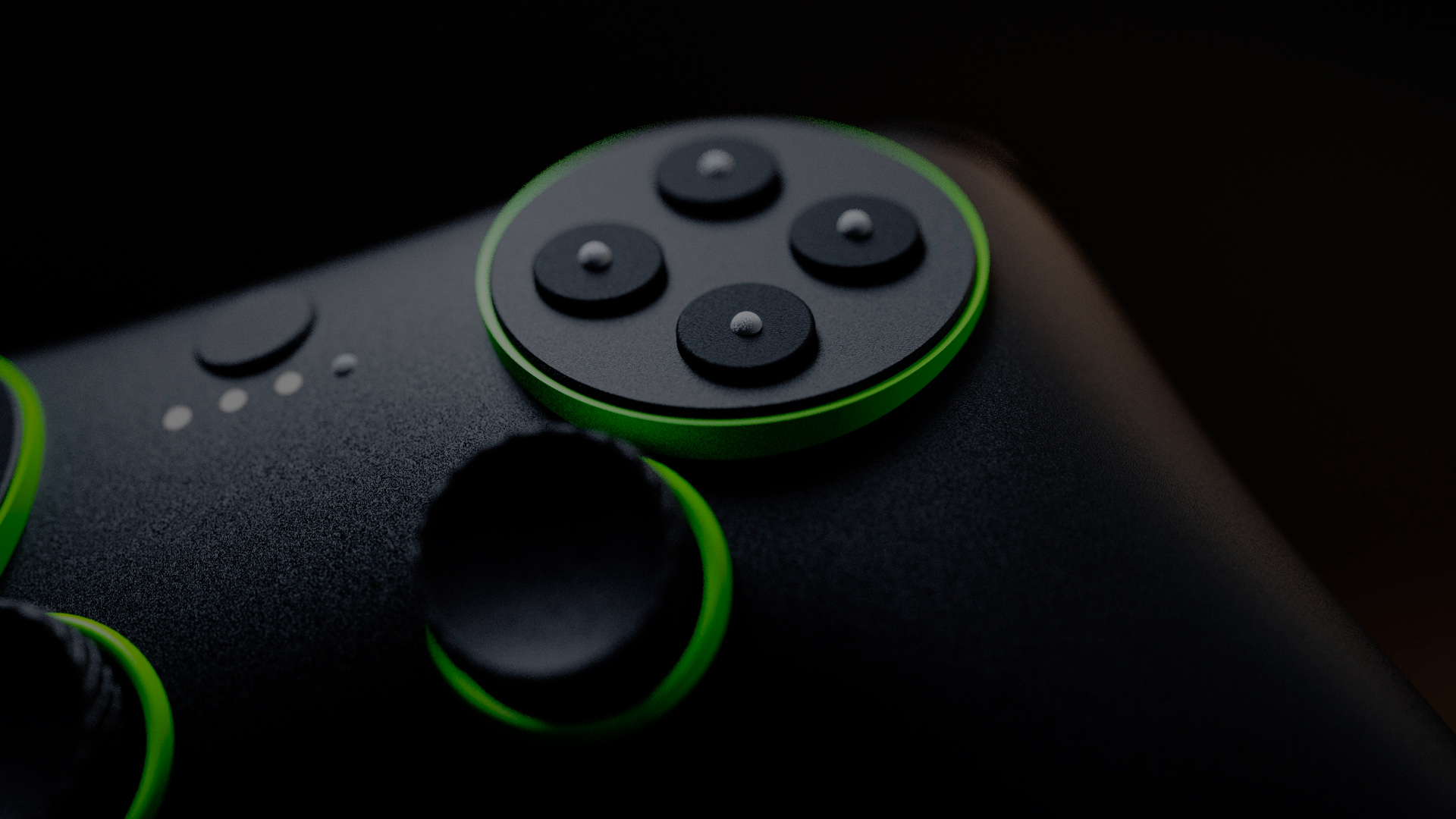
Is 3D Rendering Replacing Traditional Photography? What Do You Think?

The KeyShot Helicopter is Takin’ Off
Luxion Releases Free KeyShot Plugin for Autodesk® 3ds Max®