Blog

Tips
Tips Picks
How to Add Surface Dust in KeyShot

How to Add Surface Dust in KeyShot

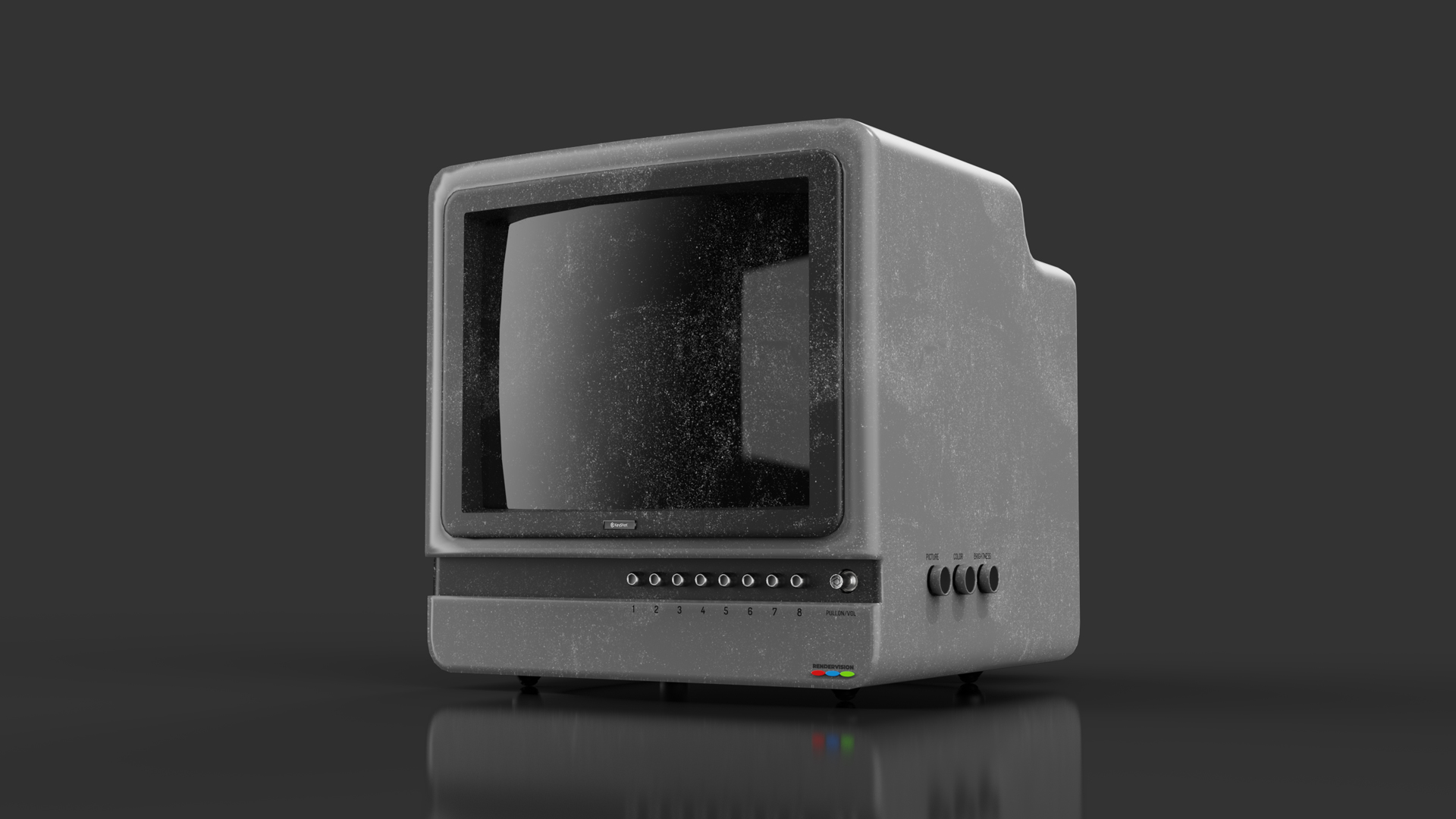
While it seems like surface dust doesn't belong in a product shot, some like the added realism a little surface dust provides. There are quite a few ways to add surface imperfections to your KeyShot scene. Some are quick, simple and to the point, while others are more...

How to Add Fillets in KeyShot

How to Add Fillets in KeyShot

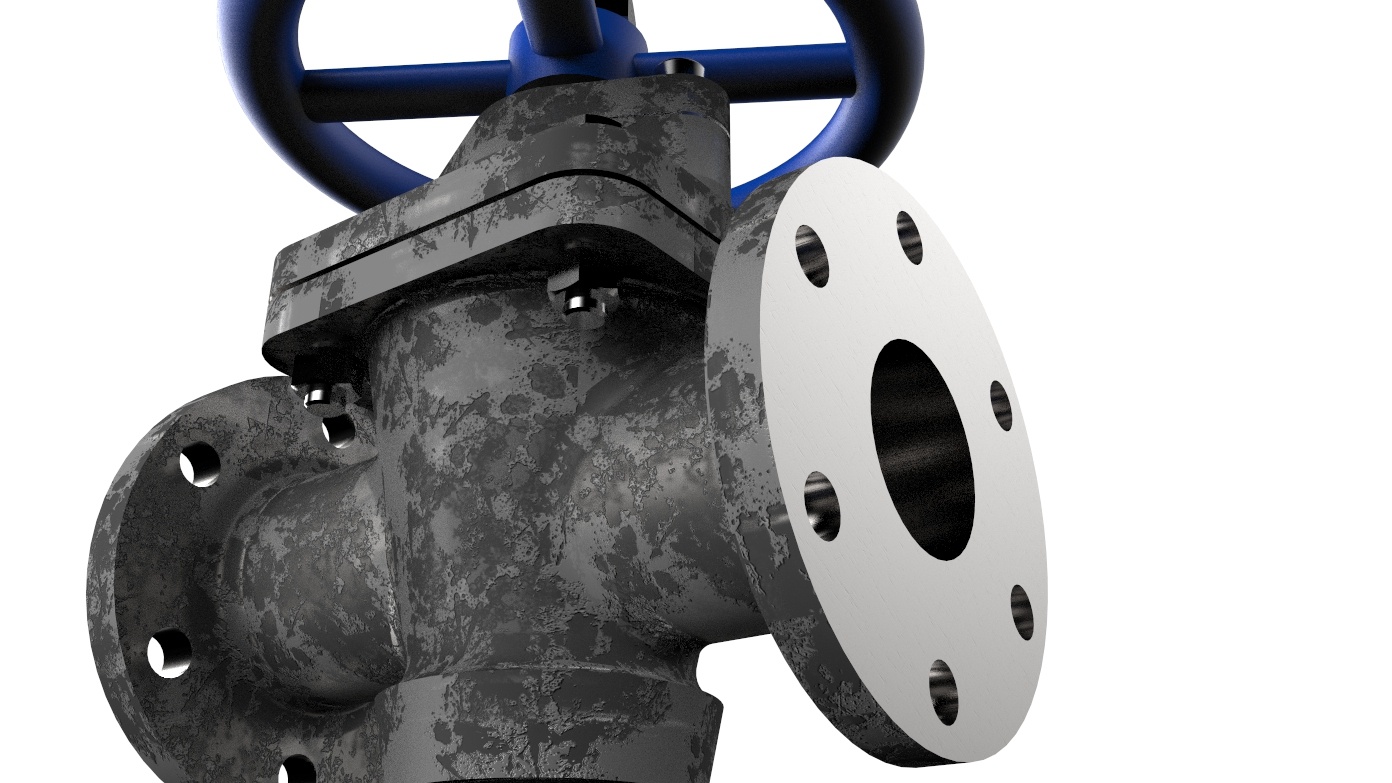
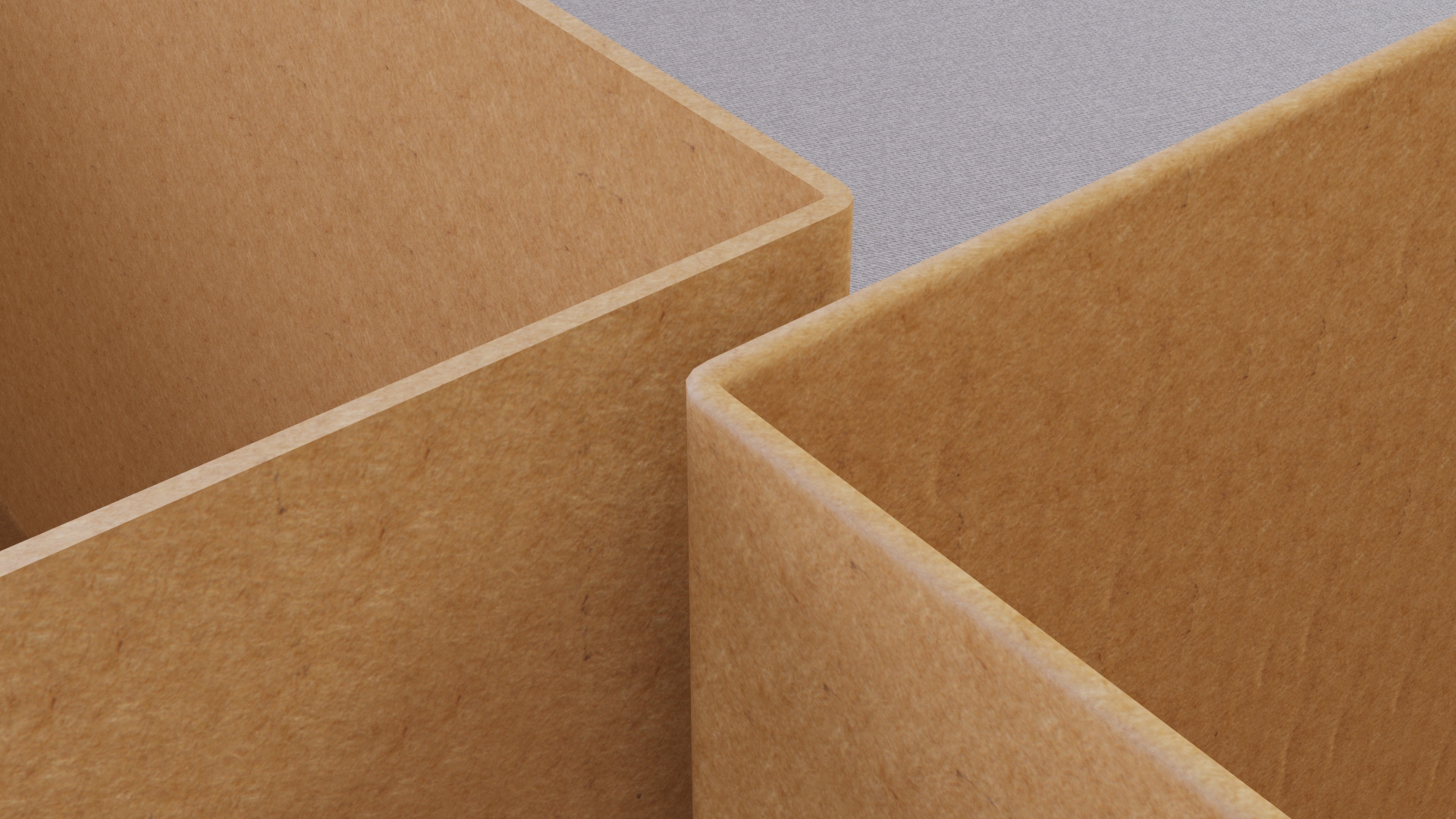
Today, we’re going to explore the Rounded Edges tool in KeyShot. This is a handy feature that simulates fillets on parts, without actually altering the geometry and increasing the triangle-count. Adding Fillets in KeyShot Rounded edges on parts definitely add to the...

How to Create Renderings with White Backgrounds in KeyShot

How to Create Renderings with White Backgrounds in KeyShot

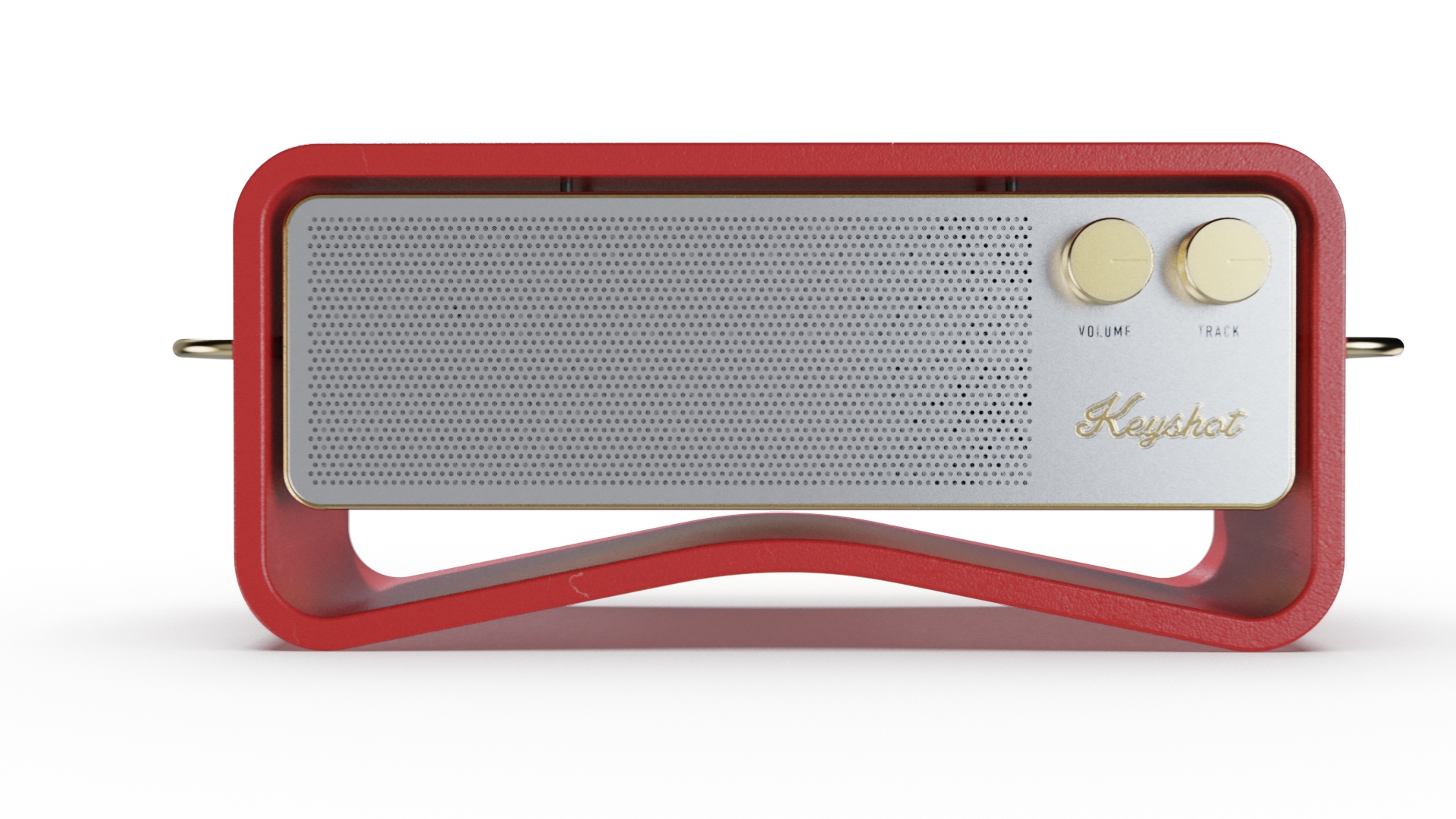
Today, we have a quick tip to help you create clean, crisp product shots. It's from a question we get a lot: How do I get a super nice, all white backgrounds for my renderings. Well, there are two ways to do it. Let's have a look. White Backgrounds in KeyShot Why...

How to Create Custom Weave Patterns with KeyShot RealCloth

How to Create Custom Weave Patterns with KeyShot RealCloth

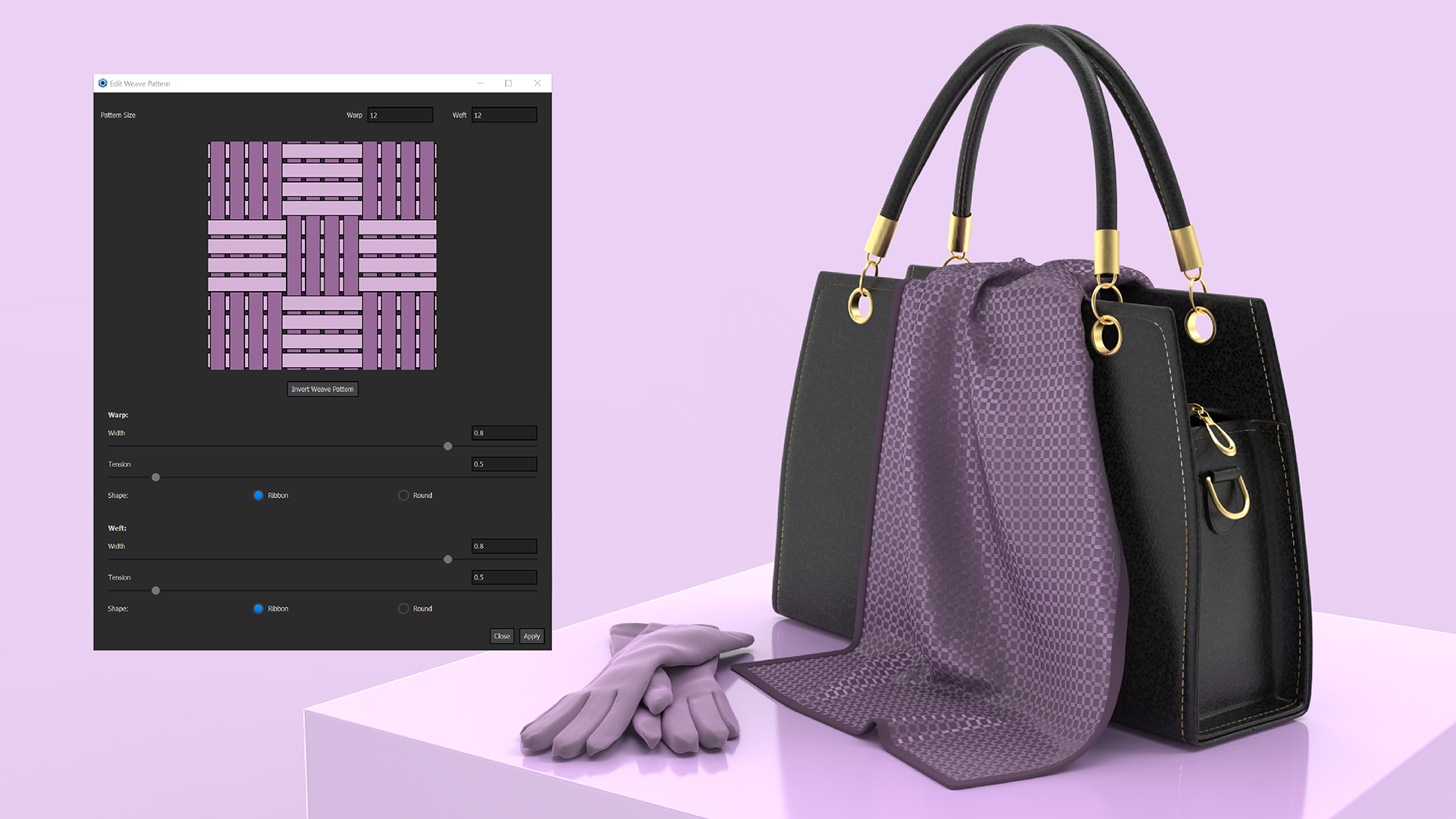
When you’re working with KeyShot RealCloth, you may eventually want to explore more custom weave patterns. While KeyShot comes with some handy presets for applying weave patterns, KeyShot Pro offers the ability to easily customize these weave patterns. Custom Weave...

MOST RECENT

How To Create Multi-Layer Textures in KeyShot
How To Create Multi-Layer Textures in KeyShot

Rarely in life do you find a perfectly finished and unmarred surface. Whether it's due to manufacturing marks, scratches or fingerprints, surfaces tend to have small imperfections you may not even notice. When you want to add these types of imperfections or create...

Optimizing Your Workflow: Using the KeyShot Benchmark Tool

Optimizing Your Workflow: Using the KeyShot Benchmark Tool

This week, we released KeyShot 9.3 and with it updates to KeyShot Studio Viewer and the new KeyShot Studio Benchmark tool. KeyShot Studio Viewer is a free, stand-alone application for sharing KeyShot Studio scenes for others to view and interact with your visuals and...

How to Use the KeyShot Pattern Tool

How to Use the KeyShot Pattern Tool

The KeyShot Pattern Tool is used to quickly create additional instances of your models within a scene. This is different than using Duplicate to make a copy and much much faster than building out each model in your 3D CAD software. Each instance can look different and...

How to Animate Displacement Geometry in KeyShot

How to Animate Displacement Geometry in KeyShot

Displacement is a very powerful tool. It allows you to transform the surface geometry of your object and take your renders to the next level of detail and realism. Here's how to bring it to life with animation. Displacement Geometry Animation Animating geometry has a...

Sonos: Packaging Design Workflow from Esko ArtiosCAD to KeyShot

Sonos: Packaging Design Workflow from Esko ArtiosCAD to KeyShot

Sonos not only creates one of the best audio experiences, they create one of the best unboxing experiences as well. It all starts with the detail put into the design of the packaging. It's a process that has been refined over the years, going from what was a...

How to Create Colorful Edge Effects in KeyShot
How to Create Colorful Edge Effects in KeyShot

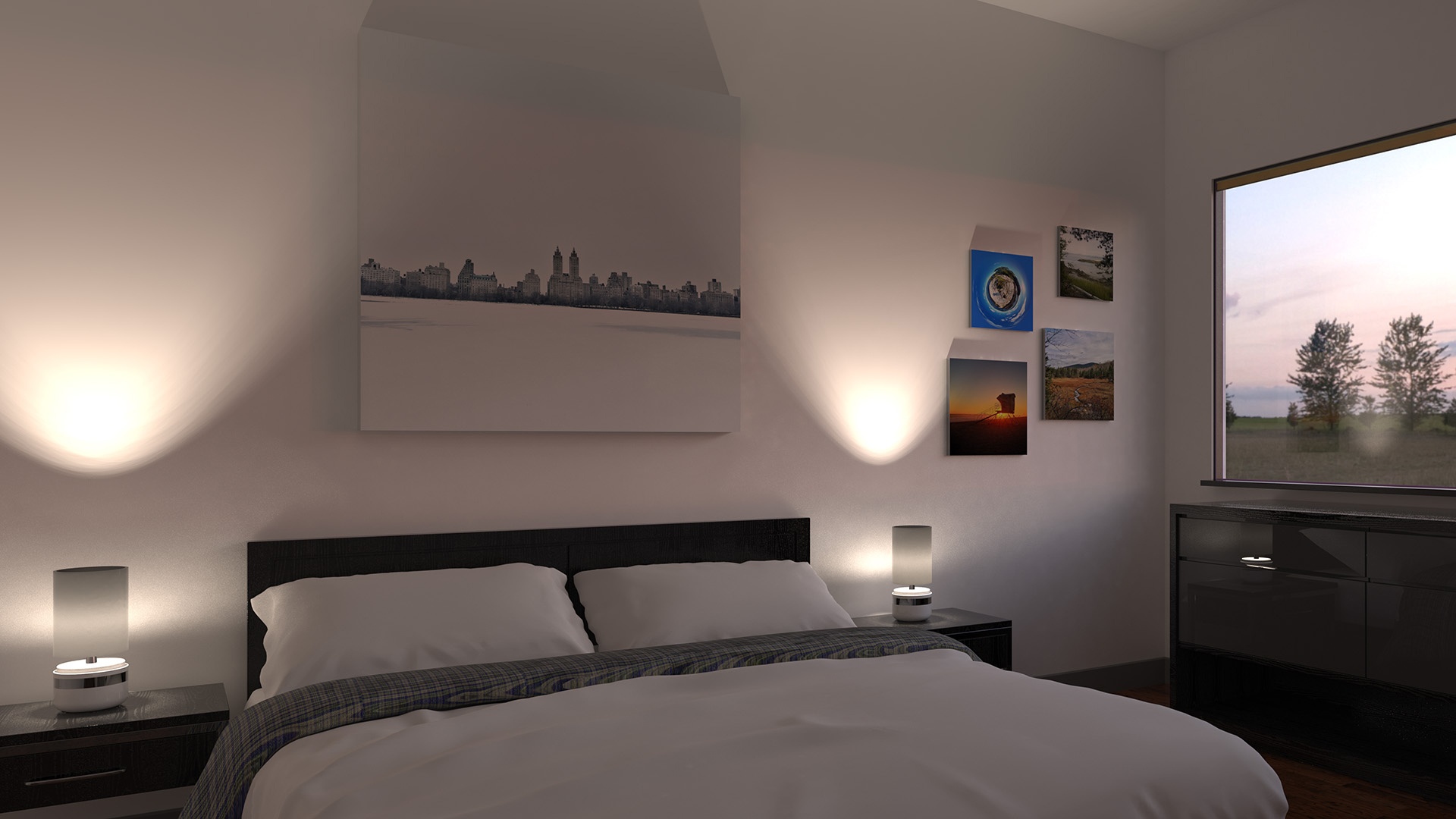
Have you ever needed to control color or achieve a specific edge effect? Product Designer and Founder of Sektre Creative, Liam Martin, has a new YouTub channel where he's dishing out sweet KeyShot tips and here, shows you how to get a very unique edge effect using a...

Mastering Textures in KeyShot: Transform Your 3D Models
Mastering Textures in KeyShot: Transform Your 3D Models

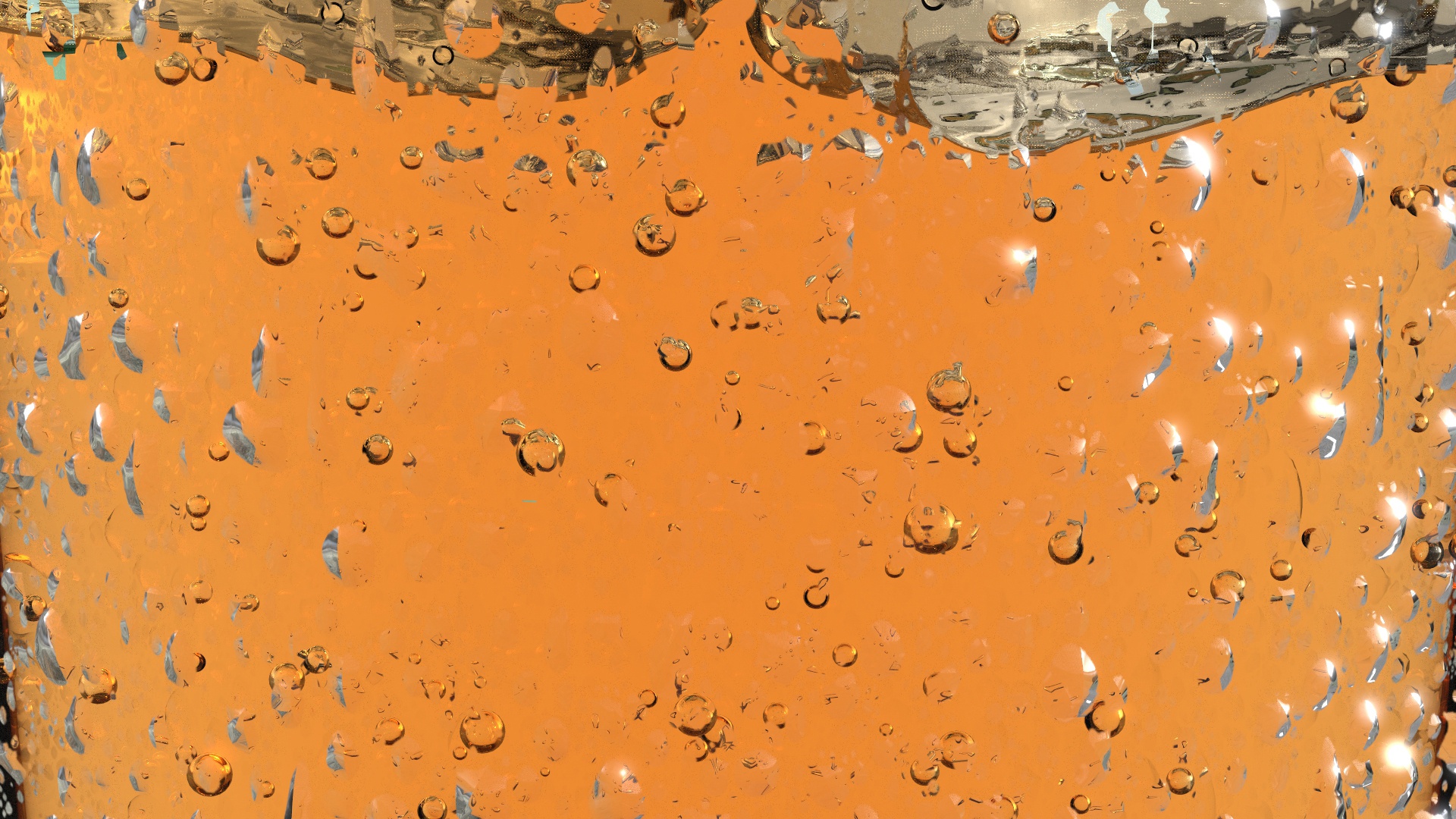
So, you've captured the joy of creating a bump, color, specular and opacity map in one fell swoop and now you would like to apply those maps to your model to create the most incredible rendering your customer/client/boss/wife has ever laid eyes upon. It's extremely...

How to Create Bubbles in KeyShot 8 Using the New Geometry Node

How to Create Bubbles in KeyShot 8 Using the New Geometry Node

 KeyShot 8 brings us a lot of exciting new features. One of these features is the new geometry node/shader capability. Geometry nodes directly transform your geometry in a non-destructive manner. Geometry nodes are able to add to, subtract from, or reshape the...

Browse by topics