
Blog

Tips
Tips Picks
How to Create a Braided Cable Effect Using RealCloth™

How to Create a Braided Cable Effect Using RealCloth™

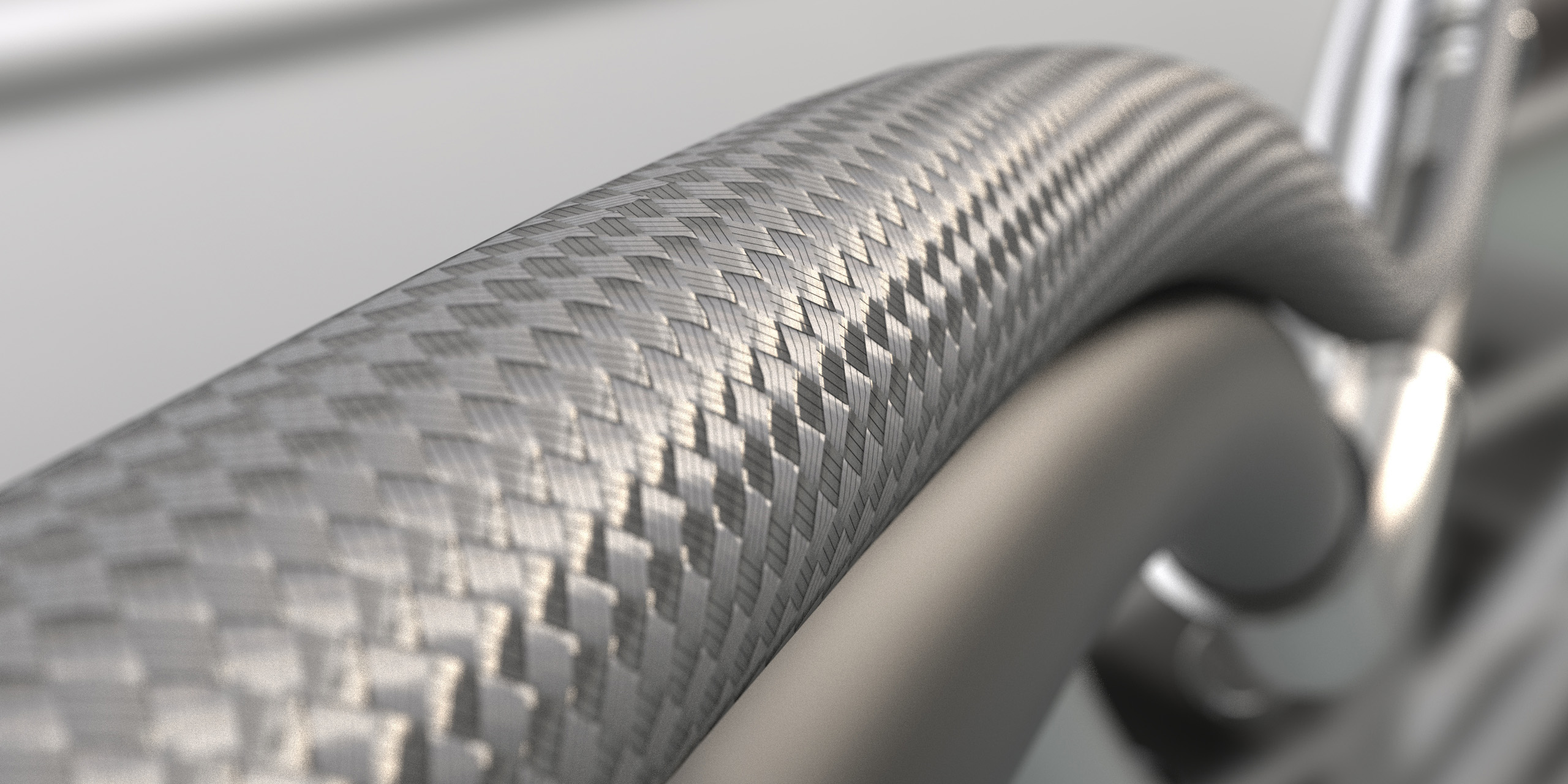
Cables show up in all kinds of products, environments and scenes. Here’s how you can use KeyShot RealCloth™ to create a braided cable effect.  Create Braided Wire, Hose, and Cable in KeyShot KeyShot RealCloth™ has applications across all types of woven materials. A...

How to Add Fingerprints in KeyShot Using Roughness Textures

How to Add Fingerprints in KeyShot Using Roughness Textures

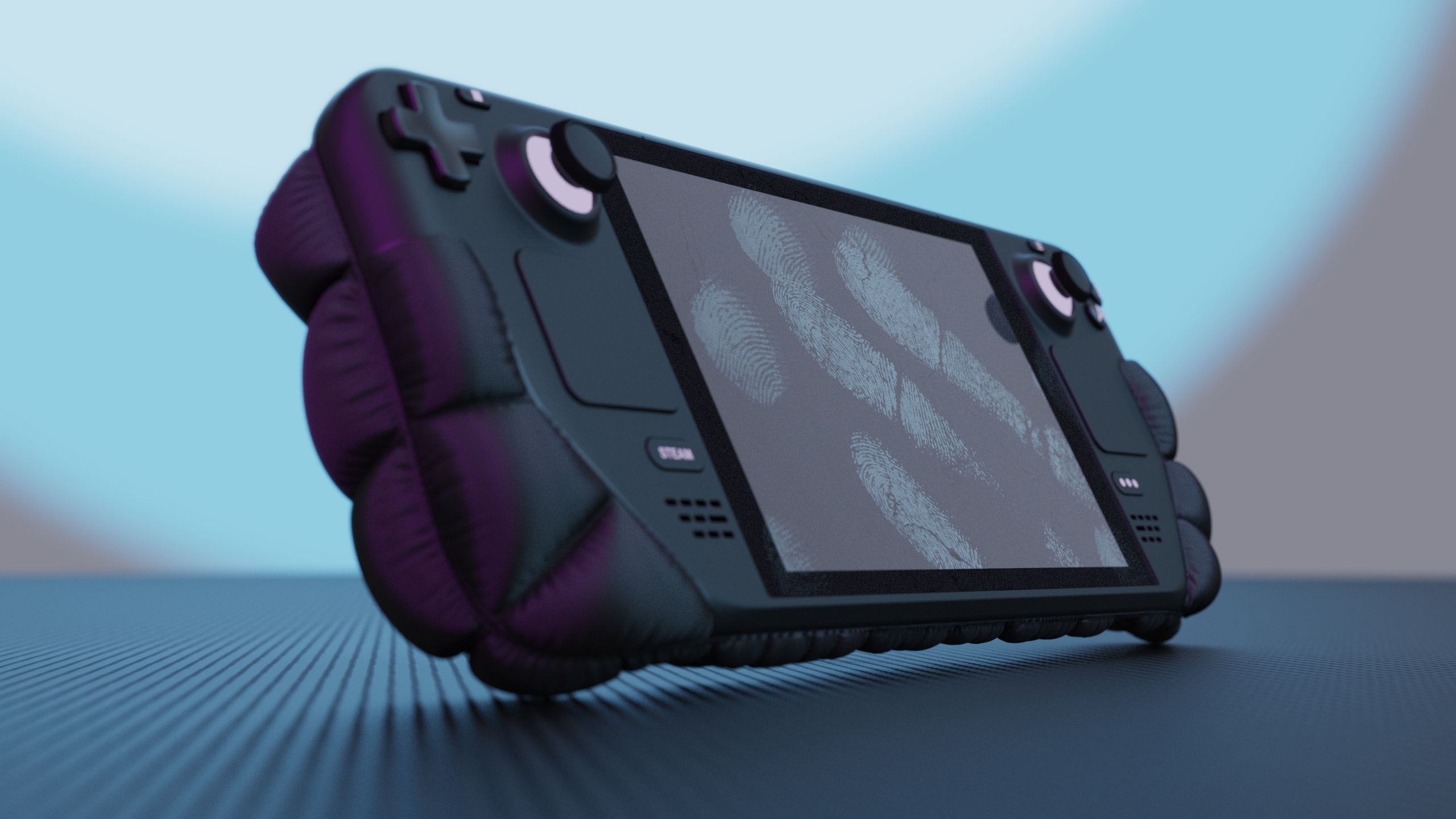
Whether you’re trying to create weathered effects, wear marks, or fingerprints, controlling surface roughness using an image texture in KeyShot will help add a new level of realism and greater flexibility to your projects. Today, we’re going to add fingerprints to a...

MOST RECENT

How to Render Transparent Backgrounds in KeyShot

How to Render Transparent Backgrounds in KeyShot

KeyShot is commonly used to render product shots with transparent background to use across web, print, and video. Rendering an image without a background also gives you more flexibility for layouts in Illustrator, Photoshop, or your website. KeyShot allows you to...

How to Add Text to Animations in KeyShot
How to Add Text to Animations in KeyShot

Today, we'll walk you through two different ways to add text to an animation inside KeyShot. This approach works well when you need to keep everything contained in your scene or simply prefer to use KeyShot for a complete workflow. Add Text to Animations in KeyShot...

How to Create Bristles with KeyShot Fuzz

How to Create Bristles with KeyShot Fuzz

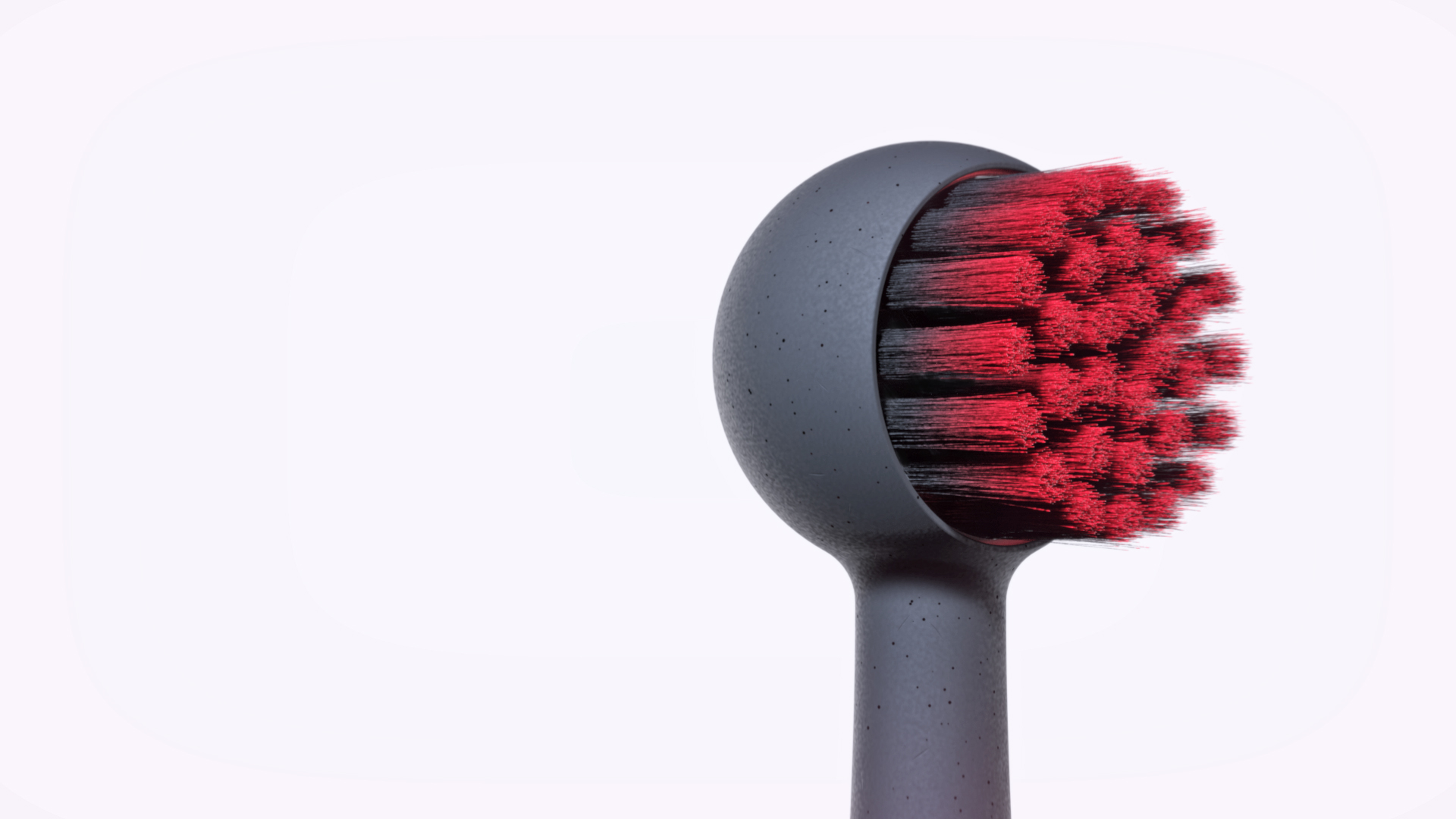
Adding bristles to a model may seem challenging but KeyShot Pro makes it a snap. Whether it's a pattern of fibers, variations of one style, or multiple combinations of each, KeyShot Fuzz allows you to create a wide variety of brush bristle appearances. KeyShot Fuzz...

Customizing the KeyShot User Interface

Customizing the KeyShot User Interface

KeyShot makes it easy to create photorealistic visuals and the user interface is at the heart of making the process simple and intuitive but did you know you can set up and customize the user interface for your personal workflow? Today, we’ll take a look at how to...

How to Create Glowing Buttons in KeyShot
How to Create Glowing Buttons in KeyShot

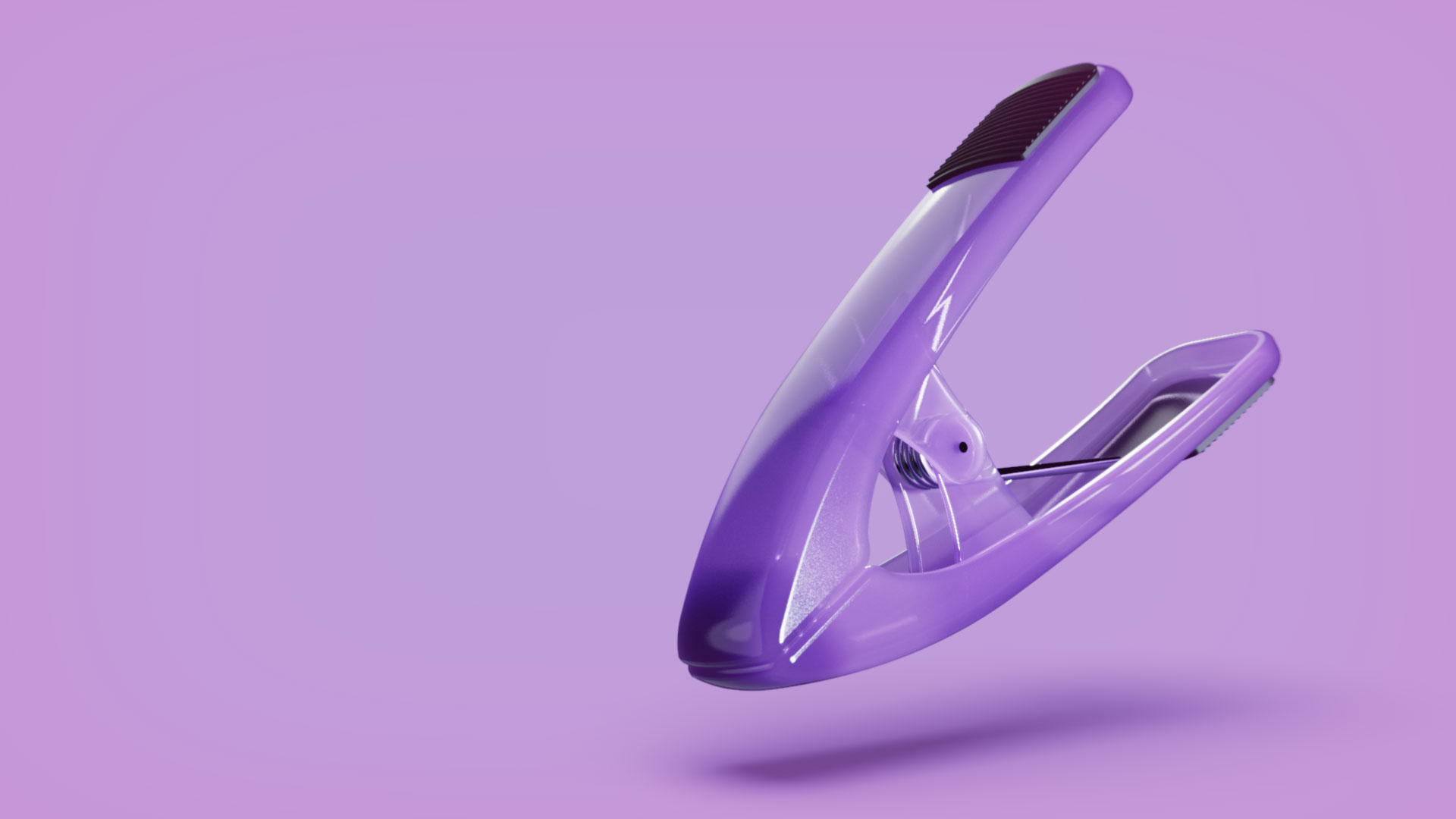
With KeyShot, you're able to create a range of light effects and apply it to a scene or to a model itself. Today, we'll show you how to create glowing, backlit buttons in KeyShot with three easy techniques using physical lights, emissive materials, or emissive labels...

How to Use Motion Blur on Still Images in KeyShot
How to Use Motion Blur on Still Images in KeyShot

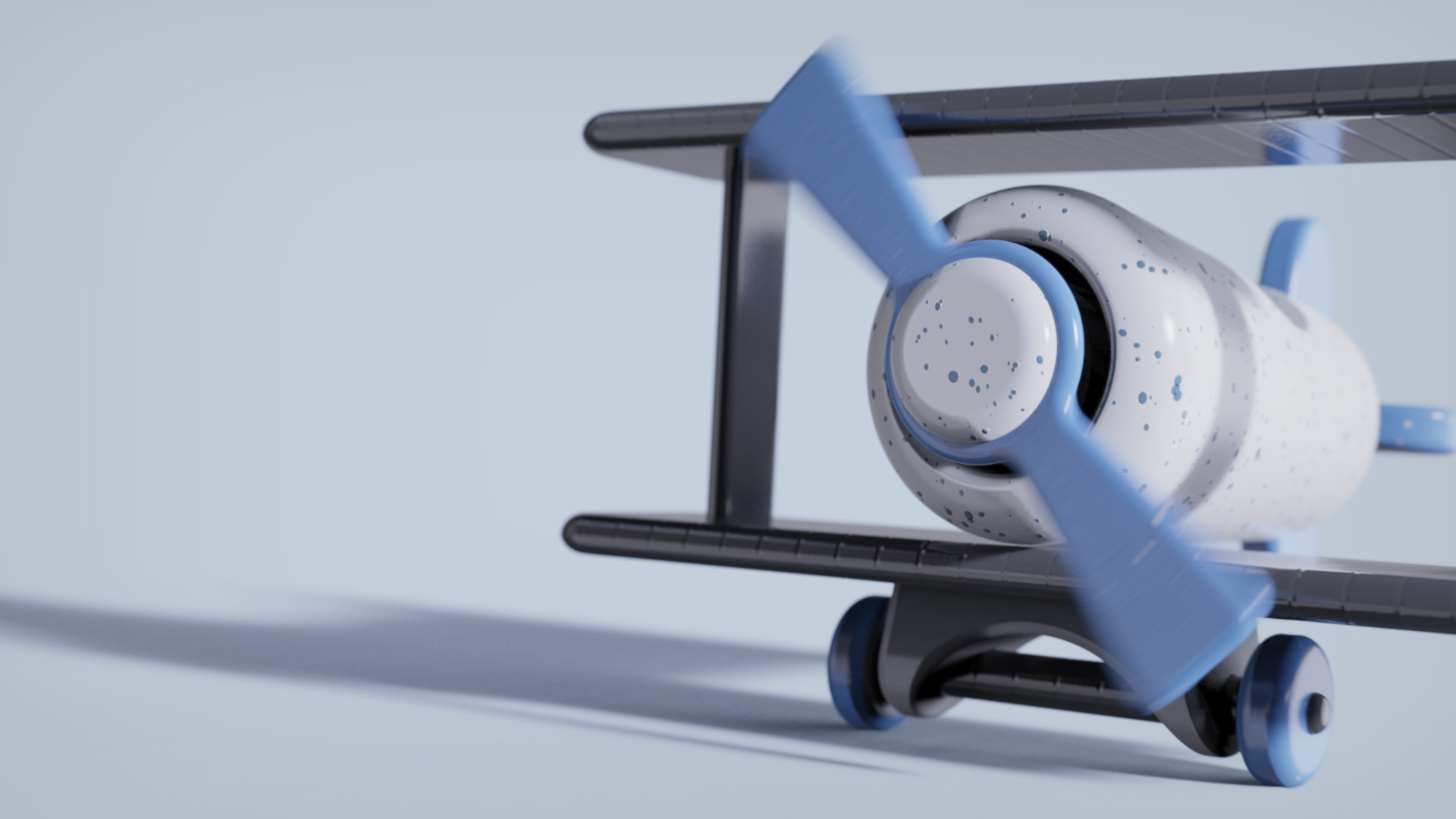
Motion blur is the streak-like effect that occurs when shooting a still image or animation of a moving object. The results are incredibly dynamic, so here, we'll show you how to use KeyShot Pro to add motion blur to your still images. Using Motion Blur in KeyShot...

Using KeyShot Frontplates for Graphics Layout

Using KeyShot Frontplates for Graphics Layout

Frontplates are images with transparency that are placed in front of your renderings. This is great for enhancing a scene, adding a watermark or, with a favorite workflow technique we'll show below, aligning your model within a graphic layout to ensure its placement...

Create a Perfect Center View in KeyShot
Create a Perfect Center View in KeyShot

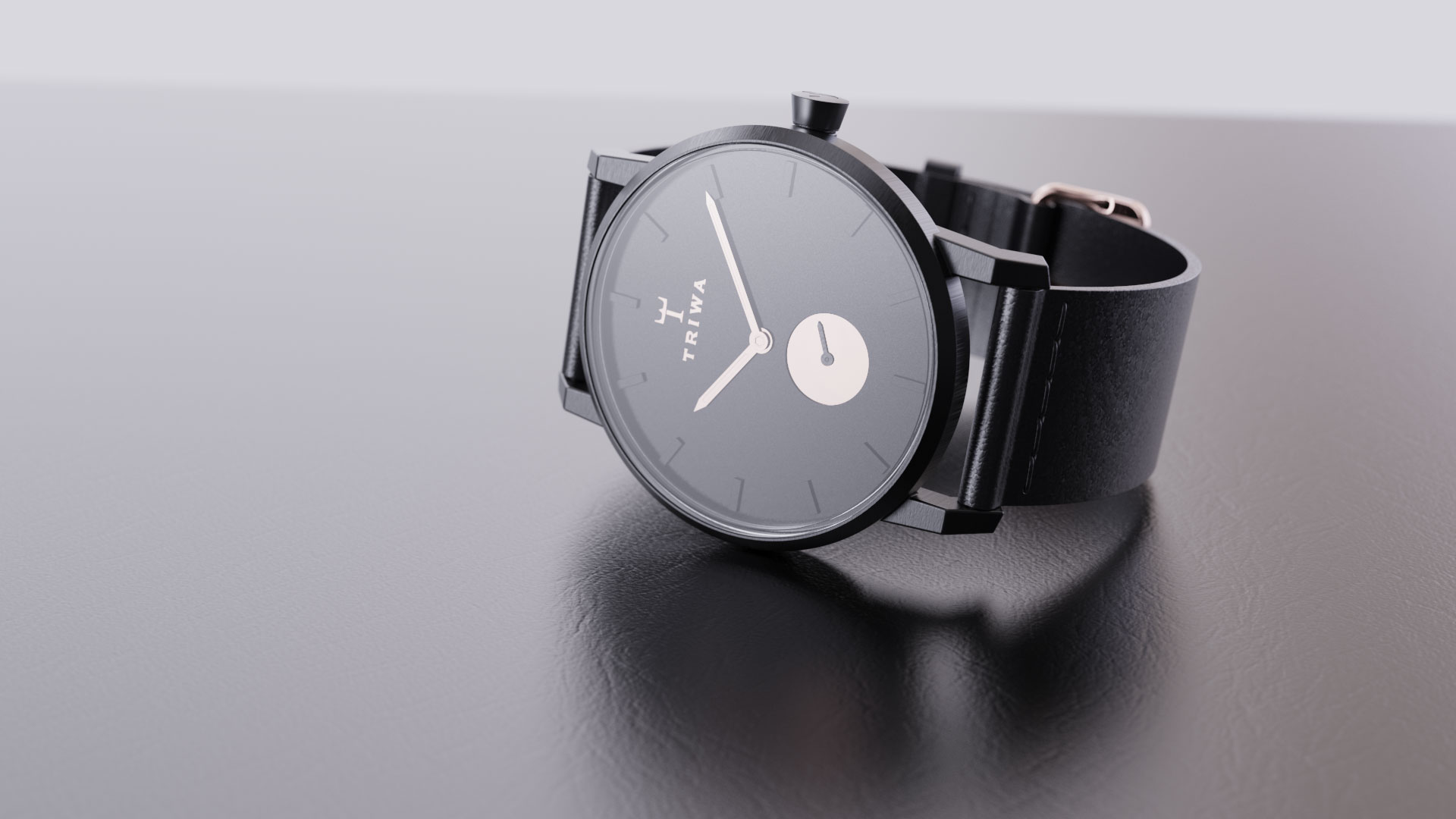
Today, we'll show you how to quickly create a perfectly centered, symmetric view using absolute camera values. This is useful for a variety of needs, particularly when working with symmetry or when you need to achieve a perfectly centered front, back, or top view....

Using Lighting Presets in KeyShot

Using Lighting Presets in KeyShot
KeyShot's Lighting Presets offer options for a wide range of product rendering needs and the ability to create your own lighting scenarios. Here, we'll compare the differences for each preset and learn how to choose which setting is best for your scene. KeyShot...

Adding Light Reflections in KeyShot

Adding Light Reflections in KeyShot

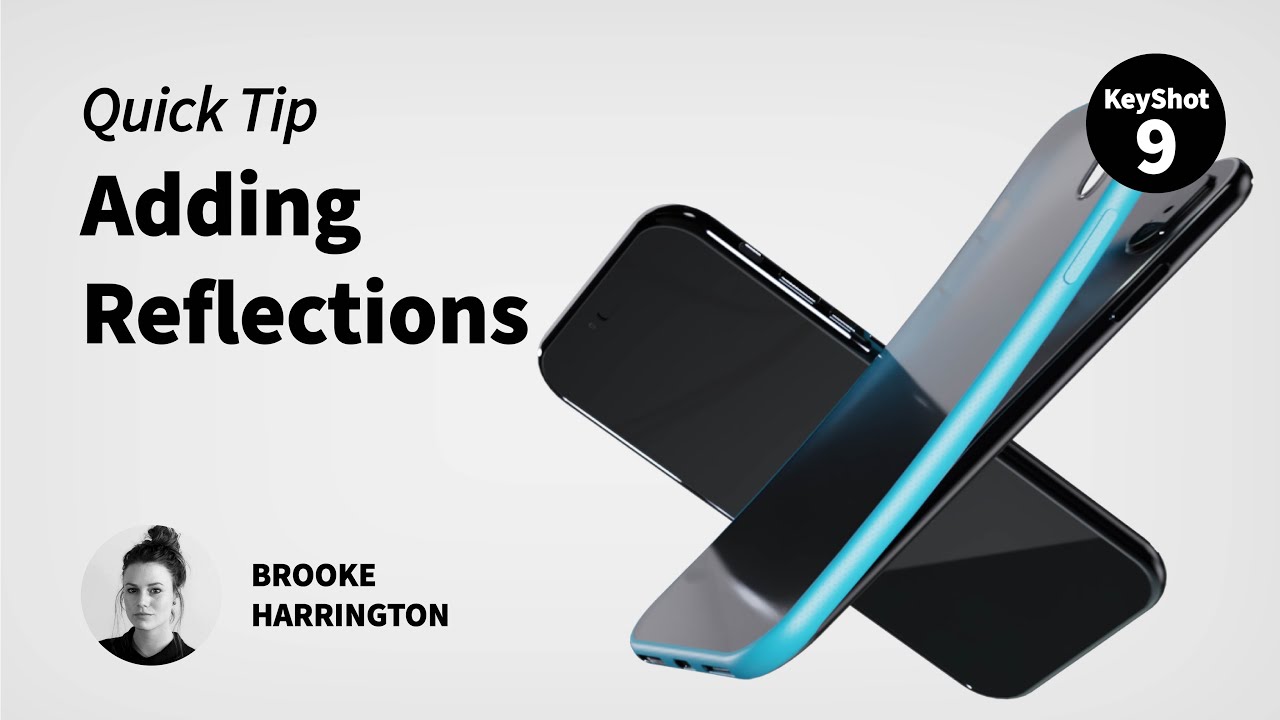
Reflections add a sense of depth and realism to your product shots and they are extremely easy to add in KeyShot. Here, we'll look at tow techniques showing you how to control light reflections using geometry and an emissive material or through the HDRI Editor in...

Browse by topics