Blog

Tips
Tips Picks
How To Create Multi-Layer Textures in KeyShot

How To Create Multi-Layer Textures in KeyShot

Rarely in life do you find a perfectly finished and unmarred surface. Whether it's due to manufacturing marks, scratches or fingerprints, surfaces tend to have small imperfections you may not even notice. When you want to add these types of imperfections or create...

Optimizing Your Workflow: Using the KeyShot Benchmark Tool

Optimizing Your Workflow: Using the KeyShot Benchmark Tool

This week, we released KeyShot 9.3 and with it updates to KeyShot Studio Viewer and the new KeyShot Studio Benchmark tool. KeyShot Studio Viewer is a free, stand-alone application for sharing KeyShot Studio scenes for others to view and interact with your visuals and...

How to Use the KeyShot Pattern Tool

How to Use the KeyShot Pattern Tool

The KeyShot Pattern Tool is used to quickly create additional instances of your models within a scene. This is different than using Duplicate to make a copy and much much faster than building out each model in your 3D CAD software. Each instance can look different and...

How to Animate Displacement Geometry in KeyShot

How to Animate Displacement Geometry in KeyShot

Displacement is a very powerful tool. It allows you to transform the surface geometry of your object and take your renders to the next level of detail and realism. Here's how to bring it to life with animation. Displacement Geometry Animation Animating geometry has a...

MOST RECENT

How to Create Custom Materials in KeyShot. The Very Basics.

How to Create Custom Materials in KeyShot. The Very Basics.

Materials. KeyShot rocks the materials. There are 700+ materials within 13 different categories for KeyShot 3. All of these existing materials are extremely powerful. Did I say 'powerful?' Yes, yes I did. Why are they powerful? Well, all KeyShot materials are...

How to Create Custom Materials in KeyShot. The Very Basics.

What Makes Real Real?

Richard Feldman brought up a great question on the forum. What makes real real? If you're going for as realistic an image as possible, KeyShot is certainly up to the task. And, besides doing something like putting a leather material on a car body, there are certain...

How to Create Custom Materials in KeyShot. The Very Basics.

How To Create the Perfect Car Paint in KeyShot
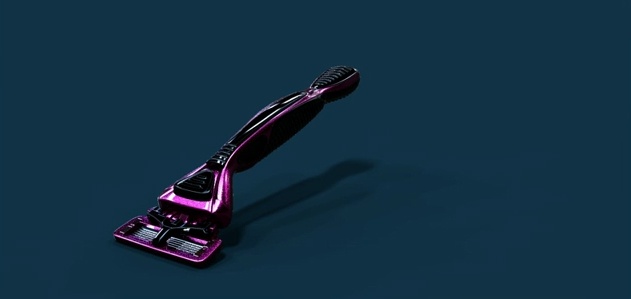
You probably remember that time you spray painted your kid brother's face to make him blend in with your mom and dad's new electric yellow Cadillac Seville. No? Maybe that was just me. Nevertheless, you've probably become obsessed with creating the perfect car paint...

Rock That Lighting. KeyShot HDR Light Studio Step-by-Step
Rock That Lighting. KeyShot HDR Light Studio Step-by-Step

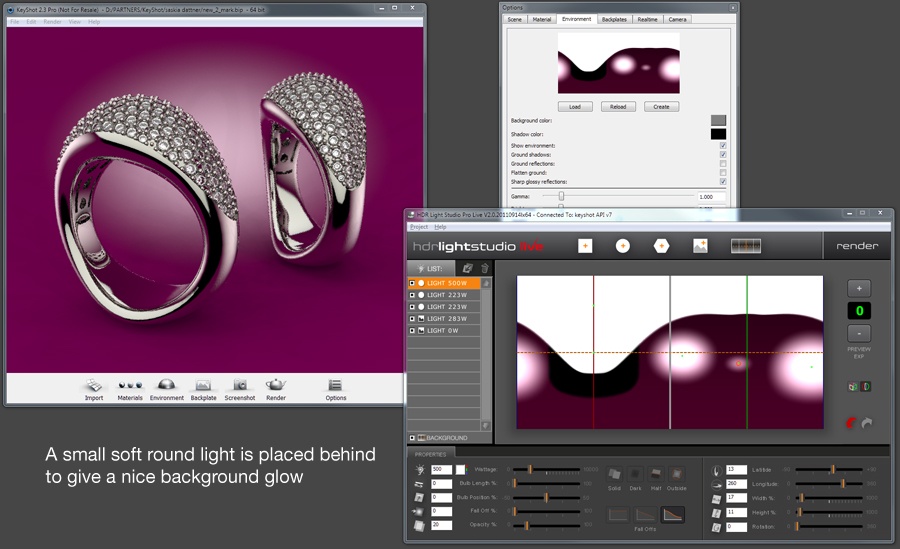
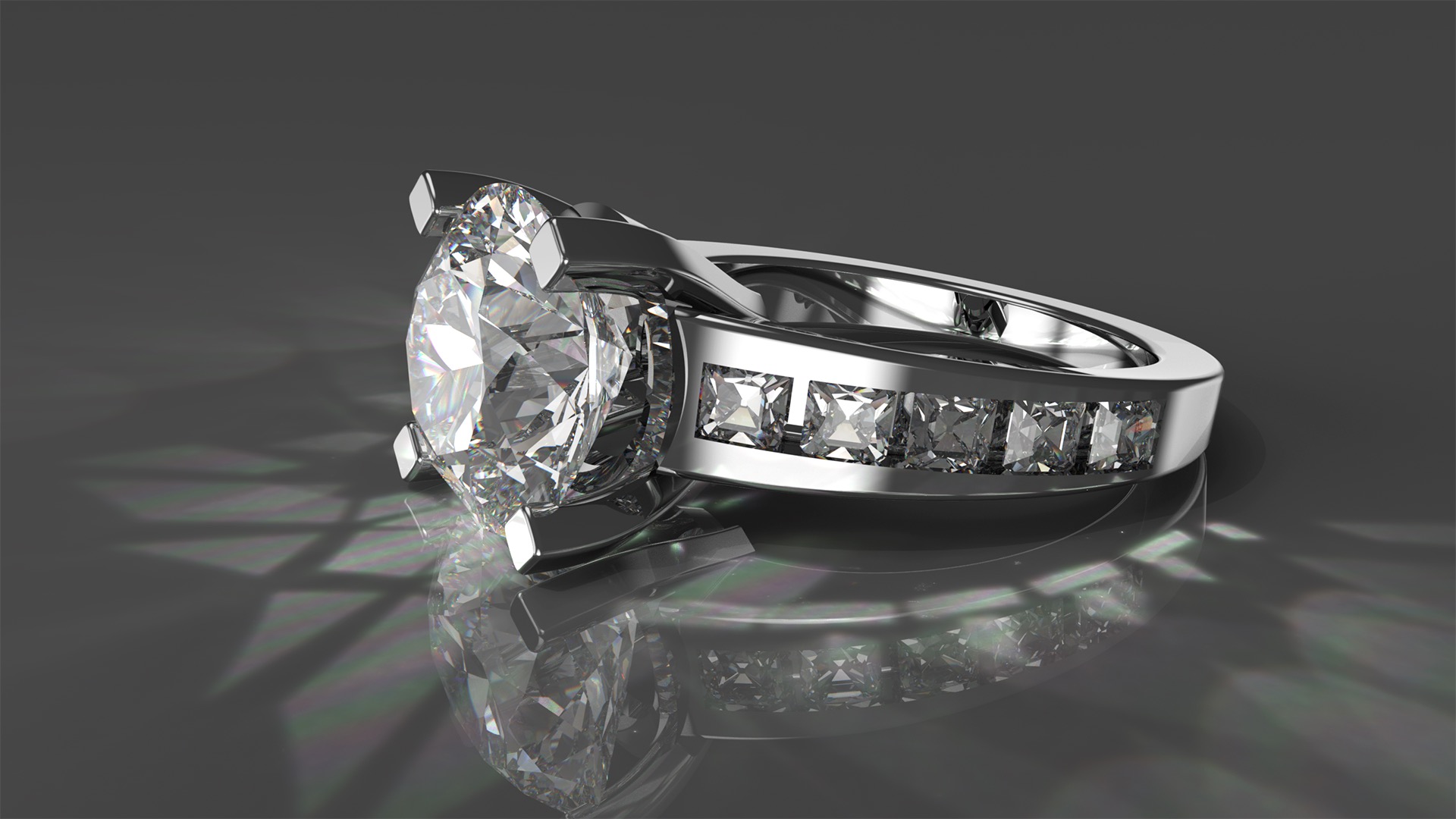
We've been featuring some free jewelry resources as well as showing a lil' jewelry animation on the blog lately, but we can't leave out this KeyShot HDR Light Studio step-by-step, by the good people over at Lightmap, that takes you through the process of lighting...

Rendering with KeyShot: Step by Step

Rendering with KeyShot: Step by Step

The wonderful and talented Craig A. Clark has a very well done article published in the latest issue of 3D Artist magazine (Issue 33). Rendering with KeyShot takes you step by step through model considerations, export, import, material selection, image maps and more....

Browse by topics