Blog

Tips
Tips Picks
How to Use Shared Libraries in KeyShot

How to Use Shared Libraries in KeyShot

Today, we'll look at how to create shared KeyShot Resource folders to help organize your assets and collaborate across a network. Shared KeyShot Resource Library Shared folders allow you to point KeyShot to access files in folders that are shared on a server or local...

How to Create Custom Bokeh in KeyShot

How to Create Custom Bokeh in KeyShot

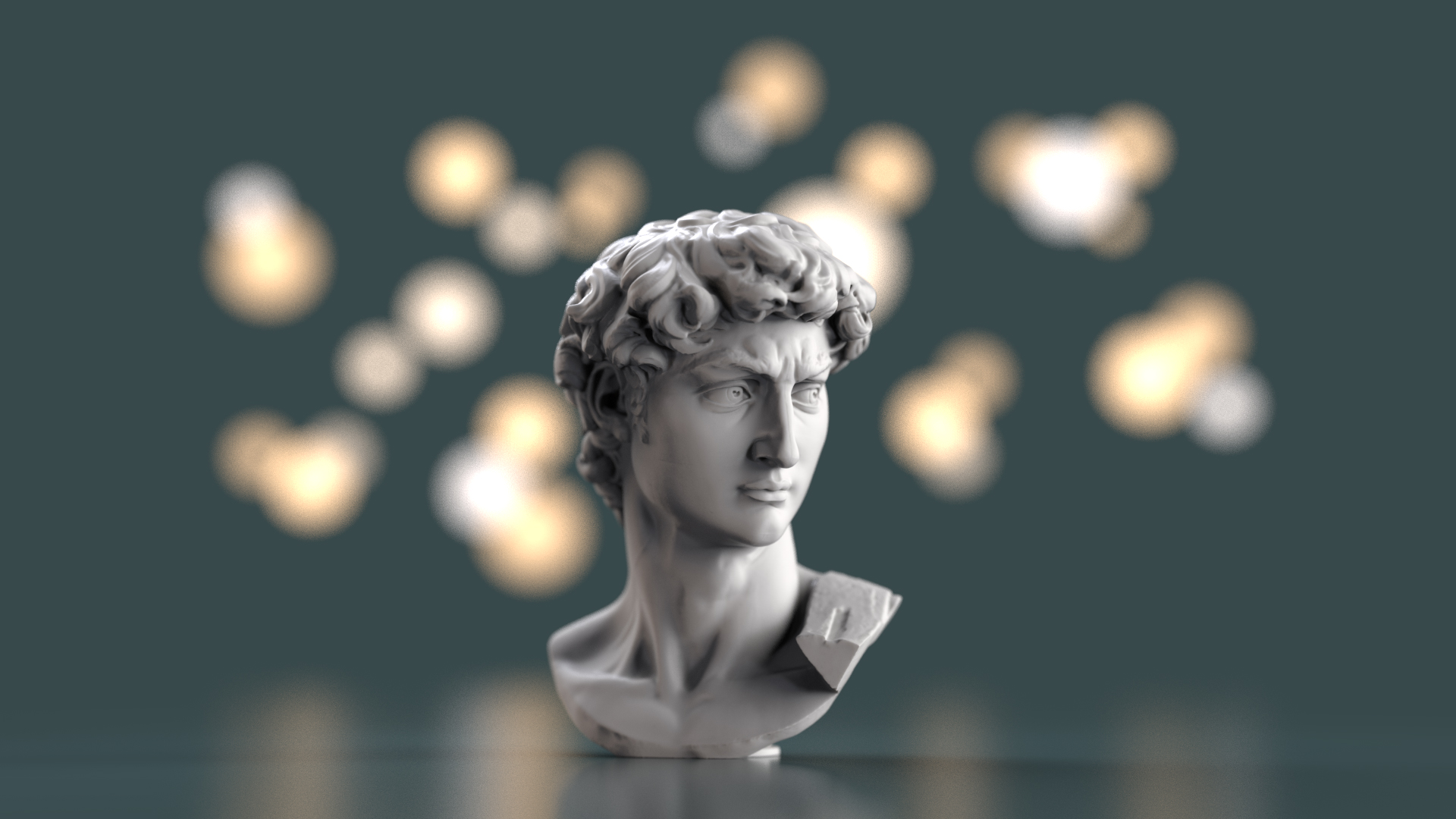
Today we’ll be looking at KeyShot's Depth of Field setting and the background blur effect called bokeh. We'll demonstrate how to set up a standard bokeh appearance, then use this to show how to create custom bokeh appearances using bokeh filters in KeyShot. DOF,...

How to Use Lock Camera Map in KeyShot

How to Use Lock Camera Map in KeyShot

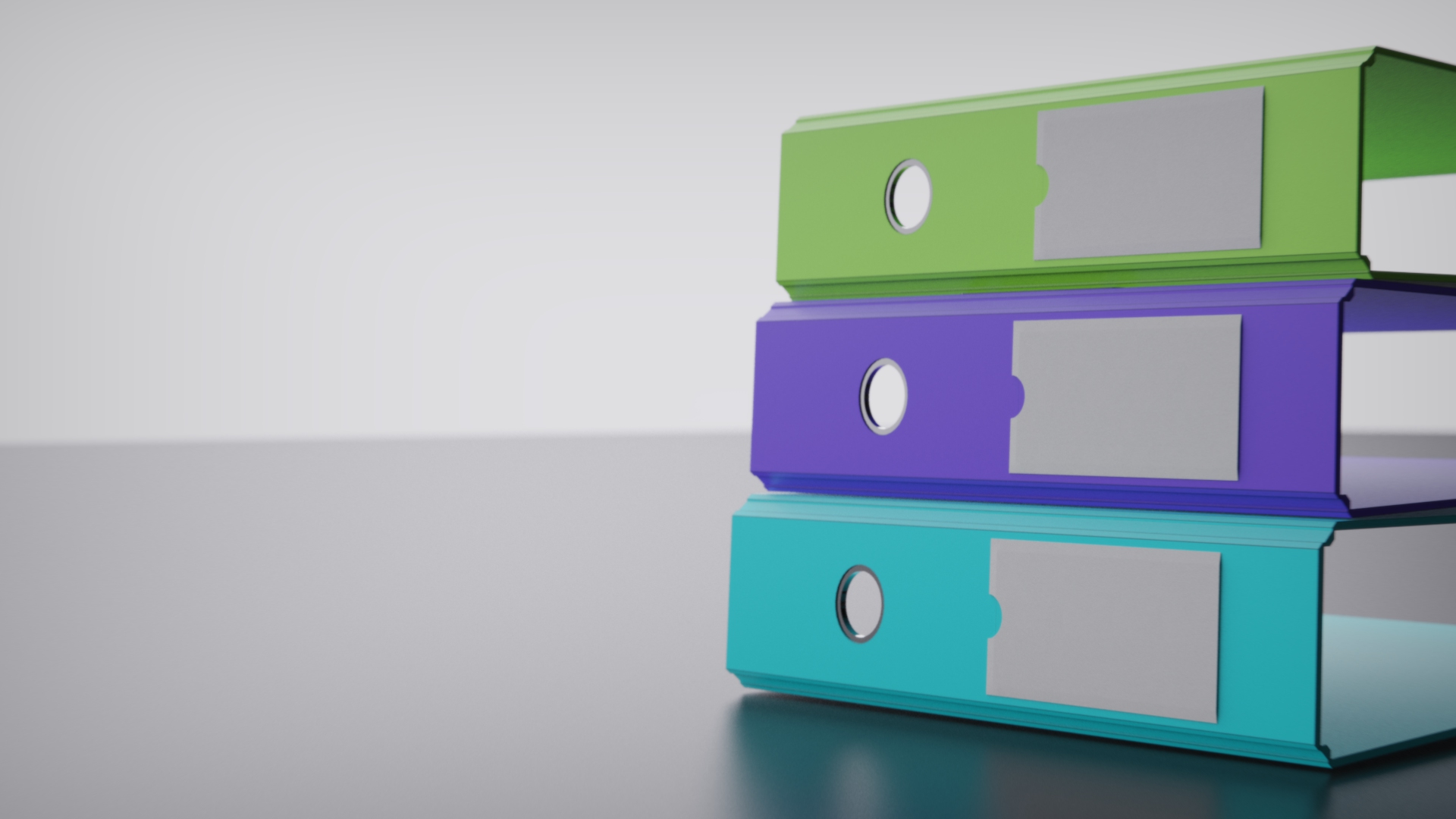
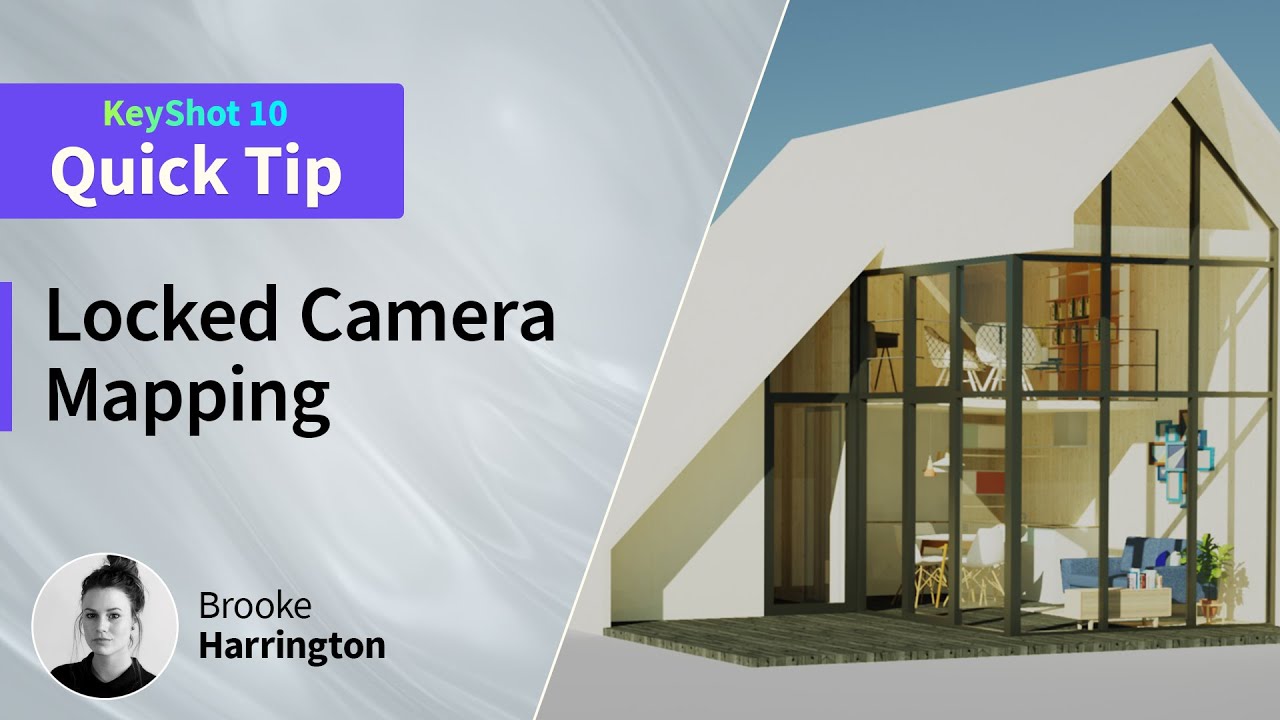
Camera mapping of textures and labels has been a feature in KeyShot for quite some time. The Camera mapping type projects your texture or label onto your model based on the camera’s orientation. When you move the camera, the projected texture moves as well. What is...

MOST RECENT

How to Set Up Material Templates in KeyShot

How to Set Up Material Templates in KeyShot

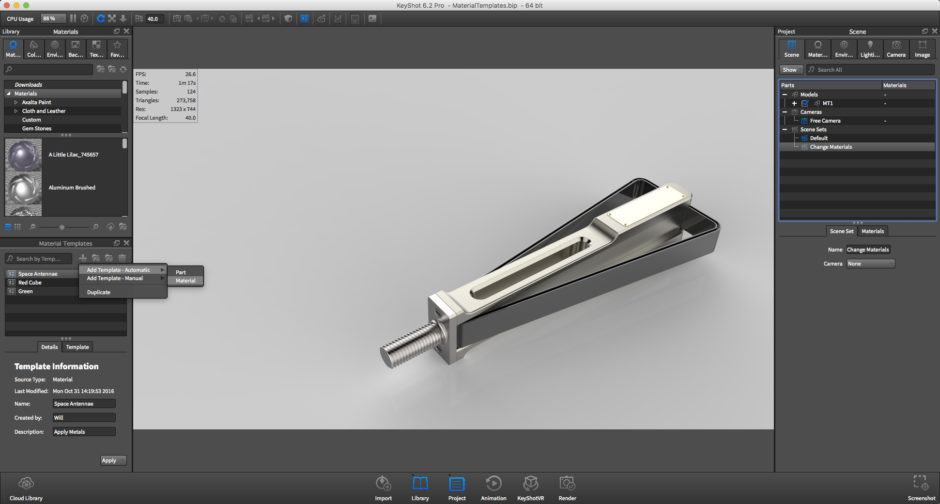
Material Templates are a powerful feature in KeyShot that automate the materials applied to your model in a KeyShot scene. Anyone working with large assemblies can save time using Material Templates to automatically apply materials to parts in a scene. Once a material...

Working with Material Samples in KeyShot
Working with Material Samples in KeyShot

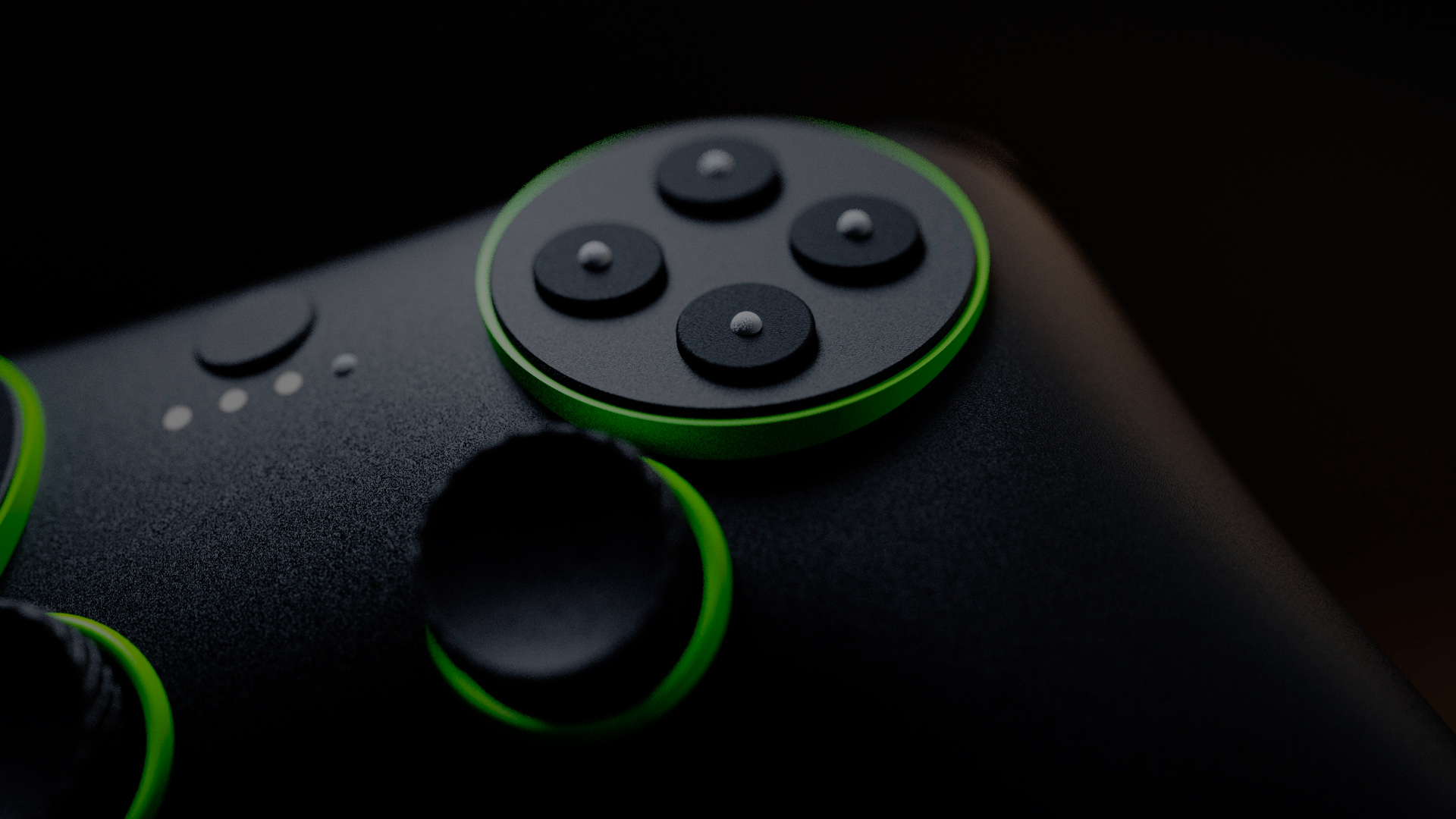
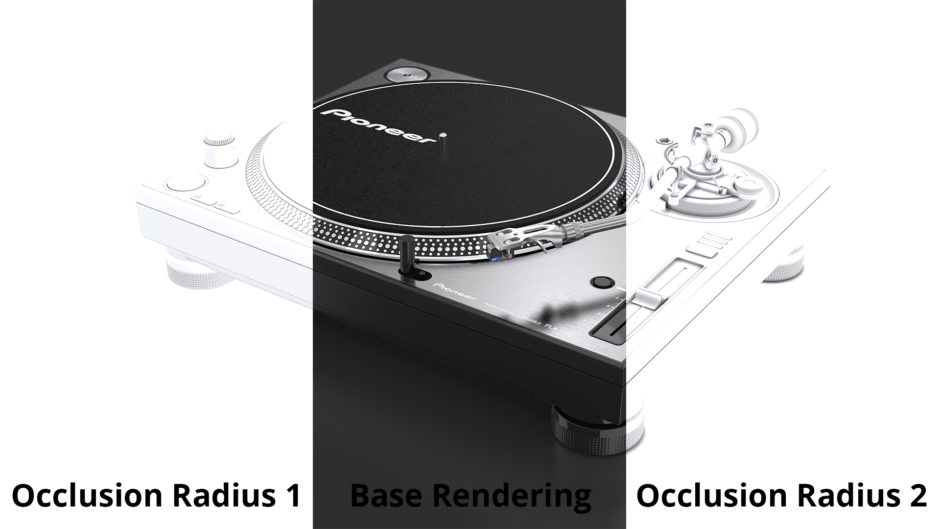
Material Samples (sometimes called glossy samples) control the amount of information a material collects from neighboring objects or the surrounding environment. Most materials in the KeyShot library include a default sample value for that material, but you can...

How Occlusion Works in KeyShot

How Occlusion Works in KeyShot

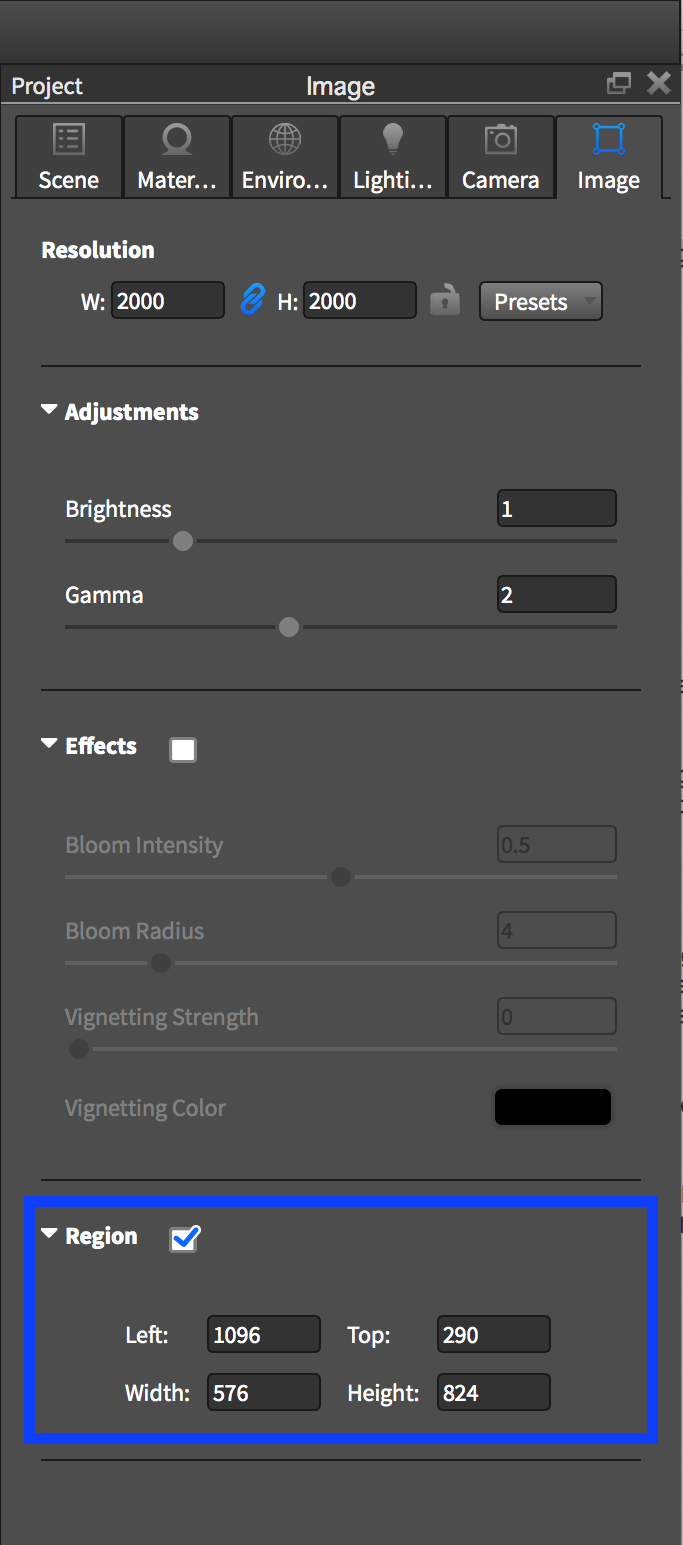
In the world of CGI, ambient occlusion is a shading technique used to add depth to a rendering. Occlusion is not a real-world phenomena, but a simple shading technique used by some 3D applications as an alternative to ray tracing to create the illusion of shadows. In...

How to Render Brushed Metals in KeyShot
How to Render Brushed Metals in KeyShot

Metals draw most of their color from the objects around them, which can make them challenging to photograph or render. These materials, such as chrome or stainless steel, are primarily driven by their reflections. We describe metal colors using the Specular parameter,...

How to Use KeyShot Real-time Region Rendering

How to Use KeyShot Real-time Region Rendering

When working on scenes in KeyShot with complex lighting or materials, you may notice the Real-time Viewer can take longer to resolve. Real-time Region Render can help maintain a fast workflow by allowing to render specific regions of your scene in...

The Difference Between KeyShot Roughness and Bump Textures

The Difference Between KeyShot Roughness and Bump Textures

Many assume Roughness and Bump are the same thing but did you know they are two completely different material properties? We often rely solely on bump textures to enhance our materials in KeyShot but the same texture maps you've been using for Bump can also be used...

Using KeyShot Alongside Onshape

Using KeyShot Alongside Onshape

There are many ways you can benefit from using Onshape and KeyShot together. Here are a couple tricks that can increase your design productivity. Below is an image that took me less than two minutes from start to finish to complete. Using a few of these simple...

3 Ways KeyShot Helps Create Amazing Portfolio Pieces

3 Ways KeyShot Helps Create Amazing Portfolio Pieces

There's one question we get a lot and that's how to create a portfolio that stands out above the rest. With all the creativity out there and all the sites that provide a way to host a portfolio, you would think this one of the easier parts of the process, but since it...

How To Use KeyShot Toon Material for Technical Illustration
How To Use KeyShot Toon Material for Technical Illustration

The KeyShot Toon material makes creating Technical Illustrations quick and easy. Apply the toon material, adjust the contours to your needs and save the exact camera view you need. With the KeyShot Material Graph, available with the release of KeyShot 6 Pro, you can...

Browse by topics