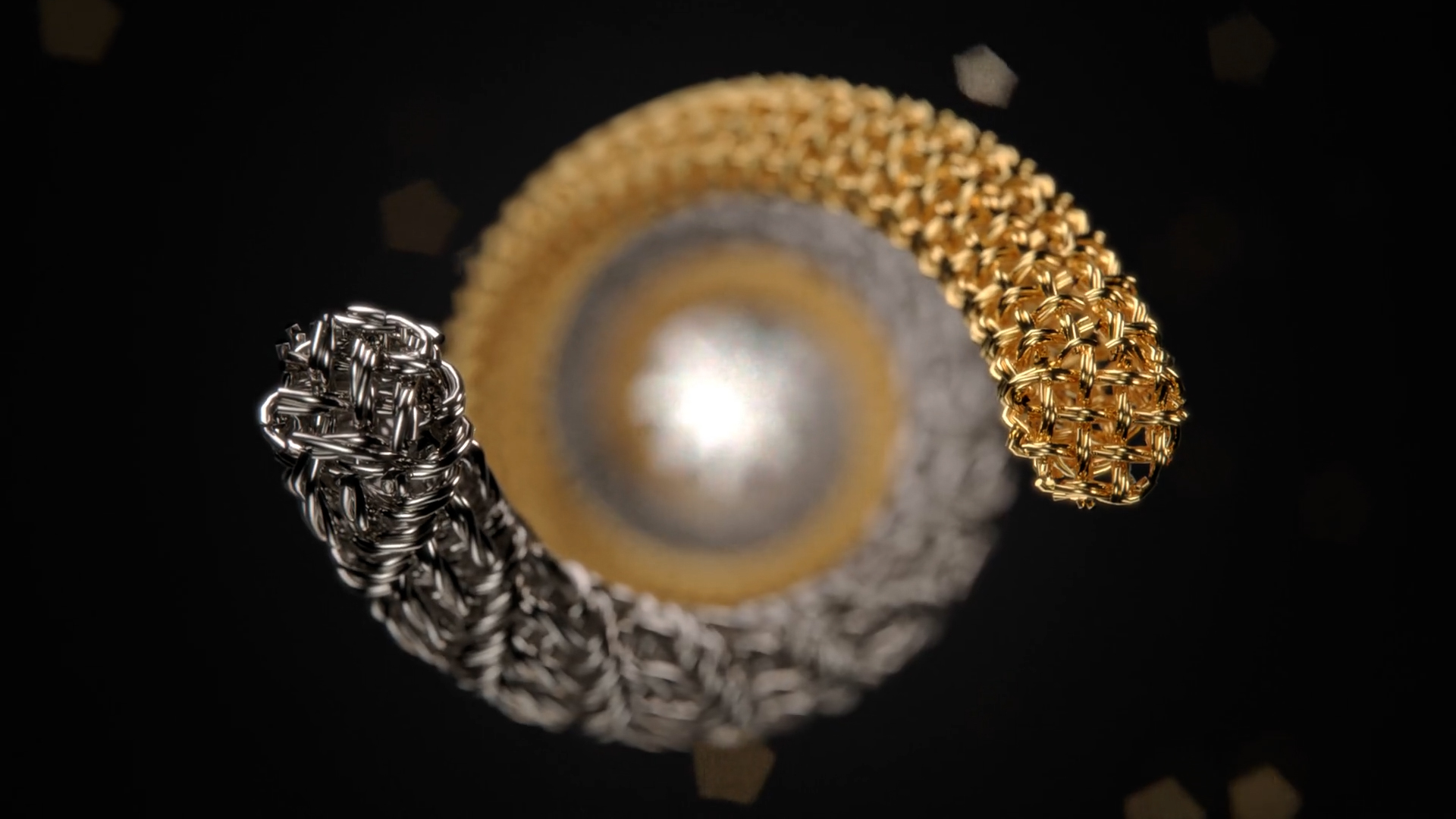
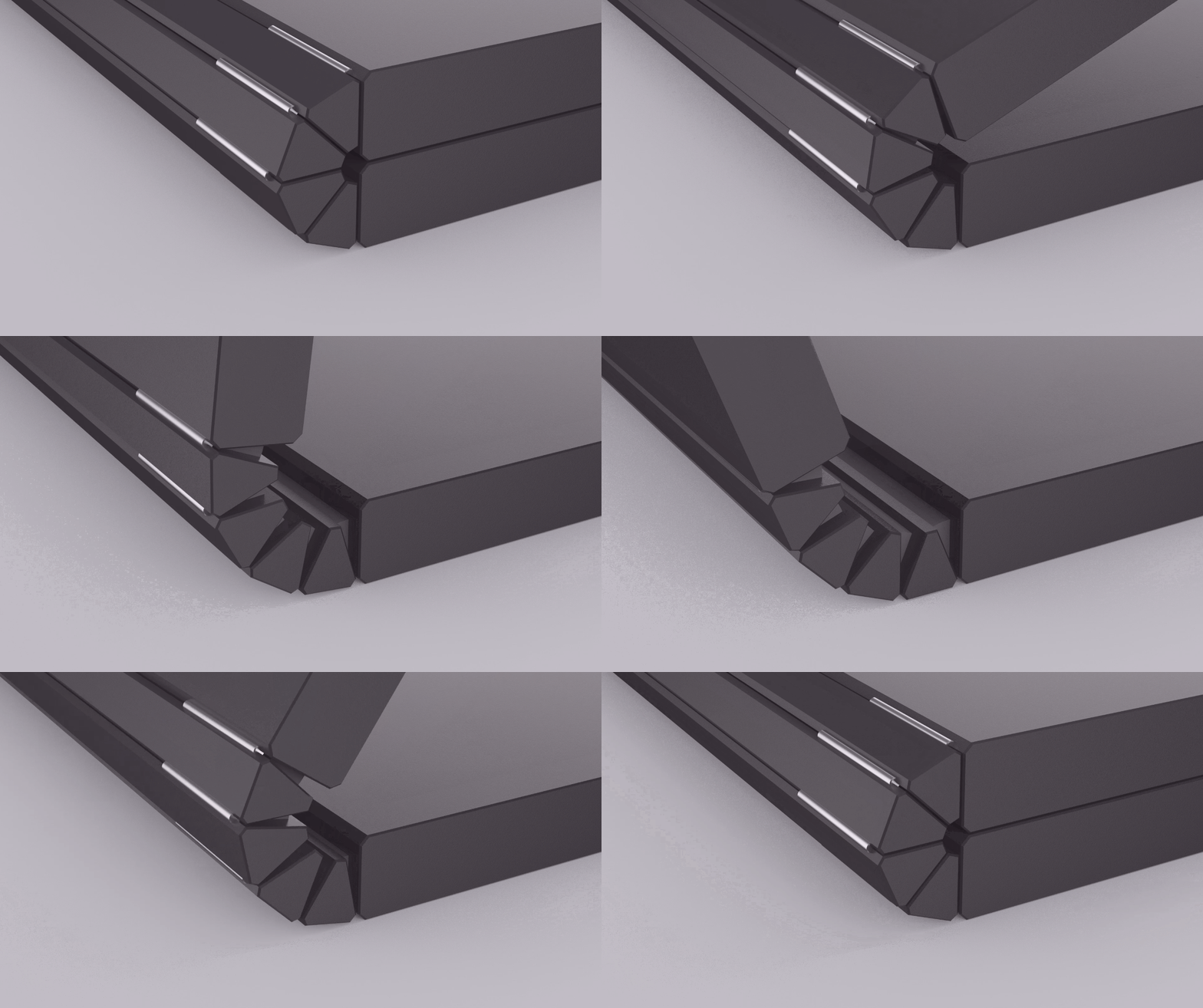
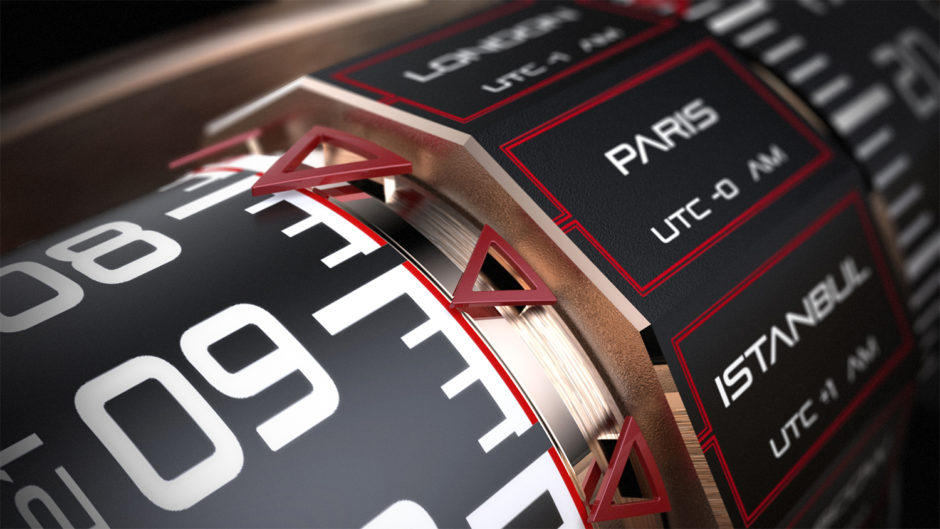
The new Casio Pro Trek PRW-6000 was debuted at this year’s Basel World with new technology that sets it apart as a must have for all outdor adventurers. With the debut, Antonio Pullano, Director of Photography at LovinLife Multimedia, and team set out to create exactly what the client needed. At the 0:33 and 1:56 mark in the production below, you will see the 3D renderings and animations he created using KeyShot that helped show the detail that went into the design of the watch.
“Recently a client requested that one of my standard video productions incorporate elements of 3D animation. My team was not familiar with this process, and so we reluctantly turned the project away. Our client insisted that we press on, so we began the process of searching for both software platforms and animators to get the job done. Discovering KeyShot was a complete game changer. Not only was the software exactly what we needed, but it was intuitive enough for me to personally attempt renderings, and finally complete the job without hiring an experienced and very costly animator.”
“With one day of trial and error using KeyShot and some very helpful phone support from the KeyShot team, I was able to navigate through the software and train myself to create not only the animations I needed, but further render our 3D model to look like our working sample filmed in the video, with the same color and material scheme! 3D animation might be very detailed and time consuming, but KeyShot makes the task attainable in the hands of an intuitive and determined first time editor.”