Blog

Tips
Tips Picks
How to Use the New Features In KeyShot Web Viewer

How to Use the New Features In KeyShot Web Viewer

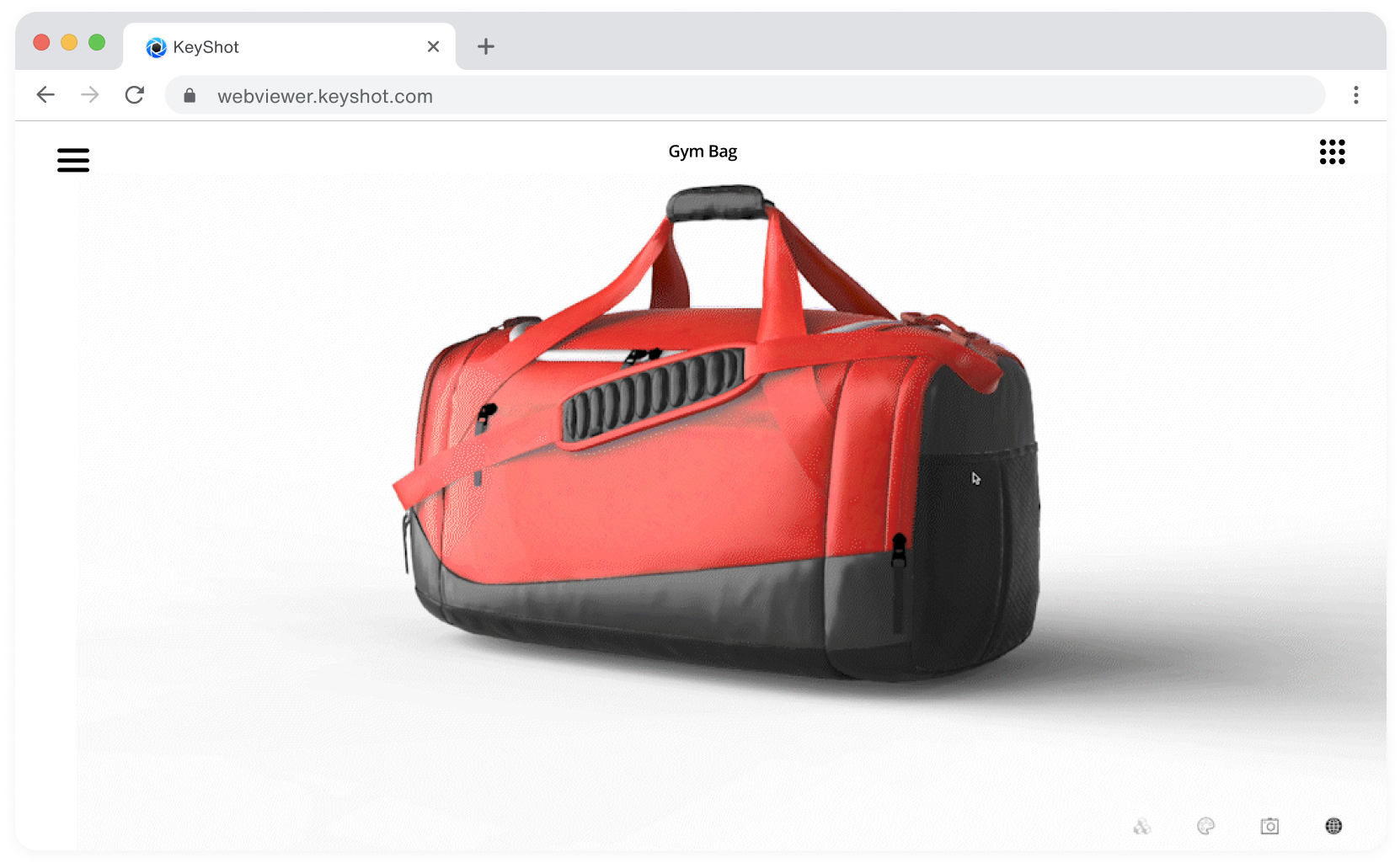
Now you can surprise and delight your internal stakeholders just like you do your customers. KeyShot’s latest Web Viewer update not only optimizes the user experience with an improved UI and faster load times, it also delivers powerful new features such as automatic...

How to Use KeyShot Web Viewer

How to Use KeyShot Web Viewer

KeyShot Web Viewer provides the perfect platform to communicate CMF needs and help finalize designs across stakeholders and organizations. Not only does it allow you to package interactive scenes for distribution, but it also allows you to attach support documentation...

How to Use and Create KeyShot Scene Templates

How to Use and Create KeyShot Scene Templates

If you’ve ever wanted an easy way to stage many products under the same environment and lighting conditions, then KeyShot Scene Templates are the best way for you to accomplish that. This is a new feature we're excited to bring you in KeyShot 2023. Where to Find...

How to Use the EXR Output Option in KeyShot 2023

How to Use the EXR Output Option in KeyShot 2023

KeyShot 2023 provides plenty of new options, including Multilayer EXR output for post-processing workflows. If you've ever wanted to output multilayer files but weren't a part of the Adobe ecosystem, now you're in luck: the EXR option is just what you need, and it'll...

MOST RECENT

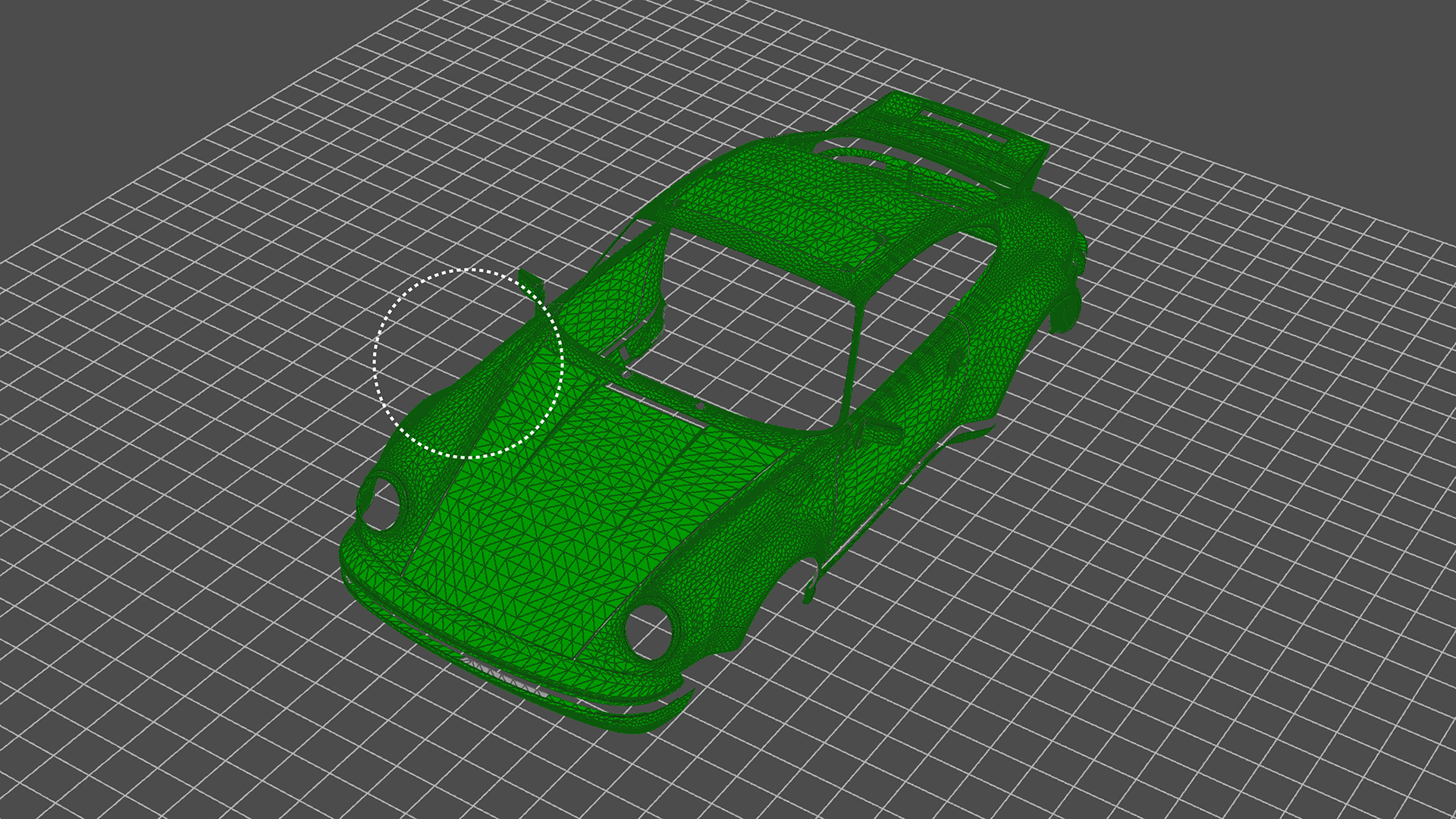
How to Use the KeyShot Mesh Simplification Tool

How to Use the KeyShot Mesh Simplification Tool

Though KeyShot is able to import and work with very large, very detailed data sets with very complex geometry and textures, there times when you may want to simplify the geometry of the model. Here, we'll take a look at how to access the Mesh Simplification tool and...

How to Use KeyShot’s Paint Selection to Split Object Surfaces
How to Use KeyShot’s Paint Selection to Split Object Surfaces

KeyShot Pro comes with many geometry tools to manage and work with your imported models. One of those is the Split Object Surface Tool. Today, we'll look at the tool and the Paint Selection feature for quick selection and splitting of model surfaces. Split Object...

Using KeyVR Connect for Collaborative VR Design Reviews
Using KeyVR Connect for Collaborative VR Design Reviews

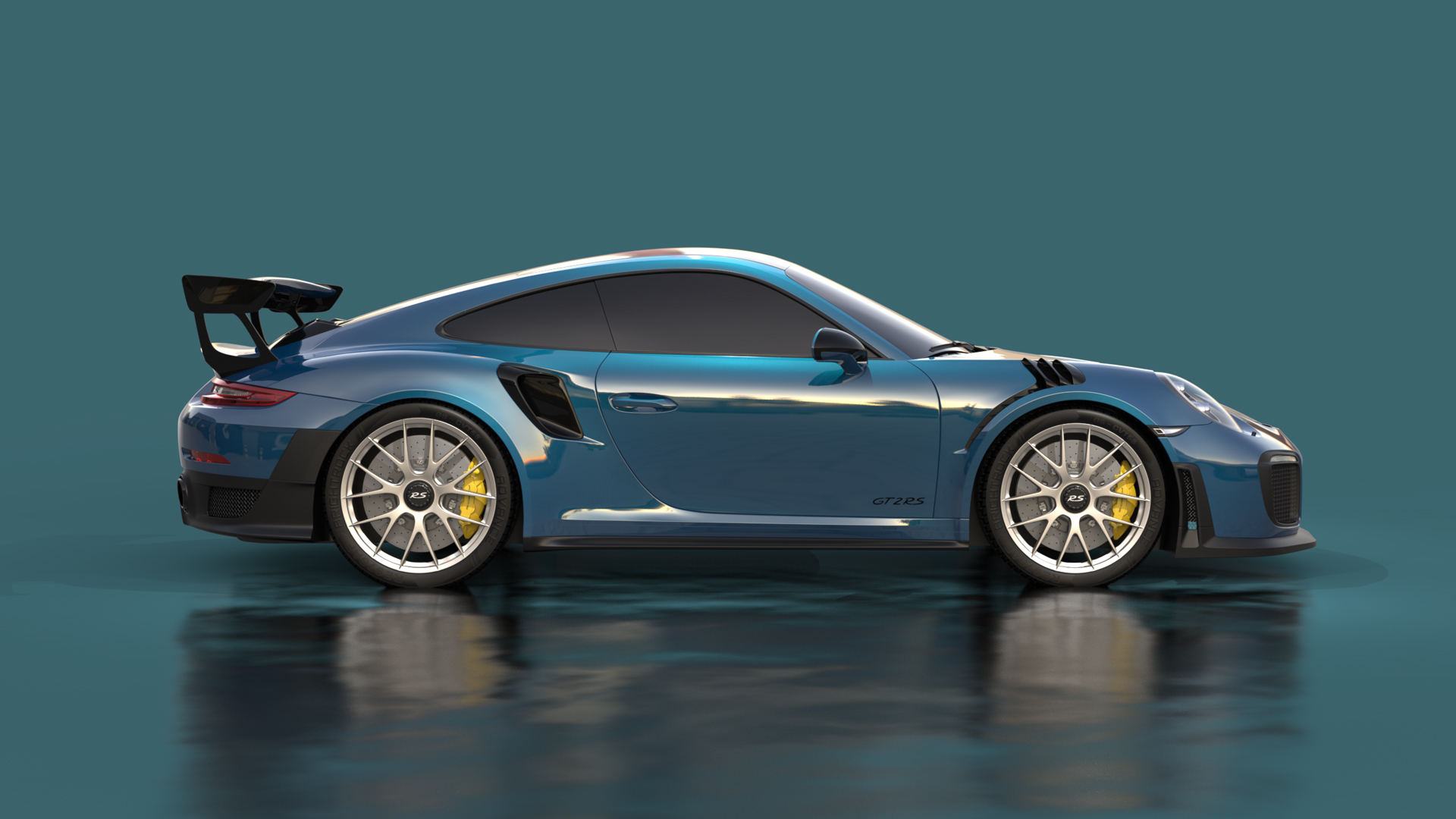
KeyVR Connect is a new feature that allows you and your team to join the same virtual scene where you can collaborate and make design decisions in real time, from anywhere. If you're new to KeyVR, it's a way to go from your KeyShot scene to a VR environment with a...

Best Practice For Perfect Axalta Paint Flakes in KeyShot
Best Practice For Perfect Axalta Paint Flakes in KeyShot

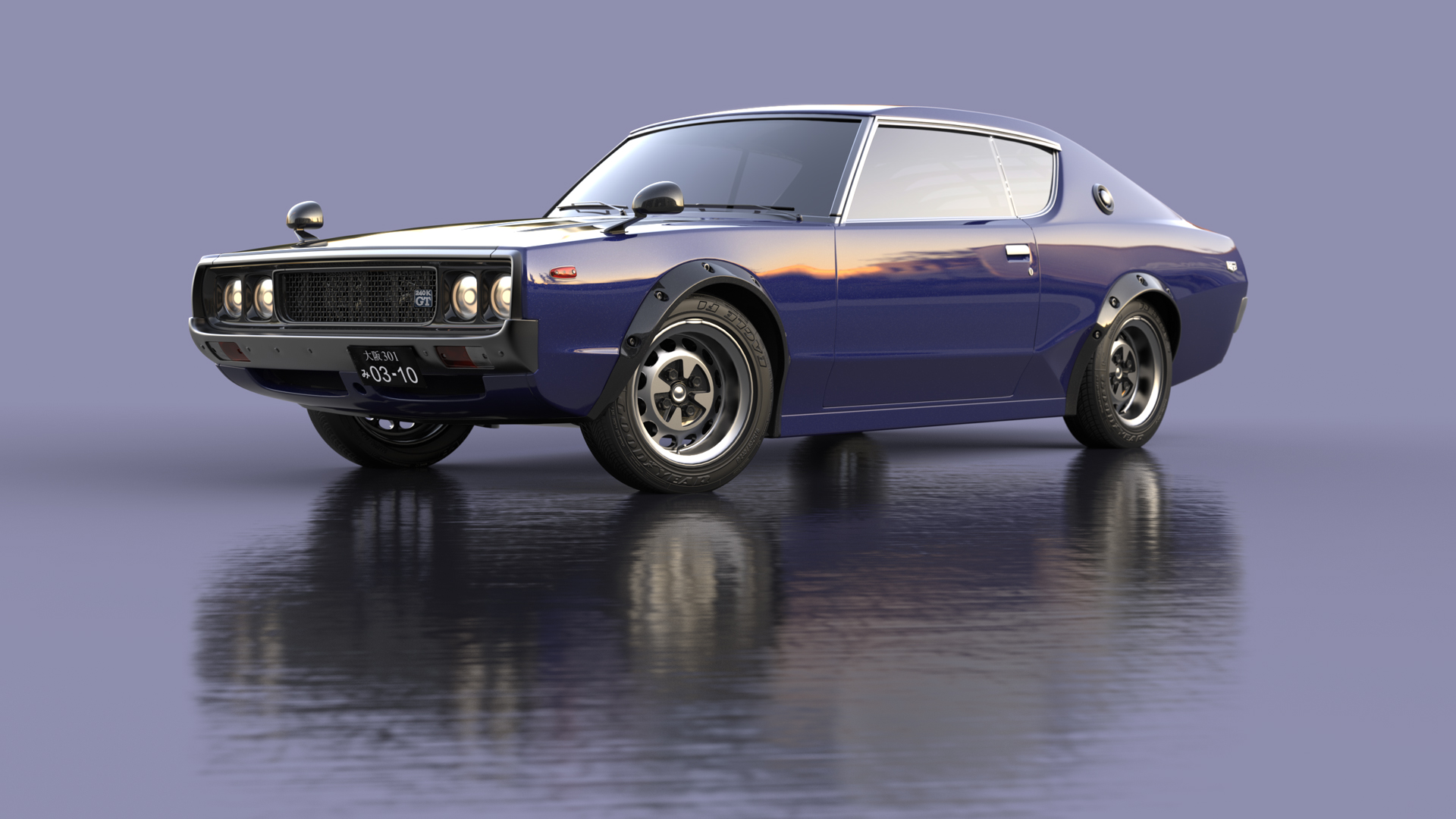
KeyShot exclusive Axalta’s coatings have been an incredible resource for renderings of all kinds. Whether transportation-related or product-related, the array of hot hues and other color options can add just the snap of color needed with a simple drag-and-drop. Axalta...

Working With Ground Planes In KeyShot
Working With Ground Planes In KeyShot

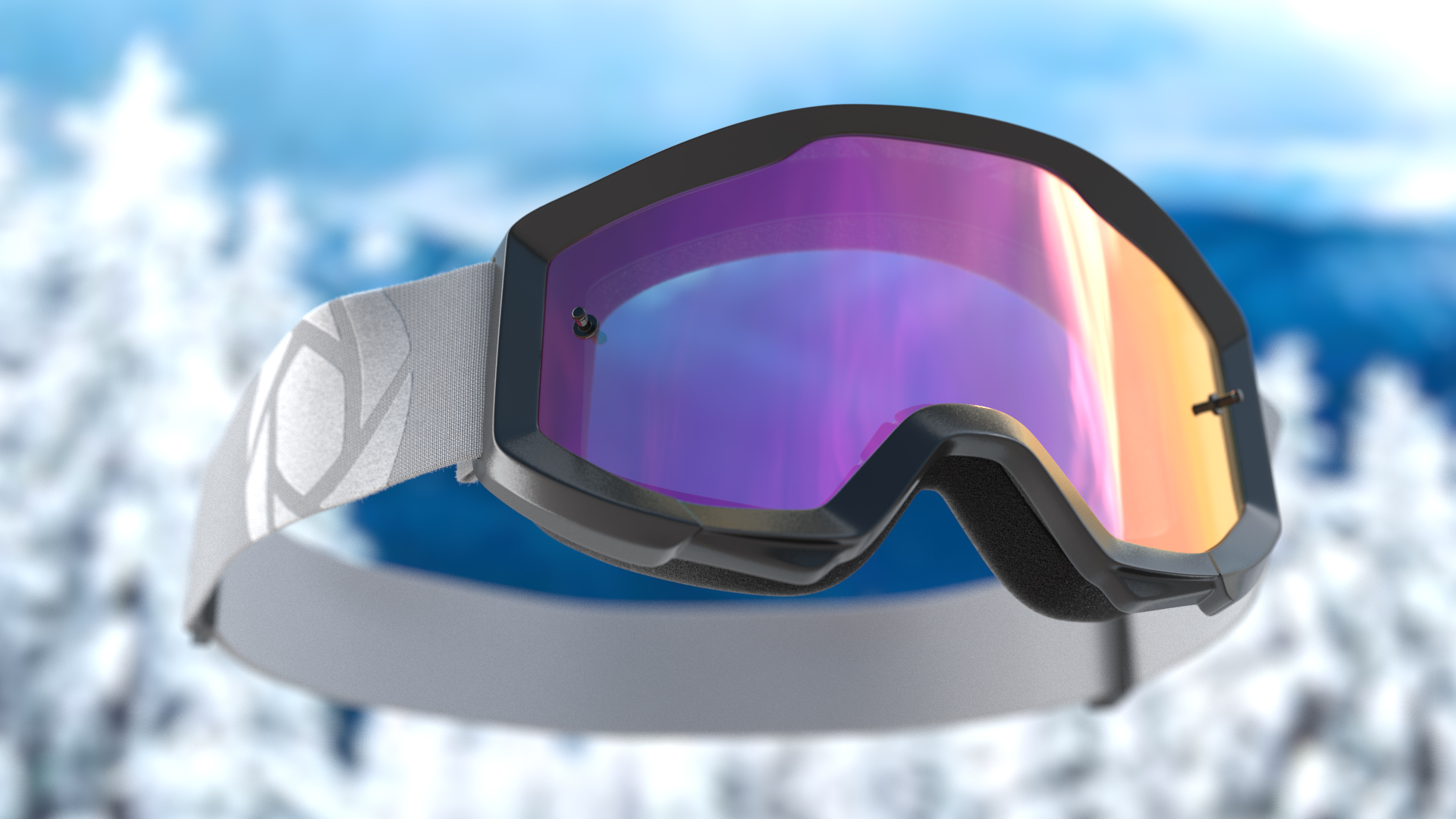
One of the quickest and easiest ways to give your product or vehicle renderings more realism is to add presence in your scenes by setting them on a surface and adding a nice shadow or ground reflection. You may have used KeyShot geometry, a table or podium model, or...

Using Depth of Field In KeyShot

Using Depth of Field In KeyShot

KeyShot has all the features that allow you to capture your scene just as you would with a real-world camera. Its ability to add depth to a scene is no different and, it's a whole lot easier. KeyShot’s Depth of Field (DOF) camera settings is a simple, powerful option...

Adding Textures and Materials to Labels in KeyShot

Adding Textures and Materials to Labels in KeyShot

KeyShot allows you to more accurately communicate the physical properties of your labels by applying materials and textures to them. Of course, you can simply add a label to a surface and run with the default settings but you can push the realism even further with...

How to Use Denoise and Firefly Removal in KeyShot
How to Use Denoise and Firefly Removal in KeyShot

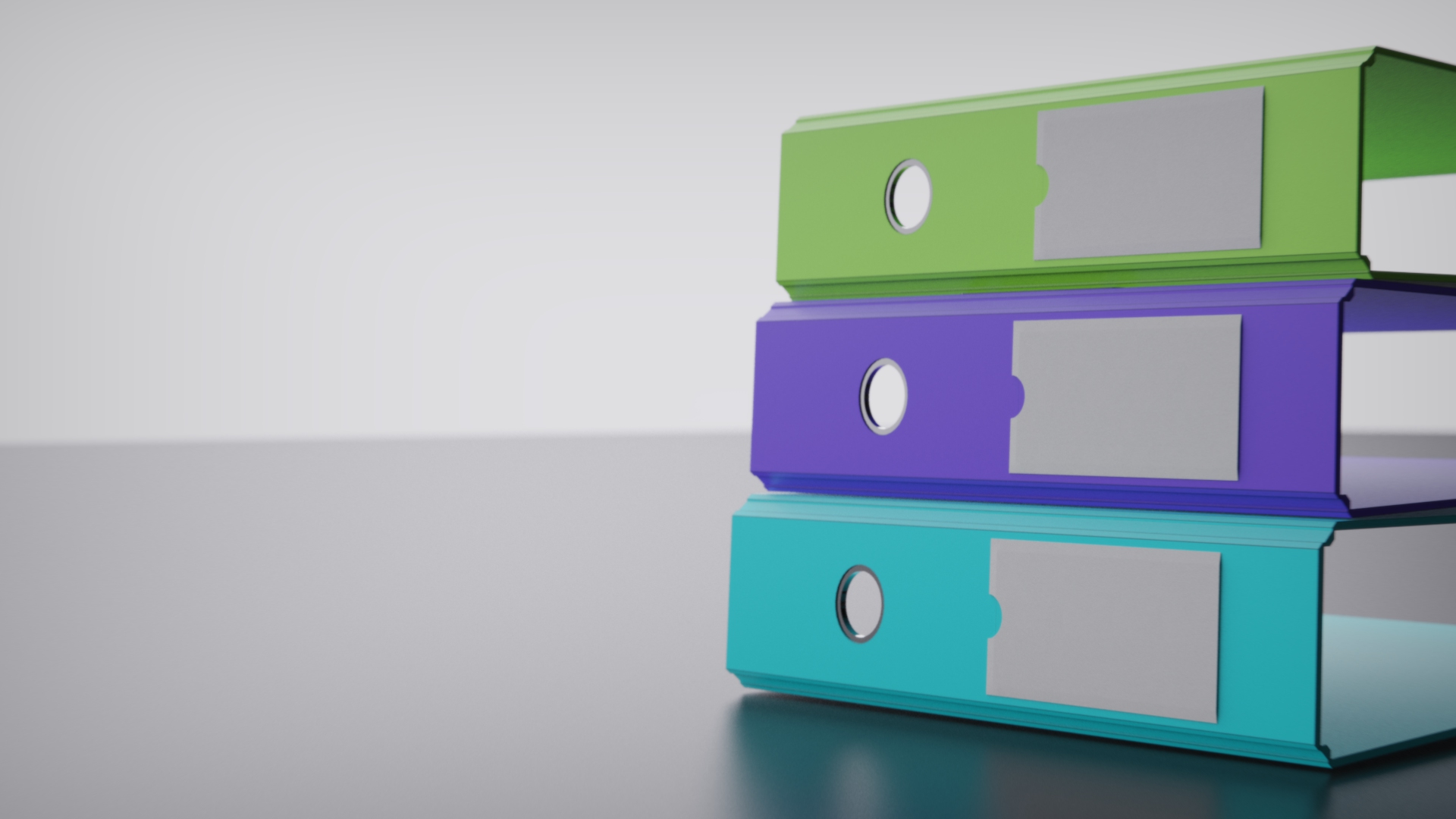
When you have unwanted noise or specks of light in your image, Denoise and Firefly Removal will clean it up quick. Today, we'll take a look at KeyShot Denoise and show you how you to use it to smooth out your visuals to produce faster results from your KeyShot scenes....

How to Use Shared Libraries in KeyShot
How to Use Shared Libraries in KeyShot

Today, we'll look at how to create shared KeyShot Resource folders to help organize your assets and collaborate across a network. Shared KeyShot Resource Library Shared folders allow you to point KeyShot to access files in folders that are shared on a server or local...

How to Create Custom Bokeh in KeyShot
How to Create Custom Bokeh in KeyShot

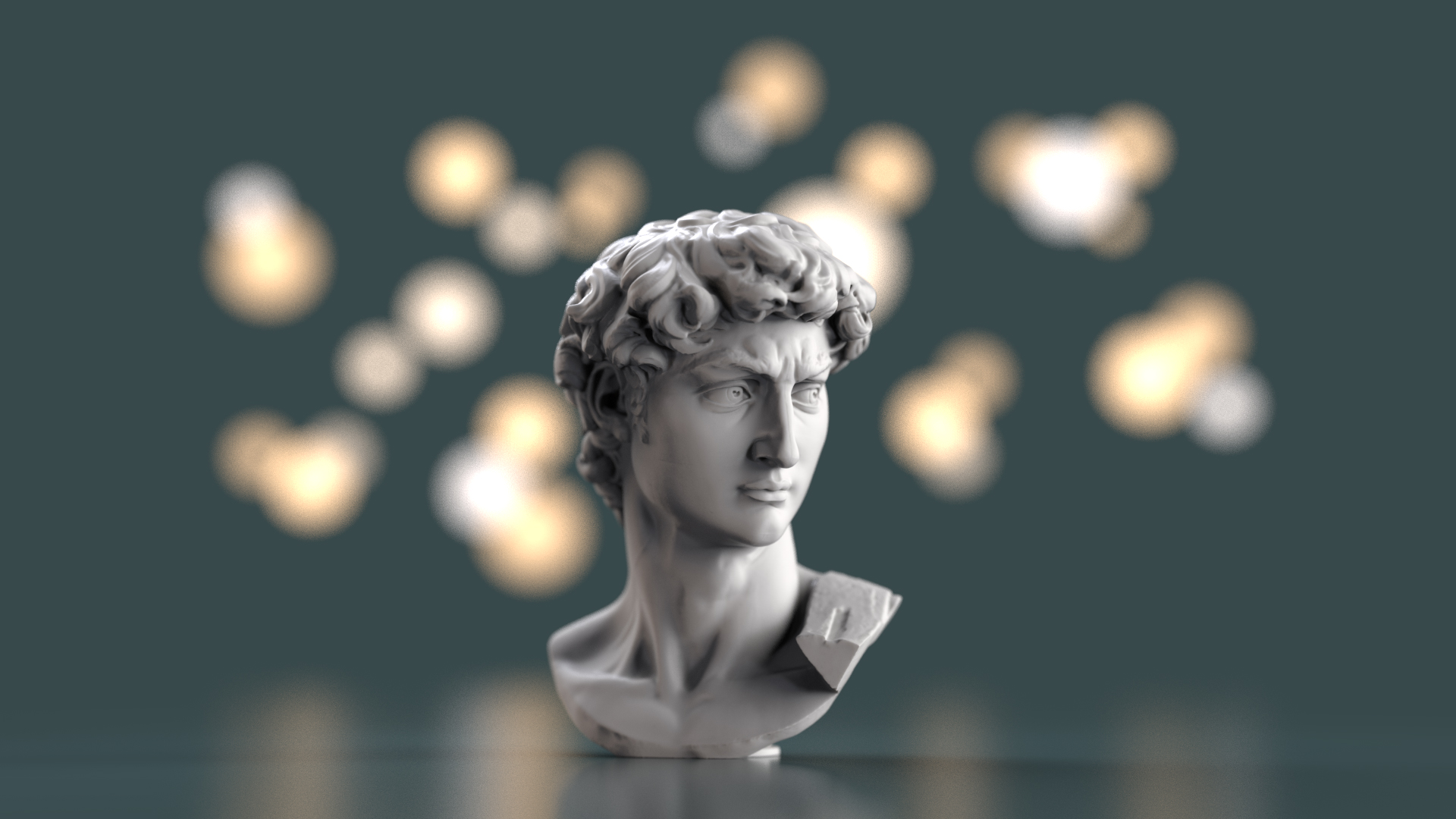
Today we’ll be looking at KeyShot's Depth of Field setting and the background blur effect called bokeh. We'll demonstrate how to set up a standard bokeh appearance, then use this to show how to create custom bokeh appearances using bokeh filters in KeyShot. DOF,...

Browse by topics