KeyShot Partners can take our course to earn a KeyShot Bridge Certification.
You all should really pat yourselves on the back: You've been cranking out some incredible KeyShot animations this year! We've gathered some of our favorites below, from working professionals, creative hobbyists and the KeyShot Luminaries community. If you're new to...
Been busy? We get it — we’ve been doing all the things too. If you haven’t gotten a chance to see the most important KeyShot updates, we’ve got you covered. Here are the most-watched tutorials of this year so far. Save Time with Scene Templates The easiest way to...
Building on Keyshot’s existing keyframe architecture, KeyShot 2023 has replaced camera path animation in favor of a keyframe-based camera animation solution. It’s now easier than ever to create dynamic camera animations quickly. Adding a Keyframe Animation To get...
KeyShot imports all major 3D file formats and has plugins for many of the most common. Among those is the KeyShot for NX plugin, a premium plugin that allows LiveLinking capability between KeyShot and Siemens NX. KeyShot for NX Plugin The KeyShot for NX plugin is a...
In our last quick tip, we looked at how to create surface dust in KeyShot. But, what if you want a bit of dust floating in the air? As with any rendering, the little details add that extra bit of realism, and one way to add more detail to your scene is to add some...
While it seems like surface dust doesn't belong in a product shot, some like the added realism a little surface dust provides. There are quite a few ways to add surface imperfections to your KeyShot scene. Some are quick, simple and to the point, while others are more...
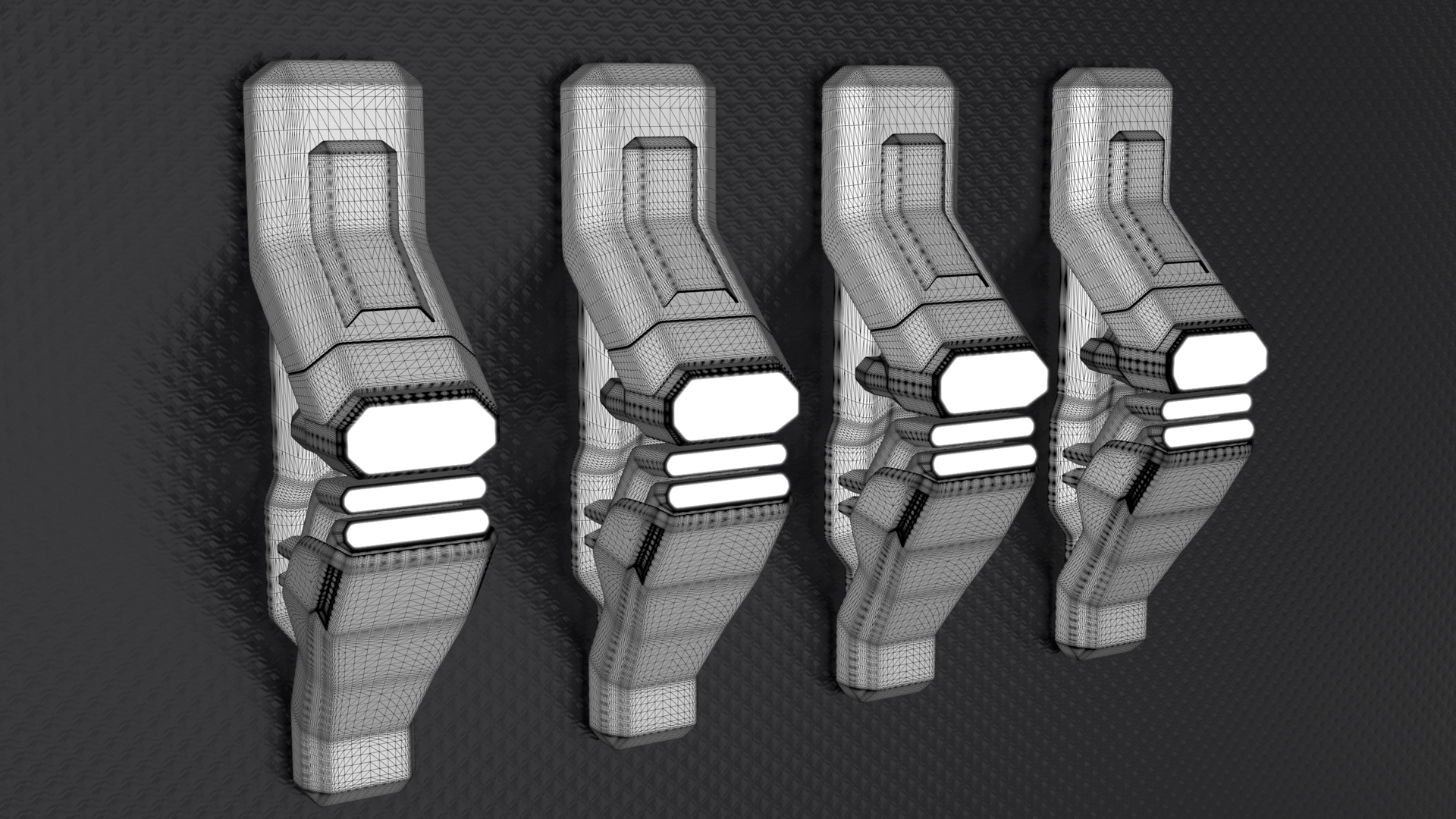
Today, we’re going to explore the Rounded Edges tool in KeyShot. This is a handy feature that simulates fillets on parts, without actually altering the geometry and increasing the triangle-count. Adding Fillets in KeyShot Rounded edges on parts definitely add to the...
Today, we have a quick tip to help you create clean, crisp product shots. It's from a question we get a lot: How do I get a super nice, all white backgrounds for my renderings. Well, there are two ways to do it. Let's have a look. White Backgrounds in KeyShot Why...
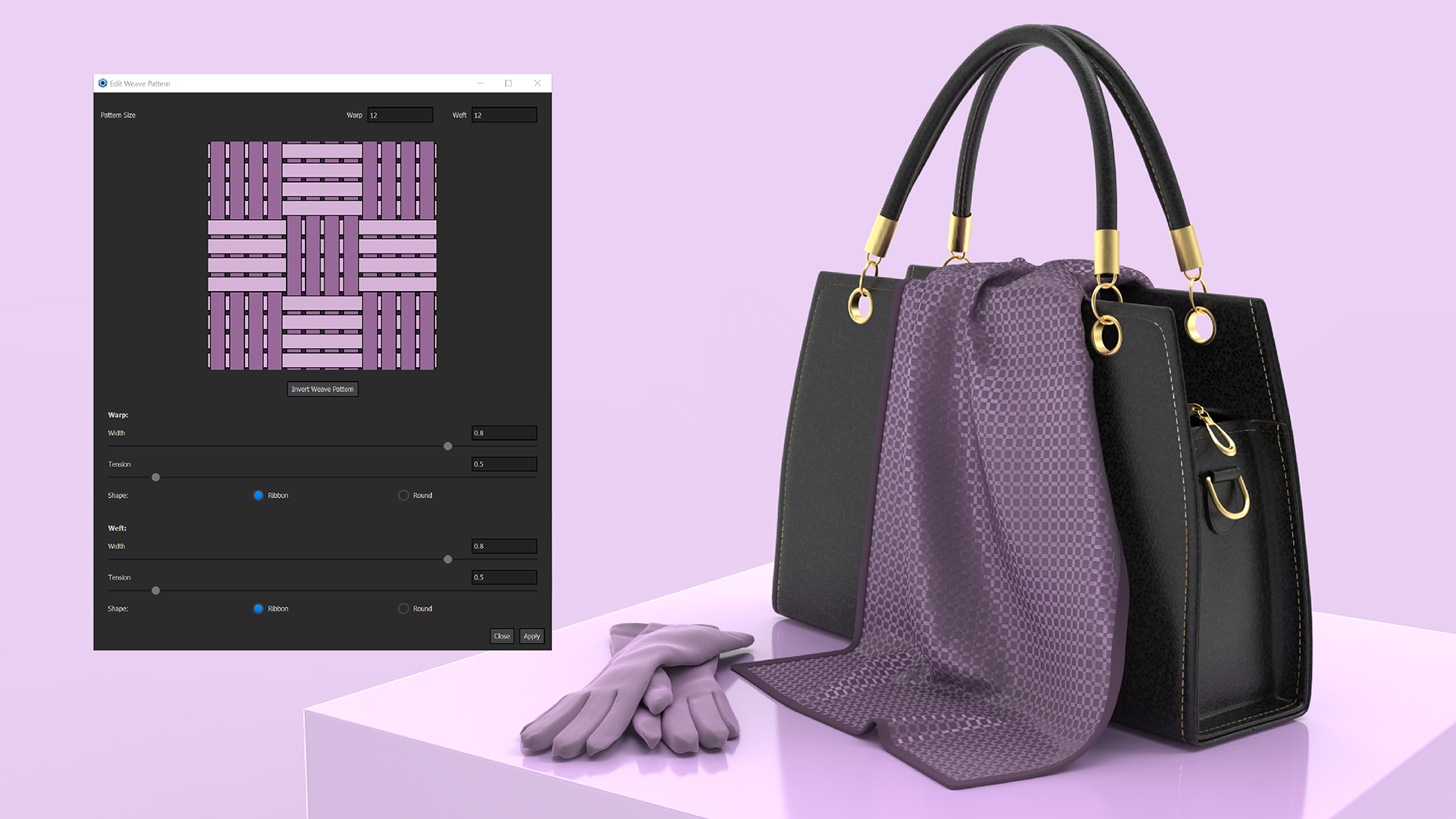
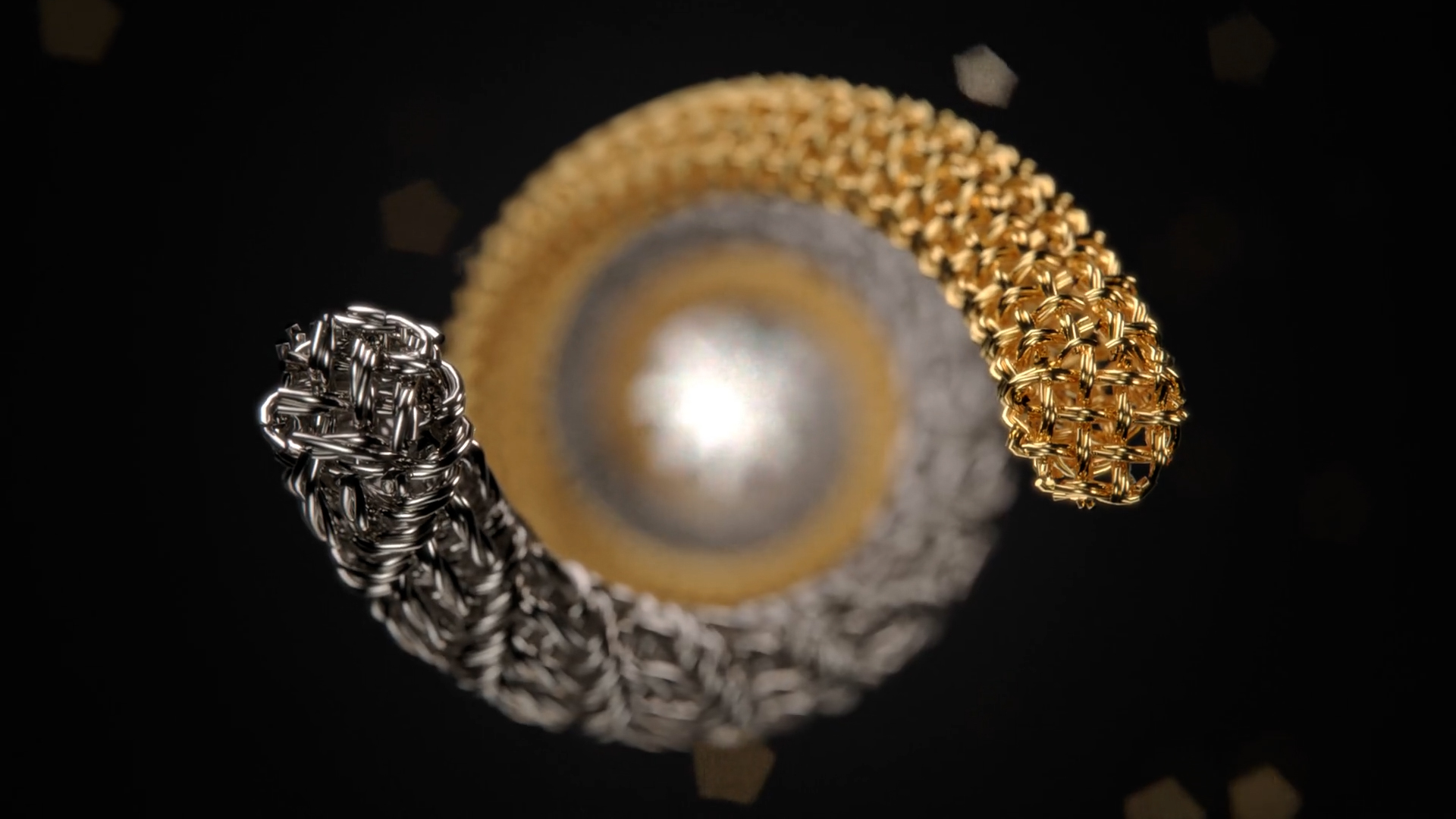
When you’re working with KeyShot RealCloth, you may eventually want to explore more custom weave patterns. While KeyShot comes with some handy presets for applying weave patterns, KeyShot Pro offers the ability to easily customize these weave patterns. Custom Weave...
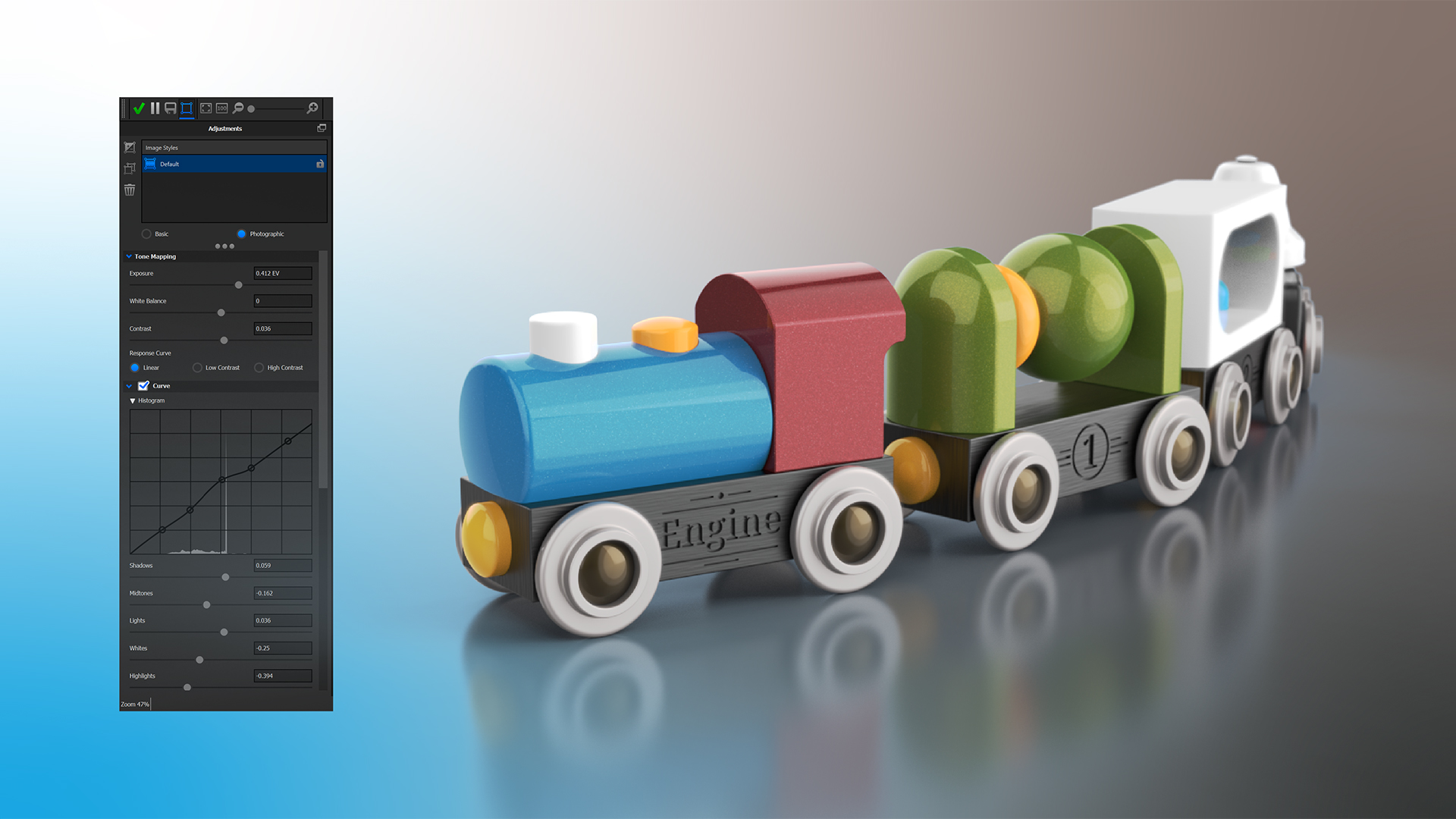
Post-processing (editing) a rendering can be useful for many reasons. You may want to tweak the contrast, add some bloom or a vignette, or even change background colors and add frontplates. KeyShot allows you to do that prior to rendering but also after you have...
If you’re trying to add some depth to a logo or label in KeyShot, but don’t have the geometry of the graphic modeled on your part, you can easily create the illusion of an embossed or debossed graphic by using a simple bump map. Emboss and Deboss Labels KeyShot Labels...
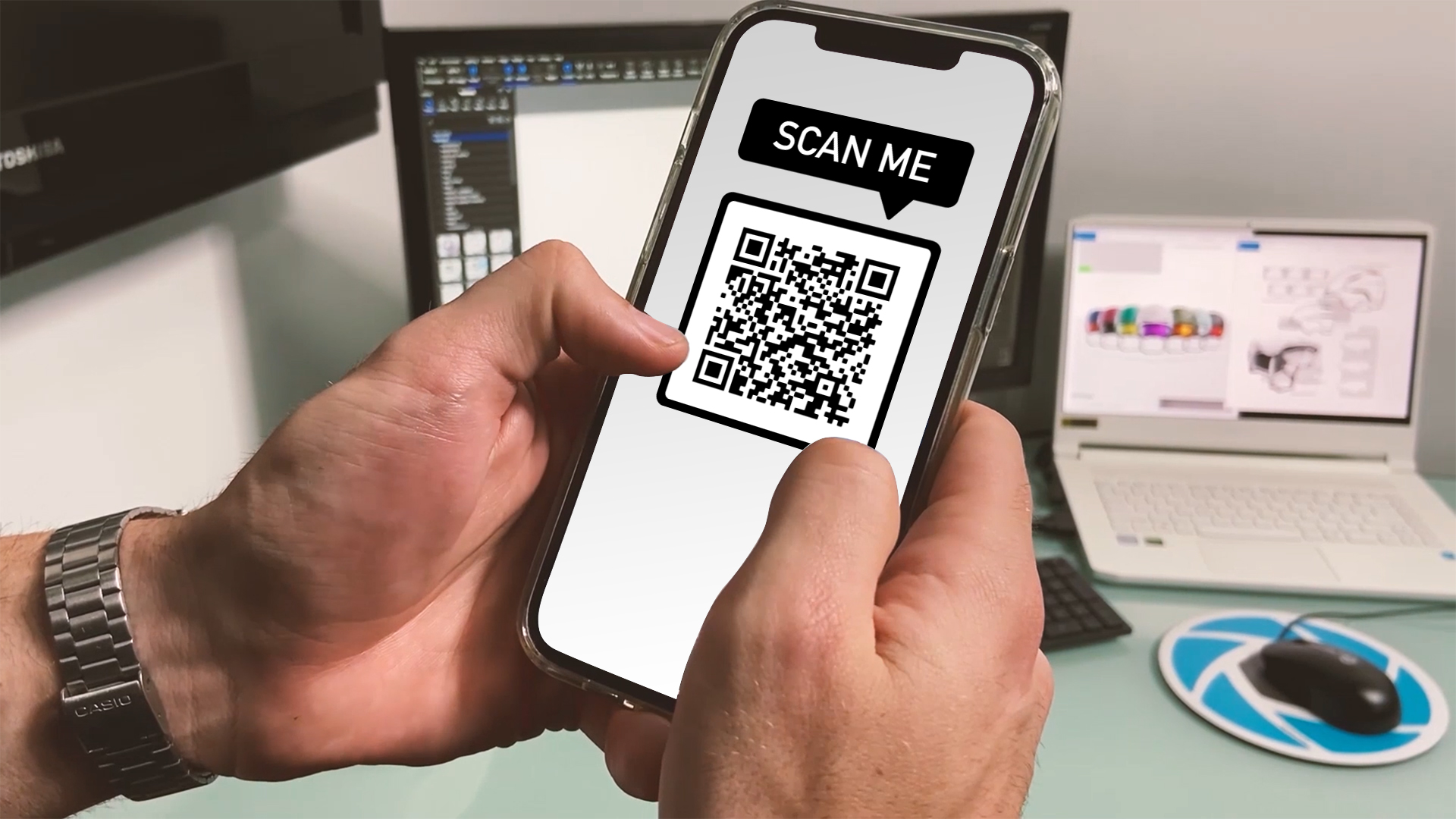
With USDz and GLB export from KeyShot, there are a lot of ways to experience your 3D models. One common method is to share them with a QR code. The person uses the camera on their mobile device to scan the QR code which opens a link and (on modern mobile devices)...
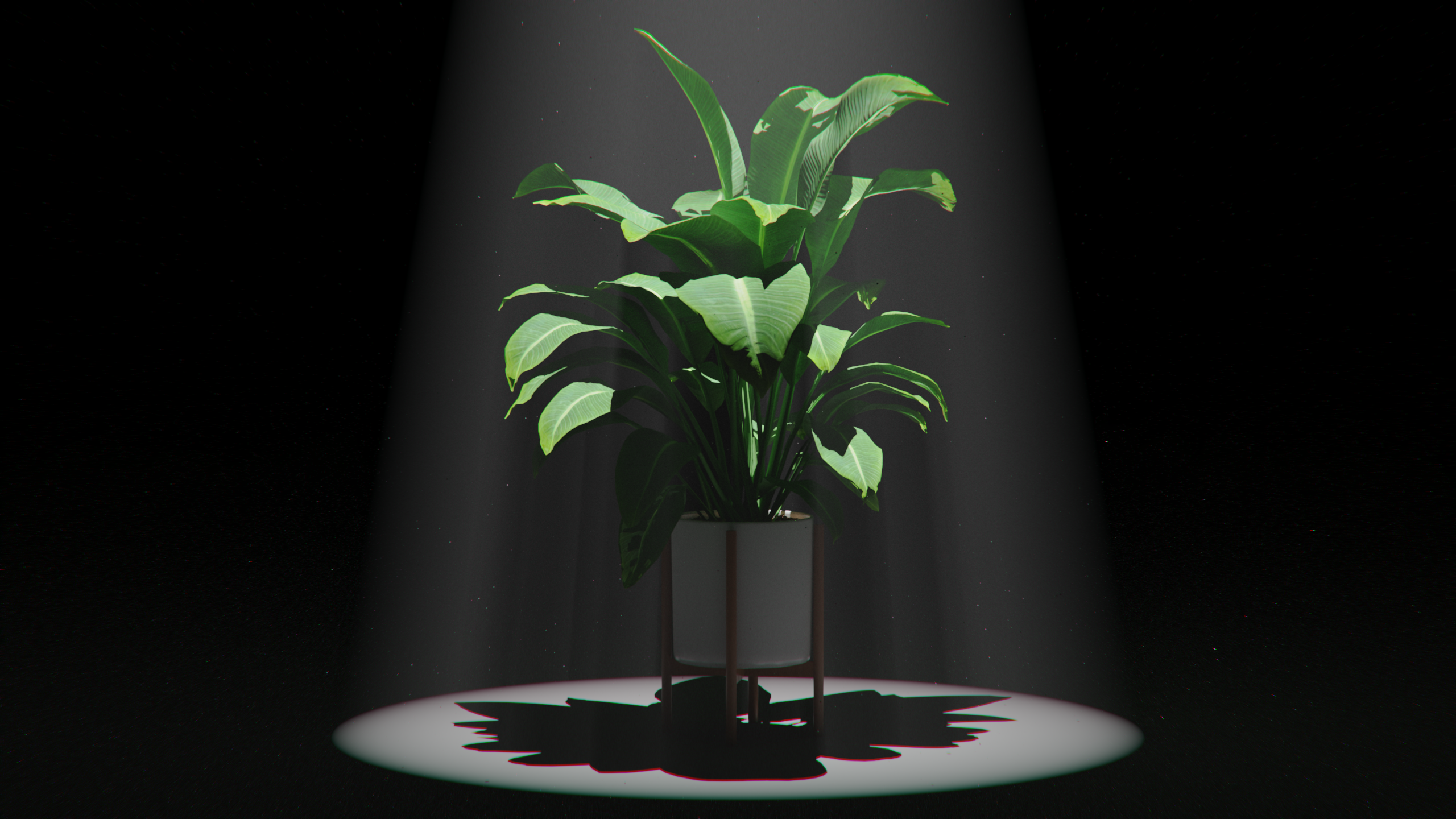
KeyShot has an array of lighting capabilities from simple drag-and-drop HDRI lighting to physical lights, along with lighting presets to get you started and a Light Manager to make controlling your scene lighting easy. KeyShot also has rich volumetric lighting...