Blog

Tips
Tips Picks
How to Use the KeyShot Mesh Simplification Tool

How to Use the KeyShot Mesh Simplification Tool

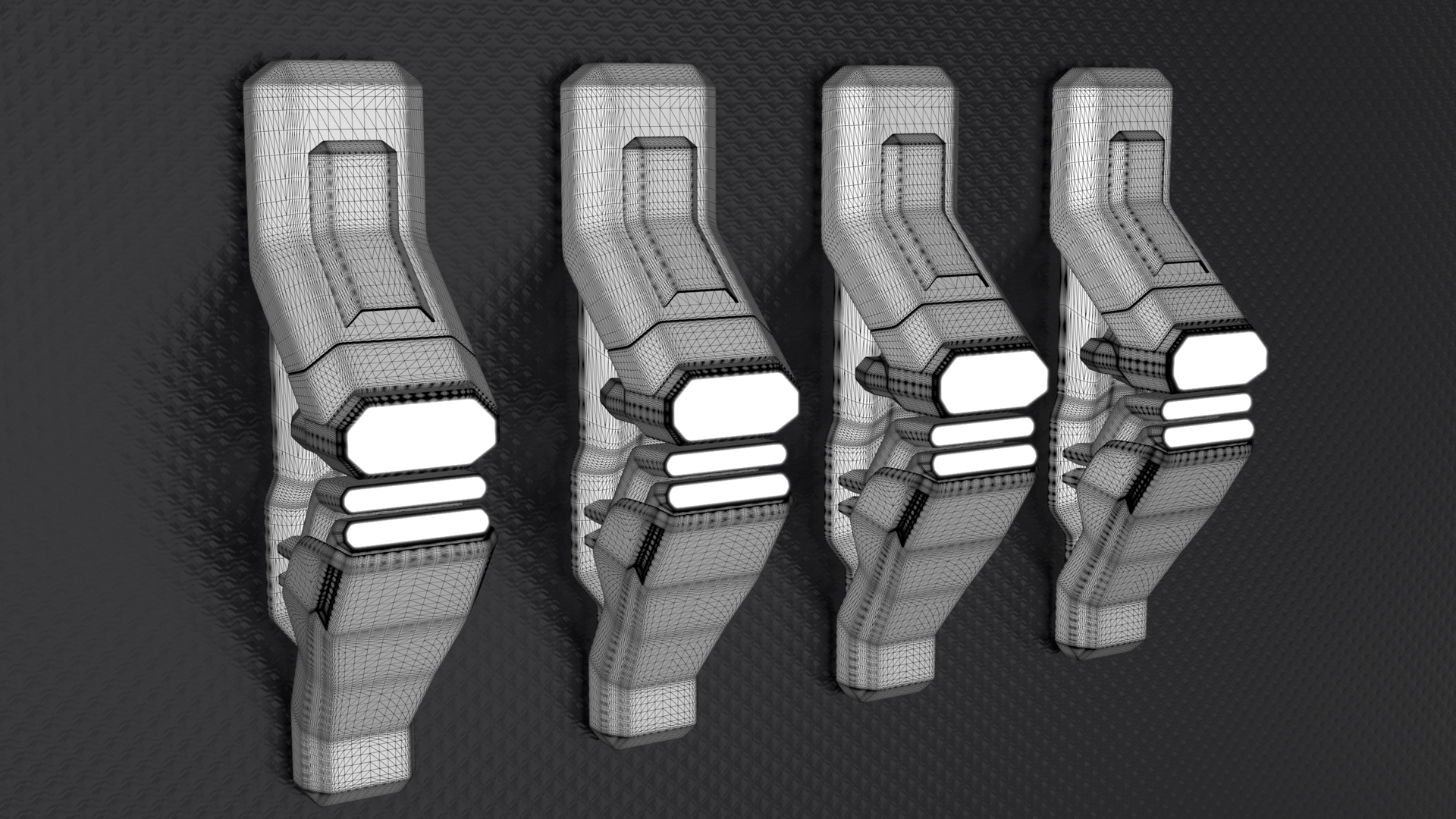
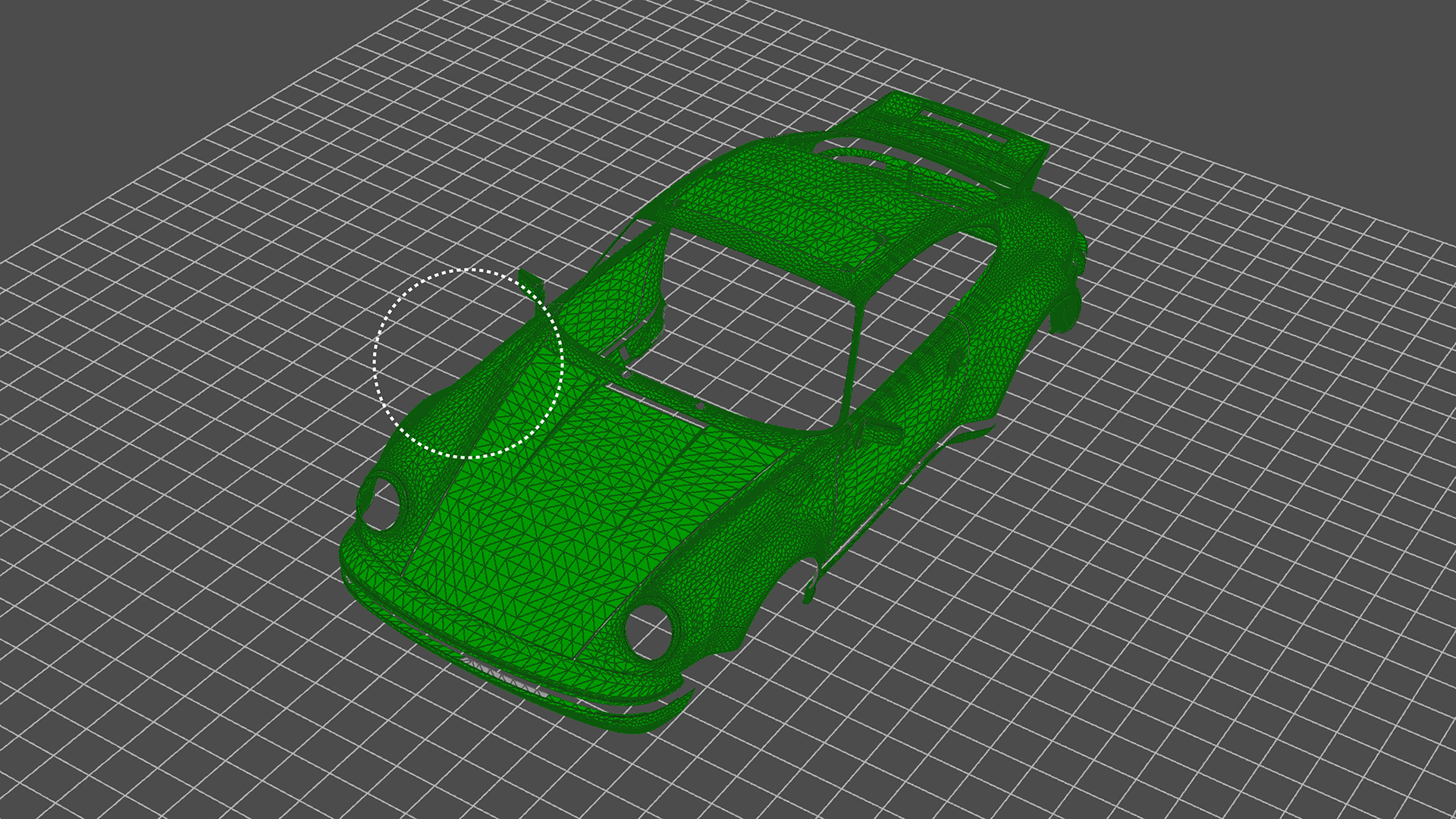
Though KeyShot is able to import and work with very large, very detailed data sets with very complex geometry and textures, there times when you may want to simplify the geometry of the model. Here, we'll take a look at how to access the Mesh Simplification tool and...

How to Use KeyShot’s Paint Selection to Split Object Surfaces

How to Use KeyShot’s Paint Selection to Split Object Surfaces

KeyShot Pro comes with many geometry tools to manage and work with your imported models. One of those is the Split Object Surface Tool. Today, we'll look at the tool and the Paint Selection feature for quick selection and splitting of model surfaces. Split Object...

Using KeyVR Connect for Collaborative VR Design Reviews

Using KeyVR Connect for Collaborative VR Design Reviews

KeyVR Connect is a new feature that allows you and your team to join the same virtual scene where you can collaborate and make design decisions in real time, from anywhere. If you're new to KeyVR, it's a way to go from your KeyShot scene to a VR environment with a...

Best Practice For Perfect Axalta Paint Flakes in KeyShot

Best Practice For Perfect Axalta Paint Flakes in KeyShot

KeyShot exclusive Axalta’s coatings have been an incredible resource for renderings of all kinds. Whether transportation-related or product-related, the array of hot hues and other color options can add just the snap of color needed with a simple drag-and-drop. Axalta...

MOST RECENT

How To Create Subtle Hairline Scratches in KeyShot
How To Create Subtle Hairline Scratches in KeyShot

So, you're in need of some scratches. Not just any old scratch though - subtle, hairline scratches. As you see in the pool ball example here, a small amount of wear can add an incredible amount of realism. With KeyShot, you can create these scratch effects quite...

How to Create Light Beams in KeyShot

How to Create Light Beams in KeyShot

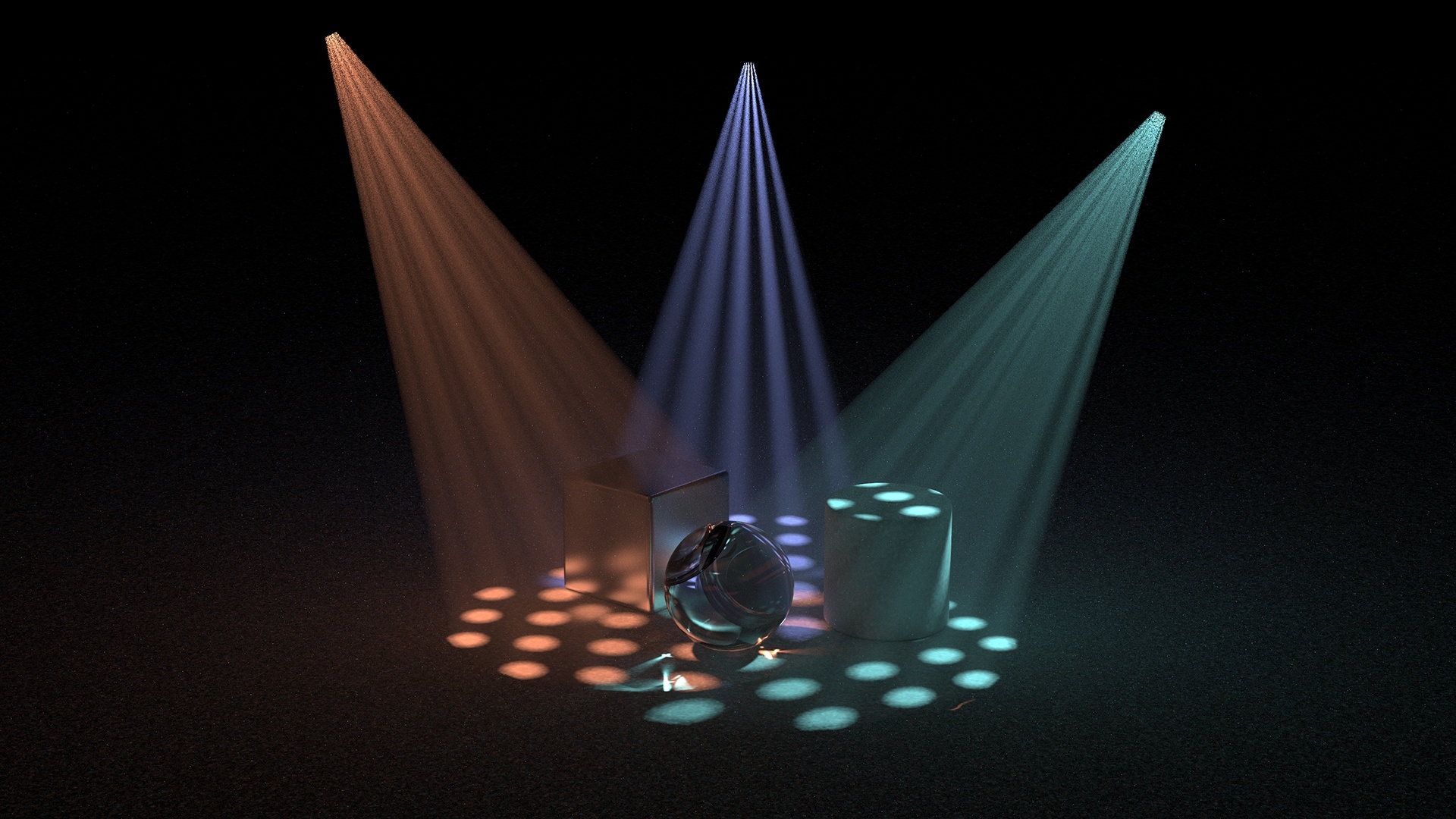
Though KeyShot has advanced Volumetric Lighting capabilities, there are some other methods you may want to experiment with when you need to create light rays or light beams or if you're using a version prior to KeyShot 8. To learn how to create light rays with...

Stop paying the price for unused content
Marketing departments produce content in abundance, simply because it’s part of their KPIs. In a B2B research, SiriusDecision Inc found that 70% of content ends up being unused.

Understanding KeyShot Studios & Environments

Understanding KeyShot Studios & Environments

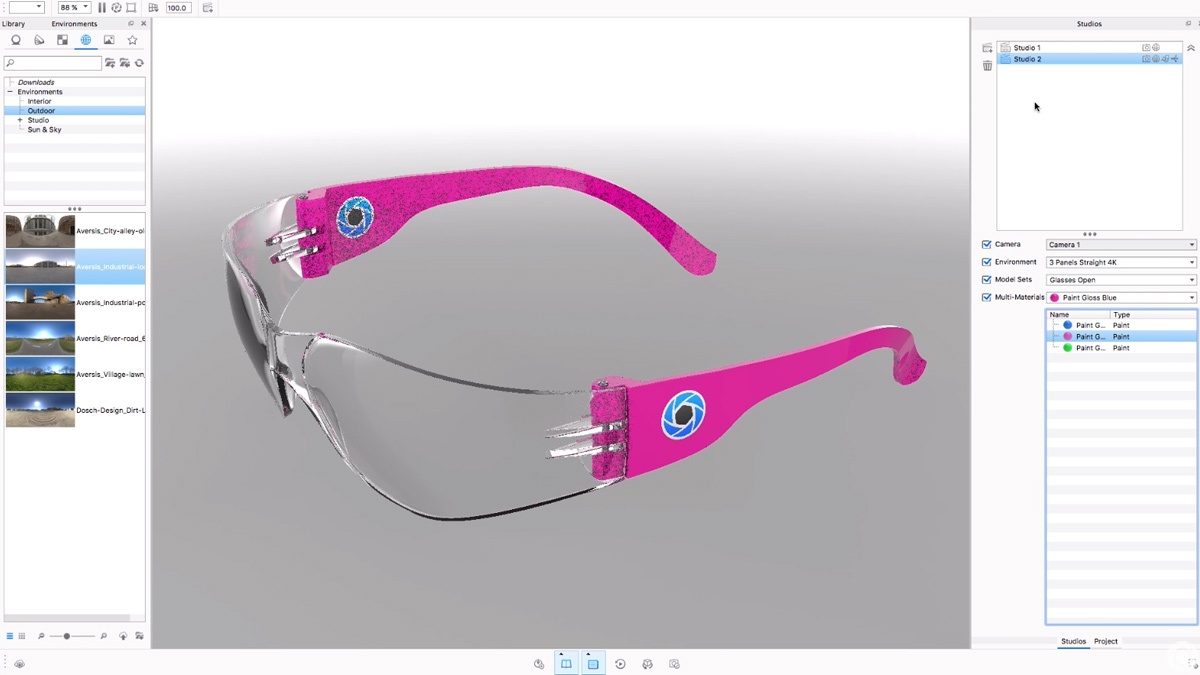
KeyShot 7 introduces quite a few workflow enhancements. Among these are new Environment capabilities and the introduction of Studios. You can now use multiple Environments in one scene and use this together with Studios to present different views, materials and...

How to Create Three Point Lighting in KeyShot

How to Create Three Point Lighting in KeyShot

Esben Oxholm has a new video to take you through the process of creating three-point lighting using the HDRI Editor in KeyShot 7. It's a quick video where he first explains what three-point lighting is, then shows you how to create your HDRI environment and set up...

How to Migrate KeyShot Resources to KeyShot 7

How to Migrate KeyShot Resources to KeyShot 7

KeyShot 7 is out. And with that, all the KeyShot resources - the materials, environments, textures and backplates - have been updated to take advantage of the latest KeyShot material, texture and environment capabilities. We've captured the list of updates and what...

How to Use Poliigon Textures in KeyShot

How to Use Poliigon Textures in KeyShot

If you've looked around online for textures, you've likely come across Poliigon. Their wide array of high quality textures are rich in detail, can be used across different 3D software and come with various map types to get your models looking much more realistic than...

How to Create Glitter on Glass Material in KeyShot

How to Create Glitter on Glass Material in KeyShot

You can use the KeyShot Material Graph to create layered materials. One common material request is to create a glitter finishes on transparent materials like glass or clear plastic. Here's how to do it. How to Create Glitter on Glass To create Glitter on Glass, start...

How to Create Procedural Clear-Coated Carbon Fiber in KeyShot

How to Create Procedural Clear-Coated Carbon Fiber in KeyShot

Out of the millions of materials and material combinations you can produce in KeyShot, one of the most popular in clear-coated carbon fiber.  It can be applied quickly using a KeyShot procedural texture or taken even further using the KeyShot Material Graph. Esben...

Browse by topics