

Intro
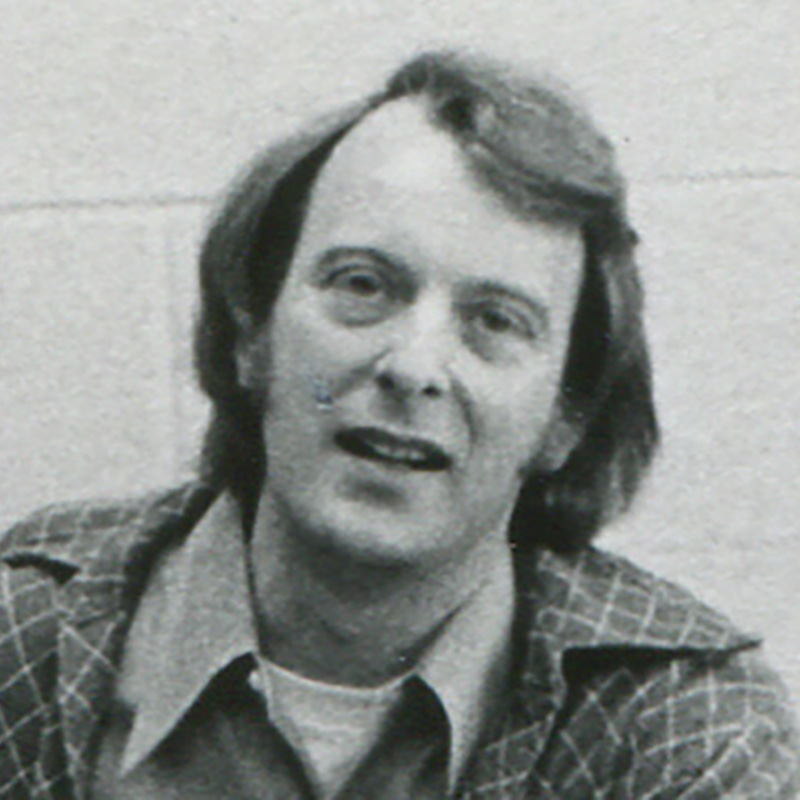
Tom Mason is an 85-year-old artist and designer based in east Texas who has been involved in the arts since around 1960. He earned his MFA from the University of Iowa in 1965, taught at the University of North Carolina, and sold his own pottery for 40 years before getting into digital art around 2000. He arises at 5am every day to work on 3D renderings for his clients, artists who are designing, pitching and selling their unique work.
How long have you been using KeyShot?
Since about 2017. I had been subscribing to Autodesk and using Alias Design and Showcase and it got ridiculously expensive, so I said it’s time to switch. I picked up KeyShot real quick. I started doing CAD work for a designer from Dallas who had big clients, department stores and stuff like that. I was rendering everything from furniture to fabrics, and KeyShot was perfect because it had all of these materials, you just had to explore it. But I discovered pretty early that I needed to really learn KeyShot to get the most out of it, so I signed up for Will Gibbons’s classes.
How do you use KeyShot to work with artists?
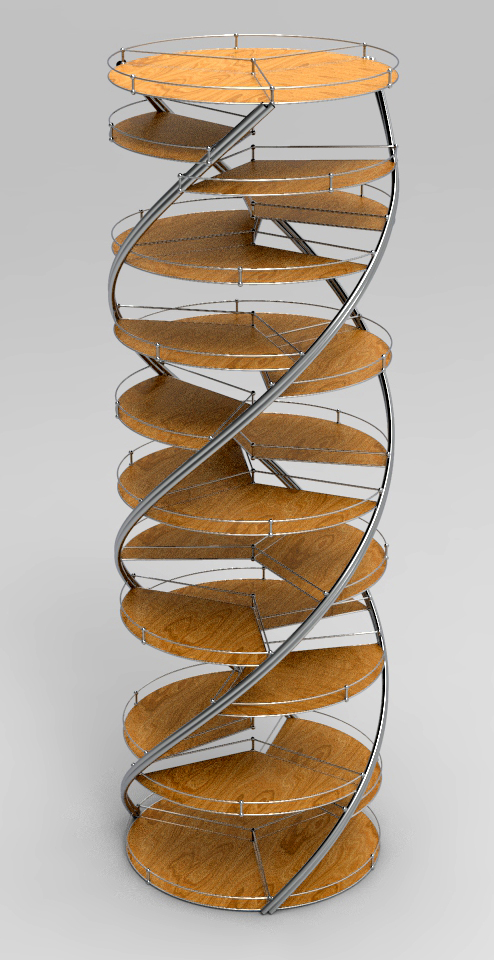
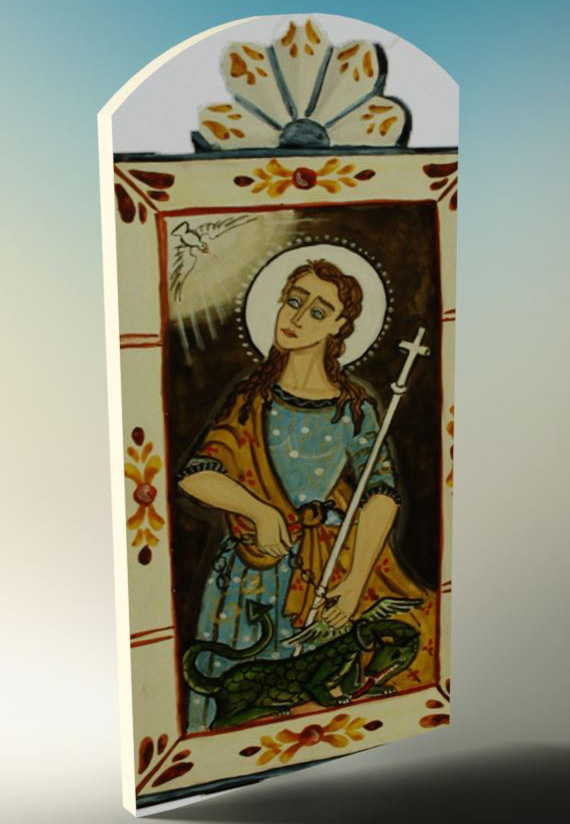
Exhibitions, RFQs, requests for public art. It was interesting working for the department stores because they wanted the renderings to be as realistic as possible. But artists want what’s in their mind’s eye – it’s their vision. And they don’t bend. What the buyer or gallery wants isn’t as important to them; they want to fulfill their vision.
My clients, who all happen to be women, range in age from 35 to 80. One of them, Rakhee Jain Desai, is a fiber artist who works in Austin. She does batik, and when we do a gallery scene with hanging batiks that are a real refined fabric, in KeyShot I’ll have to work with fabric, translucent materials, all that kind of stuff.
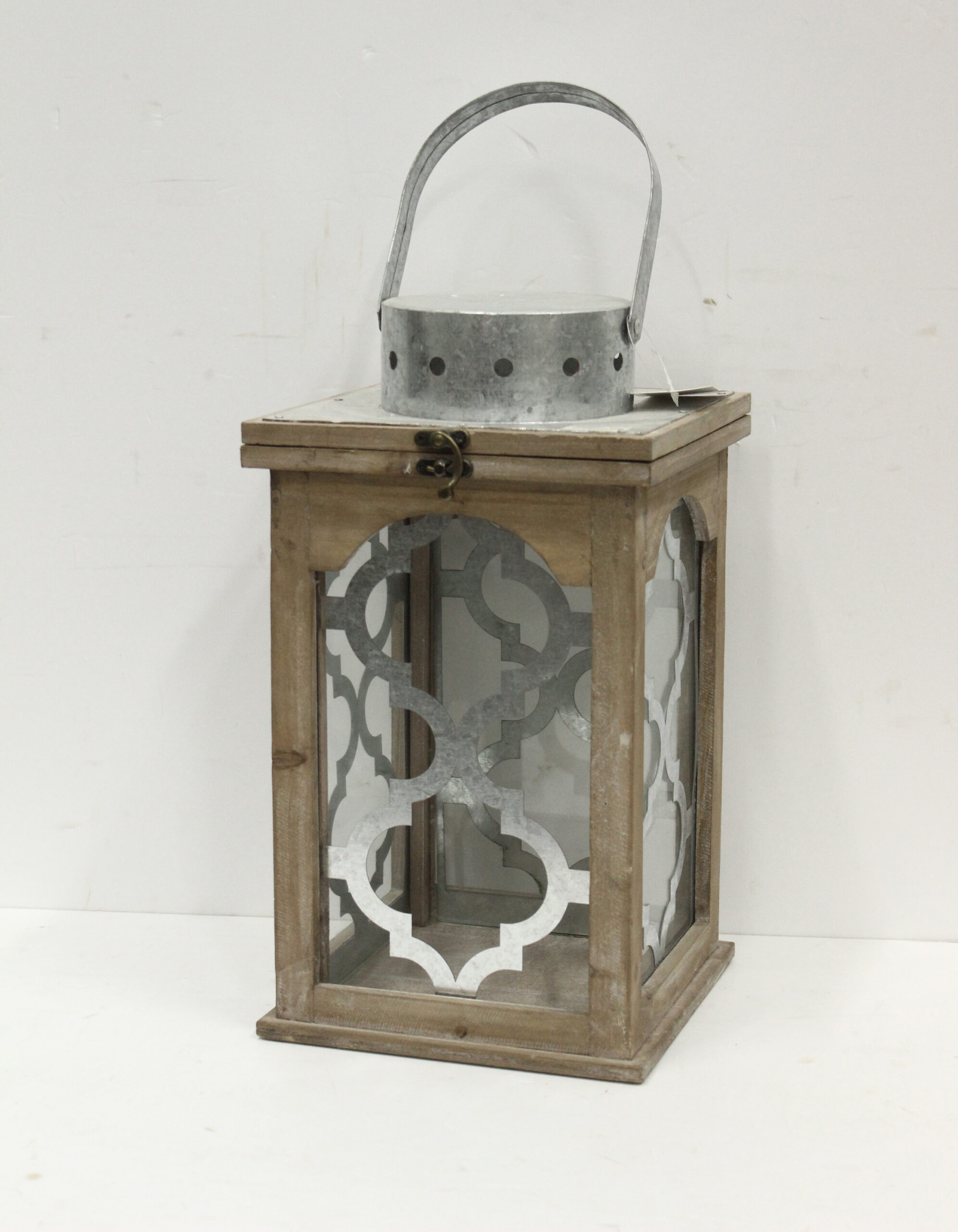
I have another client that does forged steel. When she builds a piece, I have to develop color and metals and textures to fit that style and her preference. I had one client that does outdoor sculptures. She always wants them in an environment. We either take photographs for the environment, or lately I’ve been using AI to make pretty good backdrops. She uses a lot of metal, and she’ll want to show certain angles and certain light.
Every project is a little bit different, so I don’t get bored.
What modeling software do you use?
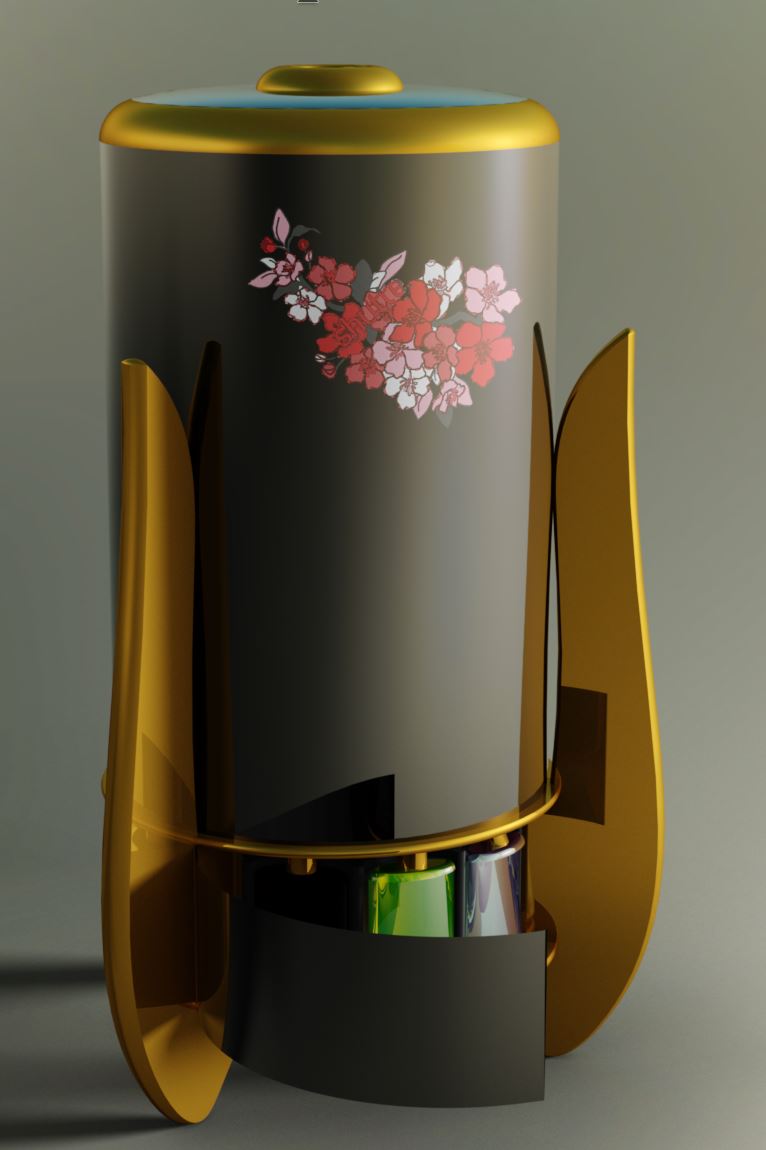
I use Rhino, and for what I need, it’s probably the best. I could use Blender, but it just doesn’t really do what I want it to do. KeyShot gives you all these options for lighting, and that just makes it really come alive.
In about 1959, back in the hippie days, I was studying with a potter in Northern California learning how to make pottery. Once, she said, “Tom, that’s a nice pot, but it doesn’t breathe. It doesn’t have any air on the inside. You want air on the inside to give it life.”
When I’m doing any artwork or KeyShot renderings, I always think about how to give it life, how to let it breathe on its own.

What are your favorite KeyShot Studio tools or features?
I think the material graph is the most frustrating but at the same time the most rewarding. Second is environments, I create my own. And there’s a lot of options. In order to get KeyShot to work, your CAD import has to be just right, so I spend a lot of time in Rhino, tailoring the file so it can be imported and all the things work. I notice in the latest version of KeyShot that there is a new pivot point tool – that would be a tremendous help because I do a lot of animations.
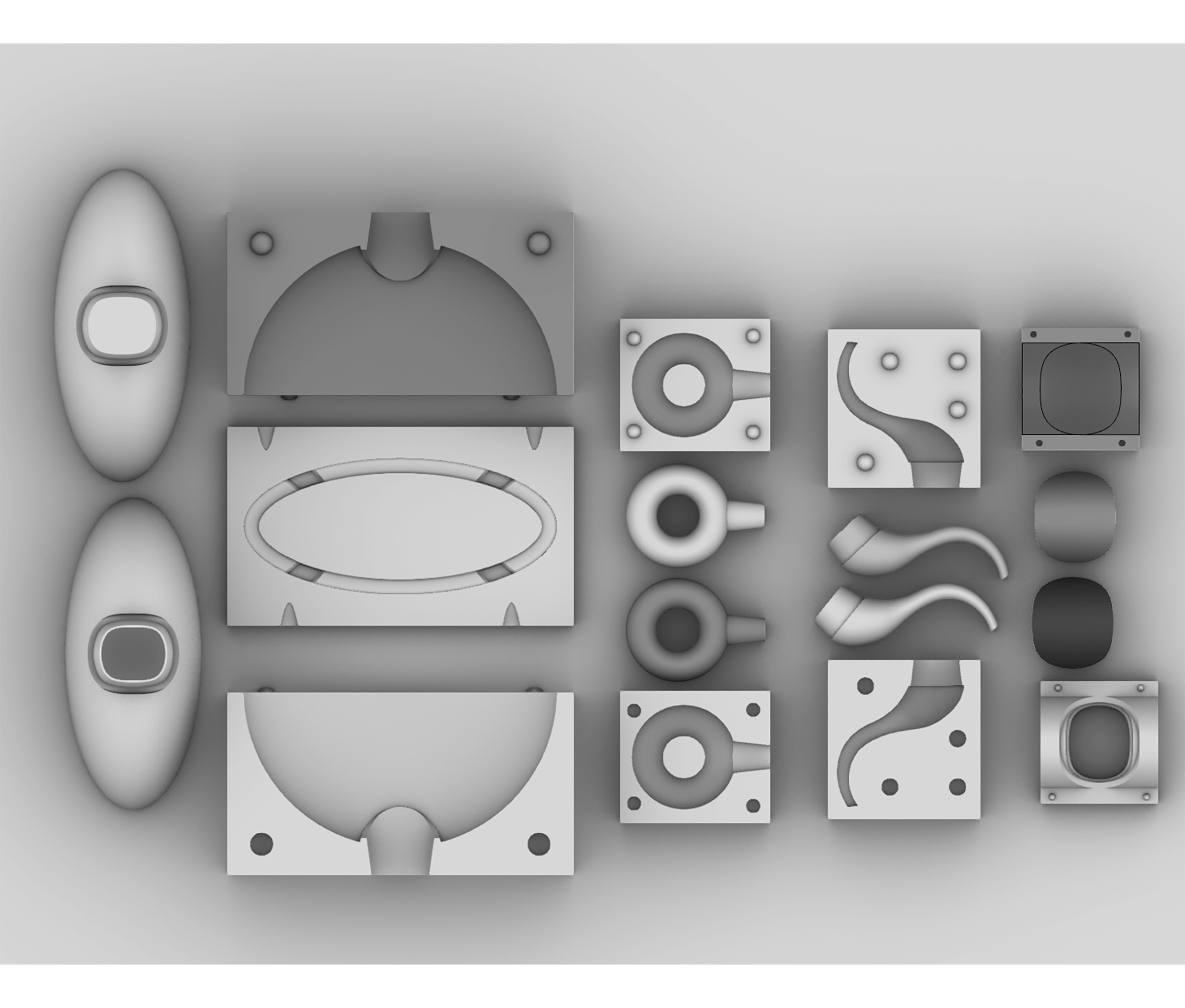
Another thing I use KeyShot for is instructions. When an artist has a commission and they draw it in CAD, then I have to develop the instructions for the welder. So I use toon shaders a lot. I build the instructions, laying it out in the CAD program so it’s all together. And in KeyShot I do an exploded view, because sometimes they want videos of how to assemble it, other times they want still shots. It depends on the situation.
What advice would you give to aspiring 3D designers and artists?
Start with surfaces. If you can do that – if you can build surfaces in any software, then you could use a program like KeyShot.
I started drawing at age 5. And now, between sculpture, pottery and painting, I’ve done it all. I had my own pottery for about 40 years, bought my first computer in about 1995, and I got hooked on digital art around 2000. I really like it. I’m very comfortable with digital.
That pretty much defines who I am. I love to learn. I’ve never looked back. I always look forward.

Related Artists

Tom Mason renders artistic visions for the real world

Liam de la Bedoyere never stops learning
