


Intro
I’m a UK-based industrial designer, currently Head of Design at Dalebrook, where I lead the development of products for hospitality, food display, and catering environments.
Alongside this, I run Bored Eye, my personal design studio, where I explore more experimental and playful approaches to furniture and homeware.
My practice often plays with form, narrative, and personality, aiming to transform everyday objects into moments of surprise and delight. I’m particularly drawn to ideas that are simple, clever, and a little unexpected.
KeyShot Studio is integral to my workflow, allowing me to communicate concepts clearly, quickly and beautifully, whether for internal buy-in, client presentations, or sharing stories with the wider design community. You can learn more about me and see more work via my Instagram, LinkedIn and Behance.

What sparked your interest in design?
I’ve always been fascinated by how things are made and why they take the shapes they do. As a kid, I was constantly taking things apart, drawn to the logic behind their construction. Over time, that curiosity evolved into a passion for solving problems, shaping experiences, and designing objects that are not only useful but emotionally resonant. Design felt like the perfect intersection of creativity, craft and storytelling, and once I discovered industrial design, I never looked back.
My advice? Stay curious and design constantly. Don’t wait for permission, sketch ideas, build things, enter challenges, share your work publicly, and learn from feedback. Most importantly, develop your own point of view, your unique perspective is what will set you apart.

What are some of your favorite projects?
- Dog Hut Side Table
- Flamingo Side Table
- Fray Chair
- Golbat Bottle Opener
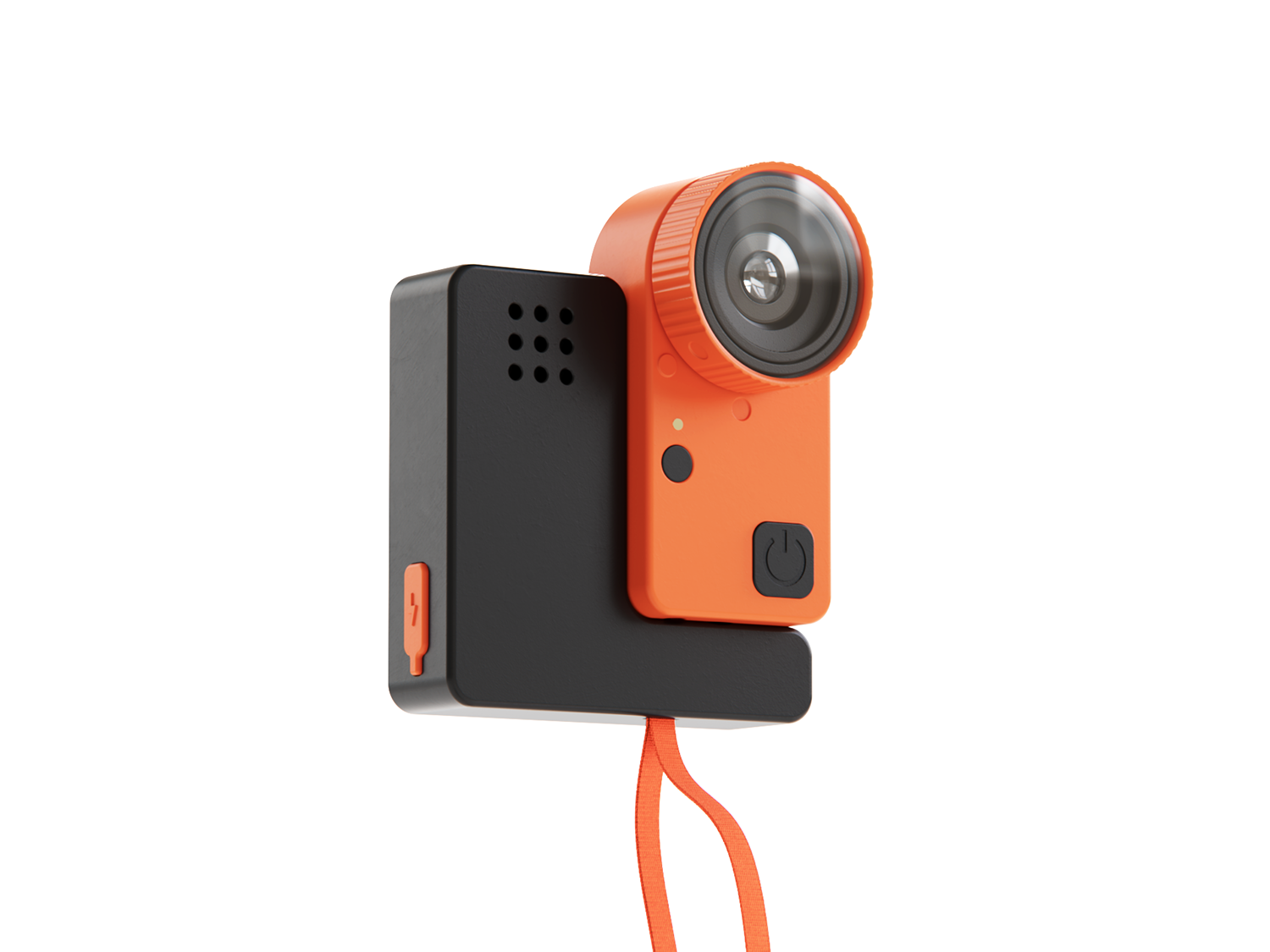
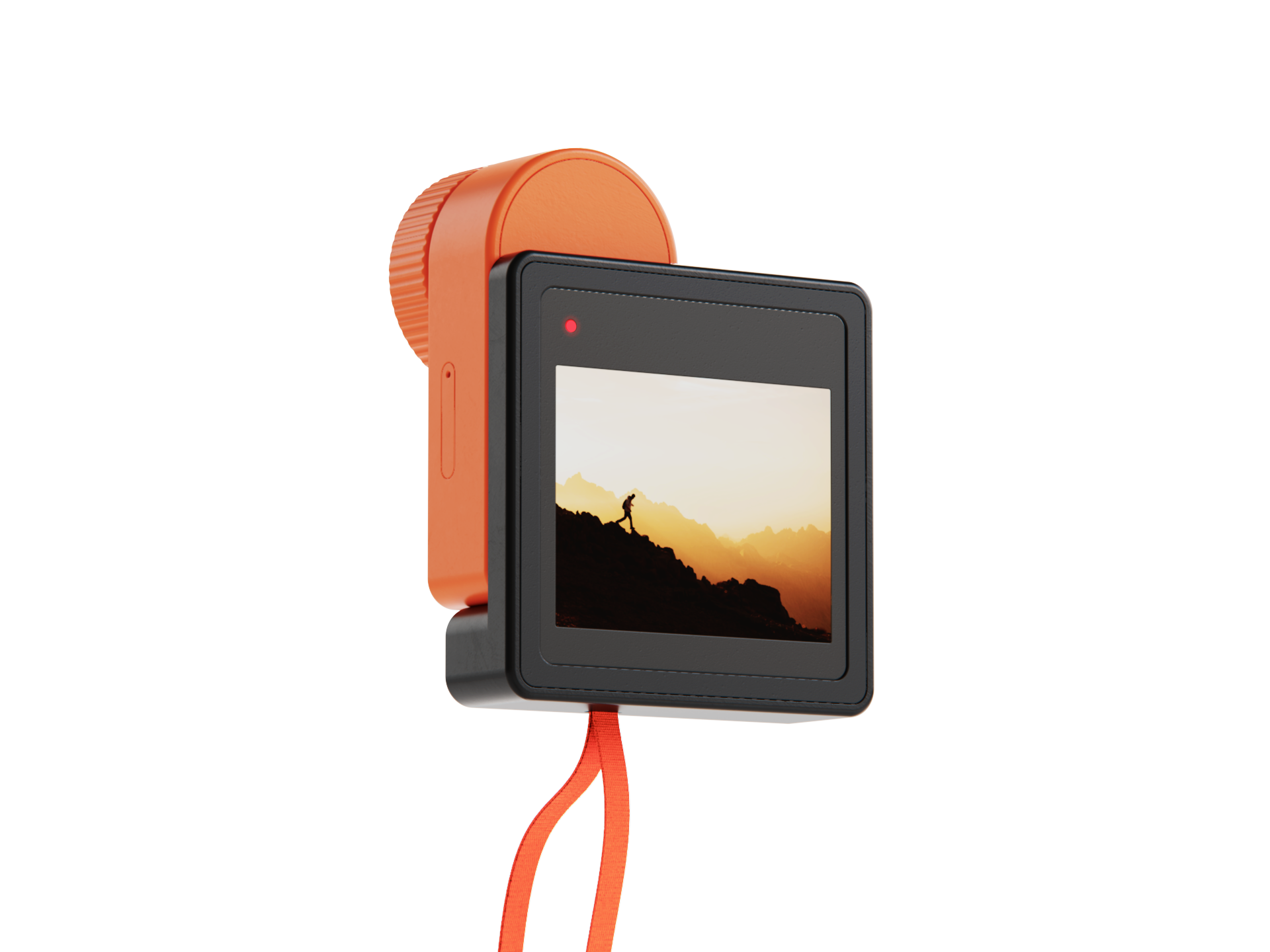
- GoPro Concept
- Polka Coffee Table
- Tamadora
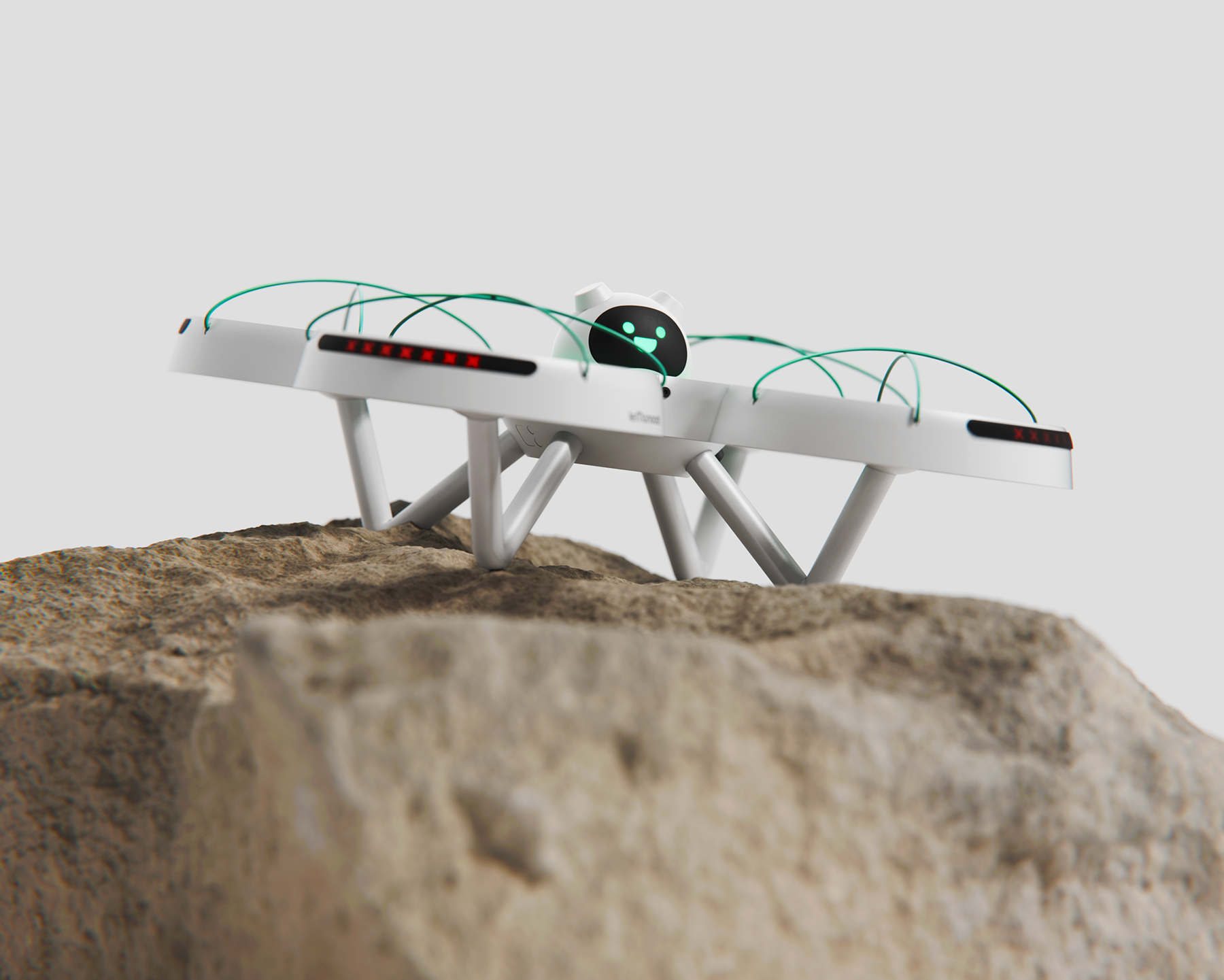
- Tether Solar Lamp
Each project reflects my interest in clarity, character, and the joy that can come from giving everyday objects a distinct identity.

Where in your process do you use KeyShot Studio?
I integrate KeyShot Studio into my workflow as soon as a form is developed enough in CAD to evaluate realistically. It plays a vital role in testing materials, refining proportions, and communicating ideas with precision. Whether I’m exploring color and finish options, preparing internal reviews, building client-ready visuals, or creating hero images and social content, KeyShot serves as the bridge between design intent and visual storytelling. It enables me to make confident decisions early and present concepts in a way that feels polished, immediate, and impactful.
What are your favorite KeyShot Studio tools or features?
What I love most about KeyShot are the tools that offer both speed and precise control. The Material Graph lets me fine-tune nuanced plastics, metals, and coated surfaces, and sometimes I’ll create new materials just for fun; it’s become something of a hobby.

What advice would you give to someone interested doing what you do?
I’m a big believer in active learning. For years, I found myself stuck in passive mode, watching YouTube tutorials, scrolling through incredible renders by others, but not actually applying what I was absorbing. Eventually, I stopped waiting and started doing. I dove into KeyShot, and that’s when things clicked. I finally learned how to create the kind of renders I’d spent years admiring.
My advice? Stay curious and design constantly. Don’t wait for permission, sketch ideas, build things, enter challenges, share your work publicly, and learn from feedback. Master at least one CAD tool and one rendering tool, and stay hands-on with materials, manufacturing, and real-world constraints. Most importantly, develop your own point of view, your unique perspective is what will set you apart.
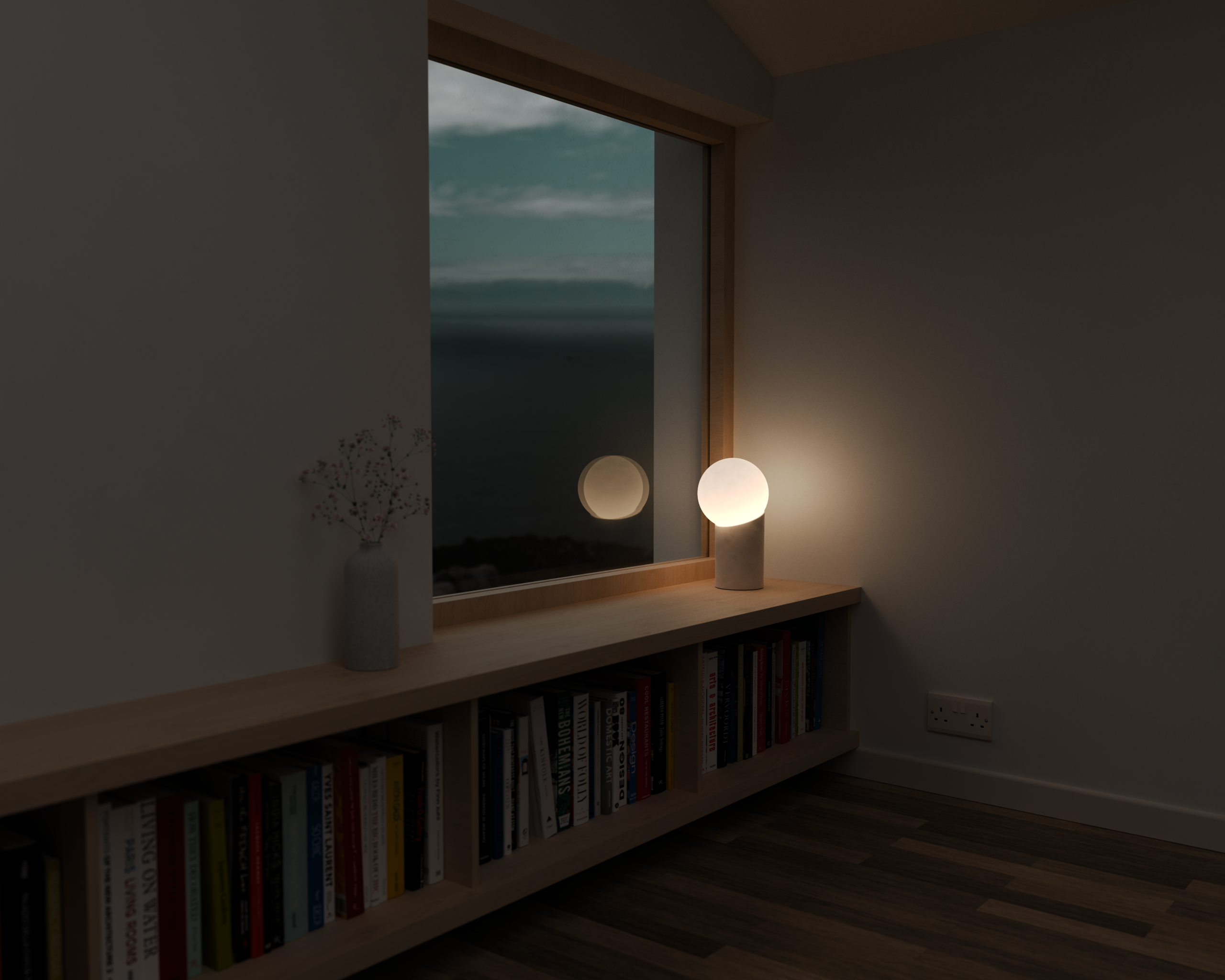
KeyShot Studio is integral to my workflow, allowing me to communicate concepts clearly, quickly and beautifully, whether for internal buy-in, client presentations, or sharing stories with the wider design community.
Related Artists

Tom Mason renders artistic visions for the real world

Liam de la Bedoyere never stops learning
