KeyShot Blog
LATEST
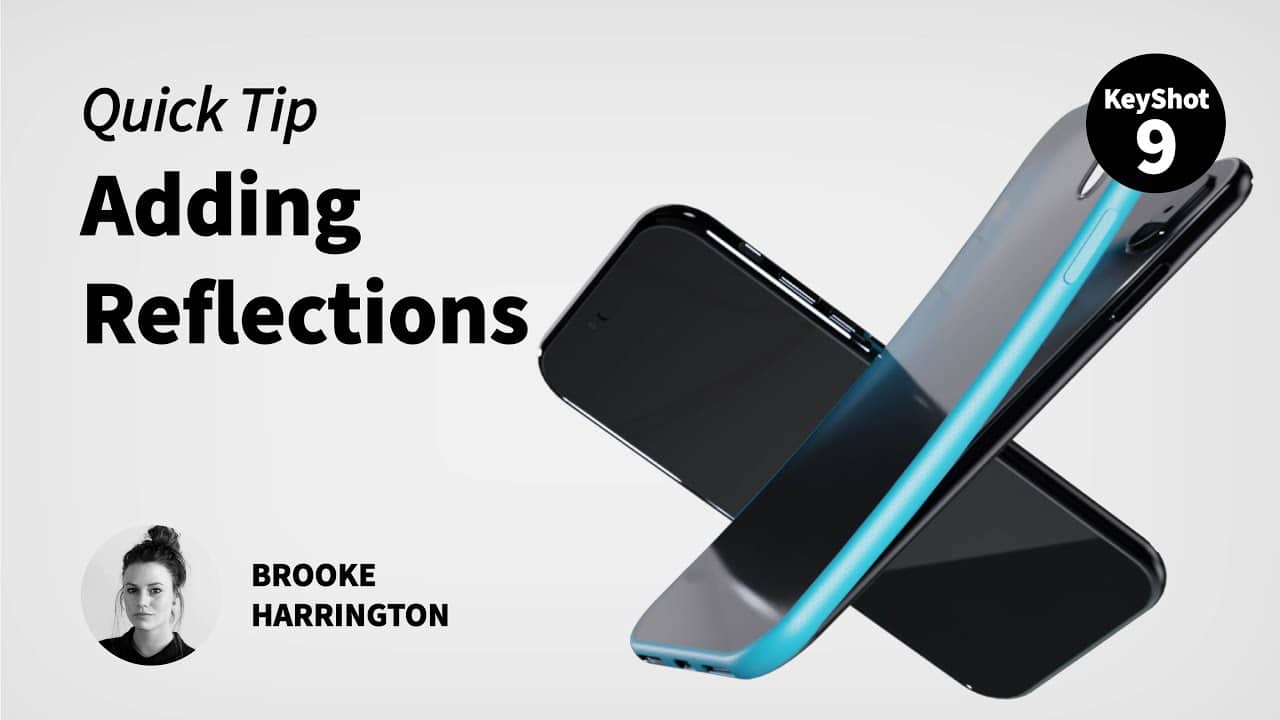
Quick Tip 107: Adding Reflections in KeyShot
LLearn how to easily control light reflections using geometry and an emissive material or through the HDRI Editor in KeyShot Pro. See the blog post here: https://blog.keyshot.com/using-model-sets-product-variations-keyshot Download the Model Here:...
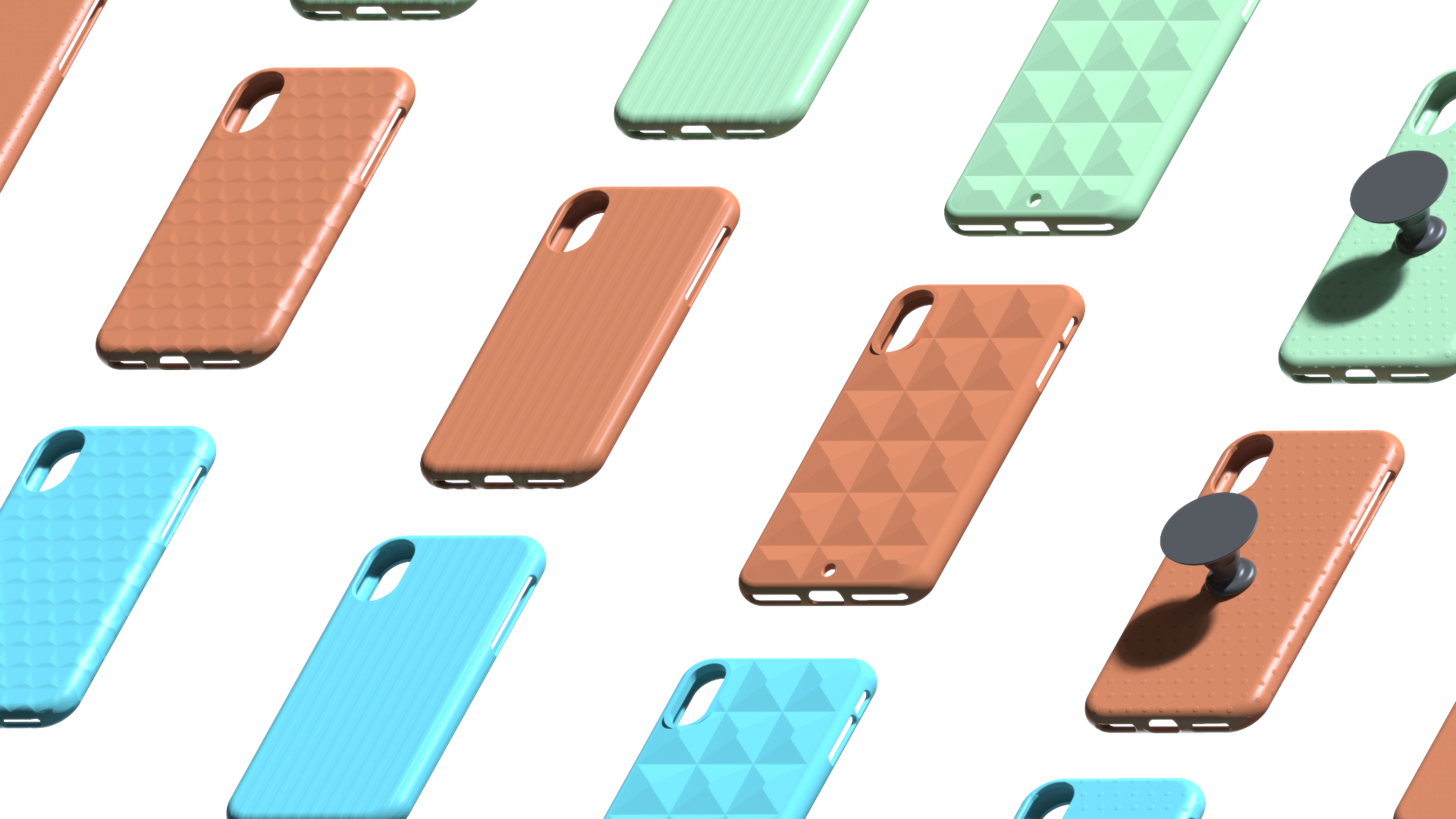
Using Model Sets to Create Product Variations in KeyShot
KeyShot works great for generating visuals of one model, but did you know you can create countless variations of a model as well? KeyShot allows you to create independent model variations and do it all in a single scene. Let's have a look at how you can use these to...
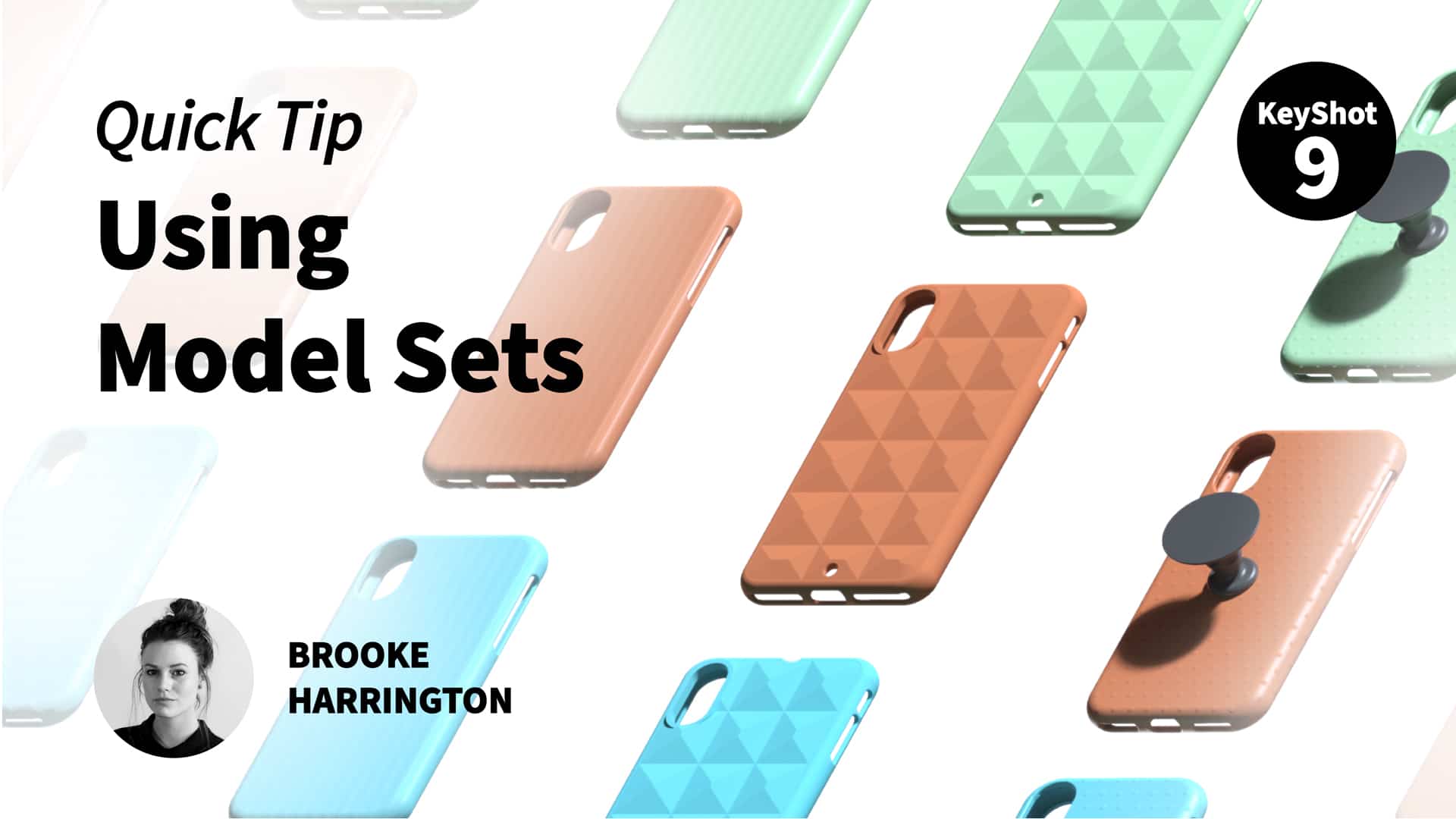
Quick Tip 106: Using Model Sets for Product Variations
Learn how to use Model Sets to help you create product variations, color studies, and more in one, organized KeyShot file. See the blog post here: https://blog.keyshot.com/using-model-sets-product-variations-keyshot Learn more about Model Sets here:...

5 Must Know KeyShot Hotkeys
There are many ways to streamline your workflow in KeyShot. Today, we'll run through a list of the top 5 most helpful hotkeys to help you manage your scene and work with your models and materials more efficiently. Let’s dive in. What are KeyShot Hotkeys? KeyShot...
FEATURED
No Results Found
The page you requested could not be found. Try refining your search, or use the navigation above to locate the post.
ALL POSTS

KeyShot Live Q&A: You Ask, We Answer. THIS WEEK.

Formation Design: Completing the Product Design Process with KeyShot
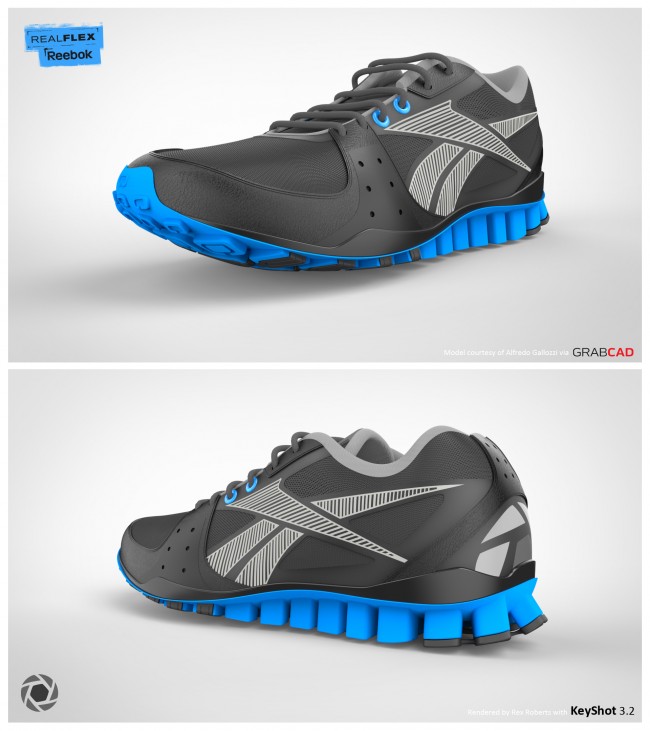
Softgoods: Rendering Footwear with KeyShot

Microsoft Surface Revealed. KeyShot Delivers the Stunning Images.

KeyShot 2012 Engine Rendering Challenge

KeyShot at Solid Edge University 2012 and World Domination

Customer of the Month: Adam Wist Creates Photorealistic Visuals with KeyShot
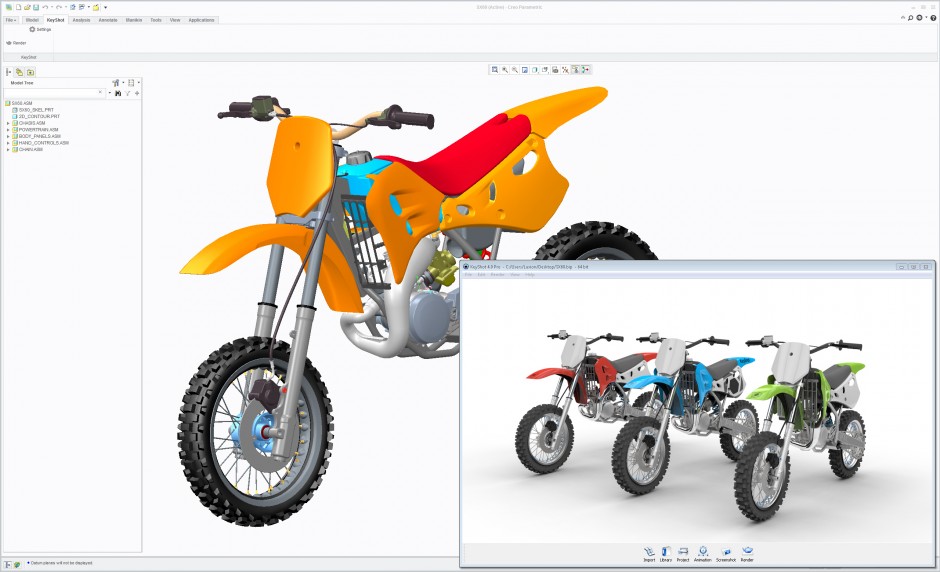
KeyShot Tech Preview: Update Your 3D Models Instantly with Live Linking
World Premier! Luxion to Feature All New Level of Connectivity Between KeyShot and Creo 2.0