Blog

Tips
Tips Picks
Using Lighting Presets in KeyShot

Using Lighting Presets in KeyShot

KeyShot's Lighting Presets offer options for a wide range of product rendering needs and the ability to create your own lighting scenarios. Here, we'll compare the differences for each preset and learn how to choose which setting is best for your scene. KeyShot...

Adding Light Reflections in KeyShot

Adding Light Reflections in KeyShot

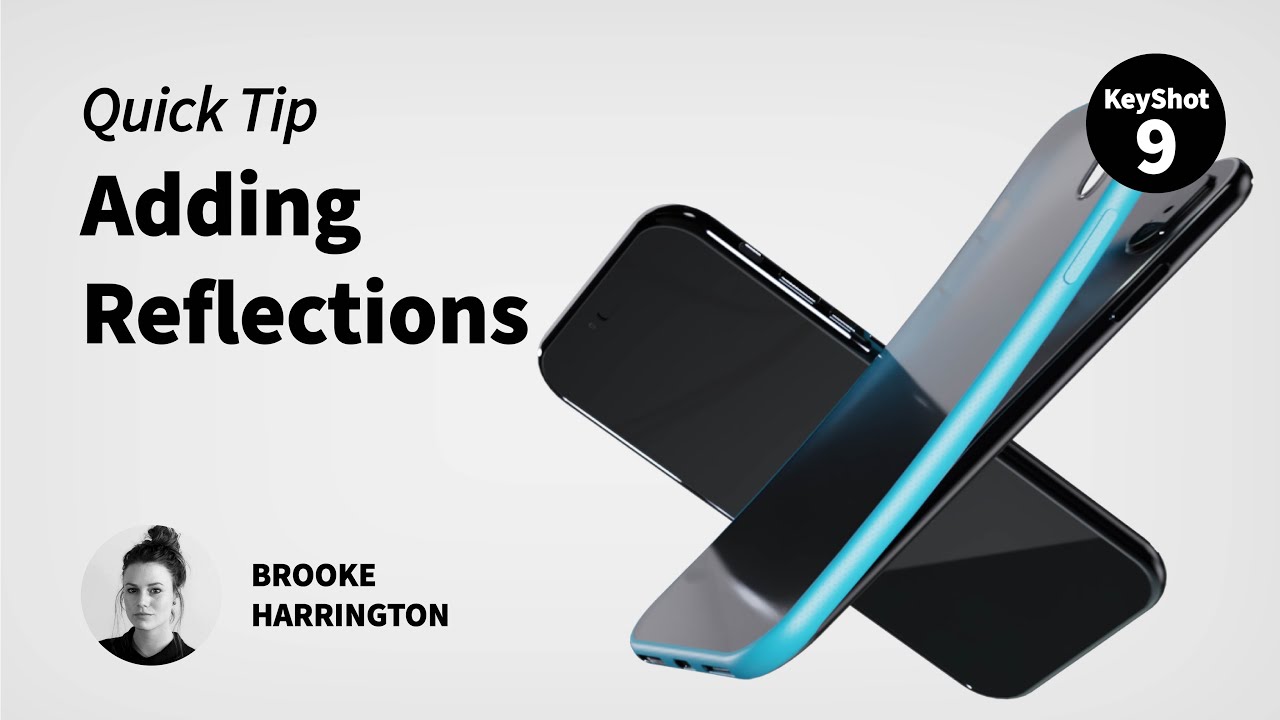
Reflections add a sense of depth and realism to your product shots and they are extremely easy to add in KeyShot. Here, we'll look at tow techniques showing you how to control light reflections using geometry and an emissive material or through the HDRI Editor in...

Using Model Sets to Create Product Variations in KeyShot

Using Model Sets to Create Product Variations in KeyShot

KeyShot works great for generating visuals of one model, but did you know you can create countless variations of a model as well? KeyShot allows you to create independent model variations and do it all in a single scene. Let's have a look at how you can use these to...

5 Must Know KeyShot Hotkeys

5 Must Know KeyShot Hotkeys

There are many ways to streamline your workflow in KeyShot. Today, we'll run through a list of the top 5 most helpful hotkeys to help you manage your scene and work with your models and materials more efficiently. Let’s dive in. What are KeyShot Hotkeys? KeyShot...

MOST RECENT

How to Create 3D Cutaways with KeyShot Renderings

How to Create 3D Cutaways with KeyShot Renderings

Tiho Ramovic shared a cutaway of a Ferrari F50 he created with renderings out of KeyShot. It's a simple process and he was kind enough to also provide a short tutorial about how he created it. You can download the PDF from the forum post and we've recreated it below...

How to Create Animate Lighting in KeyShot

How to Create Animate Lighting in KeyShot

You've probably seen commercials or animations where the lighting moves across the vehicle or product accentuating its lines and curves. It's a fabulous way to bring life to the product you're showcasing and it couldn't be easier to create in KeyShot. In this three...

New KeyShotVR Tutorials

New KeyShotVR Tutorials

We just had our monthly webinar last week and looked at how to create a KeyShotVR. Instead of posting the webinar, we thought we would go one step further and put all the information into some quick, easy to digest video tutorials to soak your oculars in. We have...

How to Create Spot UV and Foil Printing Appearance Using KeyShot

How to Create Spot UV and Foil Printing Appearance Using KeyShot

There is a lot you can do with KeyShot labels. You may have seen some of our other quick tips that show you how to apply labels to clear materials or use them to create perfect views through interior windows. It makes a lot of sense to use labels for graphics on...

How to Create Liquids Using Translucent Materials in KeyShot

How to Create Liquids Using Translucent Materials in KeyShot

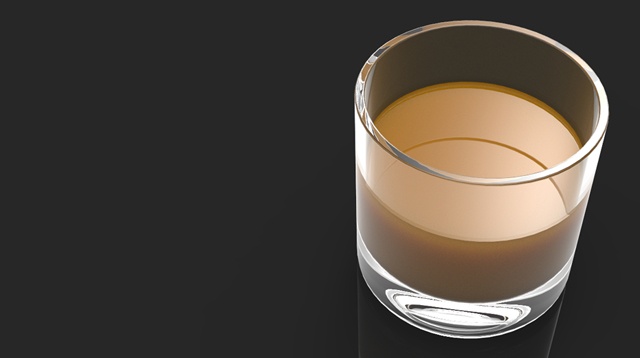
From water spilling forth from a faucet to a refreshing glass of orange juice, liquids are used across a variety of visuals. The liquid material in KeyShot makes creating a liquid appearance incredibly easy, but the translucent material is also an option for liquids....

How to Create Clear Tinted Glass in KeyShot

How to Create Clear Tinted Glass in KeyShot

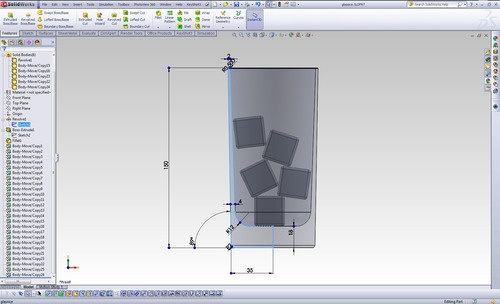
You know KeyShot has the easiest to apply and most accurate glass material for 3D rendered images. Drag,drop and you're ready to go. You can also achieve a tinted glass effect very easily for older style glass bottle or any object you would like to show just a touch...

Maximizing Your Product Design Portfolio: 4 Proven Tips

Maximizing Your Product Design Portfolio: 4 Proven Tips

You've spent months, if not years, building a portfolio of your product designs. It's online, open to all who want to feast upon the brilliance of your illuminated perspective on everything from chairs and toasters to the most innovative exploration of medical...

How to Create Object VR’s with KeyShotVR
How to Create Object VR’s with KeyShotVR

Last week, we fired up the central fuselage of KeyShot development and launched KeyShot 3.3 into the product rendering exosphere. Lots of high-fives and caffeine withdrawals ensued, and we were extremely excited to see the rush of interest in KeyShotVR. We knew it was...

Six Photography Essentials for Great (Rendering) Results
Six Photography Essentials for Great (Rendering) Results

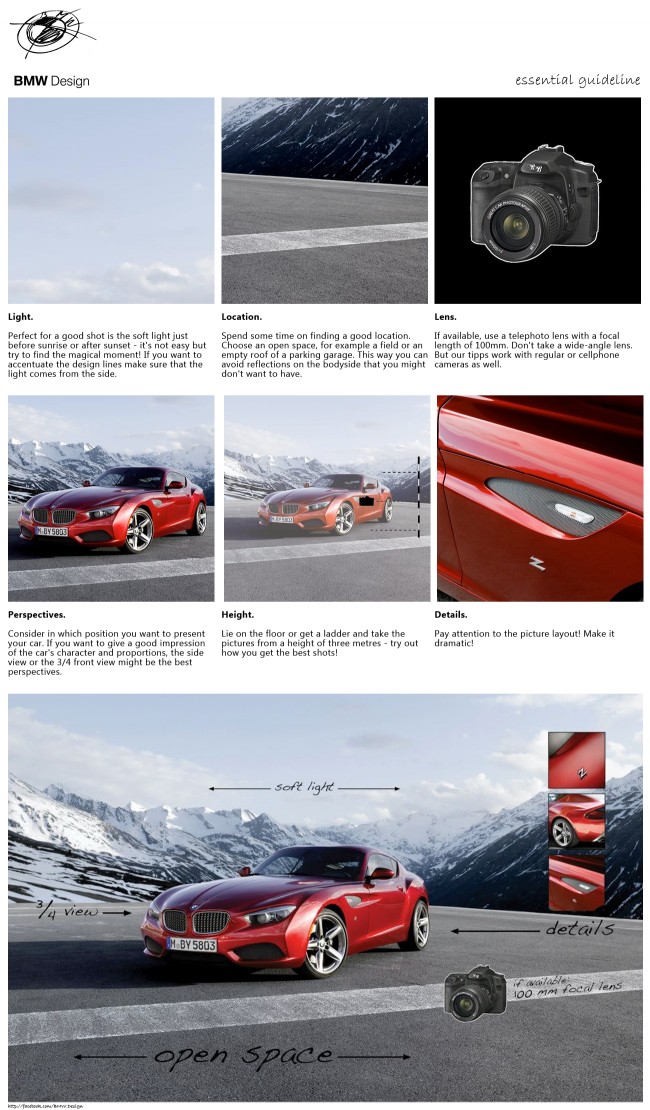
Rendering an image is a lot like taking a photograph. You have to consider your composition, the lighting, the lens - Rendering your 3D models with KeyShot makes that whole process extremely simple, leaving you open to explore more variations and create that...

Browse by topics