Blog

Tips
Tips Picks
How to Create Glowing Buttons in KeyShot

How to Create Glowing Buttons in KeyShot

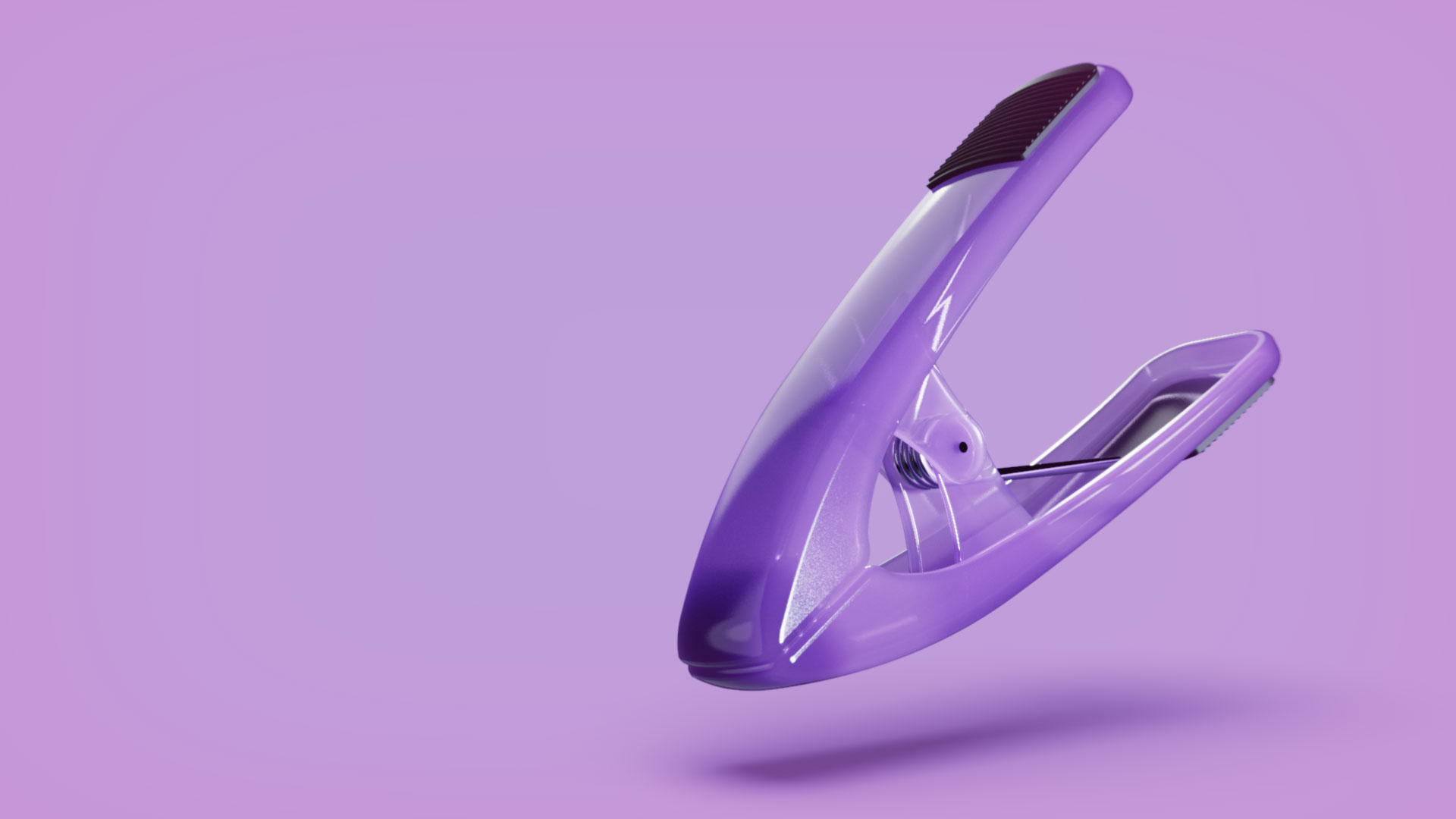
With KeyShot, you're able to create a range of light effects and apply it to a scene or to a model itself. Today, we'll show you how to create glowing, backlit buttons in KeyShot with three easy techniques using physical lights, emissive materials, or emissive labels...

How to Use Motion Blur on Still Images in KeyShot

How to Use Motion Blur on Still Images in KeyShot

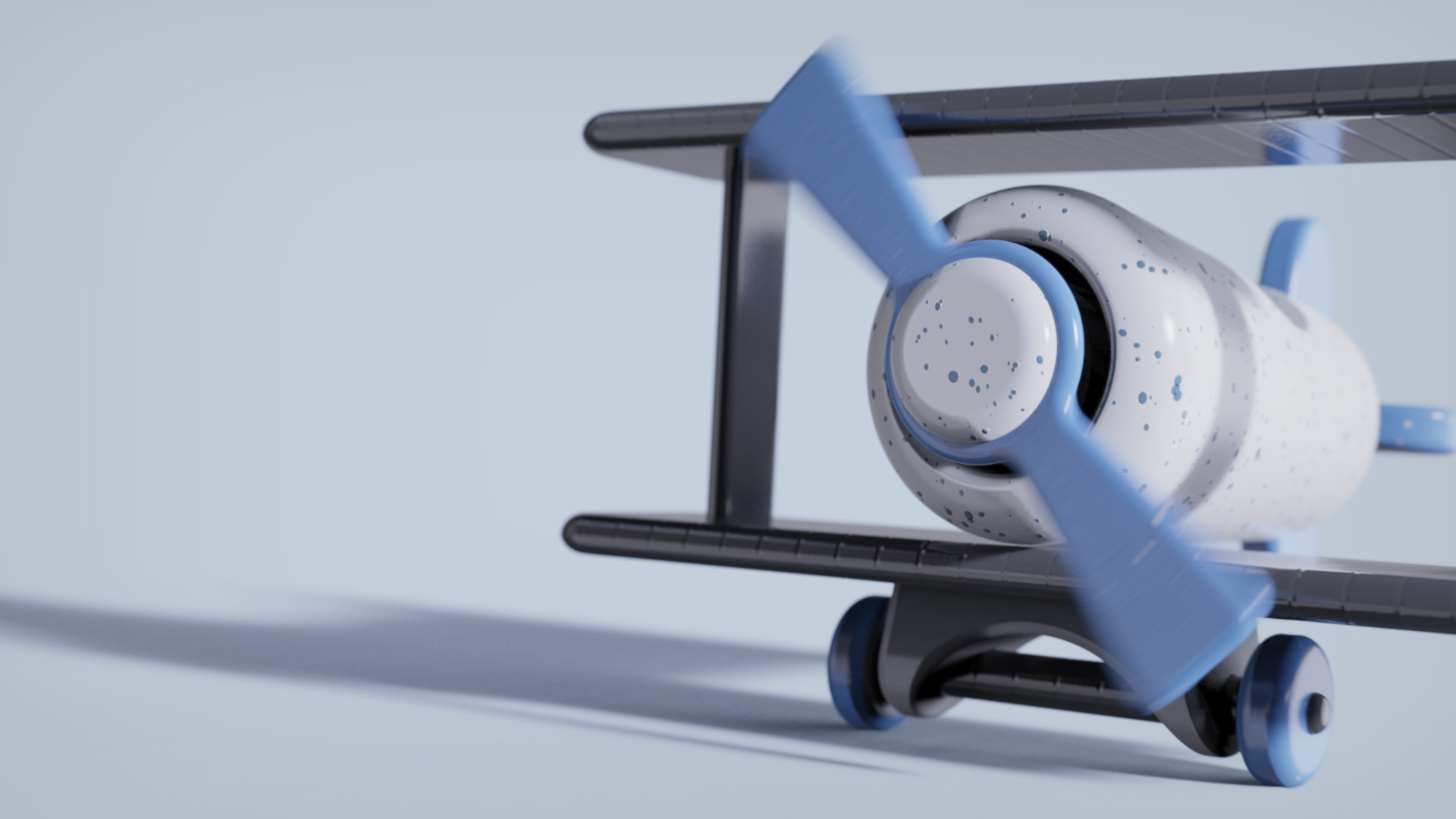
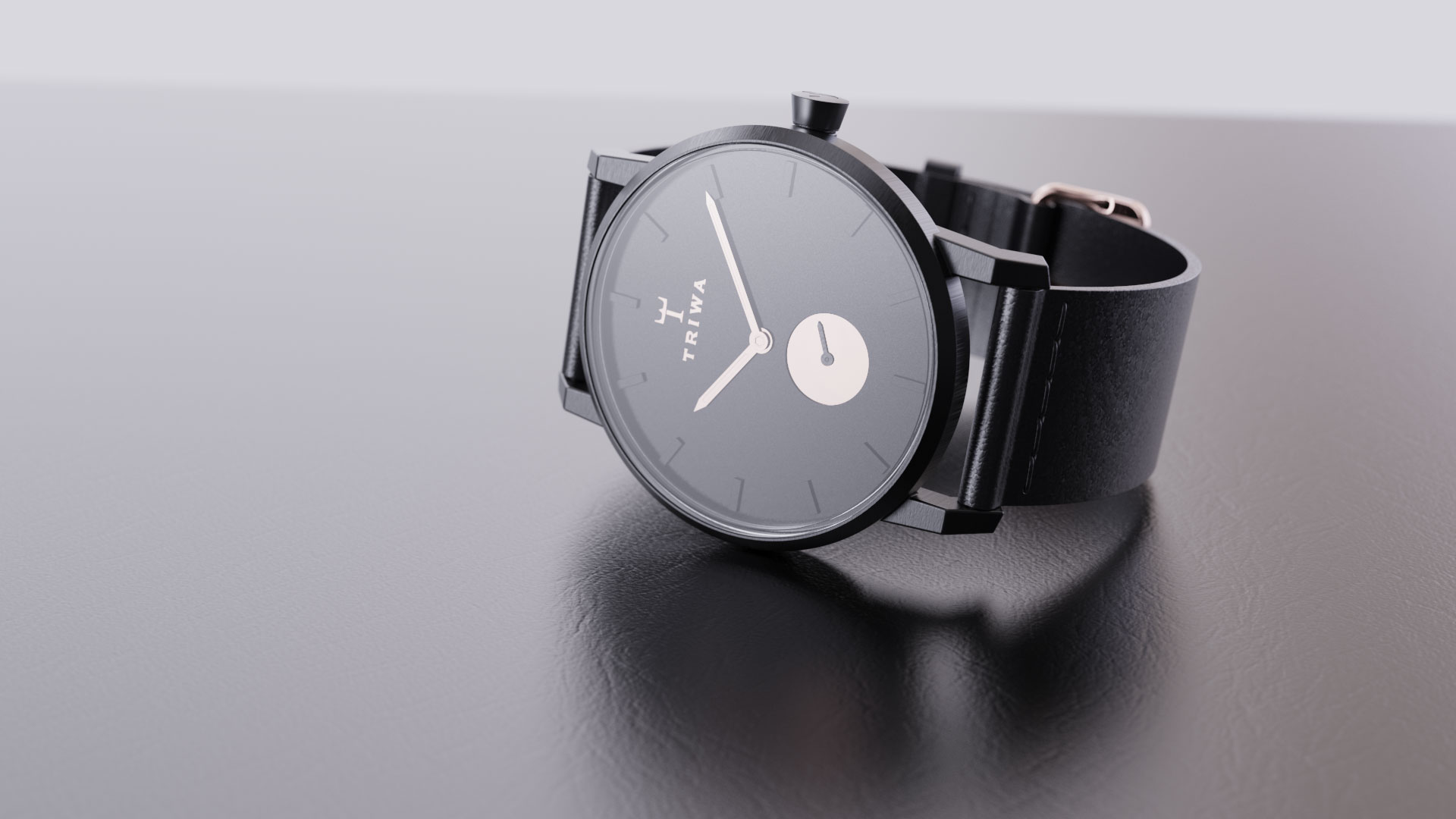
Motion blur is the streak-like effect that occurs when shooting a still image or animation of a moving object. The results are incredibly dynamic, so here, we'll show you how to use KeyShot Pro to add motion blur to your still images. Using Motion Blur in KeyShot...

Using KeyShot Frontplates for Graphics Layout

Using KeyShot Frontplates for Graphics Layout

Frontplates are images with transparency that are placed in front of your renderings. This is great for enhancing a scene, adding a watermark or, with a favorite workflow technique we'll show below, aligning your model within a graphic layout to ensure its placement...

Create a Perfect Center View in KeyShot

Create a Perfect Center View in KeyShot

Today, we'll show you how to quickly create a perfectly centered, symmetric view using absolute camera values. This is useful for a variety of needs, particularly when working with symmetry or when you need to achieve a perfectly centered front, back, or top view....

MOST RECENT

KeyShot Tip: Using Labels to Create Special Material Effects

KeyShot Tip: Using Labels to Create Special Material Effects

There's nothing like getting your model a little dirty... or, shiny enough to reflect the light of 1,000 suns. Either way, KeyShot has you covered, quite literally, with labels. We've recently had some forum posts discussing labels and how they can be used to create...

KeyShot Quick Tip: Ambient Occlusion

KeyShot Quick Tip: Ambient Occlusion

Sometimes you just need to bring out the details of your rendering with deeper, darker shadows. Maybe it's to accentuate the texture of the material or just darken the grooves and edges to make the highlights pop a little more. With KeyShot, it's simple to both adjust...

New KeyShot Advanced Tutorial: Material Templates

New KeyShot Advanced Tutorial: Material Templates

We're in the process of soaking the brains of our development team in a stiff concoction of voice overs and advanced KeyShot functionality to deliver a set of new tutorials. The first one is out, available on our Tutorials page, our Youtube page and embedded below. In...

KeyShot Quick tip: Cylindrical Mapping

KeyShot Quick tip: Cylindrical Mapping

It's certainly possible to go around willy-nilly slapping labels on every cylindrical surface you come across--some find no greater joy in doing such things. Fortunately, KeyShot makes all that label applying activity incredible easy with a visual mapping tool to help...

KeyShot 4 Overview in German

KeyShot 4 Overview in German

Luxion has a great network of resellers and many create their own material to deliver KeyShot information to their customers. INNEO Solutions is one of our largest resellers and serves Germany, Switzerland, Liechtenstein and the UK. They've put together a 15-minute...

How to use Mold-Tech Texture Materials for KeyShot
How to use Mold-Tech Texture Materials for KeyShot

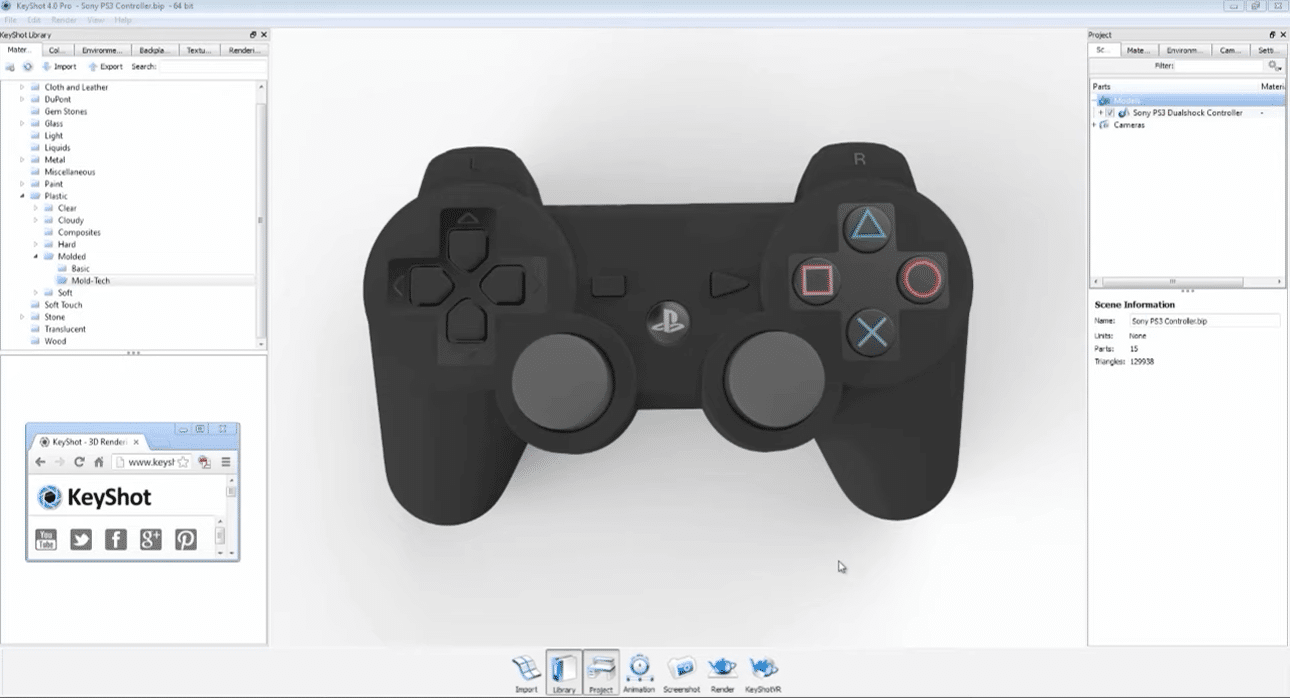
You want a perfectly textured, accurately scaled appearance of molded plastic on a new video game controller design. It's not too much to ask for and KeyShot is the rendering software to make it happen. Exclusive to KeyShot and introduced with KeyShot 4, we bring you...

How to Create Water Droplets in SolidWorks to Render in KeyShot

How to Create Water Droplets in SolidWorks to Render in KeyShot

Dries Vervoort has been posting some of his work with the new physical lights and improved translucent materials in KeyShot 4. Some were interested to know how he went about creating water droplets in his 3D modeling software of choice, SolidWorks. Here, he provides...

KeyShot 4 Overview in German

KeyShot Quick Tip: Using KeyShot Plugins

You could cover your entire upper body in a tattoo that pits the 20+ 3D file formats supported by KeyShot against mermaids and sea dragons--You could do that (and you would probably get a free license of KeyShot Pro)-- or you could just rest easy knowing that you have...

How the KeyShot Live Linking for SolidWorks Works

How the KeyShot Live Linking for SolidWorks Works

How easy is it to update a SolidWorks model you've already imported to KeyShot? With a single click of a button. How does that sound? The upcoming release of the KeyShot plugin for SolidWorks adds the new Live Linking functionality we're bringing between 3D modeling...

KeyShot Quick tip: How to Eliminate Harsh Hot Spots
KeyShot Quick tip: How to Eliminate Harsh Hot Spots

You have the perfect materials, perfect environment and perfect camera angle. Your image is absolutely stunning except for one spot where the model blends into the background. Adjusting the brightness changes how the entire scene looks, so what's the best way to get...

Browse by topics