Blog

Tips
Tips Picks
How to Use Solo Mode in KeyShot

How to Use Solo Mode in KeyShot

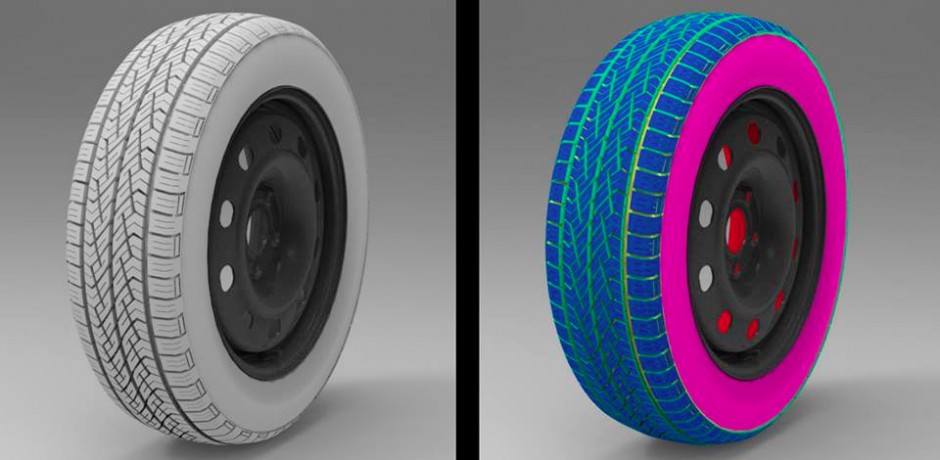
KeyShot allows you to easily hide and show parts or groups of parts. When you right-click in the Real-time View, you will see the various hide/show options. A new option added for KeyShot 10 is Solo Mode that opens up a new method to work with parts and speed your...
Using the New KeyShot Light Manager

Using the New KeyShot Light Manager

With KeyShot 10, we introduce a new Light Manager to control all your scene lighting from one locations. Today, we'll learn about the Light Manager features and how you can use it to better manage all types of scene lighting. KeyShot Light Manager Along with the...

How to Create Mesh Materials with KeyShot RealCloth

How to Create Mesh Materials with KeyShot RealCloth

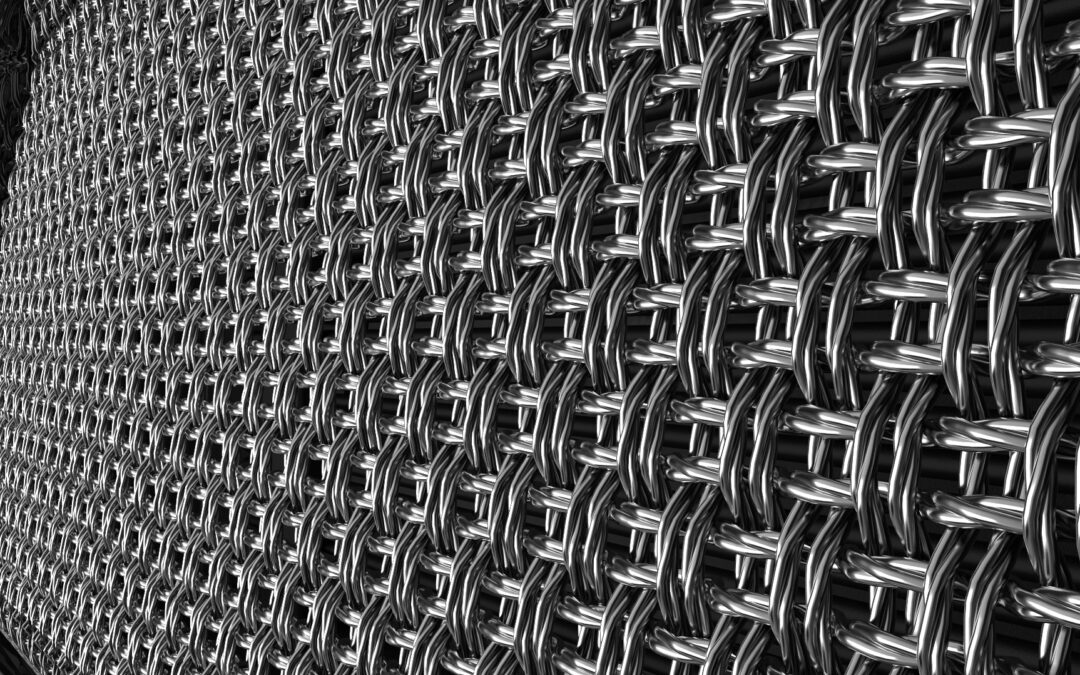
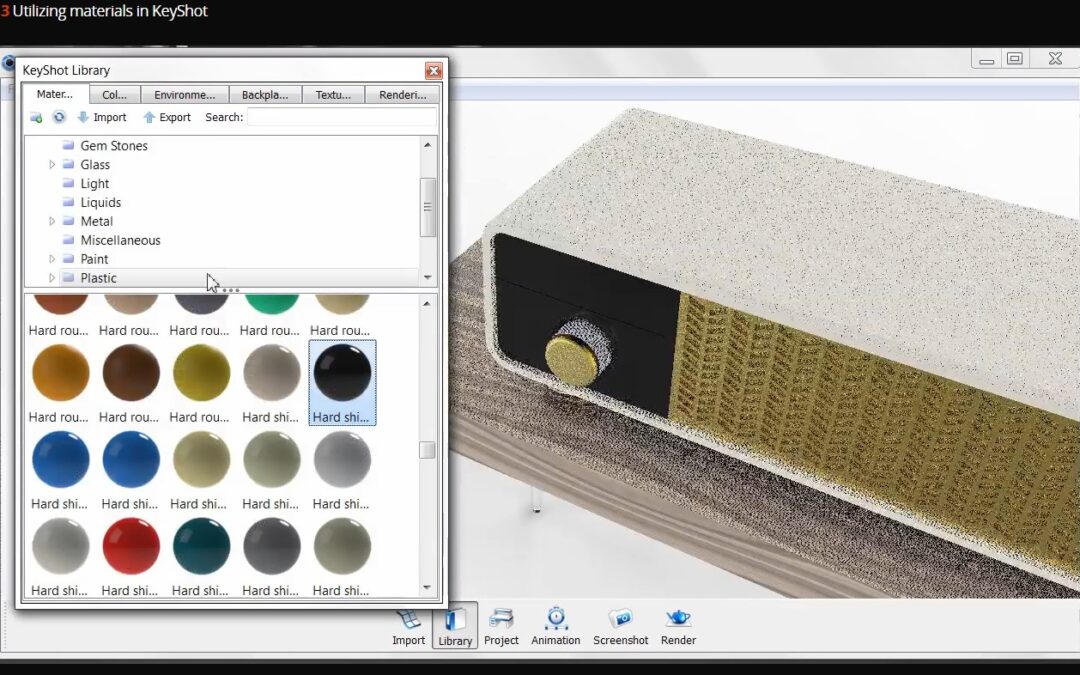
KeyShot RealCloth allows you to create visually accurate woven materials inside KeyShot. It's a game-changer for visualizing everything from complex flannel and fleece to muslin and more. However, it can be used to create other woven materials and with KeyShot 10,...

How to Export Files for 3D Print from KeyShot

How to Export Files for 3D Print from KeyShot

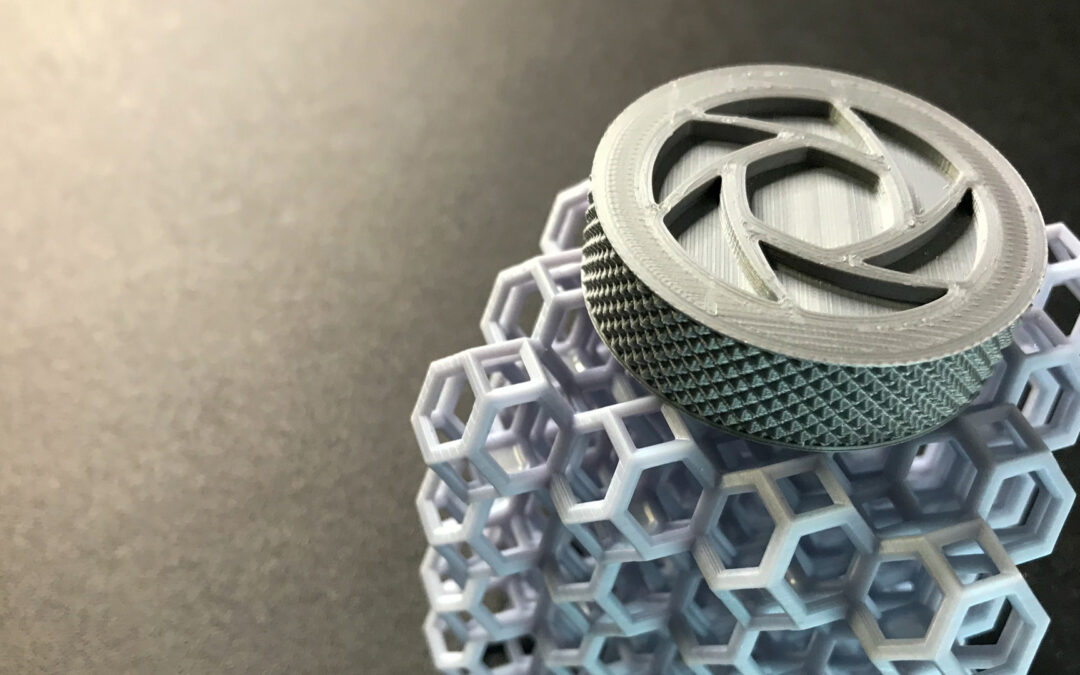
KeyShot is great to help you visualize 3D prints but did you know you can export files for 3D print from KeyShot Pro? You have several 3D print export options in KeyShot to go from digital prototype to physical prototype. Today, we’ll take a look at how you can use...

MOST RECENT

How to Add a Seamless Backdrop in KeyShot

How to Add a Seamless Backdrop in KeyShot

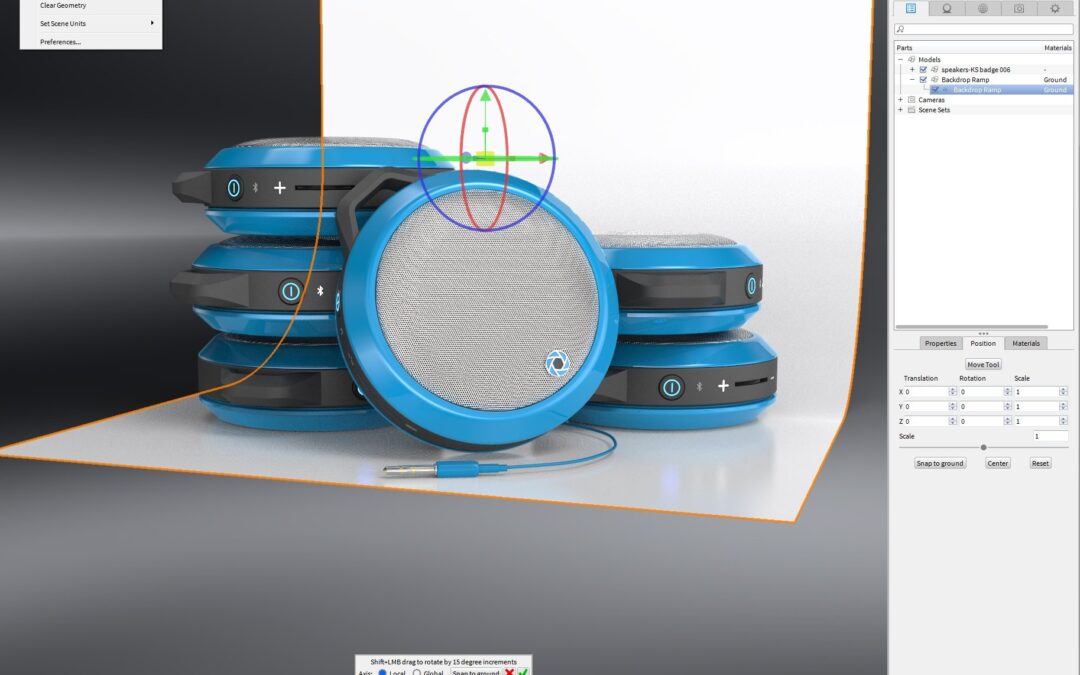
KeyShot allows you to add preset types of geometry to your scene with the click of a button. This comes in handy when you need a sphere, a plane, a cube, or in our case today, a backdrop. Adding seamless backdrops in KeyShot is fast with the Add Geometry feature. 1....

How To Add A Textured Logo in KeyShot

How To Add A Textured Logo in KeyShot

If you have a company logo on a product, it's pretty common to need a logo as a material (like a chrome sticker) but not have the logo modeled in 3D. Modeling a logo can create extra work and slow the model down, but KeyShot provides a simple way to achieve the same...

How To Prep Your Model Before Import to KeyShot

How To Prep Your Model Before Import to KeyShot

Tim Feher works as a CGI Leader in the automotive industry. If you've not seen his webinar on Automotive Rendering in KeyShot, it's a must. On his new Facebook page, he has published the first tip of many tips to come, beginning with a critical element to the...

Automotive Rendering Tips From Doug Didia

Automotive Rendering Tips From Doug Didia

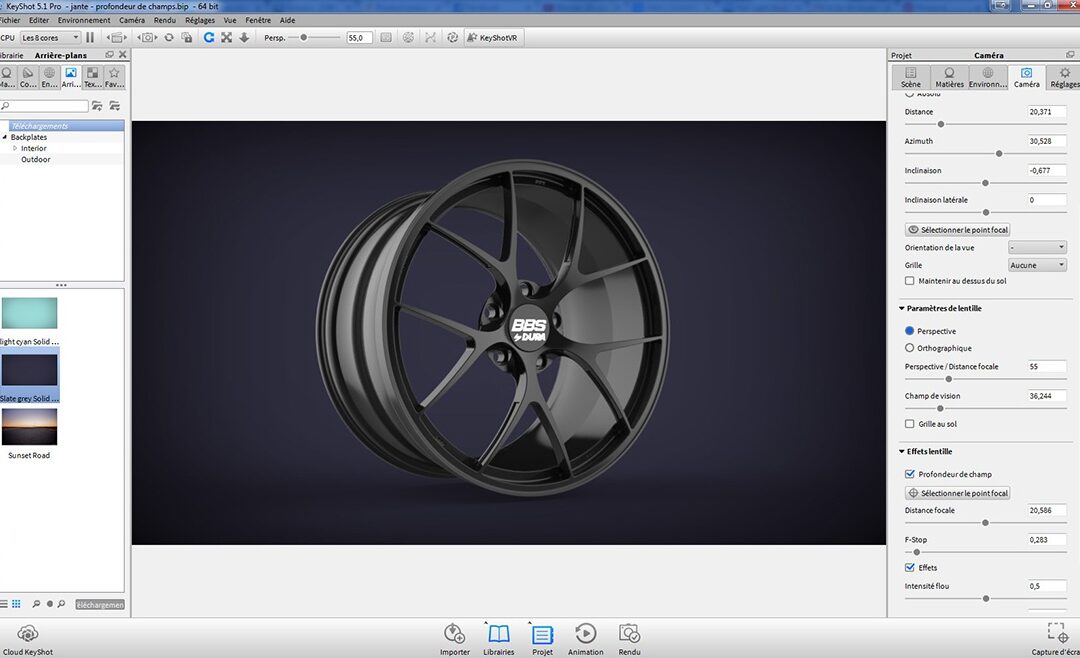
During the 2014 KeyShot Render Contest, Doug Didia was asked how he creates the incredible imagery he submitted. He was kind enough to break down the process in several images, showing the stock backgrounds he starts with, the passes he creates, along with final...

New Master KeyShot Workshop from Florian Benedetto

New Master KeyShot Workshop from Florian Benedetto

Elephorm has just release a new training package from long time KeyShot user and master of advertising visuals, Florian Benedetto. Master KeyShot 5 is available (in French) from Elephorm for €49.90 and includes over five hours of video training that takes you through...

KeyShot Render Q&A with Tim Feher

KeyShot Render Q&A with Tim Feher

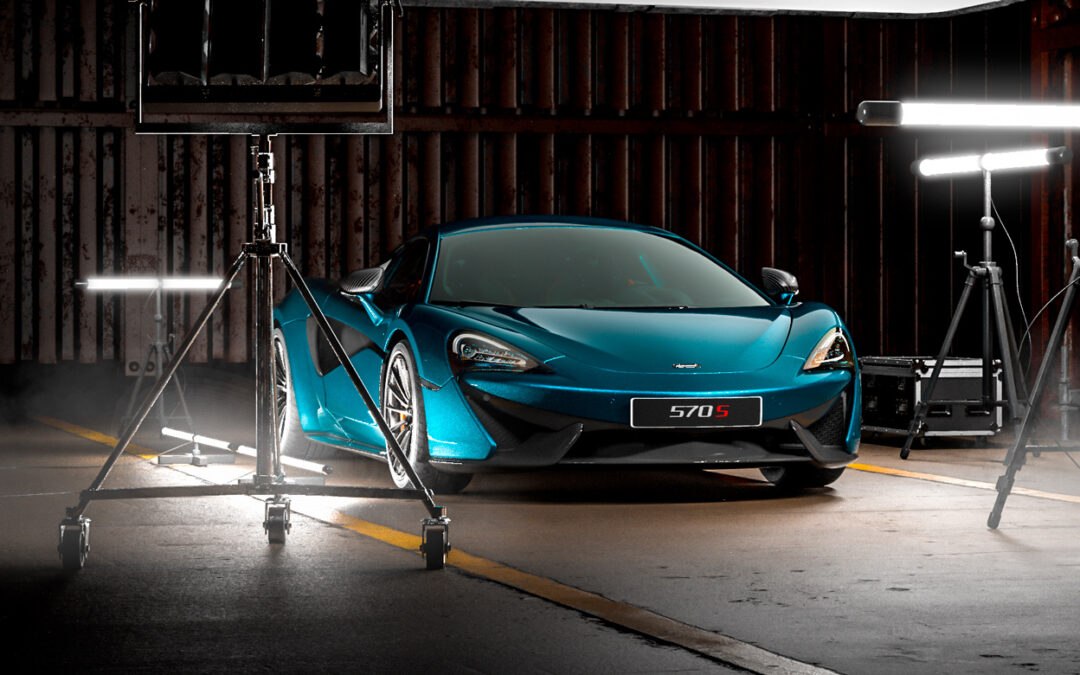
In the KeyShot Render Q&A, Tim Feher, having years of experience of using KeyShot in the automotive industry, provides advanced insight into creating incredible visuals using KeyShot. Although this is focused around automotive, there's no doubt you can use his...

Master KeyShot Output for Post-production Webinar

Master KeyShot Output for Post-production Webinar

In KeyShot Output for Post-production we continue our master series course with the process that goes into creating output files to bring into post-processing software like Photoshop or After Effects. This includes everything from final scene prep inside KeyShot to...

Ironklad Studios Releases First Mech Design Tutorial

Ironklad Studios Releases First Mech Design Tutorial

We love us some mech design here at KeyShot HQ, and we certainly love some mech design tutorial with KeyShot workflow thrown into it. The crew at Ironklad Studios has just released their first tutorial that takes you through the process of modeling, rendering and...

KeyShot Advice from Character Artist Josh Herman

KeyShot Advice from Character Artist Josh Herman

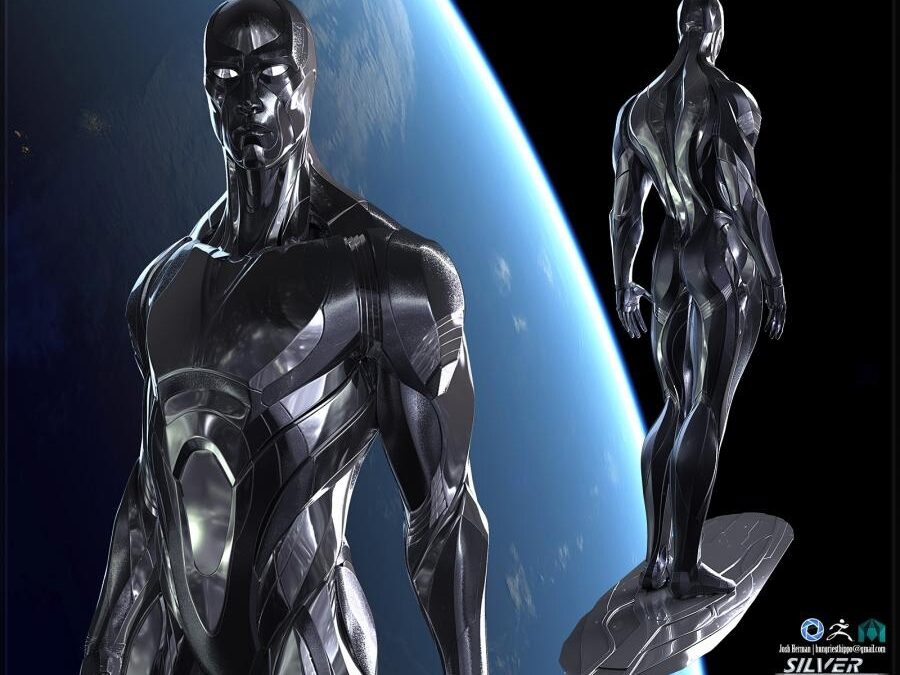
Josh Herman was one of the many amazing artist at the inaugural ZBrush Summit and Gnomon Master Classes 2014. He has a long list of character work in major motion films, known as the creator of Iron Man's power suit and most recently, the magnificent Groot from...

Browse by topics