Quick Tip 56: Output Render Samples

Categories

Date

August 15, 2016
Written By KeyShot
The KeyShot crew fills you in with the latest KeyShot tips and tricks, insight into 3D rendering technology and the people creating the coolest visuals across the engineering, product design and entertainment industries.
Output Render Samples KeyShot

In this KeyShot Quick Tip, we look at how to calculate the amount of samples needed to render your scene by using the Heads-Up display and adjusting the amount of samples needed for your render.

More quick tips here: https://www.keyshot.com/learning/quicktips/
Download and try KeyShot here: https://www.keyshot.com/try/

itunes-logo-64
Subscribe to our Quick Tips on iTunes to view them where ever you are, on the go, on your iPad or at your desktop.


Related Posts

Our Favorite Learning Resources to Help You Become a Rendering Master

Our Favorite Learning Resources to Help You Become a Rendering Master

There are so many ways to learn about KeyShot Studio and 3D rendering online that it can be a little overwhelming to know where to start. Whether you’re a brand-new beginner, an advanced render-er or anything in between, here are our favorite learning resources to take your work to the next level. 

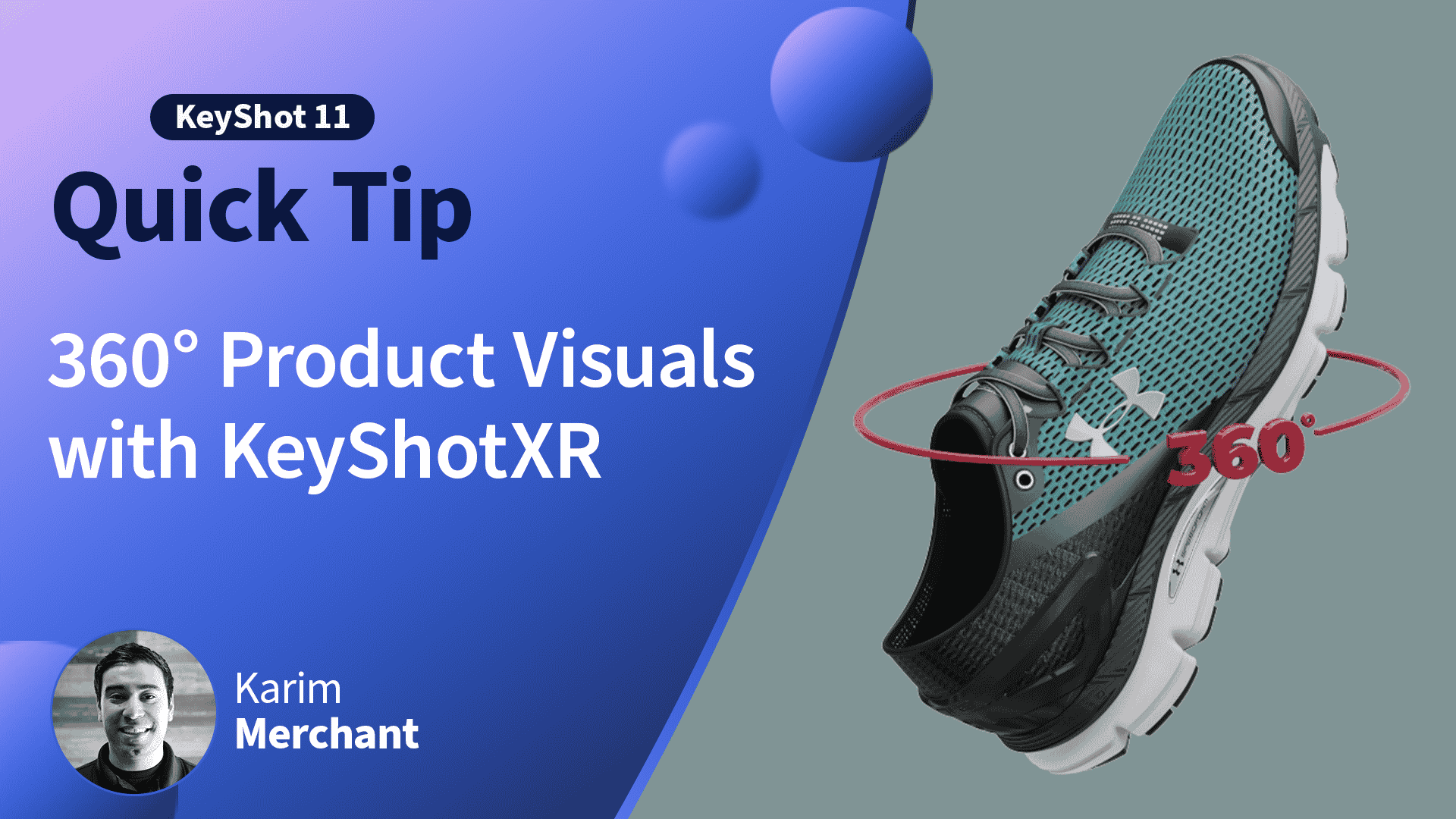
Quick Tip 151: 360 Product Visuals with KeyShotXR

Quick Tip 151: 360 Product Visuals with KeyShotXR

In this KeyShot Quick Tip, learn how KeyShotXR can help you create interactive 360° point-of-sale visuals for your ecommerce store or website. Read the blog post: https://blog.keyshot.com/ecommerce-product-visuals-keyshotxrDownload the KeyShotXR:...

Tutorials

Tutorials

KeyShot tutorials guide users through 3D rendering techniques, from basics to advanced methods, enhancing their skills step-by-step.