KeyShot Blog
LATEST
Quick Tip 133: Mesh Simplification Tool
Learn how to use the Mesh Simplification tool in KeyShot Pro to quickly reduce the triangle counts of your mesh-based models. Read the blog post: https://blog.keyshot.com/how-to-use-keyshot-mesh-simplification More Quick Tips Available Here:...
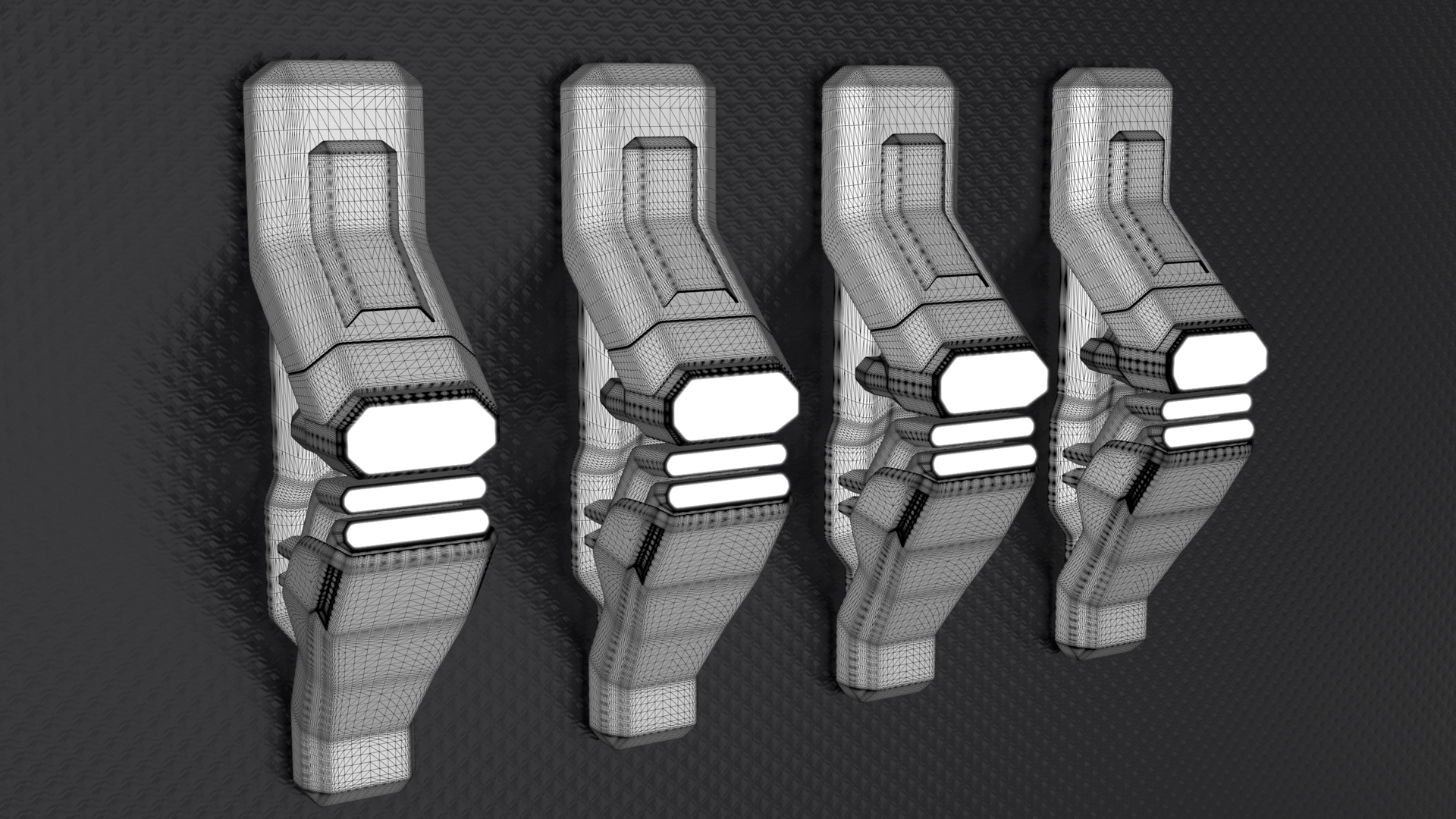
How to Use the KeyShot Mesh Simplification Tool
Though KeyShot is able to import and work with very large, very detailed data sets with very complex geometry and textures, there times when you may want to simplify the geometry of the model. Here, we'll take a look at how to access the Mesh Simplification tool and...

Delft Hyperloop Team Uses KeyShot to Visualize the Future
The Delft Hyperloop is a climate-neutral, scalable Hyperloop system designed to transport passengers at speeds over 620 mph (1000 km/h). Over the past six months, the Delft University of Technology DH05 team has worked toward proving the technical and commercial...
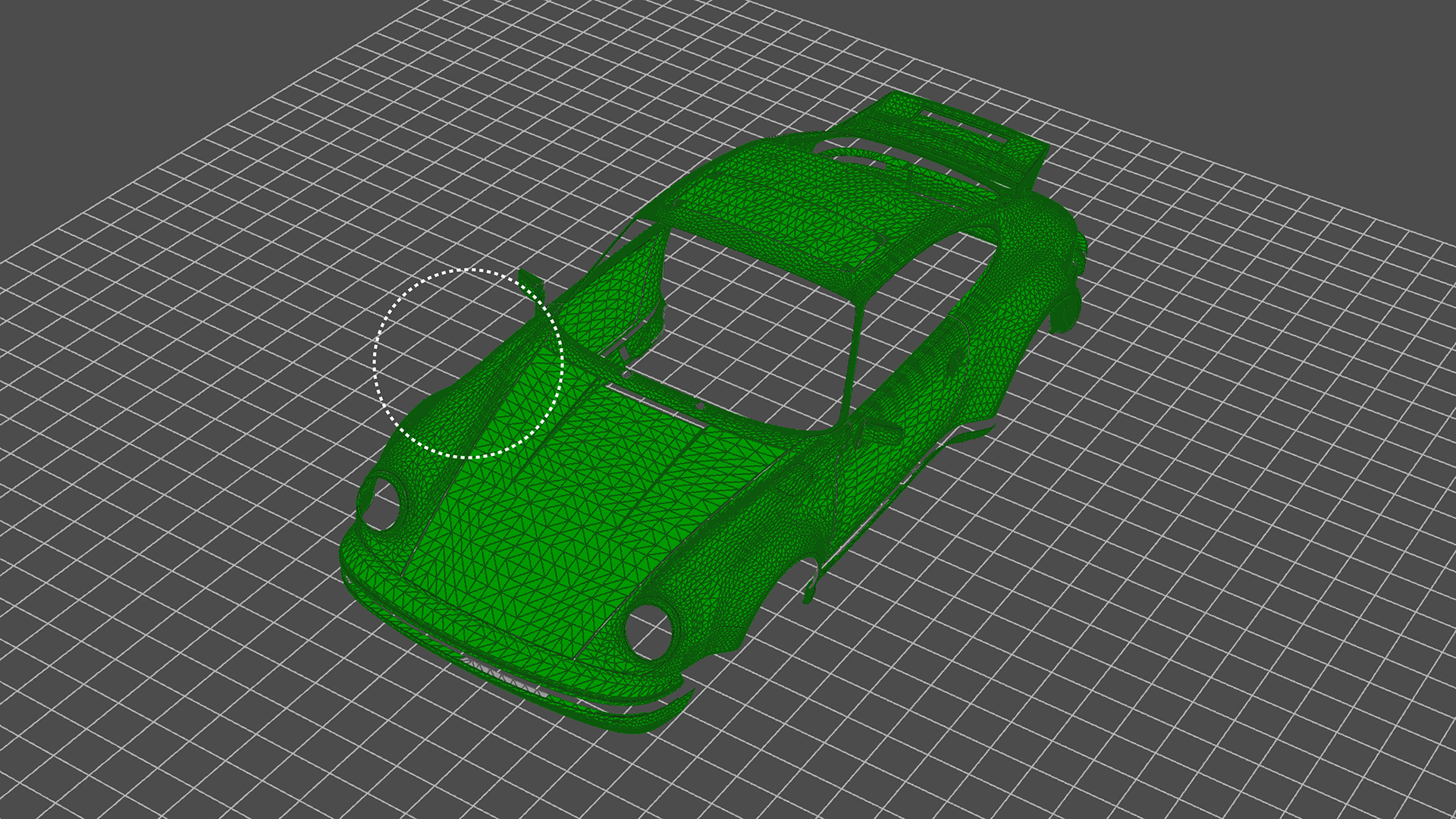
How to Use KeyShot’s Paint Selection to Split Object Surfaces
KeyShot Pro comes with many geometry tools to manage and work with your imported models. One of those is the Split Object Surface Tool. Today, we'll look at the tool and the Paint Selection feature for quick selection and splitting of model surfaces. Split Object...
FEATURED
No Results Found
The page you requested could not be found. Try refining your search, or use the navigation above to locate the post.
ALL POSTS

Quick Creature Rendering Tips and Tutorials from Dominic Qwek
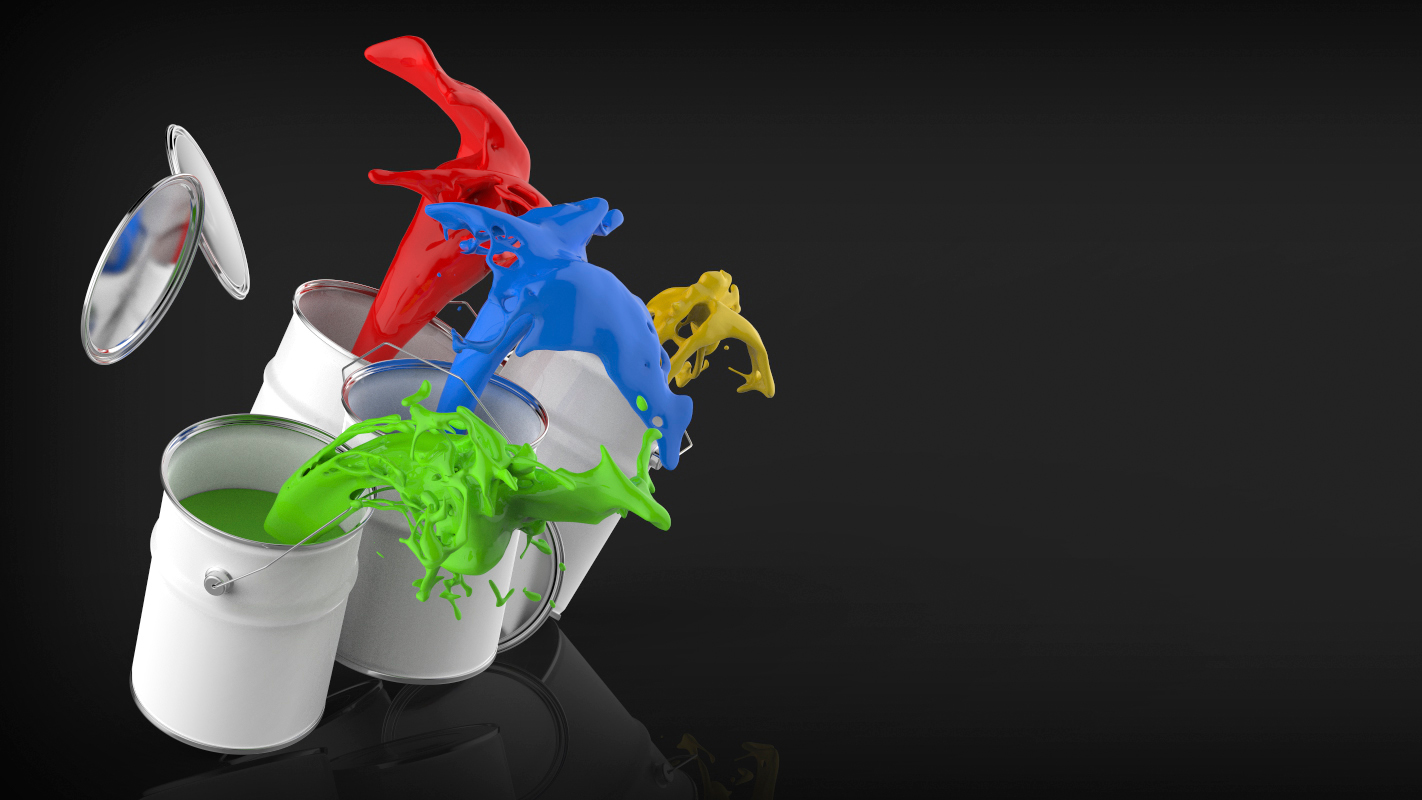
Quick Tip 27: Color Management in KeyShot

Photoshop Plugin to Turn Panorama Into HDRI

Creating a Simple, Subtle Bokeh/Speck Effect in KeyShot

Animation of the week: Flow Control Valve by Scott Malcolm

Catch Marco Di Lucca in the Latest Issue of 3D Creative

See You Seeing KeyShot at CES 2014

Kick It! Razor Powerwing Scooter Design Challenge is Go.

New KeyShot Plugin Update for Rhino 4 and 5