
LATEST

New KeyShot Studio plugins available for Rhino 7 and Rhino 8
KeyShot Studio users can now download plugins for Rhino 7 and Rhino 8. The new plugins include added support for instancing, rebranded icons and strings, and improved mapping of Rhino materials to KeyShot Studio materials.
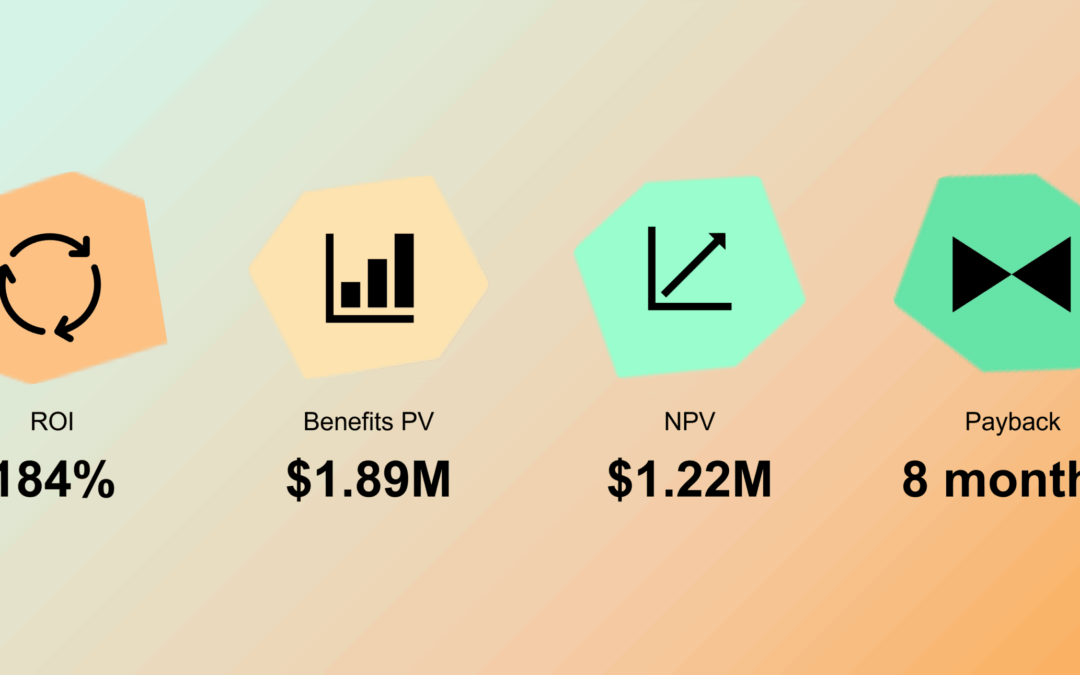
Discover and calculate ROI of a DAM investment
In 2021, we teamed up with Forrester to quantify the financial impact of operational challenges, so you can make a strong case for investing in a robust Digital Asset Management platform like KeyShot DAM.

Our Favorite Learning Resources to Help You Become a Rendering Master
There are so many ways to learn about KeyShot Studio and 3D rendering online that it can be a little overwhelming to know where to start. Whether you’re a brand-new beginner, an advanced render-er or anything in between, here are our favorite learning resources to take your work to the next level.

Introducing the KeyShot Student Ambassador Program
Applications are open for the KeyShot Student Ambassador Program! Learn about benefits, program structure and responsibilities, and who we are looking for.
FEATURED
No Results Found
The page you requested could not be found. Try refining your search, or use the navigation above to locate the post.
ALL POSTS
A Color Workflow that Works for You, GPU Performance Updates and More in KeyShot 2023.3
Do you like playing around with colors? How about doing so faster than ever? We’re excited to bring you KeyShot 2023.3, with several updates that make working with color faster and more flexible, a new GPU Performance Mode,...
4:10 – KeyShot 4 Using Backplates
An overview on using backplates in KeyShot 4 that provides details on enhancing your scene with backgrounds using backplate images and more about settings that affect the backplate image. Features that make KeyShot the easiest and most powerful 3D rendering and...
4:09 – KeyShot 4 Realtime Settings
An overview on realtime settings in KeyShot 4 that provides details on the setting for the realtime view in KeyShot, including resolution, aspect ratio, brightness and gamma settings. Features that make KeyShot the easiest and most powerful 3D rendering and animation...
4:08 – KeyShot 4 Lighting Adjustment
An overview on lighting in KeyShot 4 that provides details on HDR image-based environmental lighting. Features that make KeyShot the easiest and most powerful 3D rendering and animation software.
4:07 – KeyShot 4 Labels Overview
An overview on labels in KeyShot 4 that provides details on importing labels and working with the label tab. You'll see how to locate and place label and use the different mapping types to create exactly the look you need. Features that make KeyShot the easiest and...
4:05 – KeyShot 4 Assigning and Editing Materials
An overview on working with materials in KeyShot 4 that provides details on painting up your 3D data, applying multiple shaders, the material library interface, how to link and unlink materials, working with color libraries, setting rounded edges and more. Features...
4:04 – KeyShot 4 Importing Data
An overview on importing data in KeyShot 4 that provides details on importing with 100% scale accuracy, import settings, importing multiple models and how to positions and duplicate models after import. Features that make KeyShot the easiest and most powerful 3D...
4:03 – KeyShot 4 Working with Cameras
An overview of viewing and cameras in KeyShot 4 that provides details on mouse and keyboard controls, camera settings and how to create, save and edit views quickly. Features that make KeyShot the easiest and most powerful 3D rendering and animation software.
4:02 – KeyShot 4 User Interface
An overview of the user interface in KeyShot 4 with details on folder structure, hot keys, performance mode and online manual. Features that make KeyShot the easiest and most powerful 3D rendering and animation software.
4:01 – KeyShot 4 Rendering Overview
Get an overview of rendering in KeyShot 4 and find out more about the CPU-based, real-time ray-tracing environment that makes KeyShot the easiest and most powerful 3D rendering and animation software.