
KeyShot Blog
LATEST
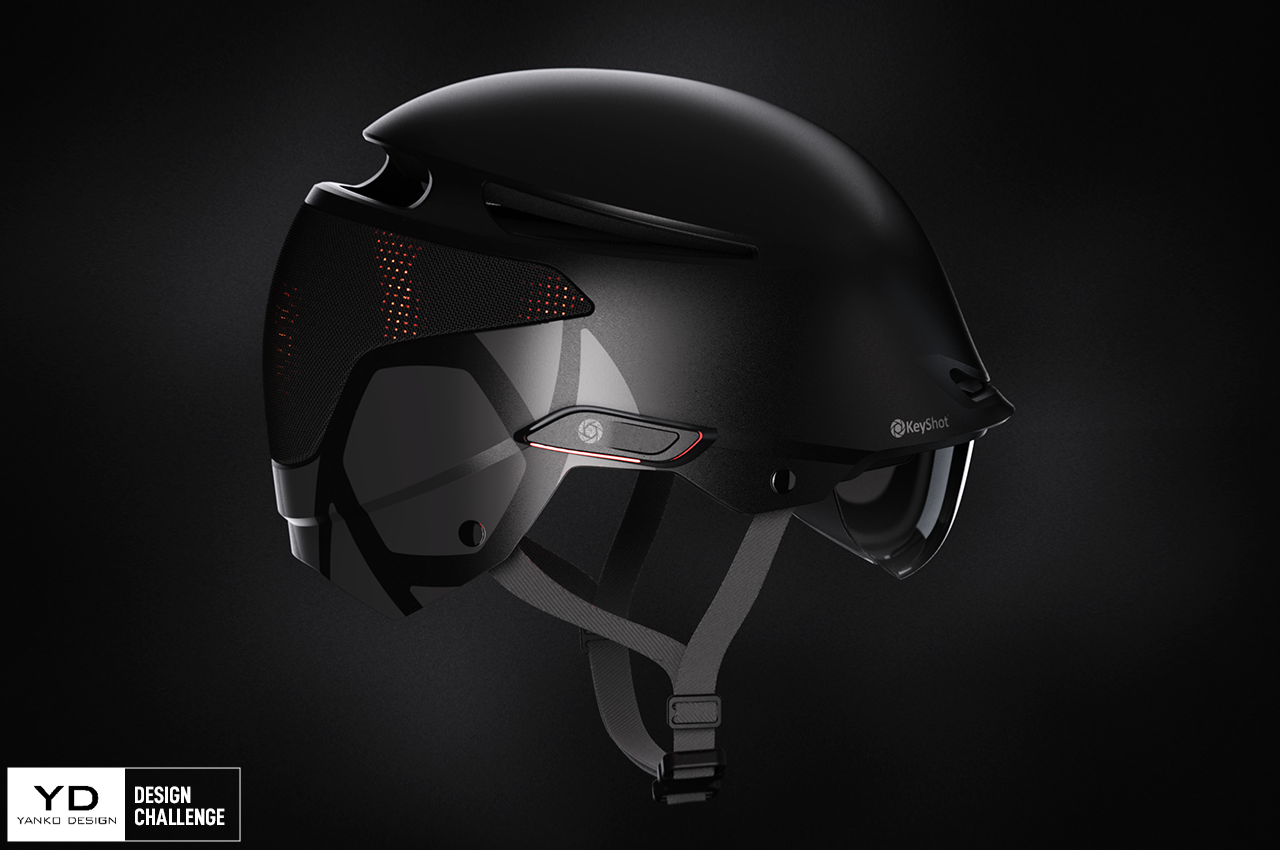
Yanko Design Challenge: Enter for Chance to Win KeyShot Pro & Apple iPad
We’re thrilled to announce our partnership with Yanko Design for our first joint Design Challenge! The premier YDxKeyShot Design Challenge has a broad brief and some exciting prizes! Your mission, should you choose, is to add your own spin to the ENVOY Helmet to make...
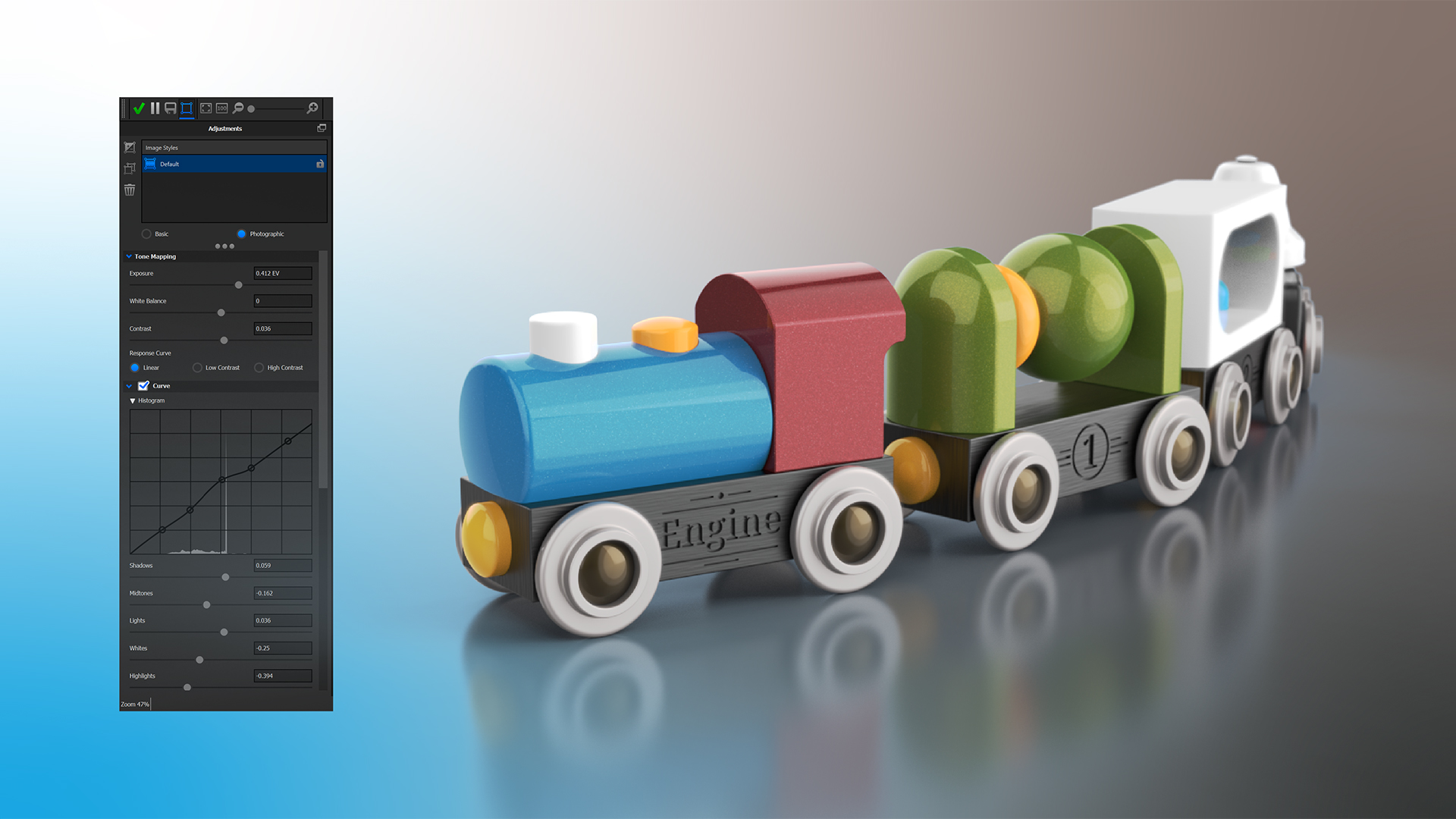
Post-Processing Your Renderings in KeyShot
Post-processing (editing) a rendering can be useful for many reasons. You may want to tweak the contrast, add some bloom or a vignette, or even change background colors and add frontplates. KeyShot allows you to do that prior to rendering but also after you have...
Quick Tip 137: Post-Processing in KeyShot
In this quick tip, learn how to quickly and easily post-process your local renders directly from KeyShot. Read the blog post: https://blog.keyshot.com/post-processing-rendering-keyshot Download the model: https://cloud.keyshot.com/?query=%247879 More Quick Tips...

How to Create Emboss and Deboss Effect in KeyShot
If you’re trying to add some depth to a logo or label in KeyShot, but don’t have the geometry of the graphic modeled on your part, you can easily create the illusion of an embossed or debossed graphic by using a simple bump map. Emboss and Deboss Labels KeyShot Labels...
FEATURED
No Results Found
The page you requested could not be found. Try refining your search, or use the navigation above to locate the post.
ALL POSTS

Get Your Render On: 3D Landmark Render Challenge at CGTrader

Lamborghini Aventador KeyShot Rendering Tutorial by Millergo
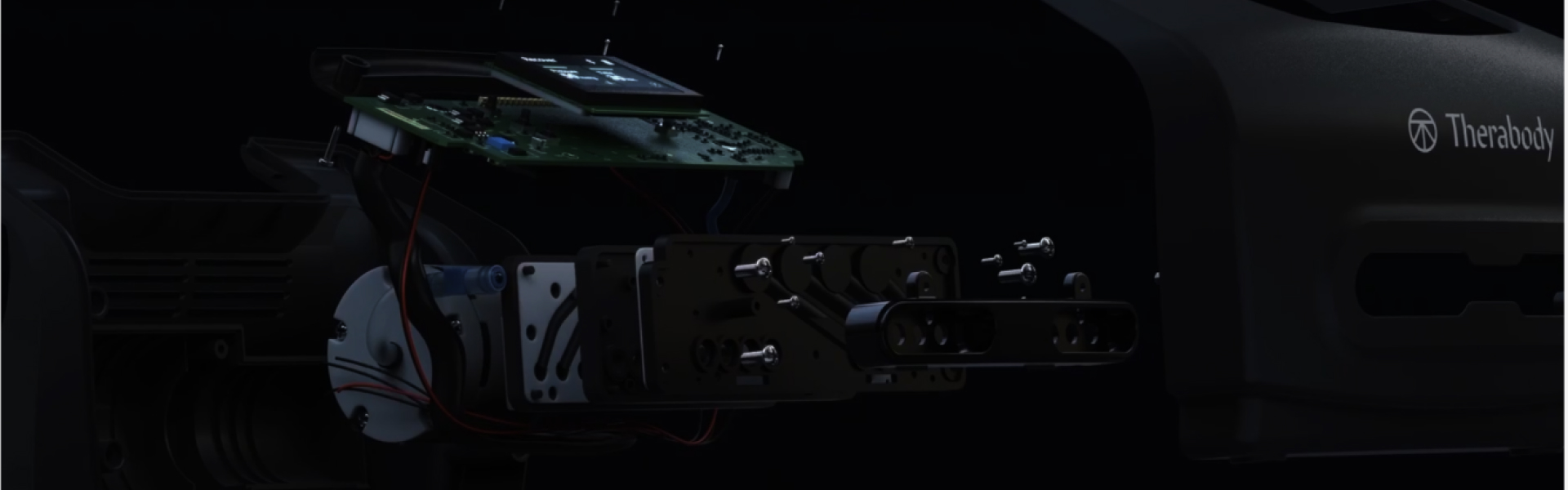
Customer Spotlight: Stanley Black & Decker
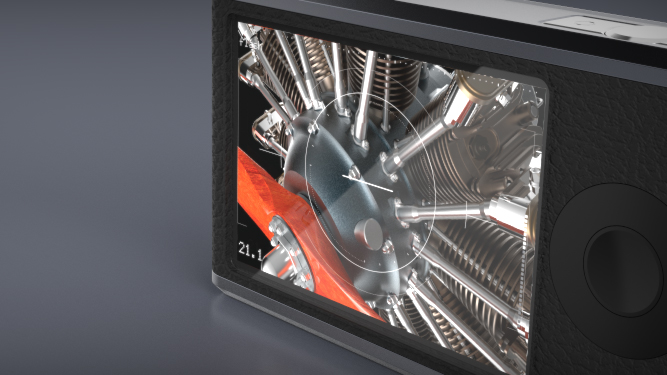
Quick Tip 29: Illuminated Displays in KeyShot

Animation of the Week: Dries Vervoort’s Complex Optical Simulation
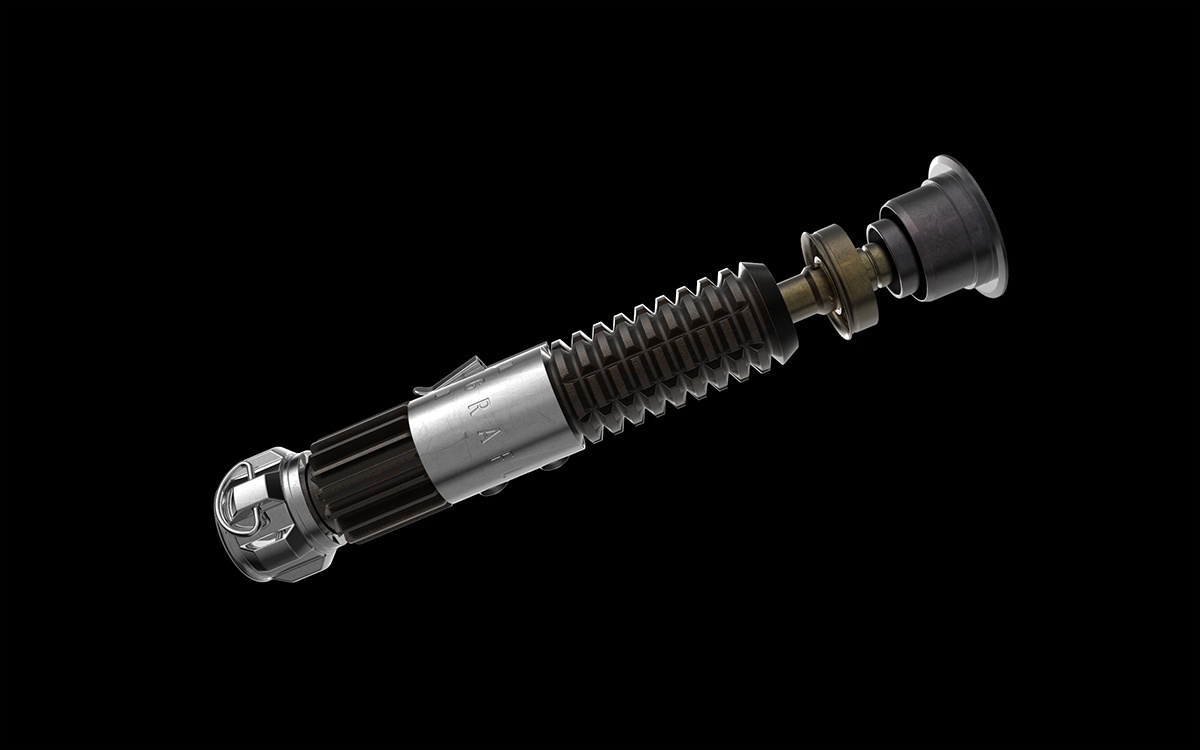
Star Wars Light Saber Rendered
Explore Adelson’s Checker Shadow Illusion in KeyShot

DK Drover, Futuristic Off-road Vehicle by Simon Williamson