
簡介
I’m Pranab, a multiple award-winning industrial designer with over 11 years of experience working across consumer electronics, transportation, industrial products, and furniture. I’m currently building a design-driven brand called Playground, where I get to combine years of cross industry design knowledge with a personal vision for product storytelling.

是什麼讓您對設計產生興趣?
My interest in design started when I was a kid. I was always building things, from handmade objects to simple functional objects. I didn’t know it was called “design” back then; I just loved making ideas real. That curiosity stayed with me and eventually led me to study at the National Institute of Design (India), where I learned how to shape those ideas into products that people can truly connect with. That early instinct to create is still at the heart of everything I do today.
When it comes to visualization, don’t think of it as something you save for the end. Use it as a tool all the way through. A good render can reveal things your sketch can’t: it helps you spot problems, play with materials, and understand form and proportion.

你最喜歡哪些專案?
Some of the projects I’m most proud of include the Ultrahuman Ring R1, a thoughtfully designed product that challenged me in the best way and helped refine every part of my process. Beyond commercial work, I find a lot of creative freedom in my personal explorations. I usually dive into these often; they’re where the most unexpected ideas show up. Right now, what excites me most is the product line I’m developing for Playground. It’s a space where I can bring together form, storytelling, and emotion in a way that feels deeply personal and creatively open.

在您的工作流程中,您會在哪個階段使用KeyShot Studio?
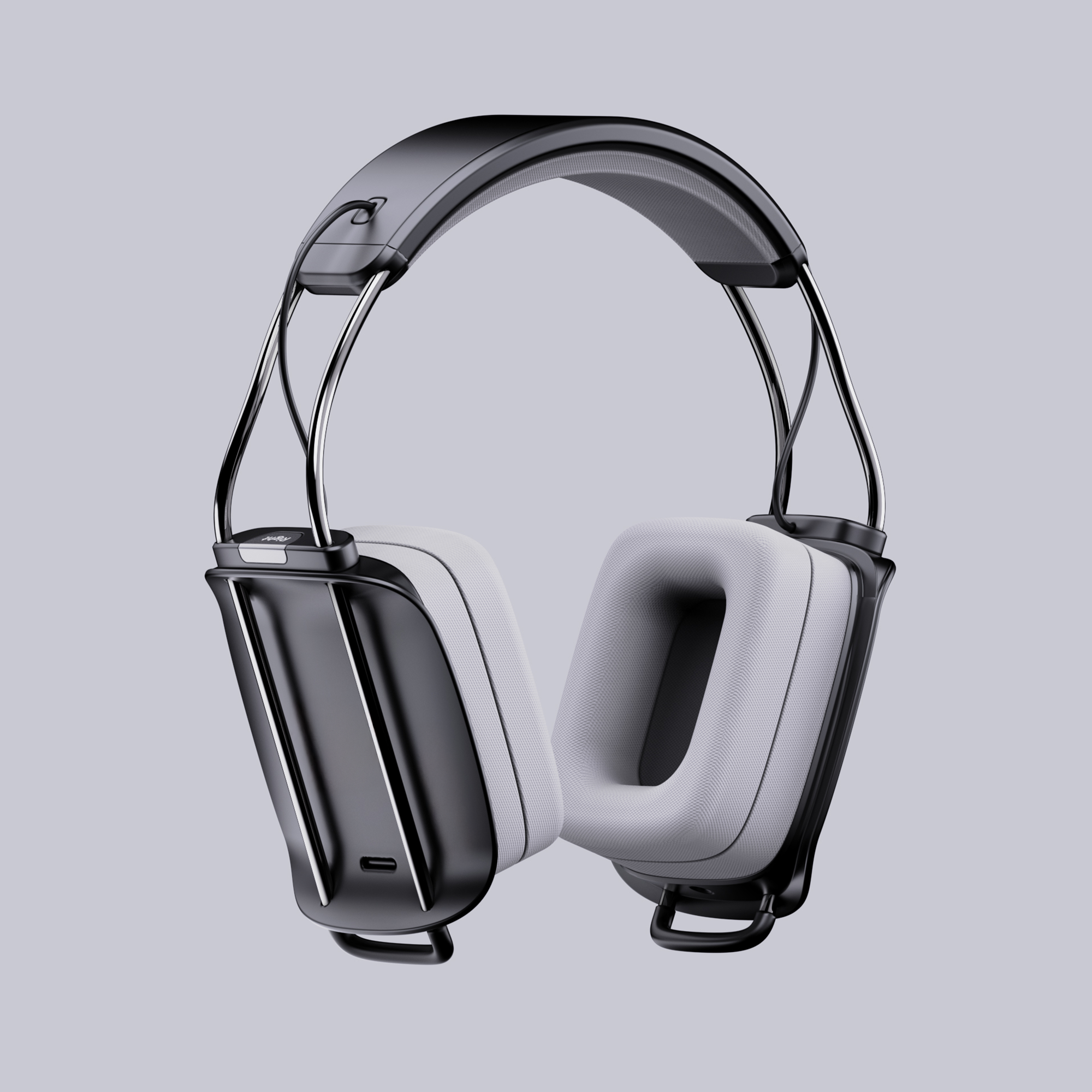
I use KeyShot right from the early stages of my design process, all the way through to the final visuals. Whether I’m putting together quick concept presentations or building high quality renders for marketing, it helps me bring clarity to the design at every step and later becomes a tool for refining the story, making sure the final image communicates the intent and emotion behind the product before it ever hits the real world.
您最喜歡KeyShot Studio 的哪些Studio 或功能?
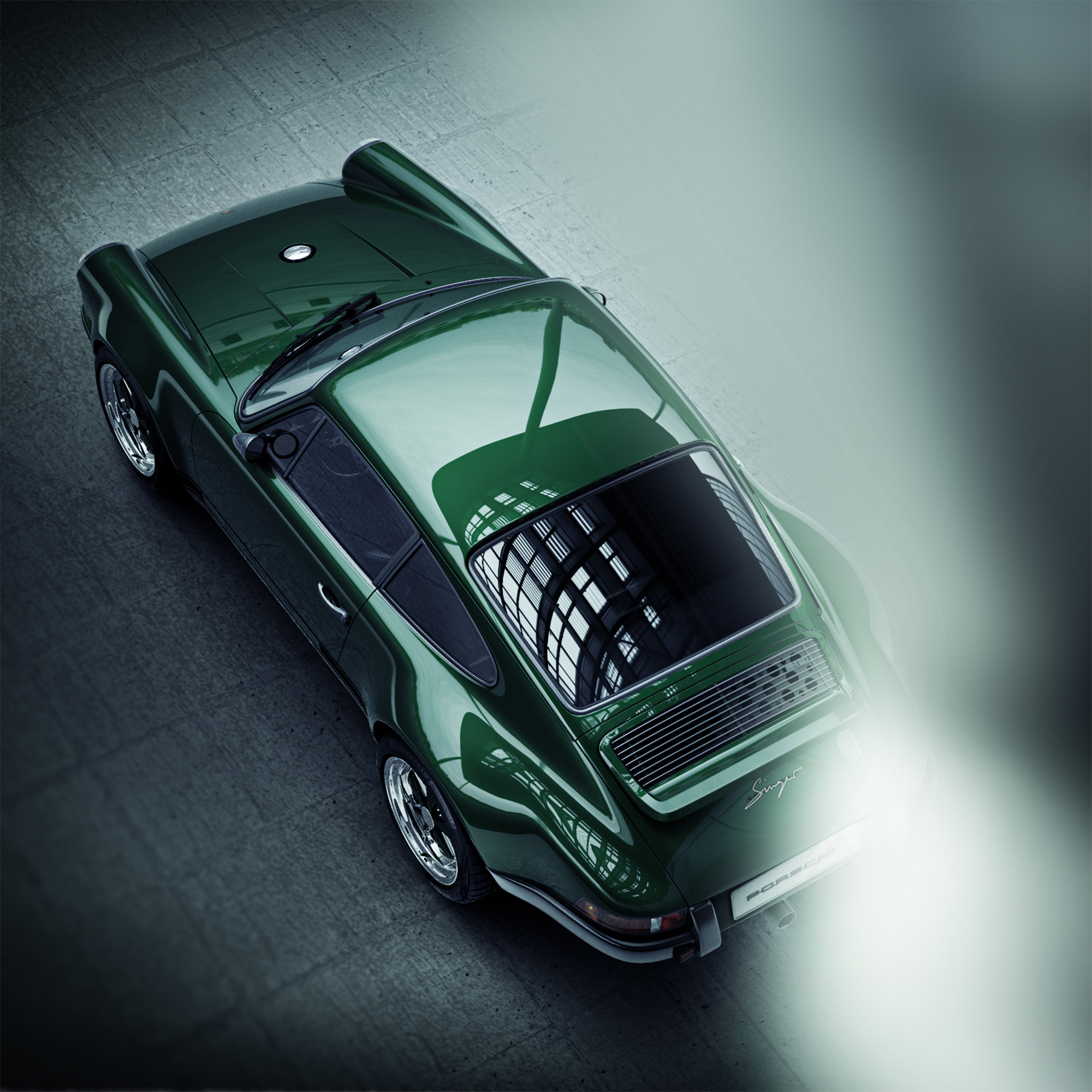
The Material Graph is hands down one of my favorite tools in KeyShot. It gives me detailed control over how every surface looks and reacts, which is especially useful when I’m experimenting with subtle transitions or trying the right material feel. I also really value Image Styles. Being able to do most of my post processing directly inside KeyShot not only saves time, it keeps my entire workflow more consistent and focused.

對於有興趣從事你這份工作的人,你會給什麼建議?
Whether I’m putting together quick concept presentations or building high quality renders for marketing, KeyShot helps me bring clarity to the design at every step and later becomes a tool for refining the story, making sure the final image communicates the intent and emotion behind the product before it ever hits the real world.
相關藝人