

Introduction
Since 1988, Enduro Pipeline Services has provided innovative pipeline integrity, inspection, cleaning, and compliance solutions to the oil and gas industry. We design, manufacture, and deploy advanced inline inspection tools, pipeline cleaning pigs, tracking equipment, and GIS services that help operators maintain safe, efficient, and compliant pipeline systems. With locations in Tulsa, Oklahoma, and Calgary, Alberta, Enduro combines decades of engineering expertise with industry-leading technology to support pipeline cleaning, geometry inspection, metal loss assessment, integrity management, and regulatory compliance throughout North America.
Cory McConnell, Manager of New Product Development, shares how KeyShot Studio has helped the company work more efficiently, saving time and money during product development.
What does a typical workday or week look like for you?
I lead the development of new technologies and manage an interdisciplinary team of engineers. My work includes overseeing new product programs, designing mechanical parts and assemblies, sourcing purchased components, materials, and machining, and presenting project progress for review and approval. I also use KeyShot Studio to create high-quality renderings that communicate design direction and generate consistent digital assets of our equipment fleet for use across our website and marketing materials.
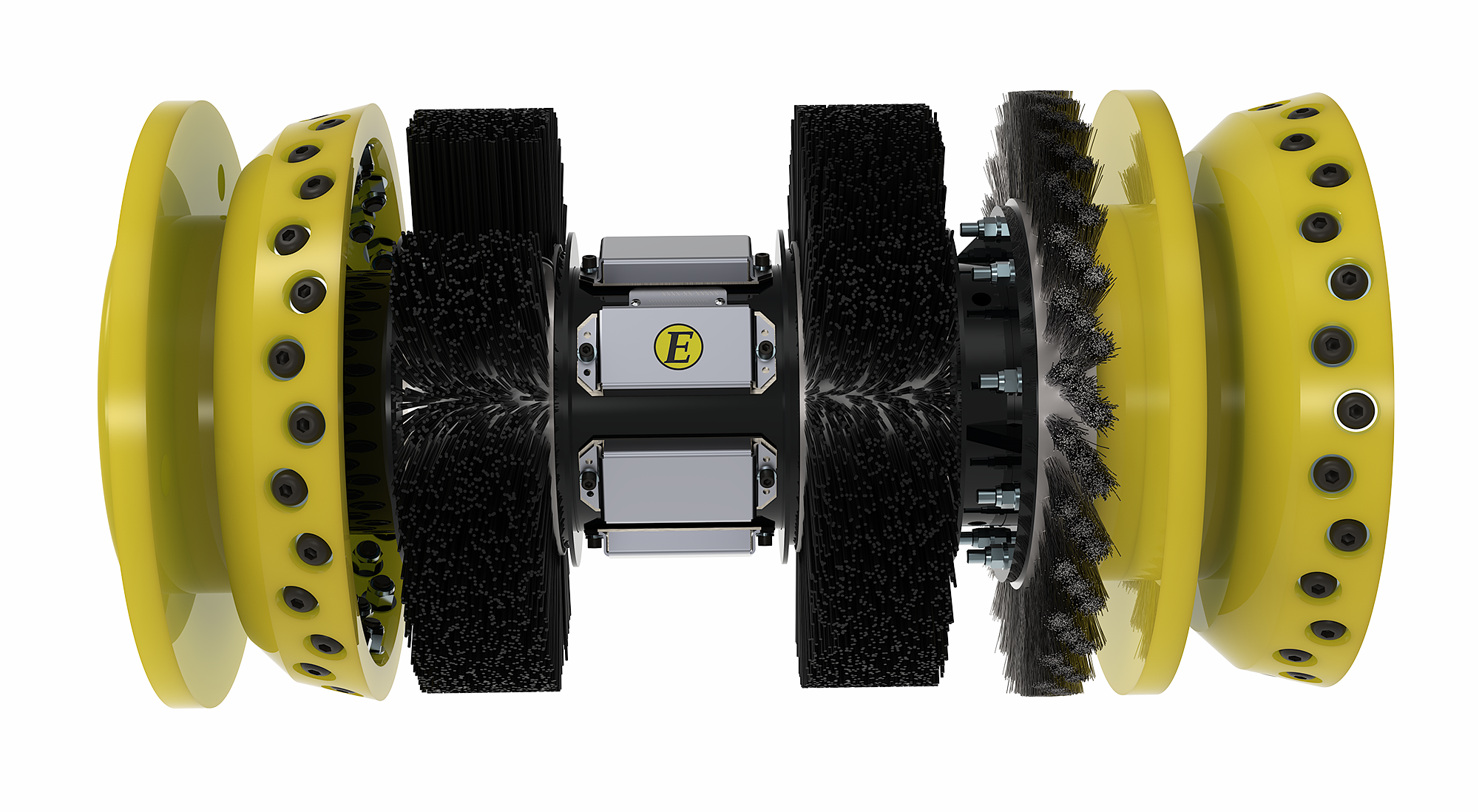
I can take the CAD models I am already creating and quickly turn them into clear, professional renderings.
How has KeyShot helped you save time, money and/or improve quality?
KeyShot has helped us save time, reduce cost, and improve the quality of our communication throughout the product development process. Before hardware is manufactured, we can create realistic renderings directly from our CAD models to review design direction, communicate concepts, and present progress to stakeholders. This helps reduce the need for physical mockups or incomplete prototype photos when a design is still evolving.
It also allows us to create professional, consistent visuals for our website, marketing materials, and internal presentations without relying on outside photography for every product or configuration. Because our equipment is large, complex, and not always available in a clean or finished state, being able to generate controlled, high-quality images from the digital model is a major advantage. KeyShot helps us show the equipment clearly, maintain a consistent brand appearance, and communicate technical designs in a way that is easier for both technical and non-technical audiences to understand.
What KeyShot Studio features are most important to you?
The KeyShot Studio features that are most helpful to me are model sets, studios, material templates, and network rendering. We use renderings extensively for the visuals on our website and in marketing materials, so consistency is very important. Model sets and studios make it easy to create repeatable views of different tools, configurations, and product families while maintaining the same lighting, camera angles, and overall visual style. Material templates are also extremely valuable because they allow us to quickly apply consistent, on-brand materials across complex mechanical assemblies without manually adjusting every part.
Network rendering is another major benefit. It allows me to queue multiple angles, configurations, or tools and render them in a single hands-off operation. This is especially useful when creating a full set of digital assets for a product line, because I can continue working the other parts of my job while KeyShot processes high-quality images in the background.
Why would you recommend KeyShot to others in your line of work?
I would recommend KeyShot to others in mechanical engineering because it allows you to create high-quality visuals without taking focus away from the engineering work itself. My primary responsibility is designing and developing mechanical equipment, not creating marketing content or becoming a visualization specialist. KeyShot fits well into that workflow because it allows me to take the CAD models I am already creating and quickly turn them into clear, professional renderings.
Those renderings help communicate design intent to management, customers, and other stakeholders in a way that drawings or screenshots often cannot. They make complex mechanical assemblies easier to understand, especially for people who are not directly involved in the design process. KeyShot also helps create consistent marketing assets, presentation images, and product visuals without needing every piece of equipment physically available, fully assembled, cleaned, staged, and photographed.
KeyShot allows you to create high-quality visuals without taking focus away from the engineering work itself.
Learn how you can power your visuals with KeyShot today