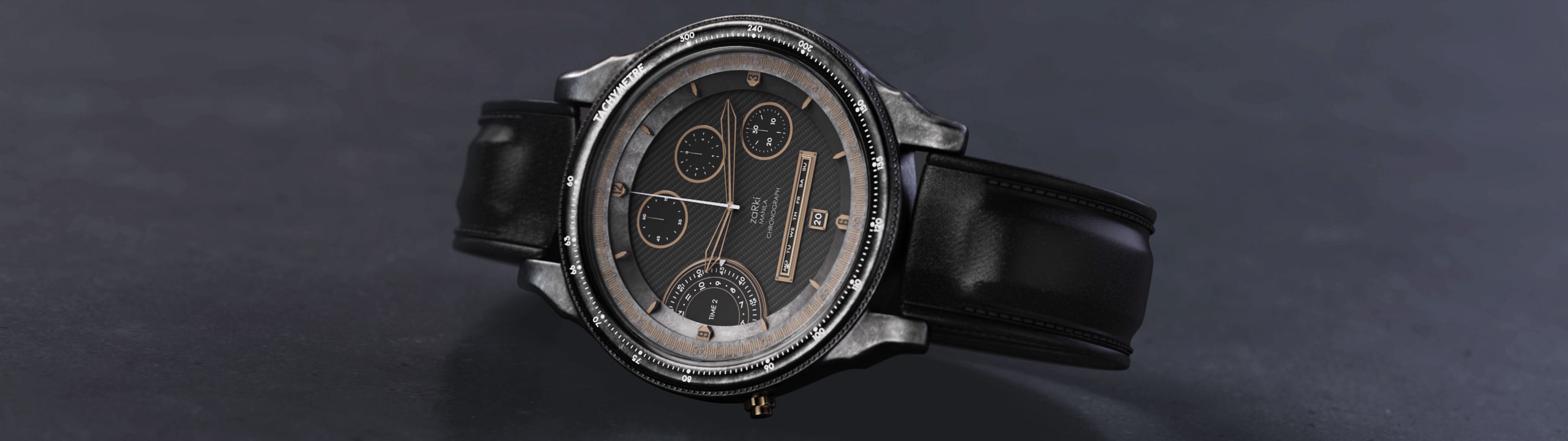
Rachel is a freelance 3D product visualization artist with over a decade of experience. She has a Fine Arts degree, majoring in Industrial Design, from the University of Santo Tomas. She took 3D animation courses after graduating to focus on creating her designs in 3D. Rachel tells us how she fell in love with KeyShot and how it’s helped her produce her best work.

Rachel Anne Bernardo
Instagram | LinkedIn
Modeling software used: Maya
산업 디자인에 관심을 갖게 된 계기는 무엇인가요?
I have always had an interest in art and design since childhood, but it wasn’t until college that I discovered how amazing 3D was. It was then that I realized how much potential there is for artists such as myself who can create things out of thin air. I stumbled upon industrial design when looking for a course at my university. There were only four courses under fine arts, and I knew then that industrial design was perfect for me, since I like designing and a little bit of engineering.
가장 좋아하는 프로젝트는 무엇인가요?
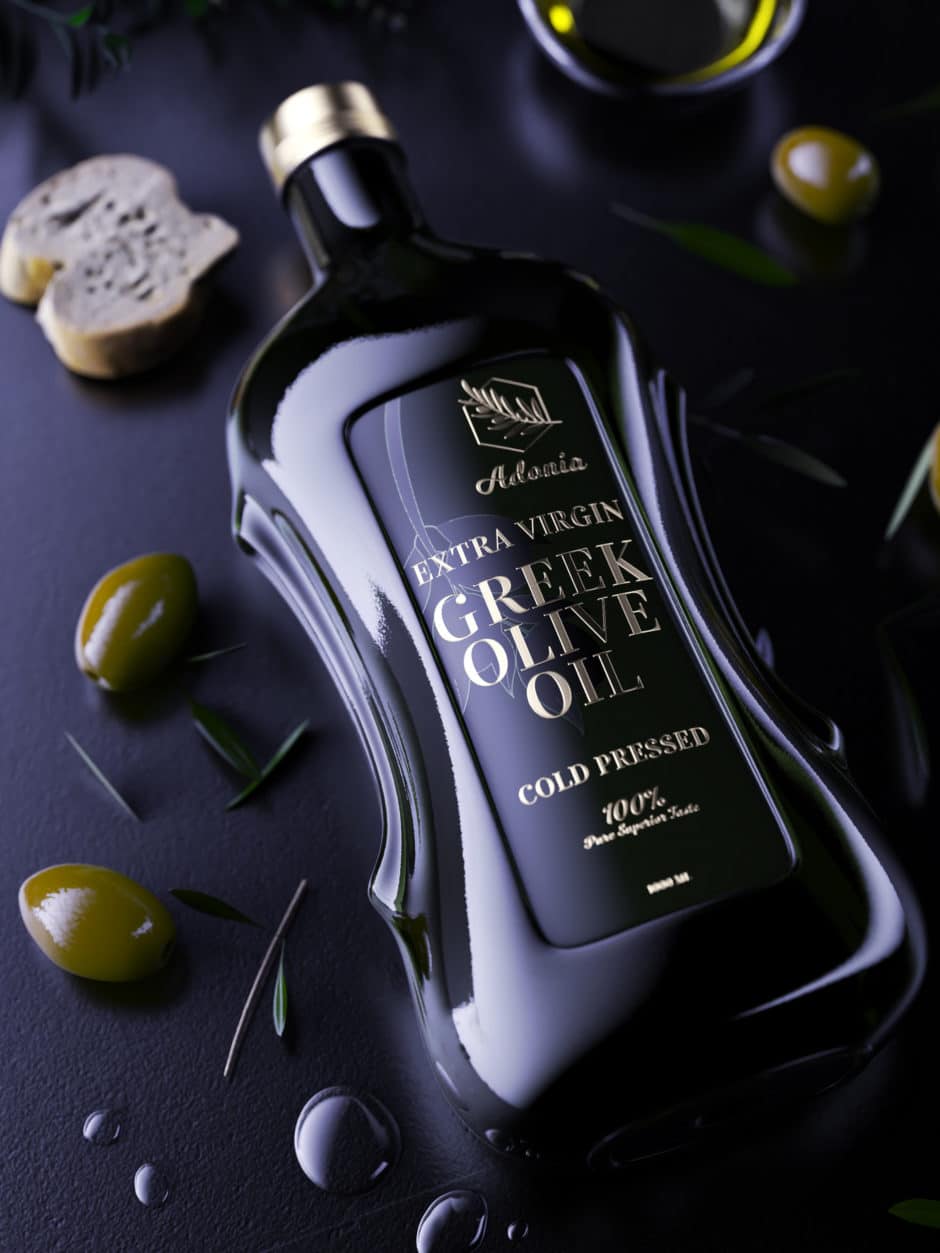
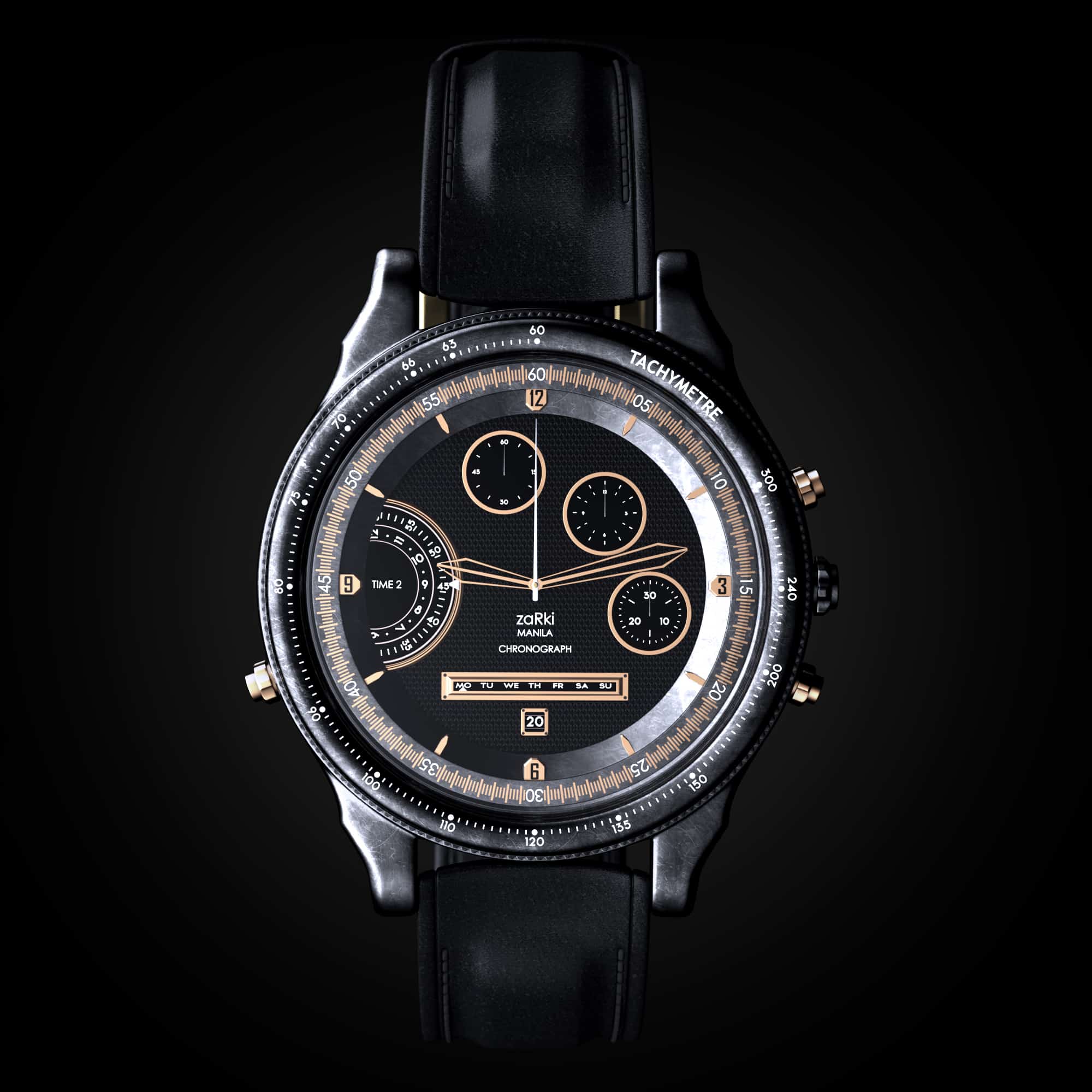
My favorite project is the first watch I rendered in KeyShot. It took me months to finish my design and a month to finalize everything in KeyShot. That was also the year that I learned about KeyShot (my husband introduced me to it). I was using a different software before, and when I tried using KeyShot (my husband was very persistent about this software), I immediately fell in love with using it. It took me about 10 years to find the perfect 3D rendering software for me. The lifestyle renders that I created on KeyShot are also some of my favorites. I love how easy and realistic my design outputs are because of KeyShot.
디자인 철학을 어떻게 설명하시겠습니까?
“Less is more.” I learned this from a college professor. I try to be minimalist when it comes to creating my designs and I like to be straightforward in telling my story through visualization. Simplicity is always the key for me.
영감은 어디서 얻나요?
Sometimes I find inspiration when reading a book or looking at images on Pinterest or a magazine. For me, having the inspiration to design something comes naturally. It is around us in our daily lives, you just have to look closely to see it.

프로세스의 어느 단계에서 KeyShot 사용하나요?
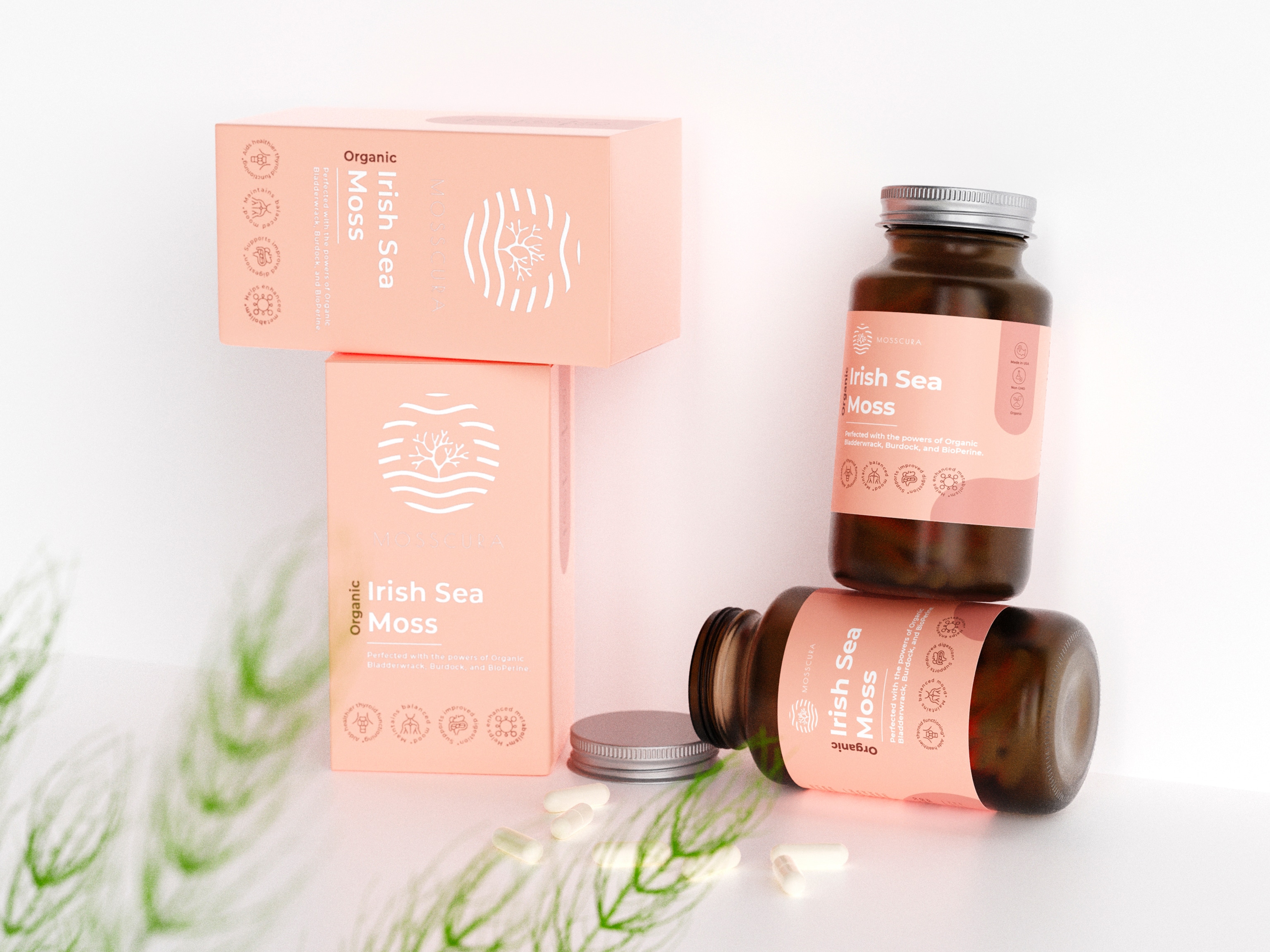
I use KeyShot for rendering and creating materials. I use Maya to model my designs or the products that I have to create but after modeling, I use KeyShot for everything else. I like using KeyShot for rendering and creating materials because it is so easy to use and it gives real-time rendering. I can already see what the material would look like in my design with the lighting setup I created.
Never fear failure and rejection. It is only through failure that you will learn. It took me years to be where I am today, and I failed a lot in those years.
가장 좋아하는 KeyShot 도구는 무엇인가요?
When they introduced GPU rendering on KeyShot, that was a game changer for me, since the rendering time is almost half compared to CPU rendering. I also like using the Fuzz tool; I was having trouble creating bristles or grass or even fibers for clothing before. But when KeyShot introduced Fuzz, creating these types of materials became easy and, most of all, realistic and easy to manipulate.

이 일에 관심이 있는 사람에게 어떤 조언을 해주고 싶으신가요?
My advice is to never fear failure and rejection. It is only through failure that you will learn. It took me years to be where I am today, and I failed a lot in those years. It won’t make sense now when you fail or when you get rejected, but you’ll see over the years that that failure and that rejection were essential in your life for you to grow and learn. Choose your path wisely, either you learn from it or you run from it (and I hope anyone reading this chooses the former). And never stop learning and always be curious, curious enough to want to learn more.
“Choose your path wisely, either you learn from it or you run from it.”