

Introduction
JewelModel was founded by Serge Kuzmin in 2014 as a jewelry 3D design and prototyping studio. Based in Kharkiv, Ukraine, the company operated a team of 3D designers and milling specialists, CNC machines, 3D printers, and the equipment needed to produce prototypes for jewelry manufacturing.
The studio remained active in Kharkiv until 二月 2022. Following the full-scale invasion of Ukraine, offline operations came to a halt, prompting Serge to rethink the future of the business. "I decided to move the business fully online. JewelModel.net first evolved into an online studio, allowing jewelry companies to collaborate directly with our designers on models for their collections. Later, I expanded JewelModel into a specialized B2B platform and professional marketplace for jewelry 3D models used in printing, casting, and manufacturing. Today, JewelModel is based in Heidelberg, Germany, where I continue to develop the platform and work with international clients." Serge explains.
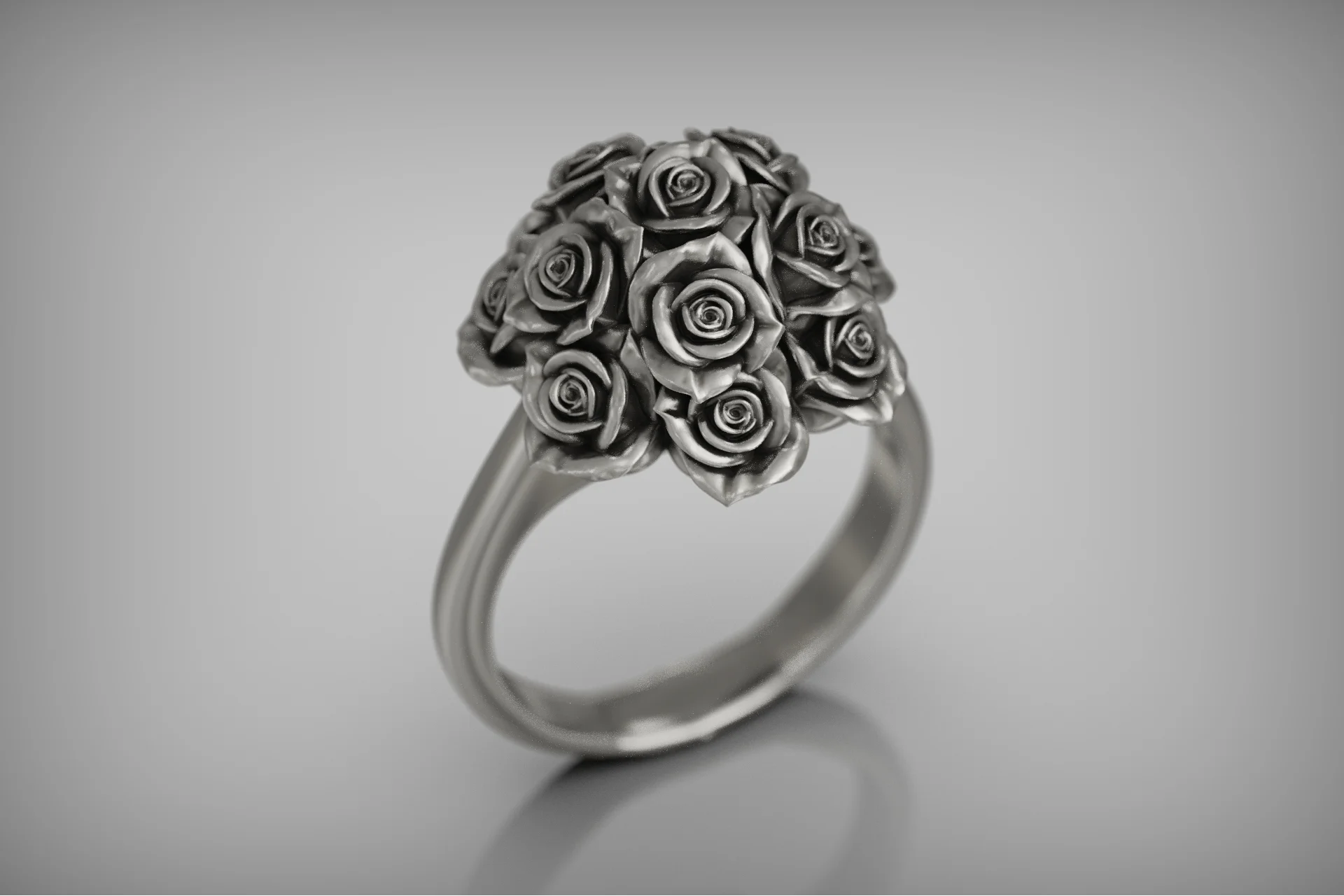
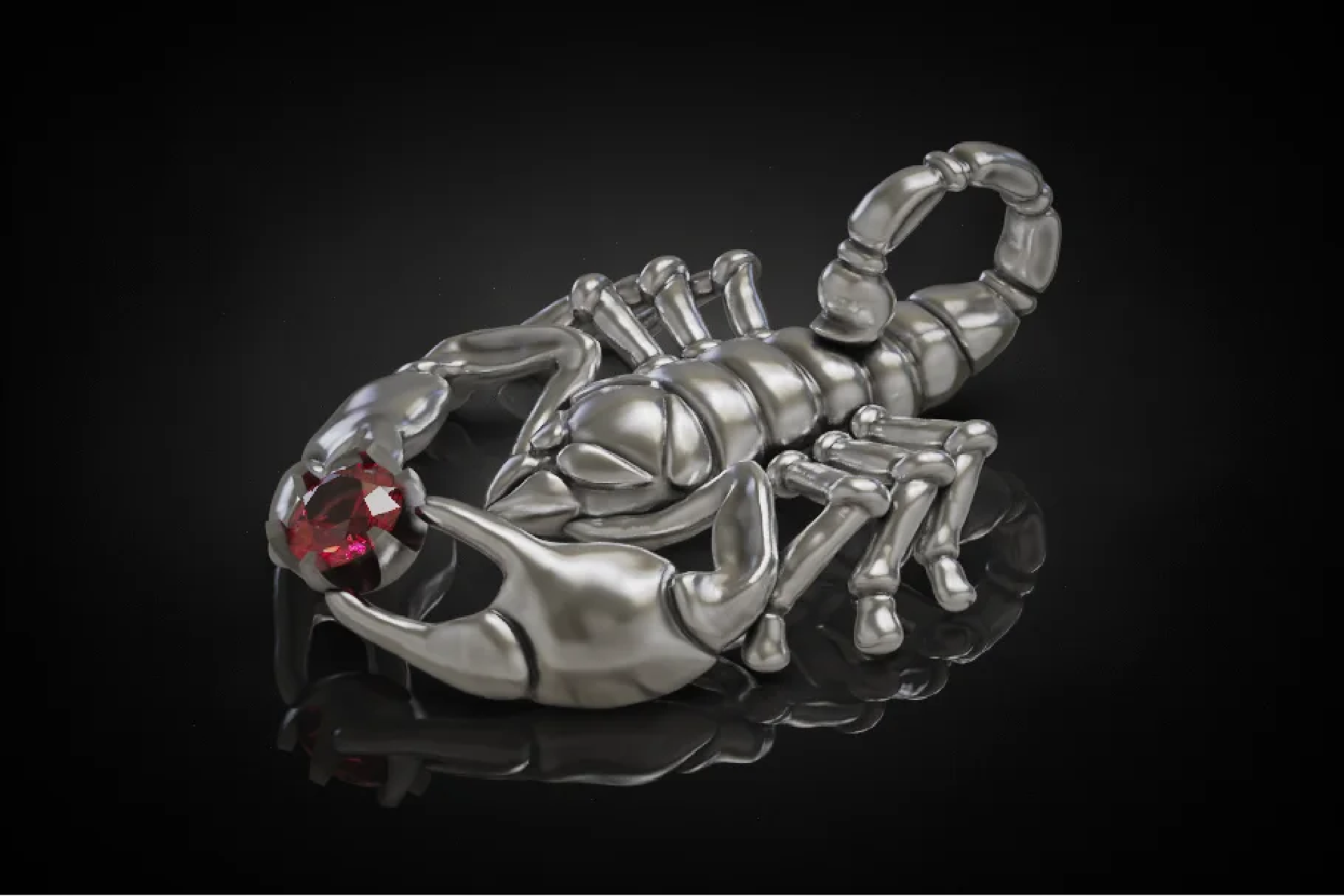
What inspired you to create JewelModel?
The idea behind JewelModel was to create a specialized platform for jewelry 3D designers, jewelers, and manufacturers. On large general-purpose marketplaces, jewelry designers often struggle to gain visibility among millions of unrelated files, while industry-specific quality standards and manufacturing requirements are rarely prioritized.
I wanted to build a platform where professional jewelry CAD designers could showcase and sell their work directly to the right audience, while jewelers and manufacturers could access high-quality models created by experts who understand 3D printing, casting, stone setting, and production requirements. This vision led JewelModel to evolve from a design studio into a specialized B2B marketplace for the jewelry industry.
Today, we welcome professional jewelry 3D designers who want to sell their models through JewelModel.net. Our goal is to ensure that high-quality, production-ready work stands out from the growing volume of AI-generated and low-quality content, creating a trusted environment for both designers and buyers.
JewelModel is built specifically for production-ready jewelry 3D models, professional CAD designers, jewelers, manufacturers, resin or wax printing, and lost-wax casting.
KeyShot can save both time and photography costs and, even more importantly, help present and sell the product more effectively.
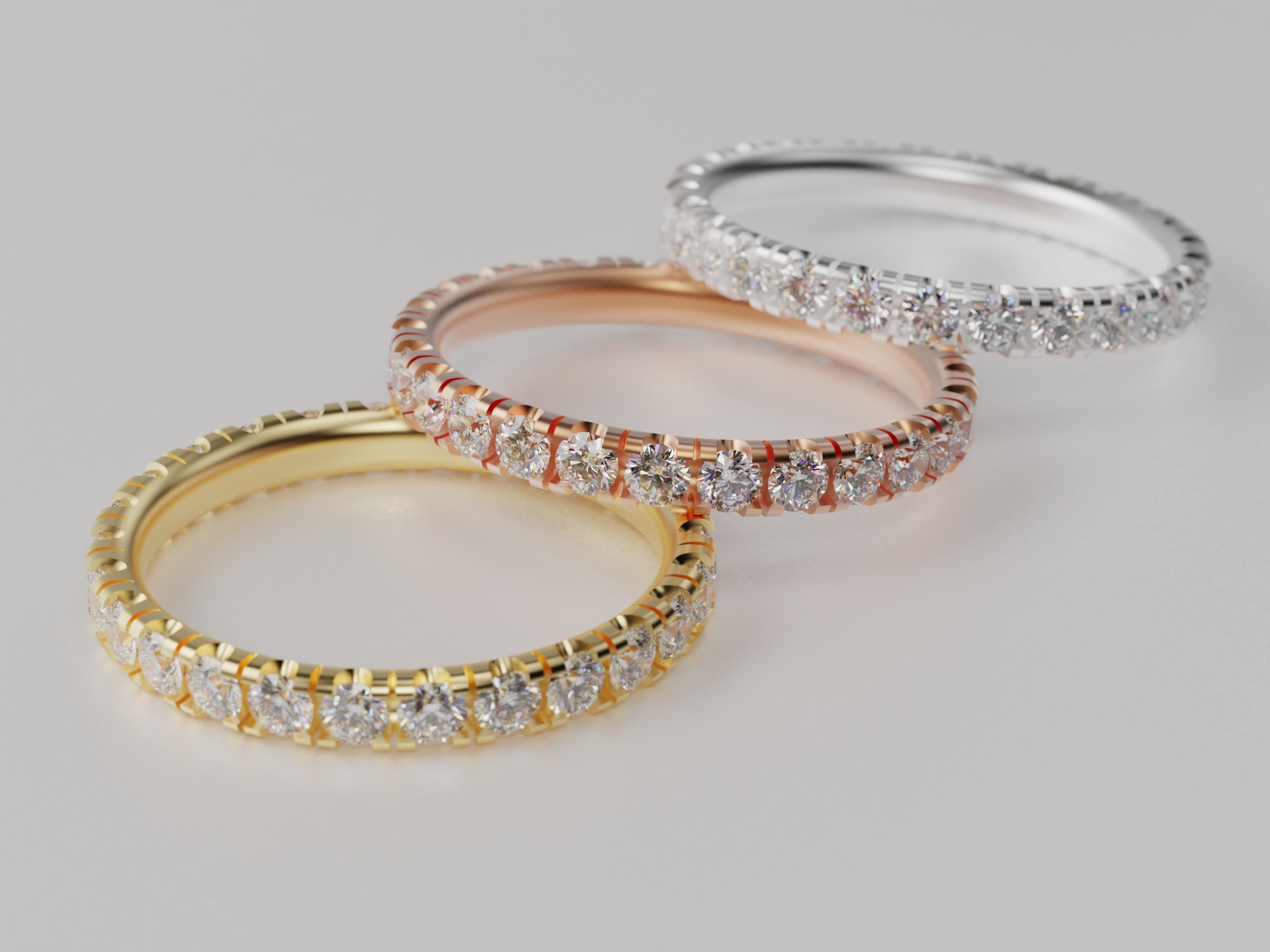
What's the business idea behind digital 3D models for jewelry instead of a classic product business?
One of the main advantages of digital 3D models is scalability. A single professionally designed model can be sold to multiple jewelers and manufacturers worldwide, eliminating the need to produce, store, and photograph physical pieces in advance. This supports an on-demand production model where designs are purchased first and manufactured only when needed.
A designer can be based anywhere, while their work is used by jewelry professionals around the world. At the same time, we clearly distinguish between marketplace models and custom CAD projects. Marketplace models are available to multiple buyers, while custom projects remain confidential, protected by NDA agreements, and exclusively owned by the client.
In both cases, quality is essential. Jewelry 3D models must be suitable for real-world production, including 3D printing, casting, stone setting, and manufacturing. This is the foundation of JewelModel: combining the scalability of a digital platform with the standards of professional jewelry production.

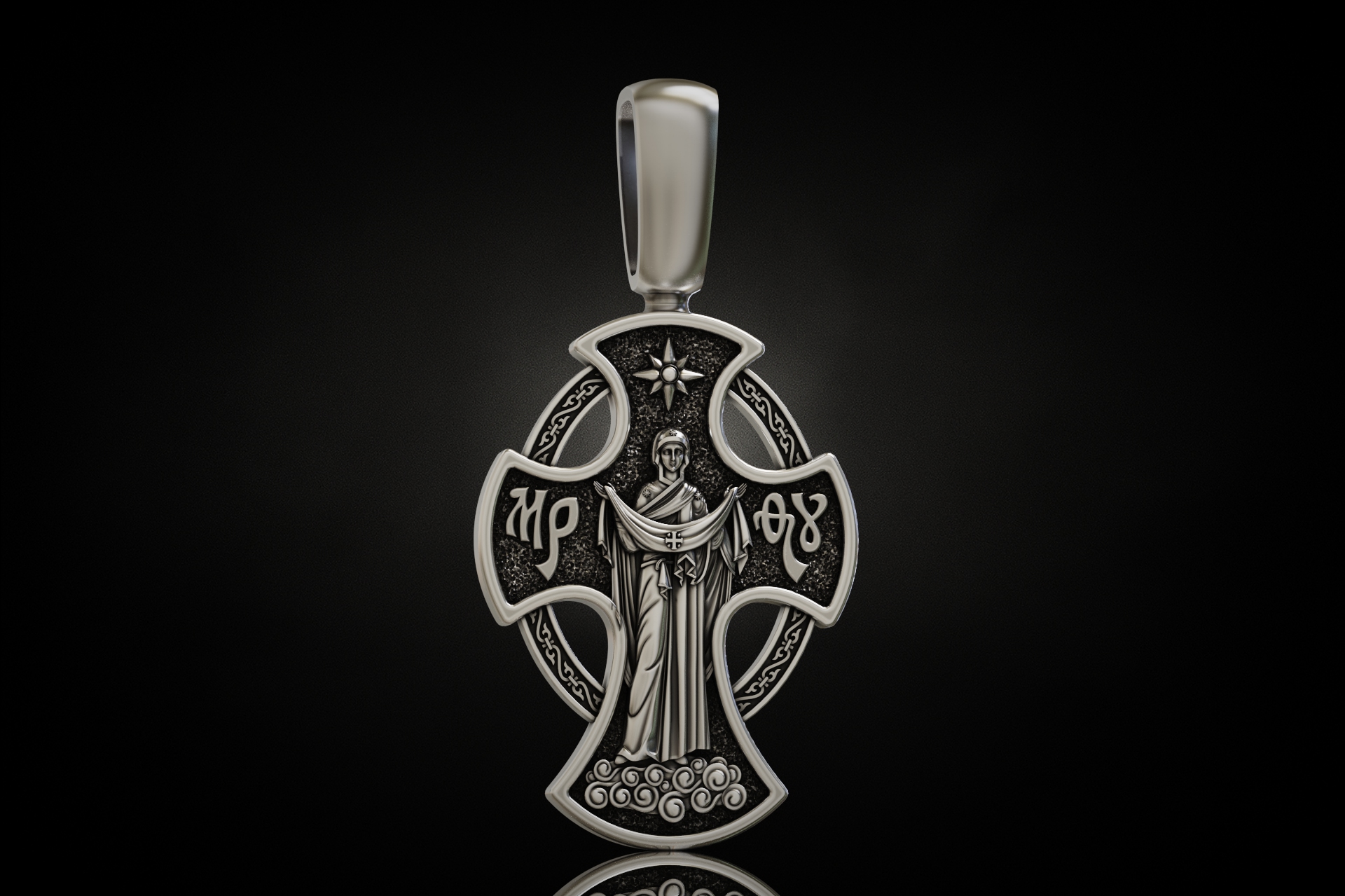
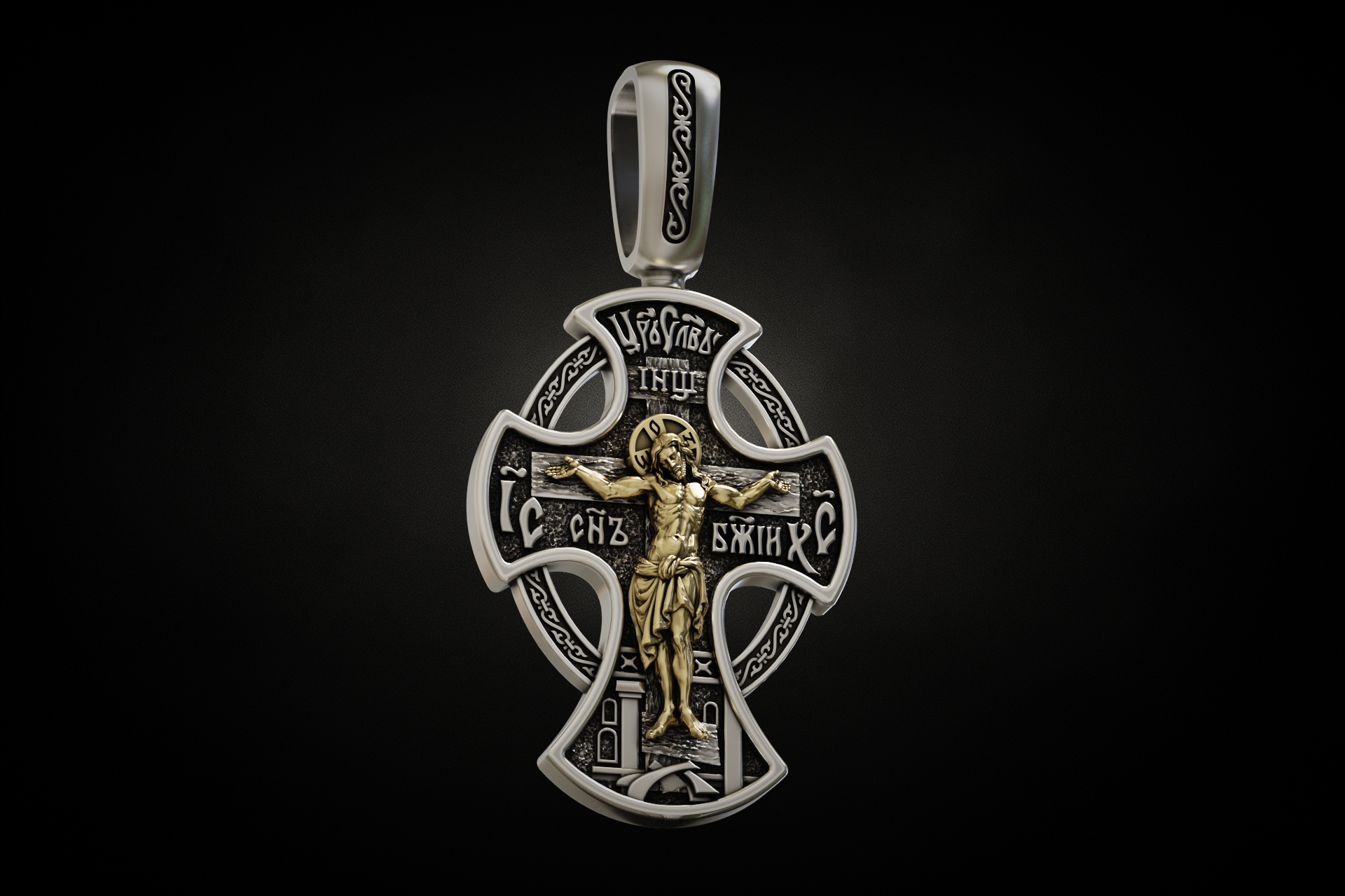
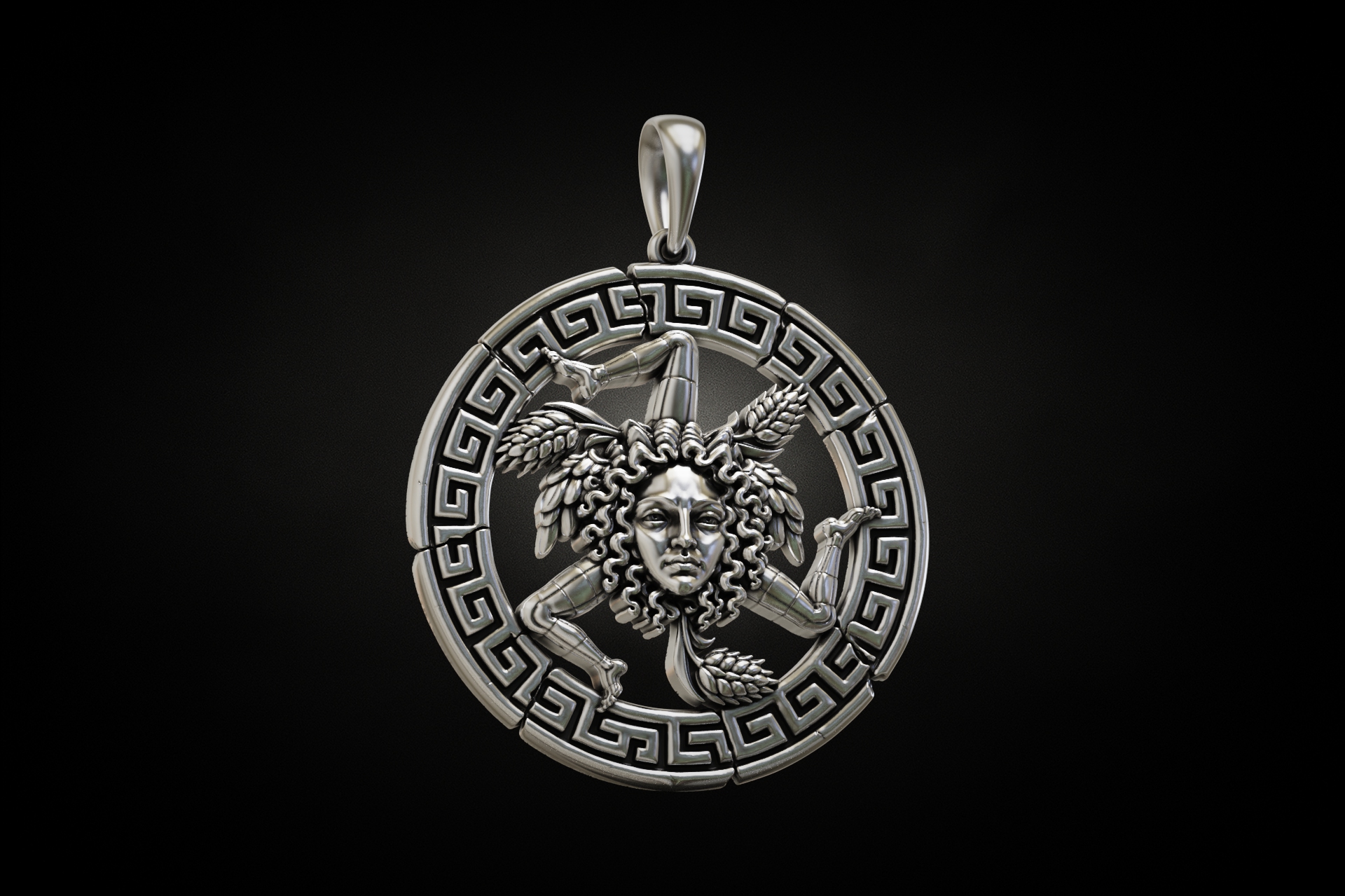
Where in your process do you benefit from KeyShot?
Based on my many years of experience selling 3D models on different marketplaces, models presented with high-quality KeyShot renders sell better. Good visualization directly affects how attractive a model appears to a potential buyer. KeyShot is especially important in the presentation stage. This applies not only to marketplace listings. When I create a custom 3D model for a client, a high-quality render helps the client understand the final result much faster and approve the work.
I have a small professional trick, when I really want to create a wow effect for a custom client, I always show them their model in KeyShot. At that moment, they are no longer looking at a technical CAD model, they are seeing something that already looks like a finished piece of jewelry.
There's another interesting commercial use case. Some customers on our marketplace use high-quality KeyShot renders in their online stores, for example on Etsy, to quickly build a large catalog and test demand for different designs. Once they receive an order for a particular piece, they then purchase the corresponding 3D model for production. In this way, a good KeyShot render becomes a commercial tool in its own right. It allows even a small jewelry business to present dozens or hundreds of professionally visualized designs without having to manufacture every piece in advance and organize a separate photoshoot for each one.
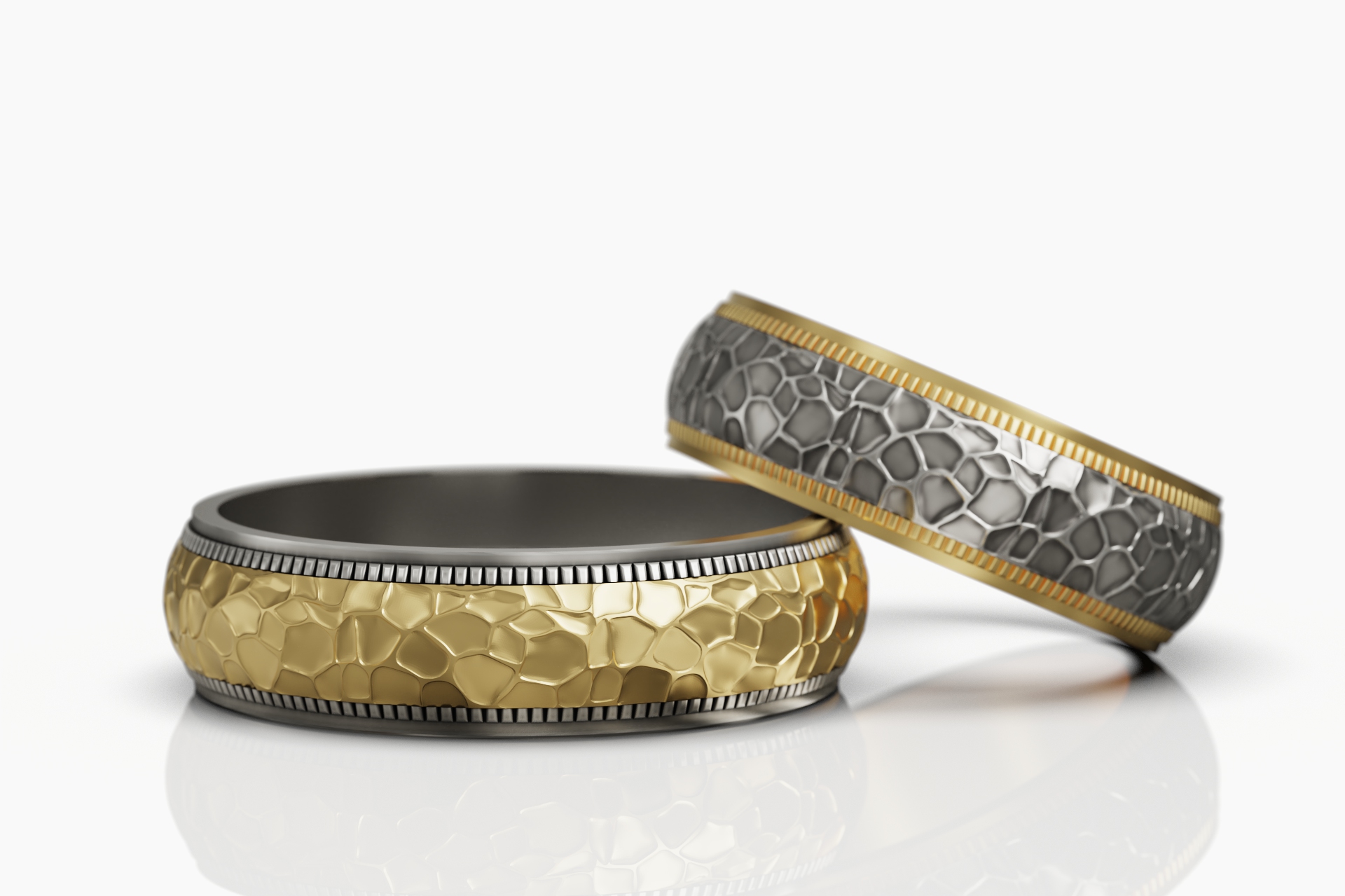
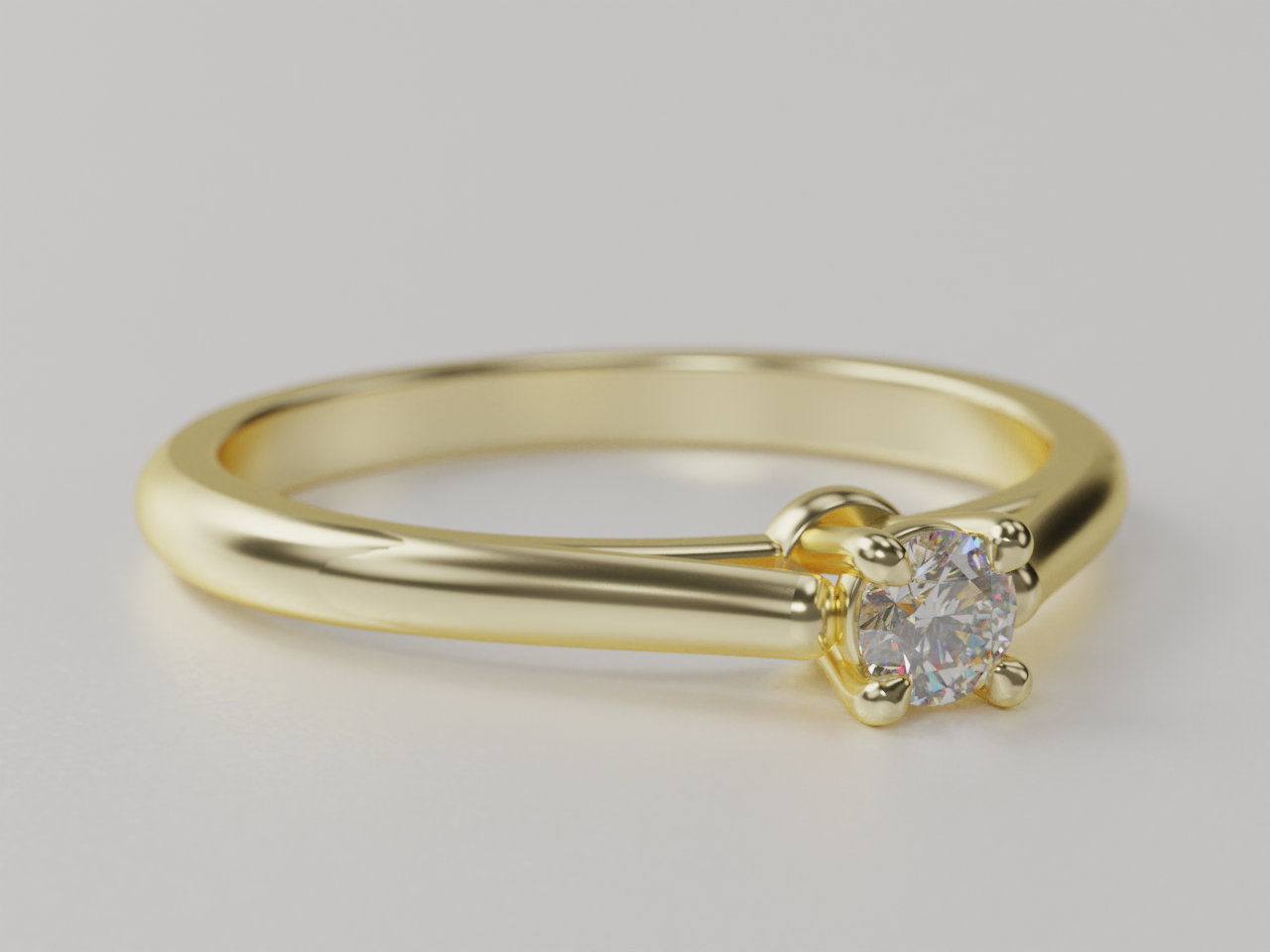
KeyShot 哪些KeyShot 对您最有帮助?
For me, material work comes first. In my spare time I enjoy creating sculptural men's silver rings. These pieces often use oxidized or blackened silver to emphasize form, relief, and depth. In KeyShot, I was able to create my own material that reproduces the look of blackened silver very convincingly. I have rarely seen this level of material control elsewhere.
The second very important area is gemstones. I especially appreciate how convincingly KeyShot renders diamonds - their brilliance, reflections, and interaction with light. The ability to control lighting, reflections, and the environment is also extremely important. For jewelry, this is critical because light largely determines how metal surfaces and gemstones are perceived.
Today, many people try to replace traditional rendering with artificial intelligence tools. For professional jewelry visualization, I do not yet consider AI a full replacement. AI tools can alter geometry, proportions, or small details. As a result, the same source model can sometimes look like two different pieces of jewelry in two different AI-generated images.
KeyShot, by contrast, allows the designer to present exactly the geometry that was actually created. For professional work, where accuracy is essential, that is critically important.
你为什么推荐KeyShot?
For a professional jewelry 3D designer, I see almost no real alternative to KeyShot when the goal is to present work beautifully and professionally. And this applies not only to CAD designers. KeyShot can also be extremely useful for jewelry brands, online stores, and sellers on platforms such as Etsy. Jewelry is one of the most difficult product categories to photograph well. Polished metals, multiple reflections, diamonds, and other gemstones require good equipment, carefully controlled lighting, and an experienced photographer. A professional photo shoot can be expensive and time-consuming.
A well-prepared KeyShot render can produce a result that is almost indistinguishable from professional studio photography, while giving the designer complete control over materials, lighting, gemstones, reflections, and composition. So KeyShot can save both time and photography costs and, even more importantly for me, help present and sell the product more effectively.
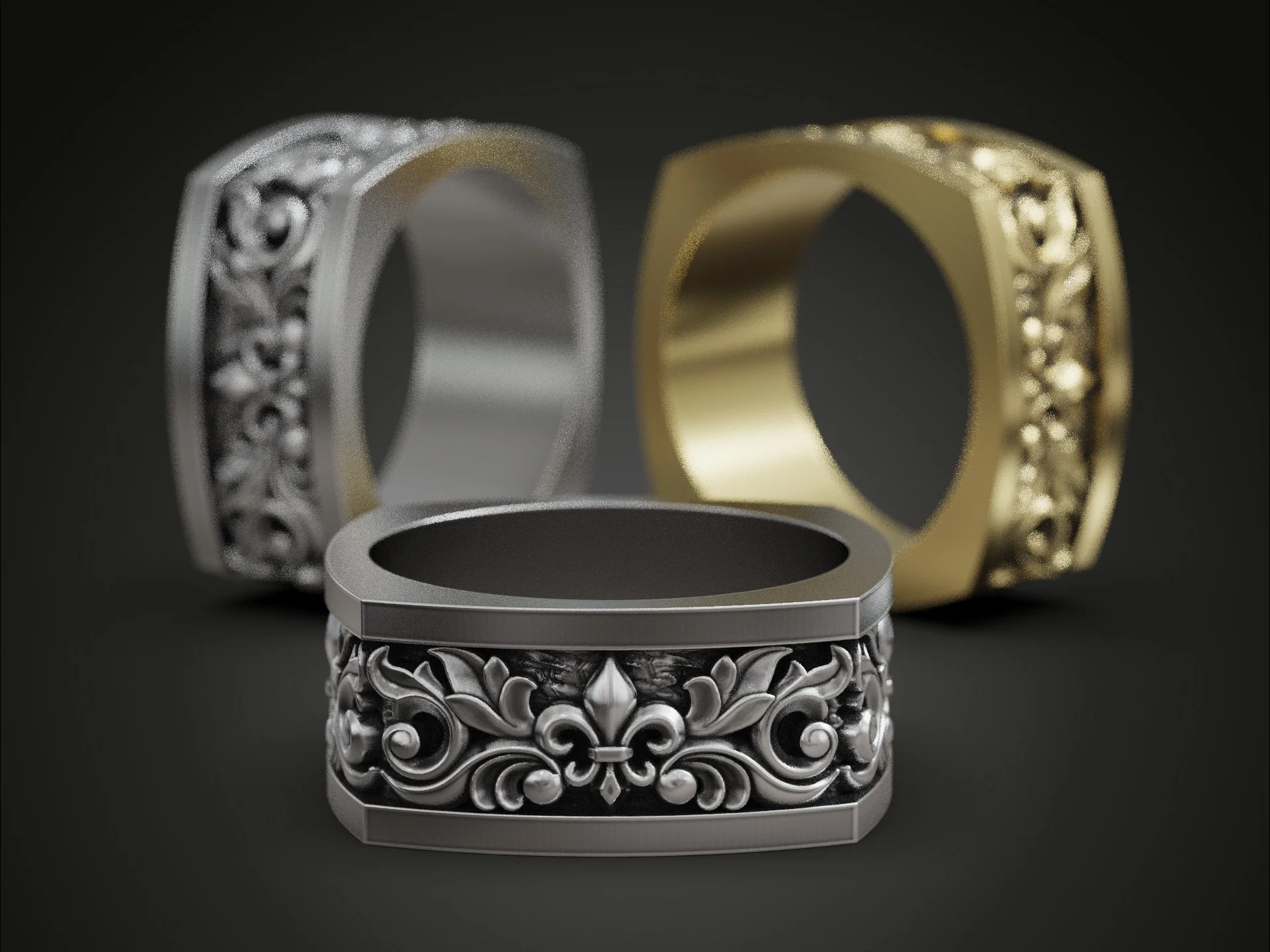

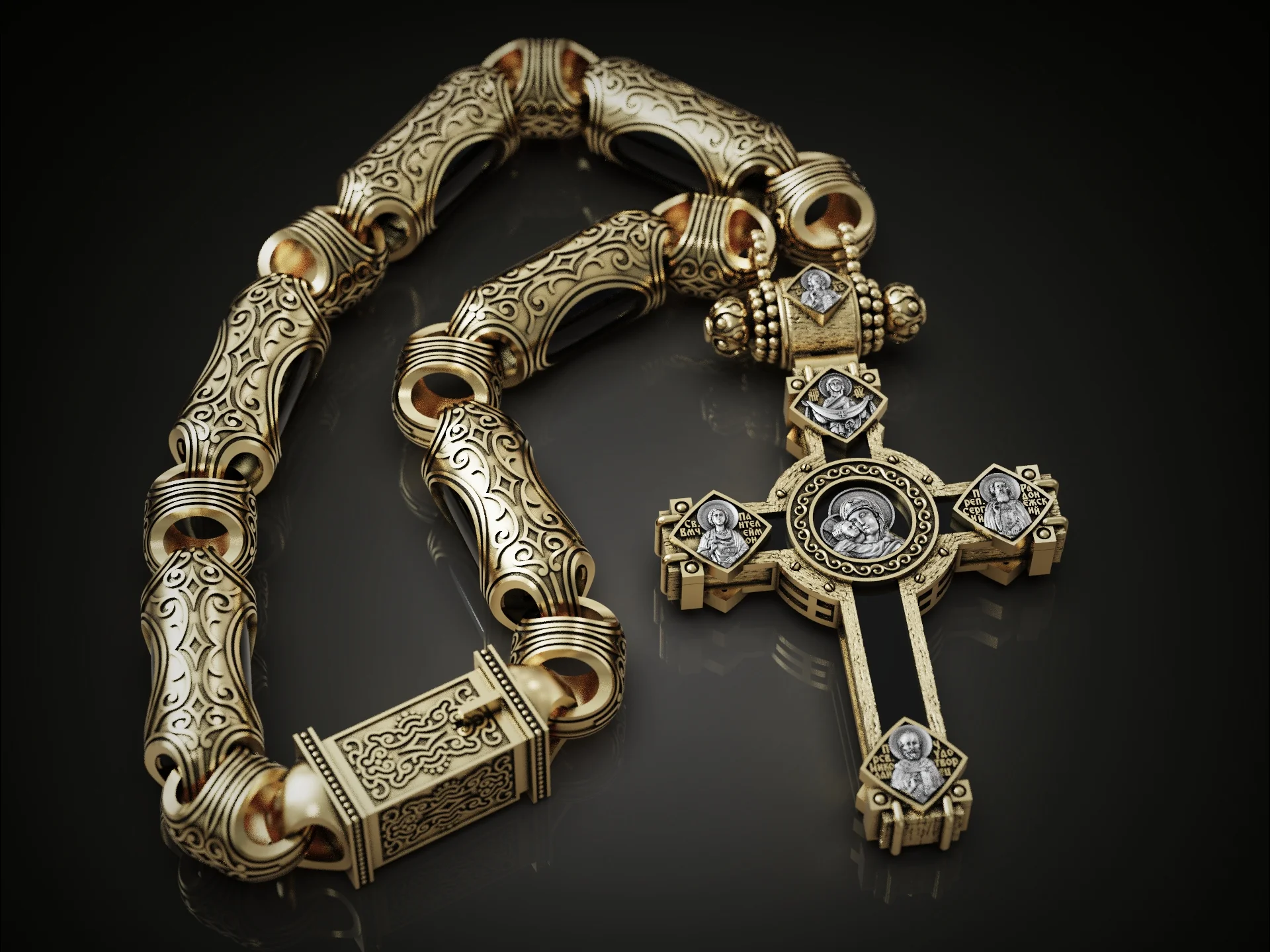
For me, KeyShot today is not simply a rendering tool. It is a real part of the commercial workflow - from presenting a custom project to a client, to selling 3D models and creating visual content for online jewelry stores.
Learn how you can power your visuals with KeyShot today