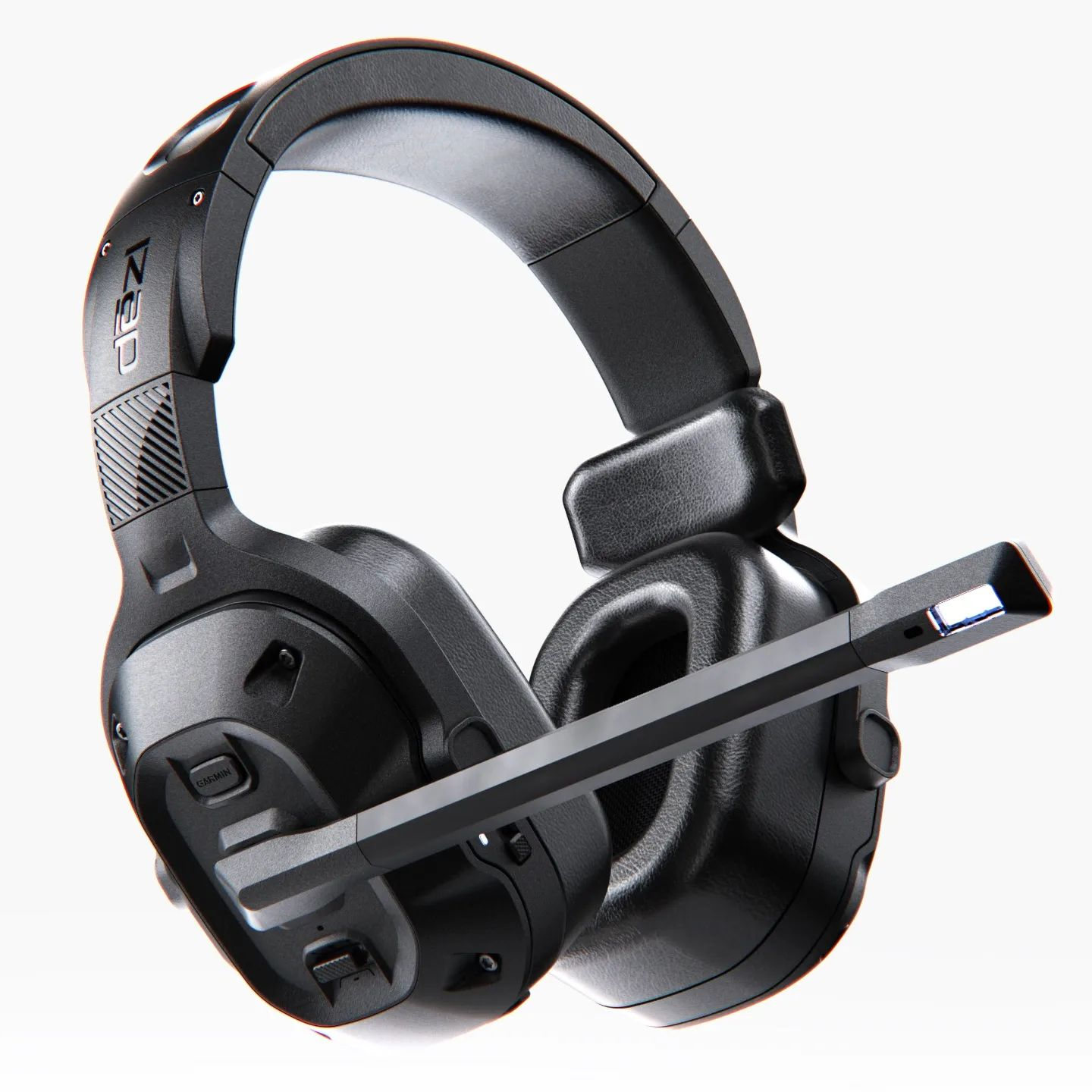
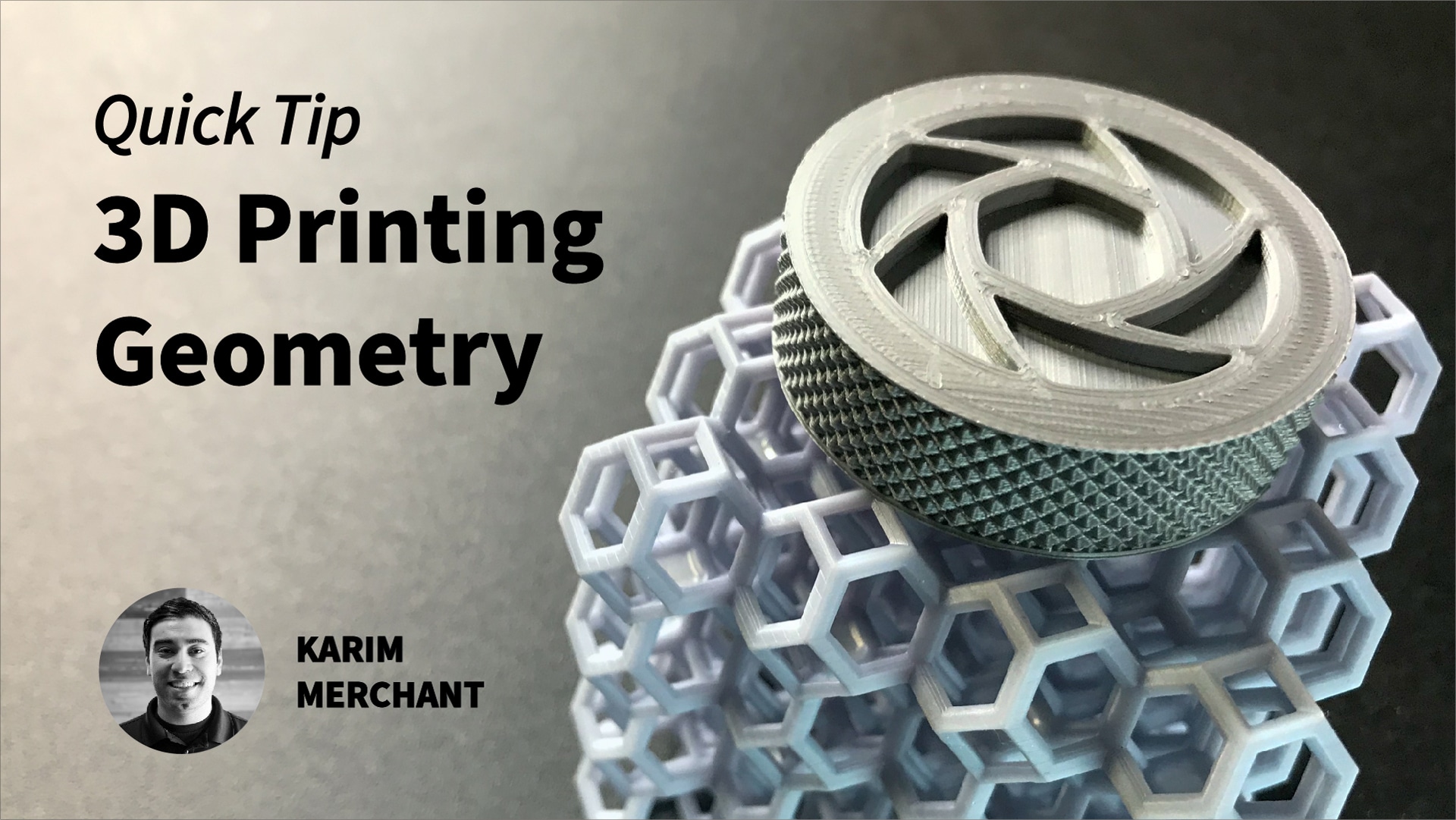
Curious about how you can use KeyShot to speed up your prototyping process? Follow along as Creative Specialist Karim Merchant shows you how to create physical, 3D printable geometry in KeyShot and export it for 3D printing.
View the blog post: https://blog.keyshot.com/3d-print-export-keyshot
Download Model: https://cloud.keyshot.com/
More Quick Tips Available Here: https://www.keyshot.com/quick-tips/
See What's New in KeyShot 9: https://www.keyshot.com/whats-new/
Download and Try KeyShot Here: https://www.keyshot.com/try/

Subscribe to our Quick Tips on iTunes to view them where ever you are, on the go, on your iPad or at your desktop.