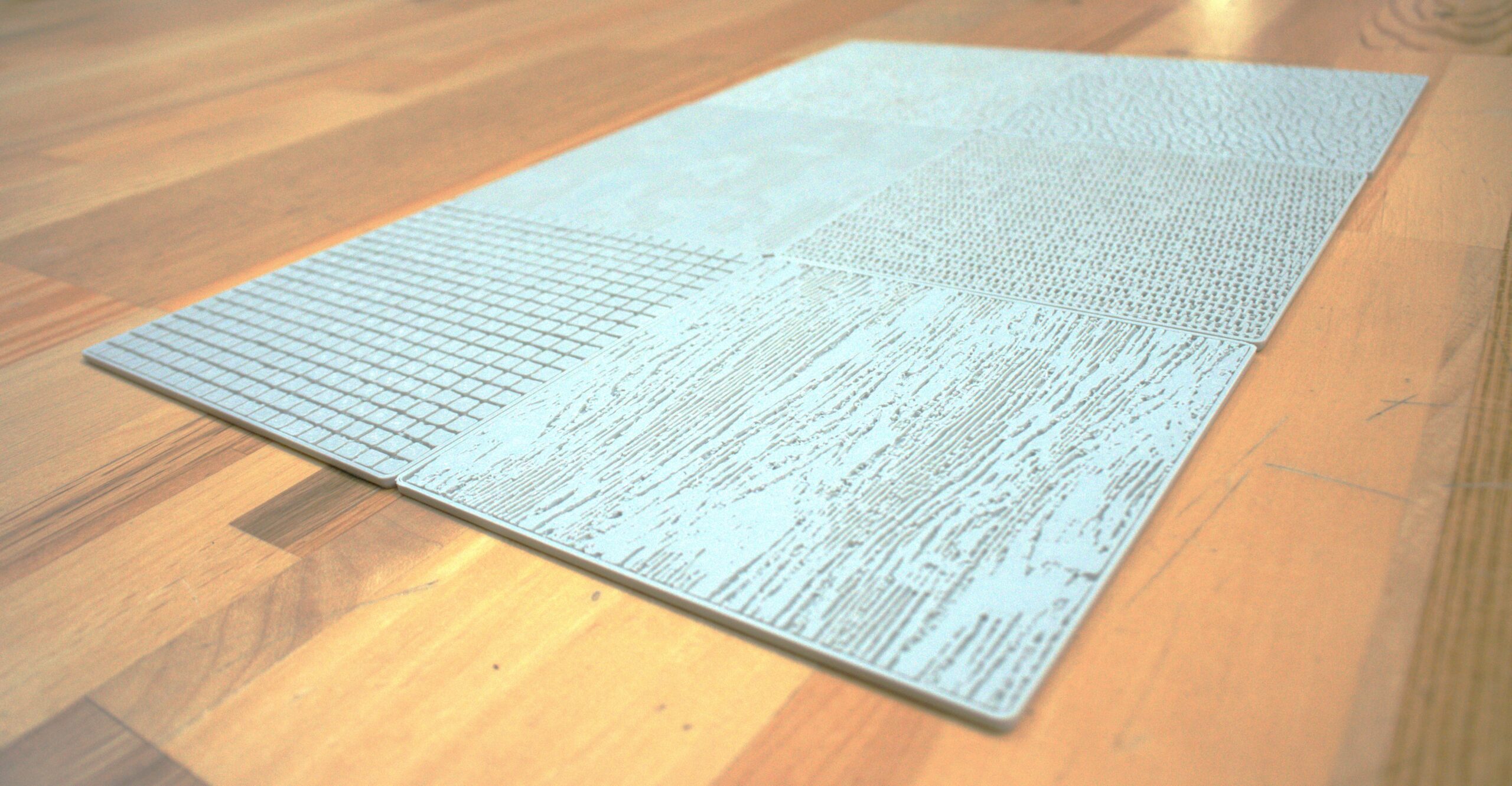
You want a perfectly textured, accurately scaled appearance of molded plastic on a new video game controller design. It's not too much to ask for and KeyShot is the rendering software to make it happen. Exclusive to KeyShot and introduced with KeyShot 4, we bring you MOLD-TECH® textures in nine sets of KeyShot materials that you can download, apply and customize in a matter or seconds. Here's how...
How to Use MOLD-TECH Textures
The MOLD-TECH materials for KeyShot work in KeyShot 4 and higher. Download all sets or the set containing the MOLD-TECH texture you need from www.keyshot.com/mold-tech/. Import them from the Material Library using the 'Import' option at the top of the tab. Once imported, simply drag and drop the material onto your object. The texture scales uniformly with the setting, giving you a consistent look to your plastic.
MOLD-TECH Textures are available as a free download here. More tutorials, quick tips and webinars available at https://www.keyshot.com/resources/learning/