If you have a company logo on a product, it’s pretty common to need a logo as a material (like a chrome sticker) but not have the logo modeled in 3D. Modeling a logo can create extra work and slow the model down, but KeyShot provides a simple way to achieve the same result, much faster.
Download KeyShot .ksp

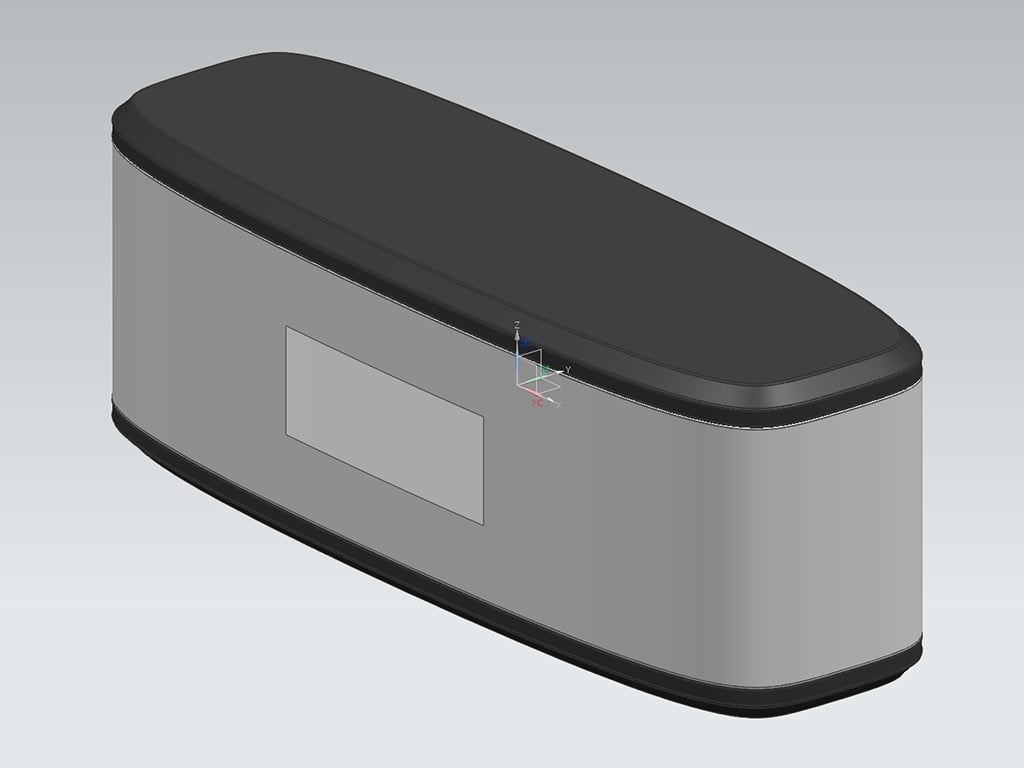 In the original model, we offset a surface where our logo will be placed, approximately the size we need to logo to be. Once this is set up, we’re ready to import into KeyShot. Here is the 3-step process for applying the logo and setting the texture.
1. Apply the logo
First, apply the logo as a Color texture to the offset surface created in the original part, making sure to scale it correctly, un-check Repeat, and in this case change the projection to Planar Y. This gives us the logo as a color on our chrome surface.

2. Add logo as a bump map
Next, add the same logo as a Bump map. This will give our logo a raised appearance. Adjust the bump height to achieve the preferred look. (In this case, I’ve dropped the Bump Height to .1.)

3. Add logo as an opacity map
Lastly, add the logo as an Opacity map. Since this is a PNG with transparency, I’ve changed the Opacity Mode to Alpha, since an opacity texture normally uses black and white values (white = visible, black = invisible).

Now as you can see, our logo will have color, texture, and the shape cutout using only images! Using textures is a great way to reduce modeling time and improve your workflow in KeyShot.

Bonus tip:
Slightly blurring bump maps will provide better results for smooth, clean surfaces. In the image below, you can see a comparison using a blurred bump texture. It was also made as a grayscale image, with the gradients removed.