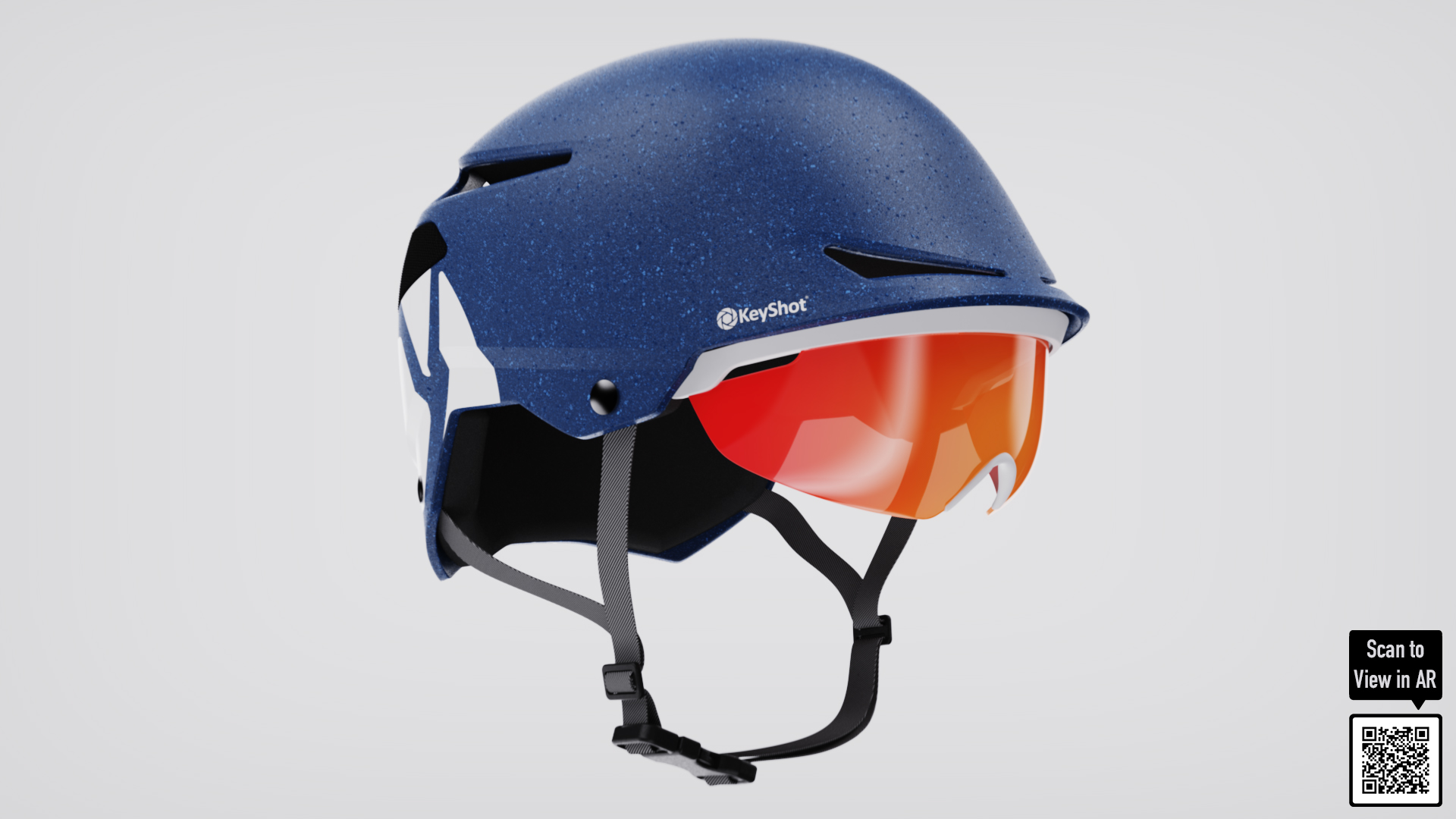
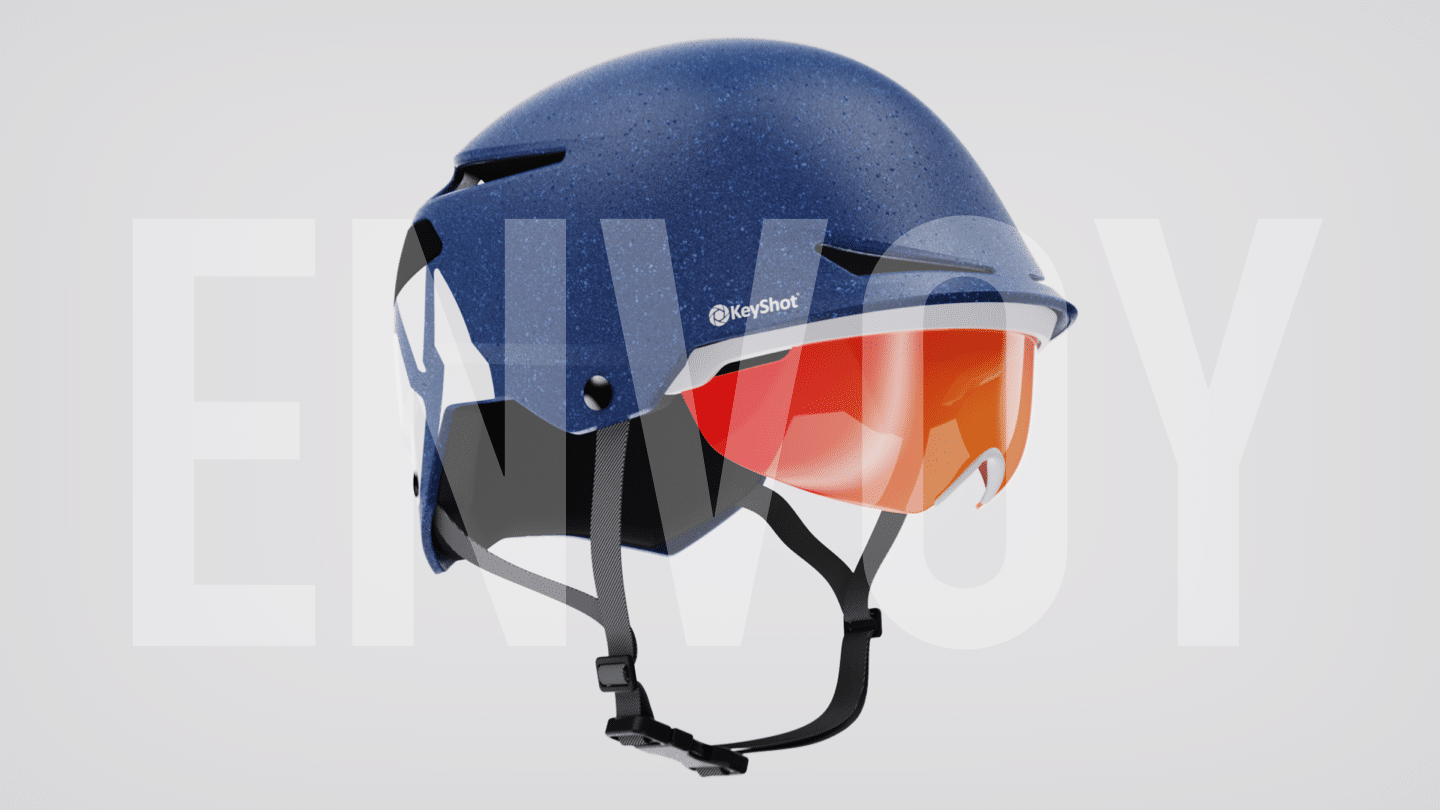
KeyShot Studio for product design
KeyShot Studio supports your design workflow from ideation, feedback and approval to advertising in-market.
Project Example
Introducing Envoy: unlocking KeyShot Studio’s creative possibilities
KeyShot Studio will do more than revolutionize your design workflow, it will also provide major upgrades to your marketing and sales efforts. This page shows the stunning range of visuals you can achieve with KeyShot Studio. Take a moment to explore all the innovative and interactive options that await you.
Everything below was made in KeyShot Studio
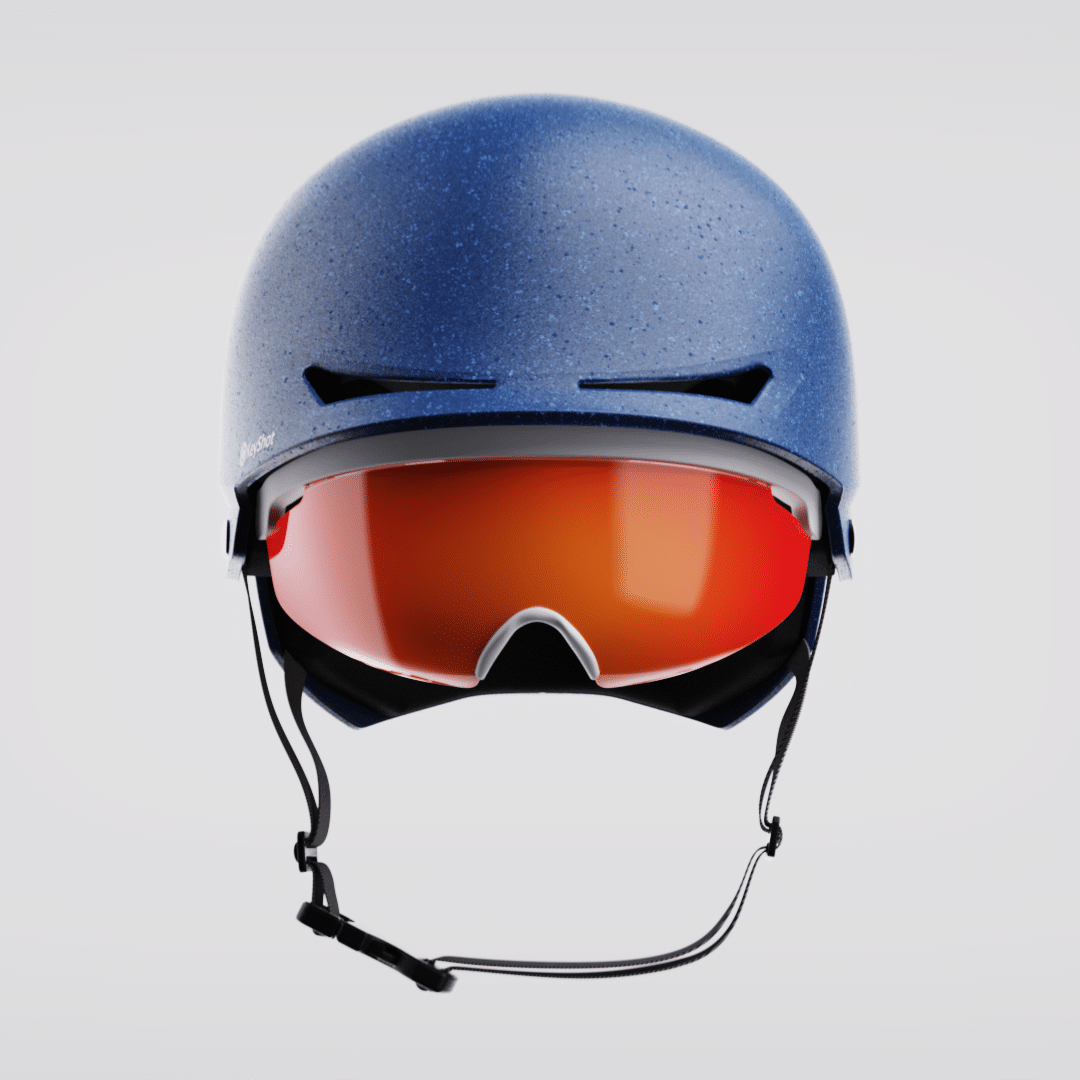
Envoy helmet


Details
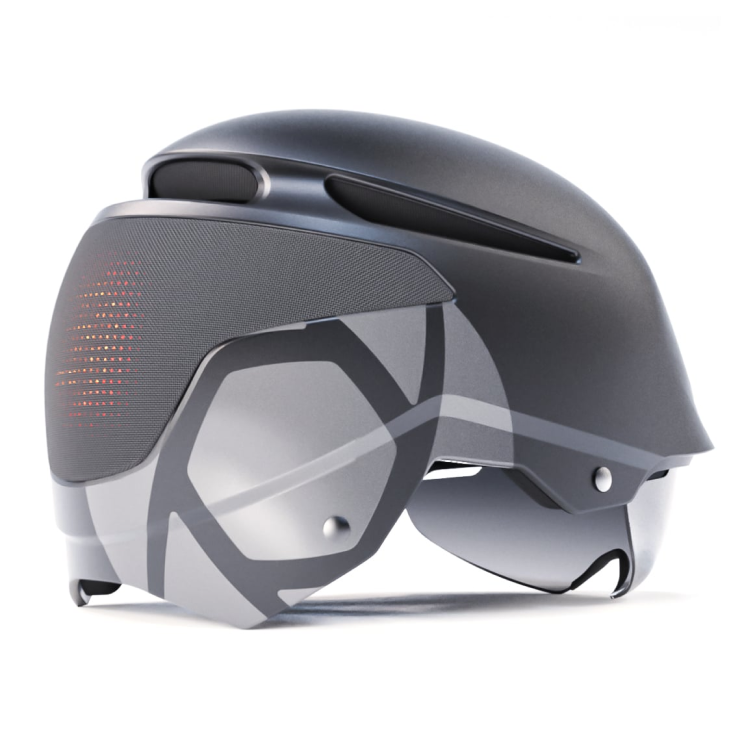
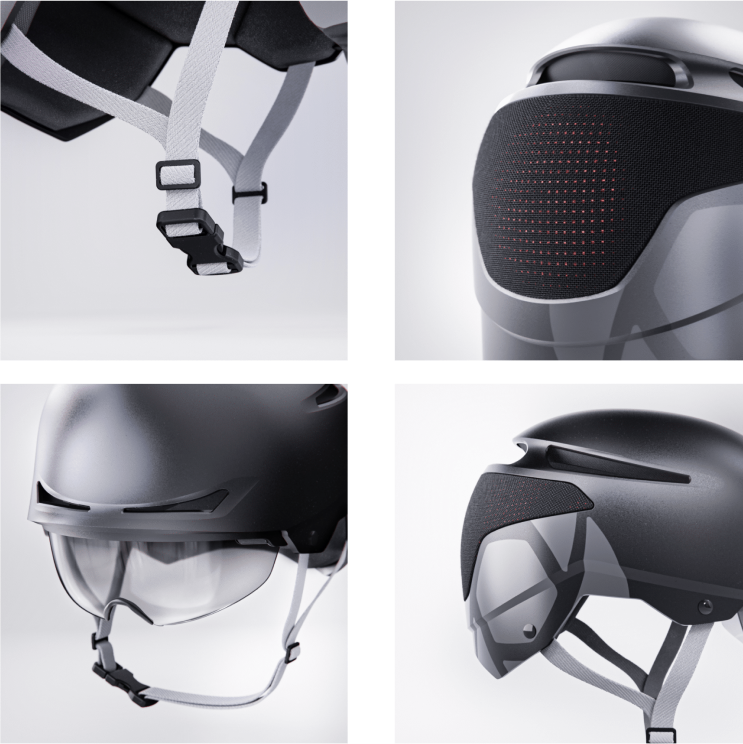
The Envoy helmet is for the rugged adventurer who appreciates a perfect fit, the sun staying out of their eyes, and plenty of ventilation. The highly adjustable E-LOC 5.5 MIPS system allows you to customize fit and feel for enhanced stability and long-range comfort while providing an added measure of protection from rotational forces in the event of an angled impact. The P.O.V. visor offers 15 degrees of adjustment, and the tough polycarbonate outer shell is fused permanently to the EPS foam liner using our Supra-Mold™ construction process, to enhance durability and ventilation without excess bulk.
Specs
| Impact | Integrated MIPS |
|---|---|
| Construction | In-mold polycarbonate shell with EPS liner |
| Ventilation | Wind Tunnel vents with internal channeling |
| Fit system | Roc Loc® 5.5 MIPS® |
| Certification | Complies with the US CPSC Safety Standard for Bicycle Helmet for Age 5 and Up |
| Highlights | P.O.V. adjustable visor Quick-dry padding Slimline webbing |
Construction
Hardshell with in-mold KeyBody™ Versa Wrap
The two-piece shell combines a tough outer hard shell with a polycarbonate lower shell permanently fused to the liner for durability without excess weight.
The Envoy helmet is developed utilizing our proprietary Wind Tunnel ventilation system. This elaborate design combines active vents in the helmet’s shell with exhaust channels inside the helmet that thrust fresh, cool air over and around the rider’s head while forcing heat and stale air out. It’s the most effective cooling system available, and a difference you can feel every time you ride.
Light the way. Personality and safety in one iconic helmet.
Never before has a helmet captured the unfettered imagination of the rider while simultaneously maximizing safety. Envoy TELEMax™ light-sensing rear display syncs with bicycle sensors and allows dynamic updates from your mobile device.
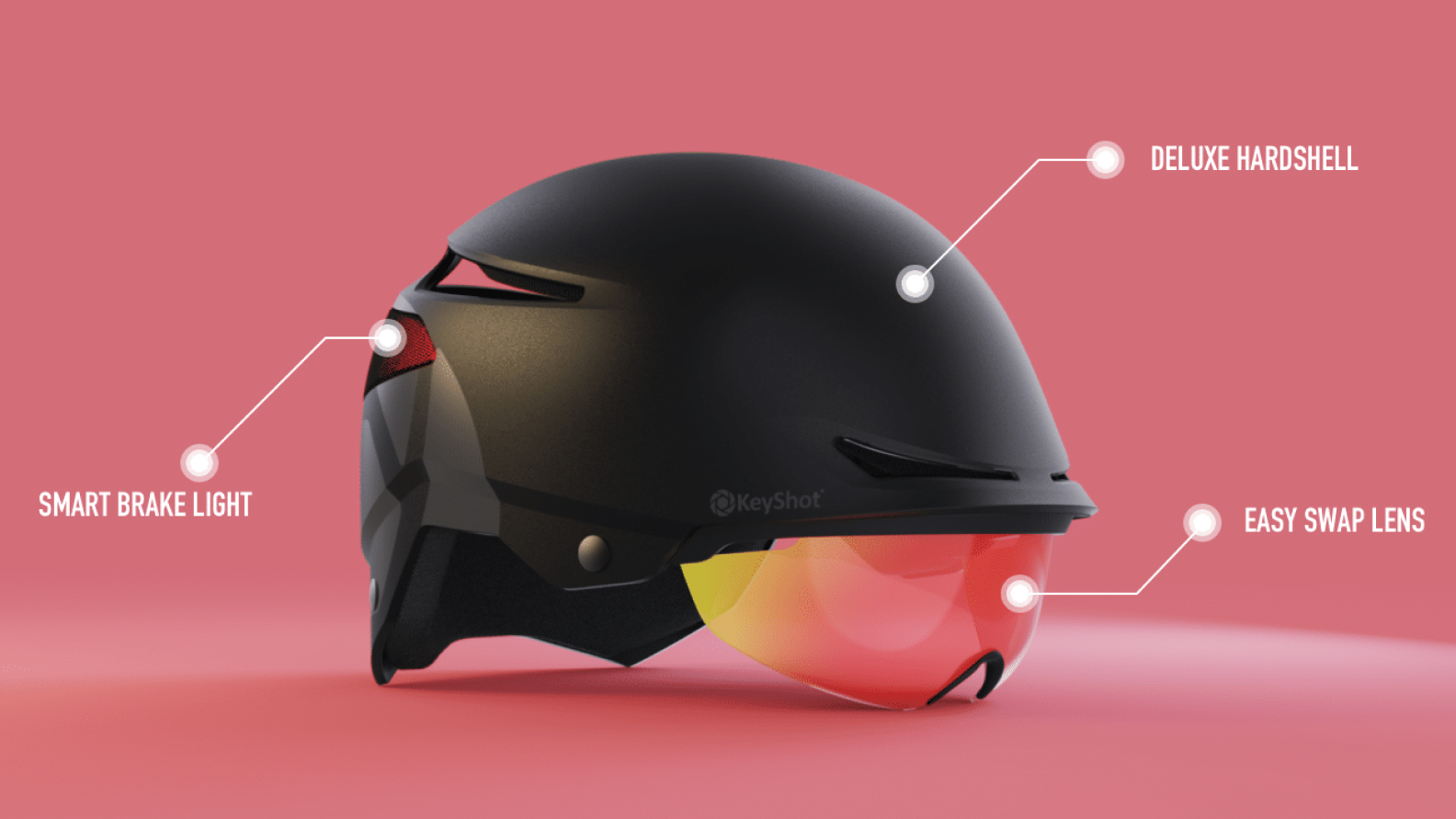
Built for the ride.
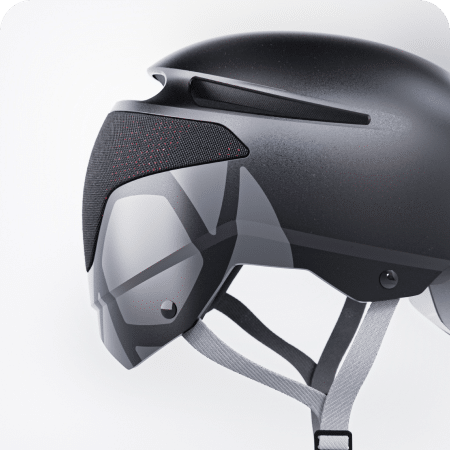
Vibration control
The unibody construction and bone-hugging specialty foam wrap gently around your braincage to keep your ride smooth and vibration free.
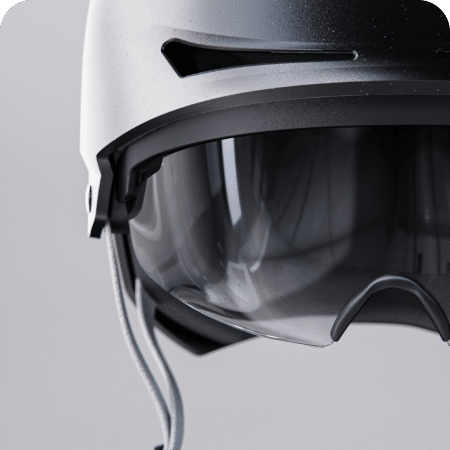
Visor customization
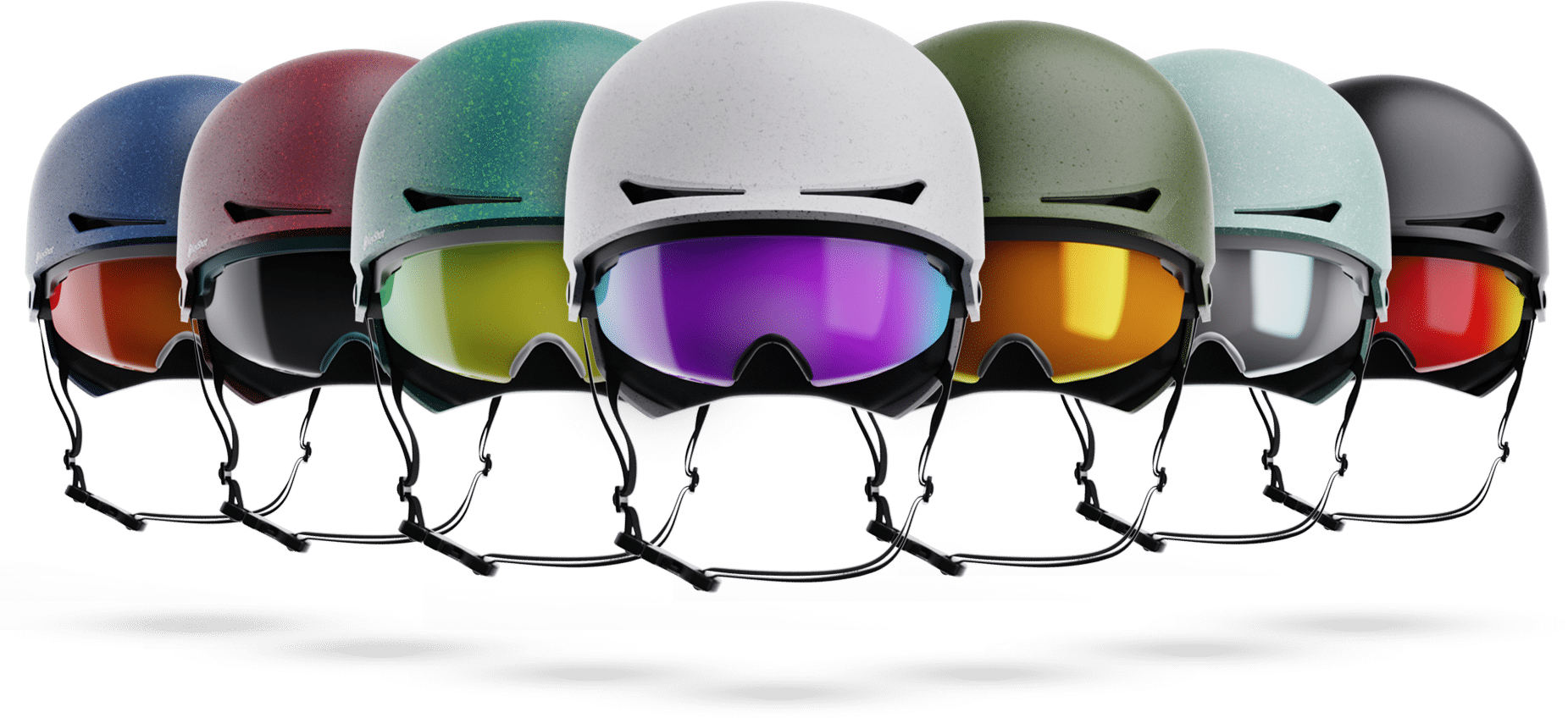
Whether it’s capturing a Laguna Beach sunset, your team colors, or the blackness of your heart, Envoy thin film variations are unmatched.
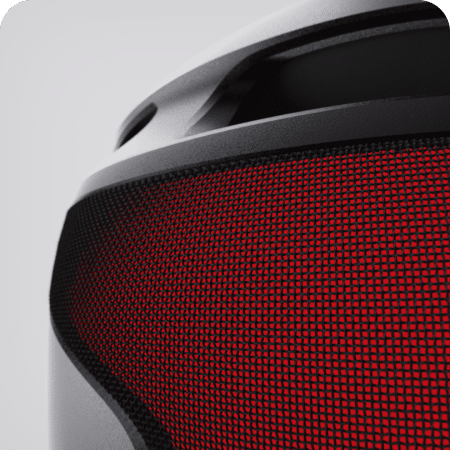
50,000 LED display
Display visuals that match your heart rate, sync with music, or simply intimidate your competition. The power of 50,000 LEDs is in your head.
Web configurator
Configure Envoy yourself.
From sketch to shelf
About the process
Below, you will find the process we went through during the project for the development of the Envoy helmet, from ideation and exploration to product definition and visualization and further on to client approvals, prototyping and development of marketing visuals.
Step 1
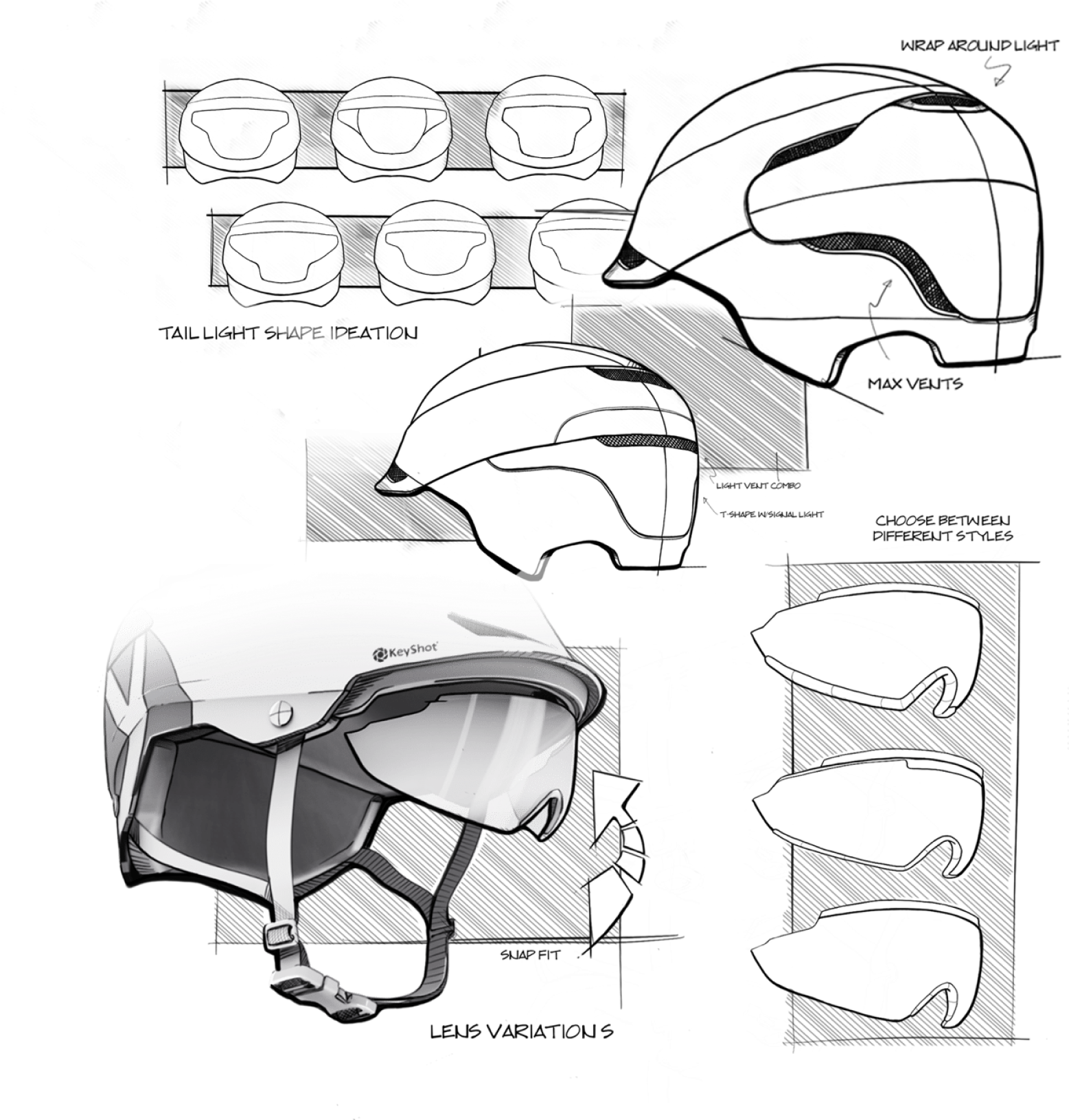
Ideation & exploration
Creativity starts with pen on paper.
Step 2
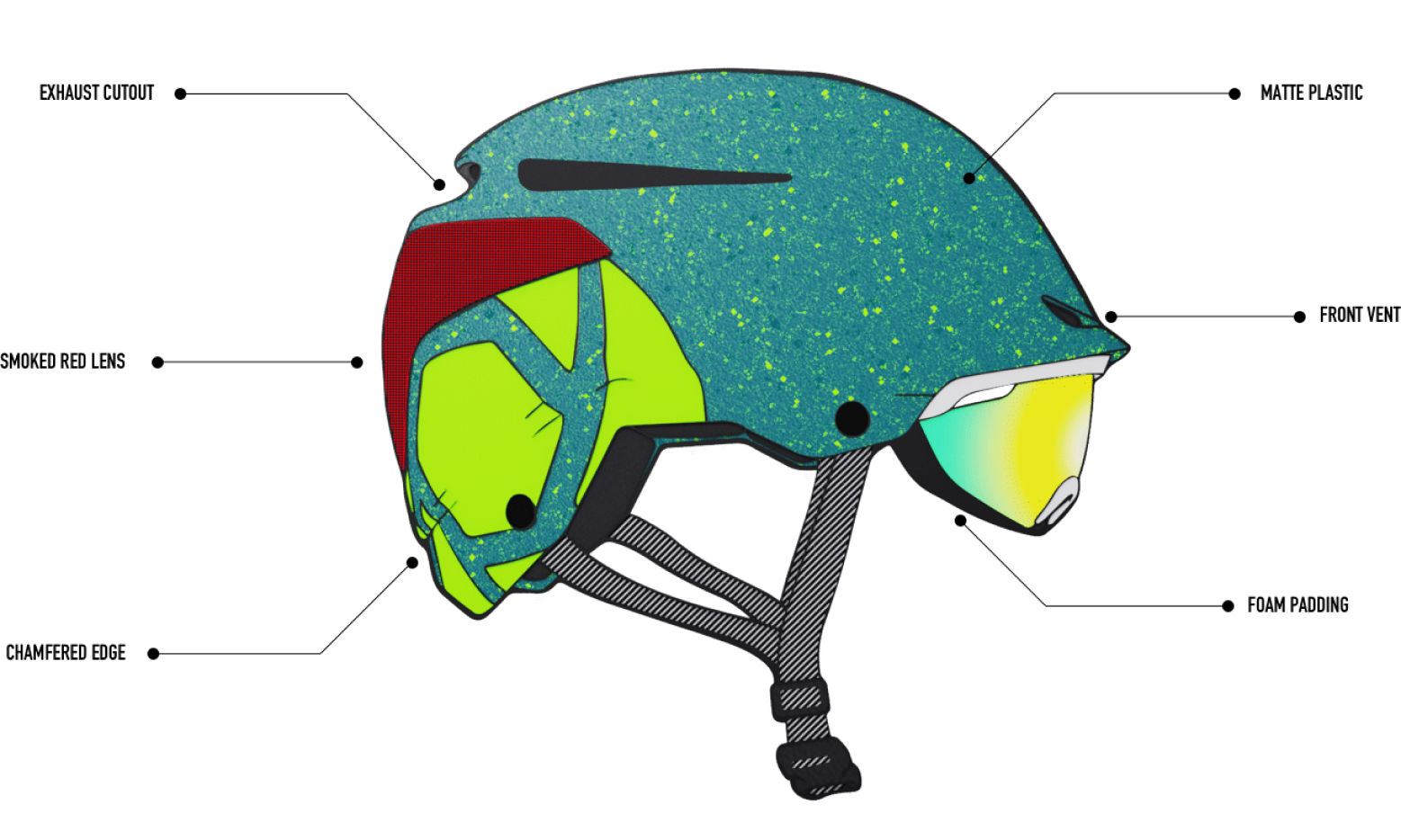
Sketch material study
Step 3
Modeling
Model in your CAD tool and watch each change update in KeyShot Studio with LiveLinking.
Step 4
Visual communication in KeyShot Studio
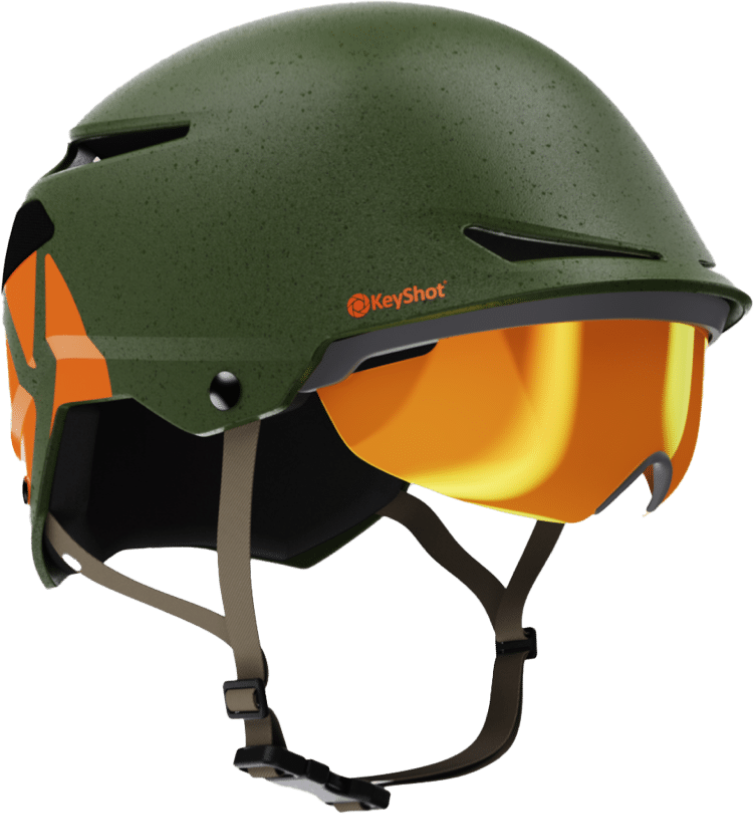
Real as real life
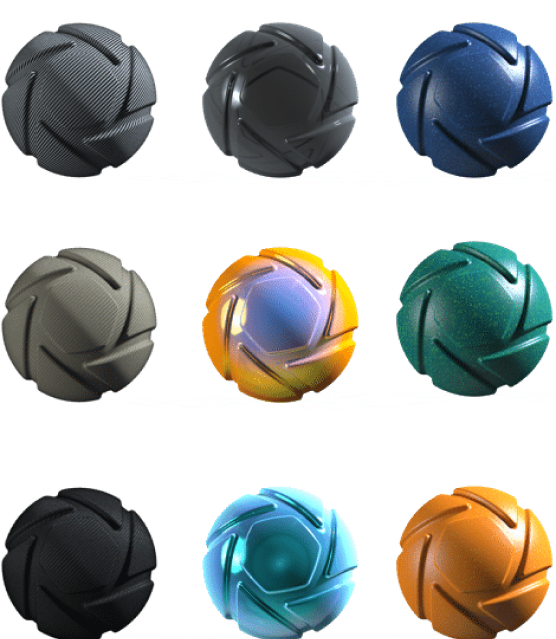
Scientifically accurate materials
Step 5
Client approvals
Stunning visuals presented in real time
Step 6
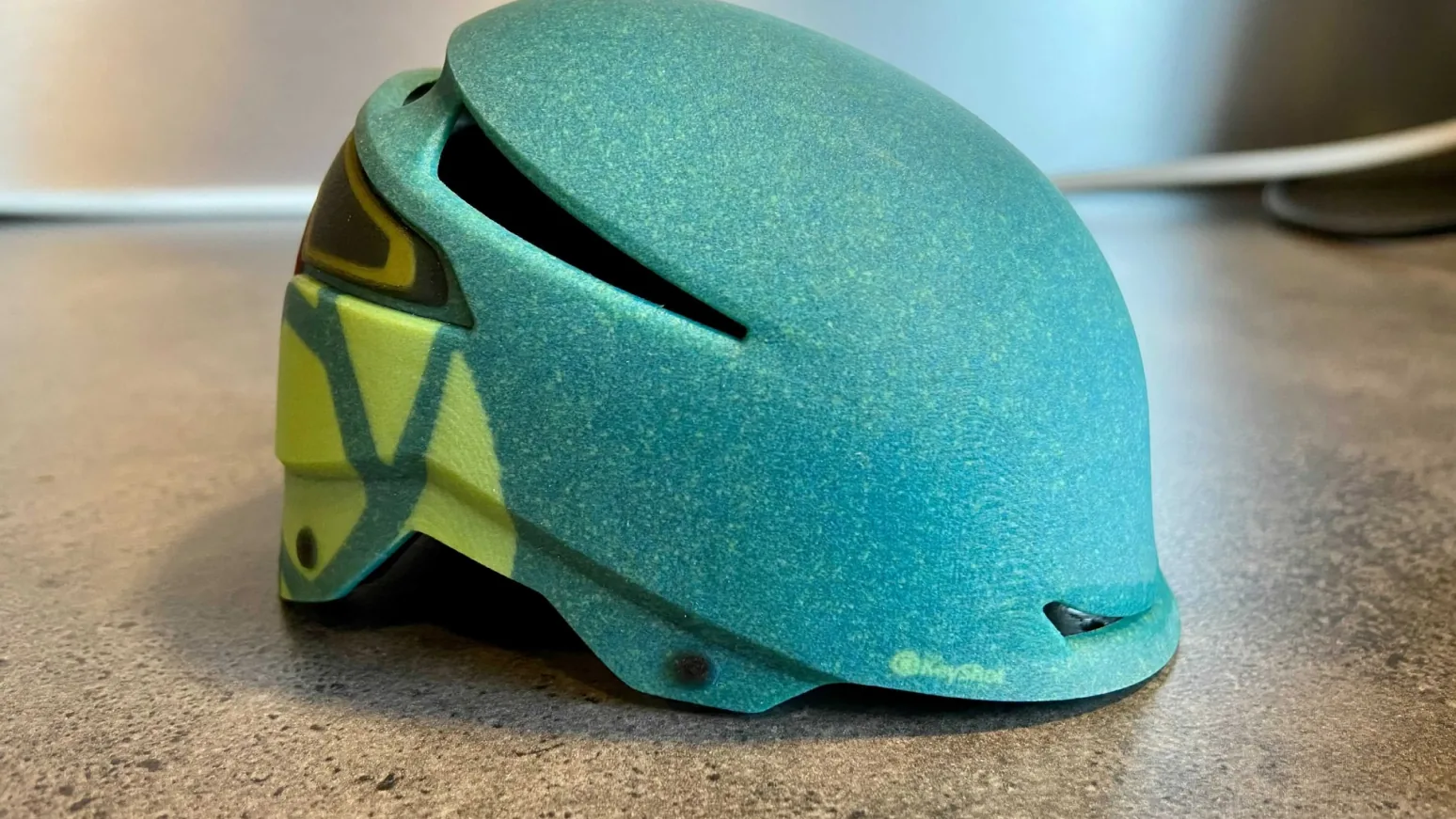
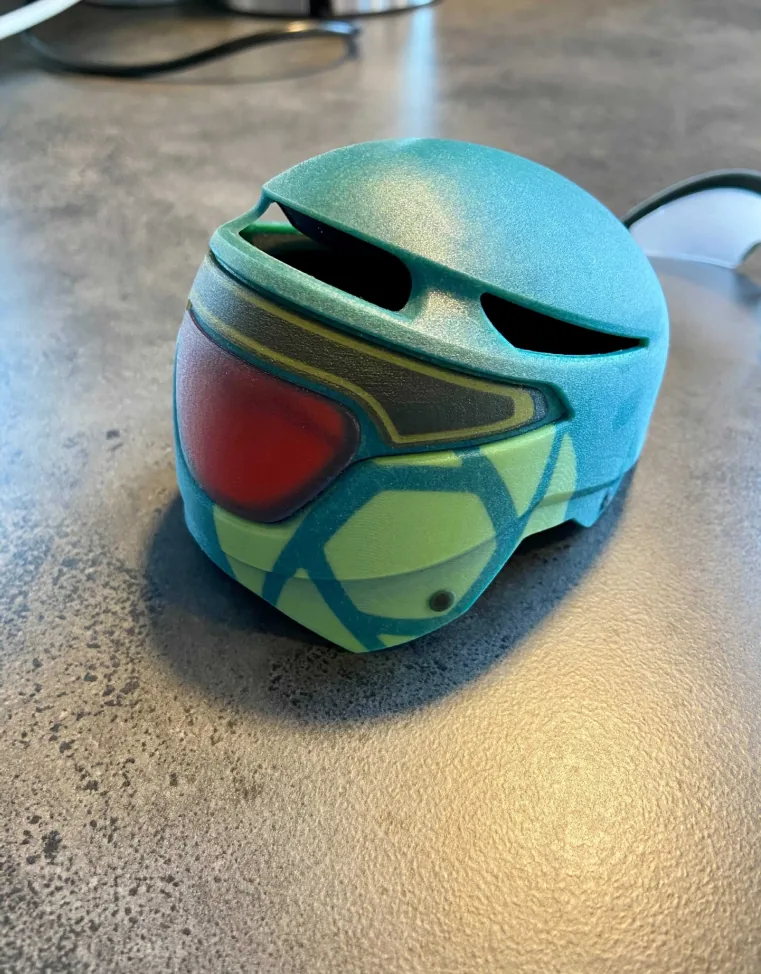
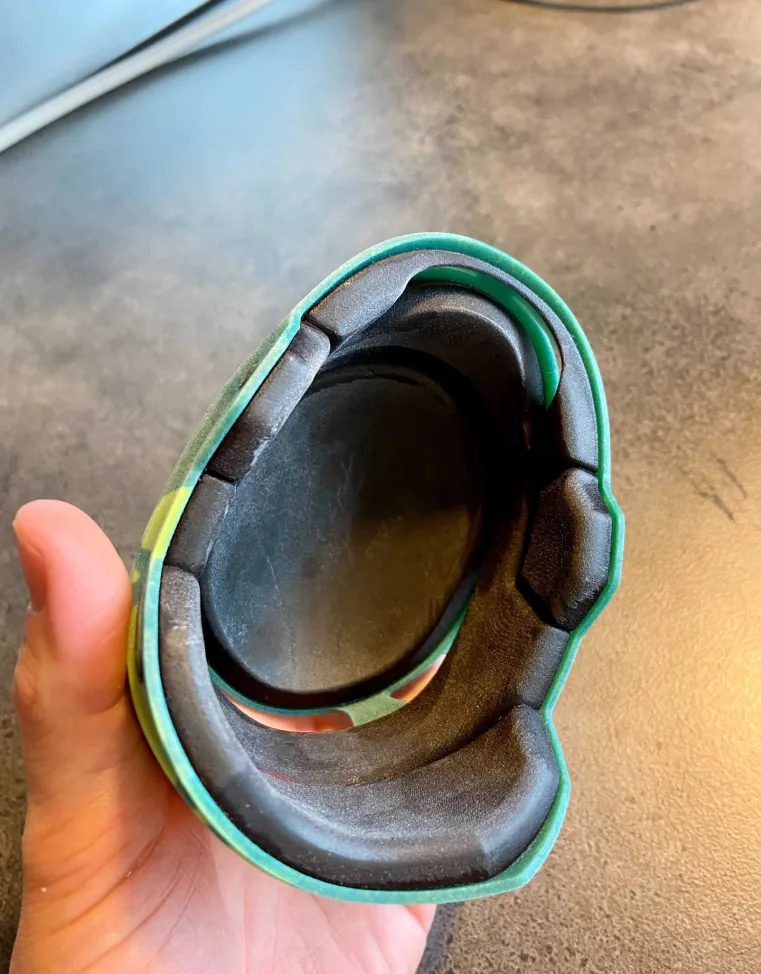
Ideas come to life in physical form
From KeyShot Studio to 3D print with 3MF support
Step 7
One-click VR
From KeyShot Studio to KeyShot Studio VR in one click
Step 8
Interactive imagery
From KeyShot Studio to GLB and USDZ for the web and AR