
Introduction
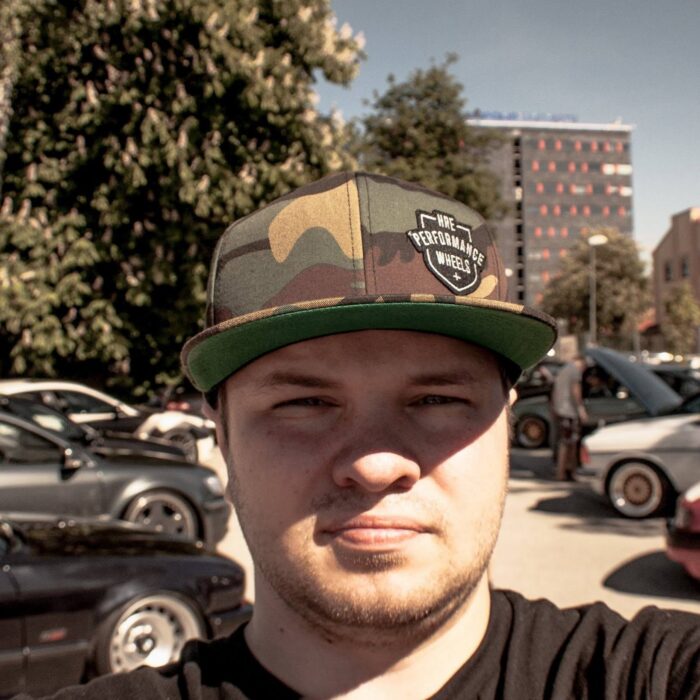
My name is Nils. While I am a computer hardware engineer by trade, my true calling has always been automotive visualization. My passion for cars was sparked in my youth, fueled by small-scale models and weekends spent at local car shows with my father. By the time I was in school, I was notorious for drawing cars into my notepad instead of focusing on the task at hand. It resulted in more than a few long discussions with my teachers, but looking back at where it got me, I must have done something right.
In college, my studies focused on CAD sheet-metal and engineering using Solid Edge. But just like in my school days, the moment my coursework was done, I went straight back to my main interest. I began playing around with custom wheel designs, which eventually brought me into the world of 3D rendering. I started out small, creating cool abstract wallpapers, but it was only a matter of time before I returned to my true roots: cars.
Back then, rendering hardware was expensive and hard to come by at least on the level that I wanted. As huge a hardware nerd as I am, I needed. More. Horsepower! The only software that sparked my interest with its ability to efficiently harness CPU cores was KeyShot. After a few tries, I was completely hooked on its ease of use. Because of my day job in hardware engineering, I had a unique advantage: access to extra office servers. I immediately deployed KeyShot onto them, thinking, "Hooray, no more long render times!" Of course, as a naive beginner, I quickly figured out that you need a heck of a lot more cores to render an animation — which just meant it was time to deploy another server.
After spending a few years sharing the fruits of this labor on Facebook and Instagram, I was approached by Sasha Selipanov, a name well-known in the automotive design industry. He reached out to me after seeing my Bugatti Chiron renders and brought me on board for some incredible projects. We started with the renders for the Genesis Essentia, moved onto the Genesis Mint press images, and from there, things snowballed. I was soon trusted by Koenigsegg to produce the official press release images for the Gemera, followed by visualization work for the Jesko and the Regera. It has been an incredible 25 + year journey, as a kid who got in trouble for doodling in class who became a visual artist trusted with the world's most prestigious production cars.
What sparked your interest in design?
It all began with the Countach, like it does with many car enthusiasts, that white wedge shaped silhouette, speed in mind, small overhang on the rear, fat tires… a roaring V12, That’s the shape, that’s the car, draw that, but give it your own twist, make it raw, visceral. But mainly, drawing a car, or rendering a car in a captivating environment, that get’s the dopamine going.
It has been an incredible 25+ year journey, as a kid who got in trouble for doodling in class who became a visual artist trusted with the world's most prestigious production cars.
Was sind einige deiner Lieblingsprojekte?
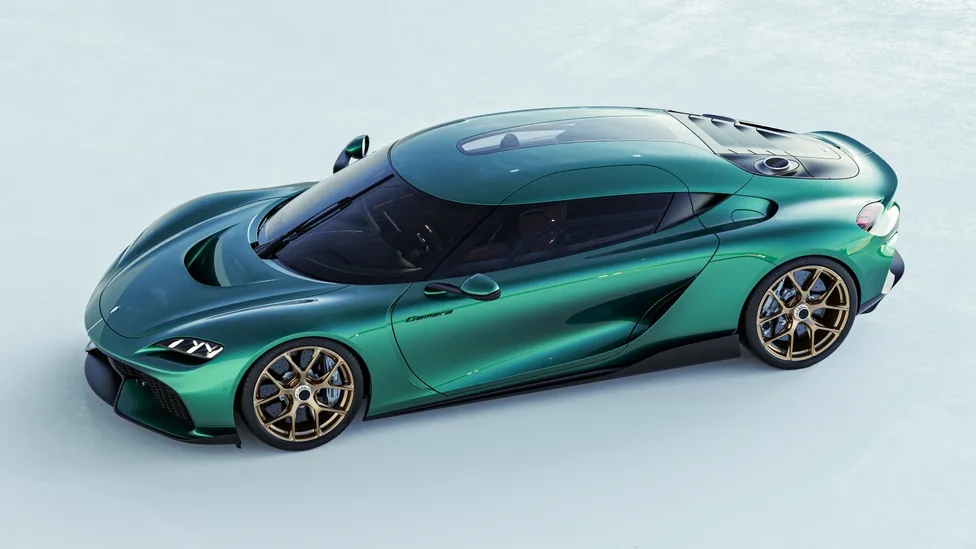
It definitely has to be the Koenigsegg Gemera, it was a very extensive project, with being on-site, workstation at one end of the premises, and the factory just next door, running between the two (still being careful), taking images for reference, and applying them into Keyshot, that was a very fun and eye-opening project.
Where in your process do you use KeyShot Studio?
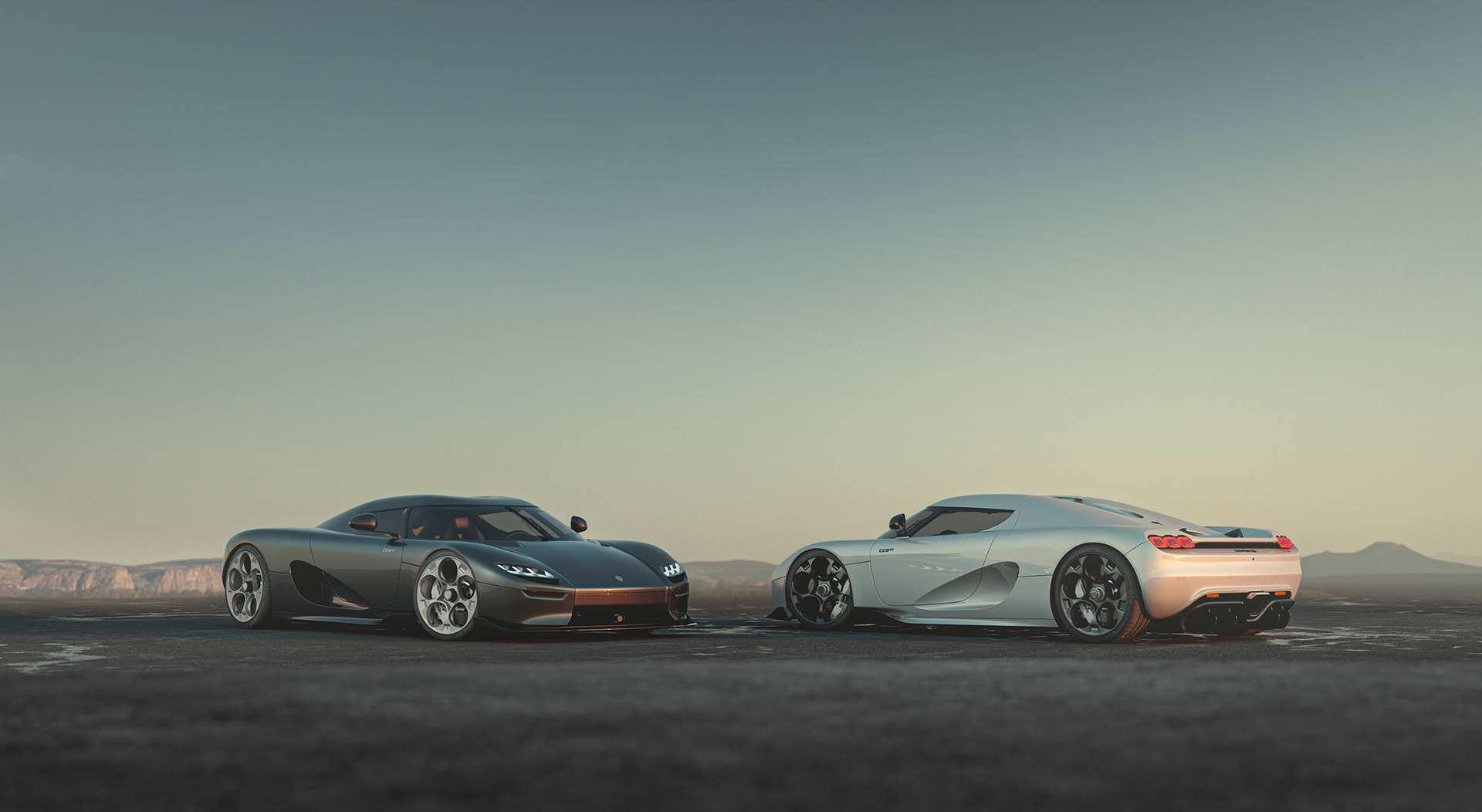
I tend to jump into KeyShot when the model feels finalized enough, put it in an environment and then looking for what HDRI and color combo works best. If needed, I can re-iterate on the fly and make modifications when I see fit. KeyShot is the main heavy lifter when it comes to producing the shot. After that, it usually needs a little bit of post processing. All the effects and lighting, is mainly done within KeyShot.
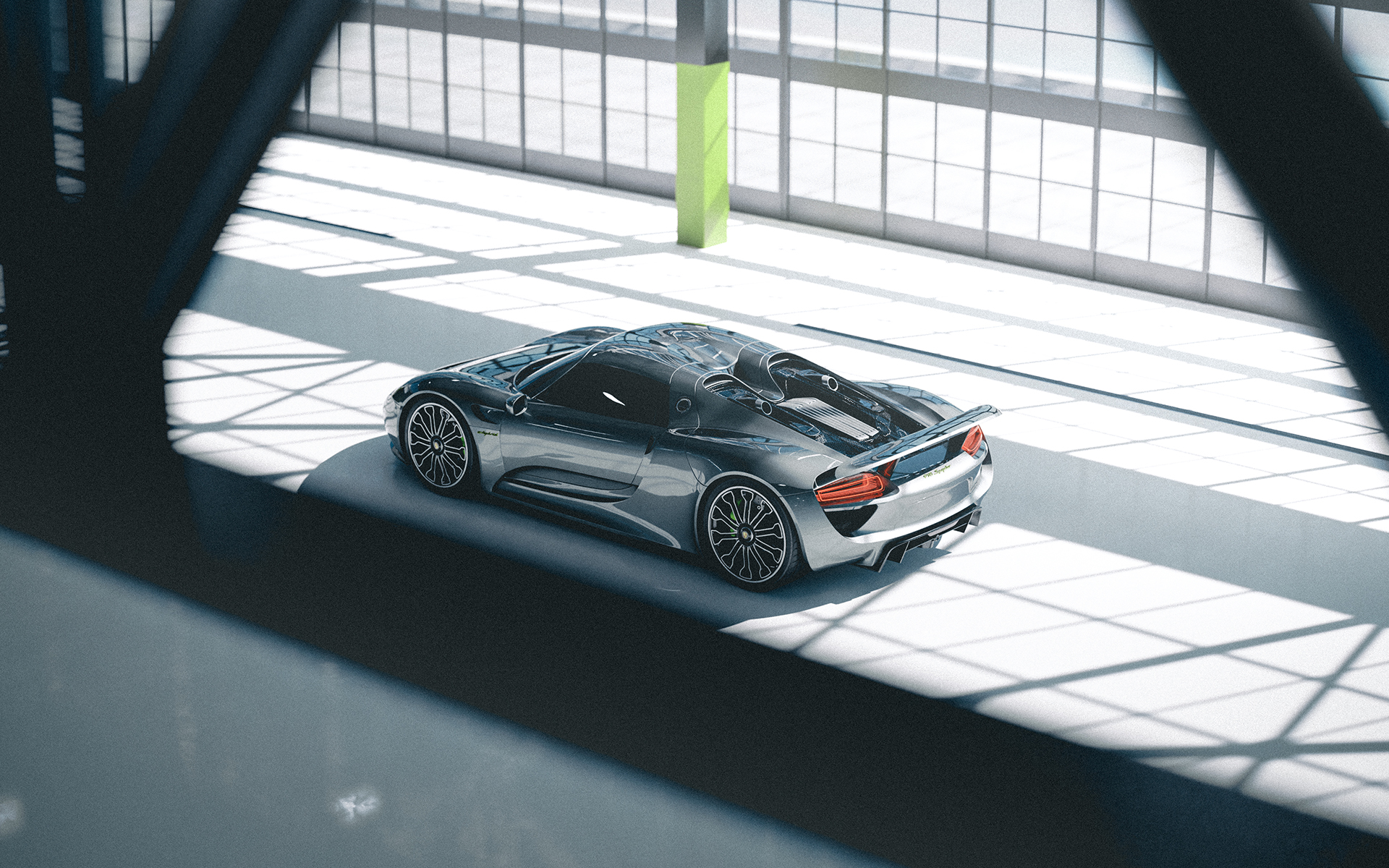
What are your favorite KeyShot Studio tools or capabilities?
GPU rendering by far has been instrumental in terms of iterating on a timecrunch.
The second-best feature has to be the Geometry editor tool. There have been countless times where I’ve had to split some parts of the geometry that I might have missed in the modelling process.
And third definitely has to be “Image tab” where I can tune the contrast, mid-tones, highlights and so on.
Welchen Rat würdest du jemandem geben, der daran interessiert ist, das zu tun, was du tust?
Patience, attention to detail, focus and of course passion.
Example: You want to produce a captivating shot of a car to a customer.
It’s easy to drag and drop materials on to the model, but making them “POP,” stand out, have depth, refinement — those are the key elements.
You can easily drop an emissive color to a headlight or a taillight, but with that just applied, it looks dull, without depth, without life. So I always try to layer lenses on top, split the geometry and create extra geometry, just to get that look and feel of a real world item — not just a line of color, not just a solid piece of rubber wrapping around the wheel. Something extra in terms of detail, goes a long way from a simple material.
Related Artists