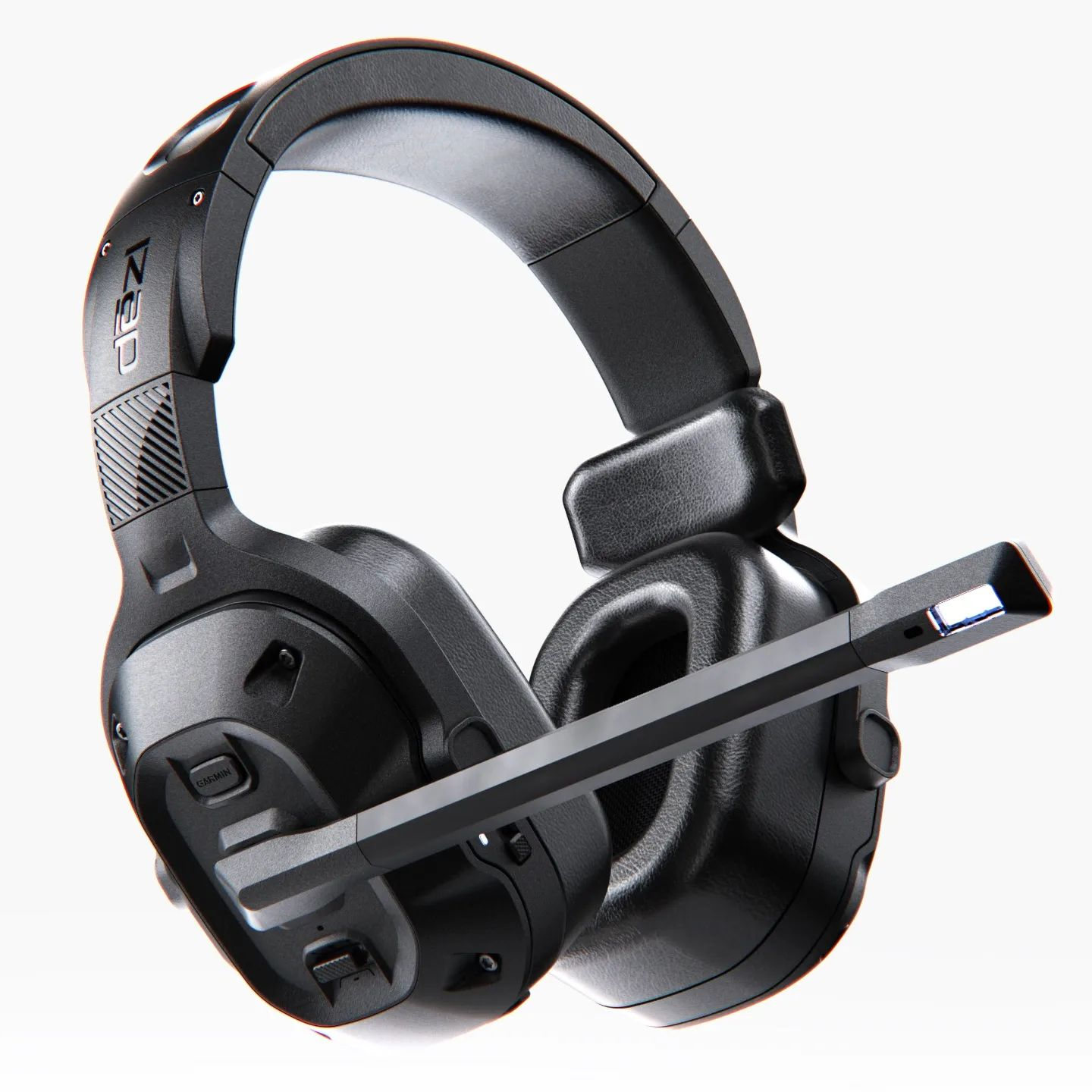

It’s a common trend in consumer products to have backlit buttons with the illuminated characters. With a little upfront prep in your modeling application, physical lights are added behind each button in KeyShot to achieve that perfect glow. This quick tip not only shows you how to light up a key pad, but also shows you how to work with translucent materials and what type of texture to apply for realistic textures found in many consumer electronics.
Weitere Kurztipps finden Sie hier: https://www.keyshot.com/learning/quicktips/
Laden Sie „ KeyShot “ hier herunter und probieren Sie es aus: https://www.keyshot.com/try/

Subscribe to our Quick tips on iTunes um sie anzusehen, wo immer Sie gerade sind – unterwegs, auf Ihrem iPad oder an Ihrem Desktop.