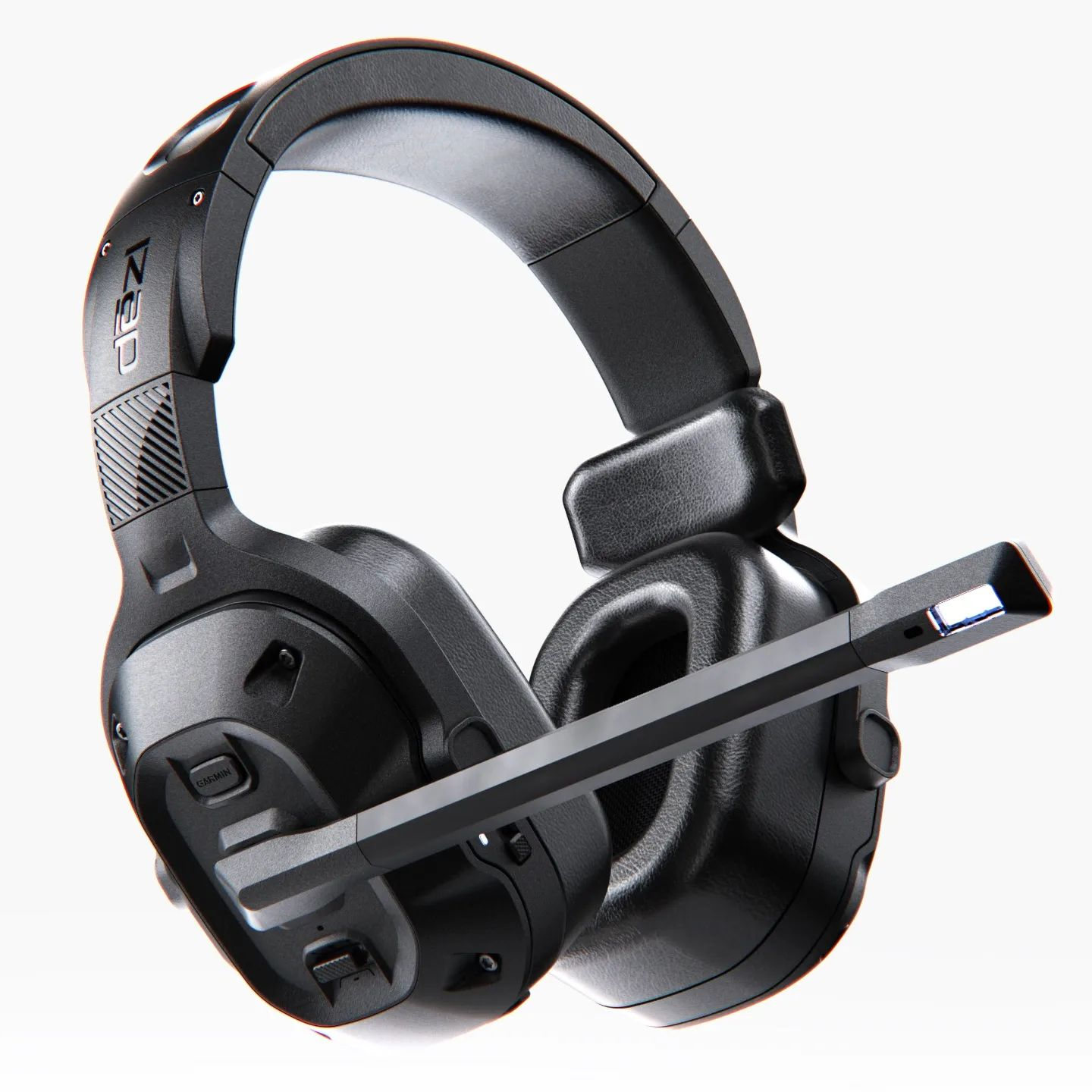
This quick tip describes the process of creating and applying an Ambient Occlusion (AO) pass to composite with your KeyShot rendering in Photoshop. Step through the environment settings, adjusting shadows in KeyShot, creating the HDR and combining in Photoshop to get the look you need.
Quick Tip 20: Ambient Occulusion in KeyShot
Keep reading
Related posts
Get the latest from KeyShot
Sign up to get the latest KeyShot news, tips and product updates.
By signing up you agree to our Terms and Privacy Policy to receive marketing and account-related emails from KeyShot. You can unsubscribe at any time.