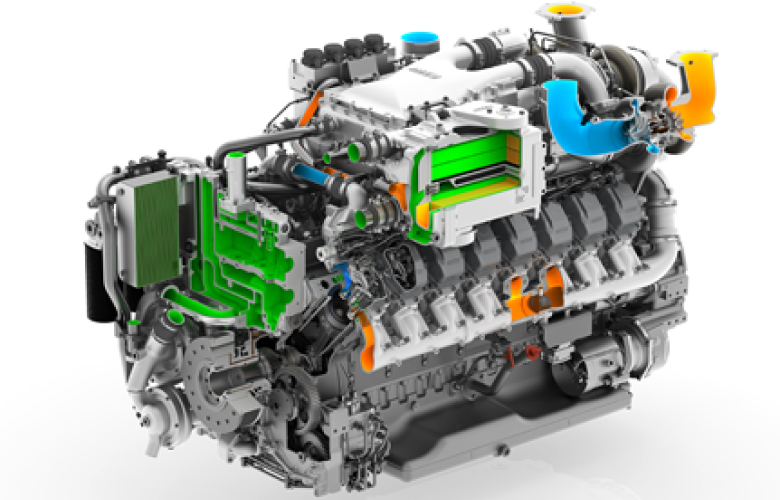
The rendering speed you need
Connect KeyShot with PTC Creo
KeyShot is widely recognized as the best rendering software for both Mac and Windows. It’s the easiest, most powerful platform for selling a concept, creating internal presentations, exploring digital prototypes and creating sales or marketing images — all from your PTC Creo data.
How it works
Amazing features in the most remarkable user interface for rendering. The most simple approach to illuminate your products and scenes. More material and color options than ever before. Enhancements that completely integrate visual production within your product development pipeline. This is KeyShot.
Features
- Real-Time Ray-Tracing
- Drag and Drop Materials
- Procedurals Textures
- Interactive Labeling
- HDRI Lighting
- Physical Lighting
- Camera Control
- Pantone®/RAL® Colors
- Part/Camera Animation
- Focused Caustics
- HDR Editor
- Import 40+ 3D Formats
- 3D Modelling Plugins
Why Use KeyShot for PTC Creo?
Easy
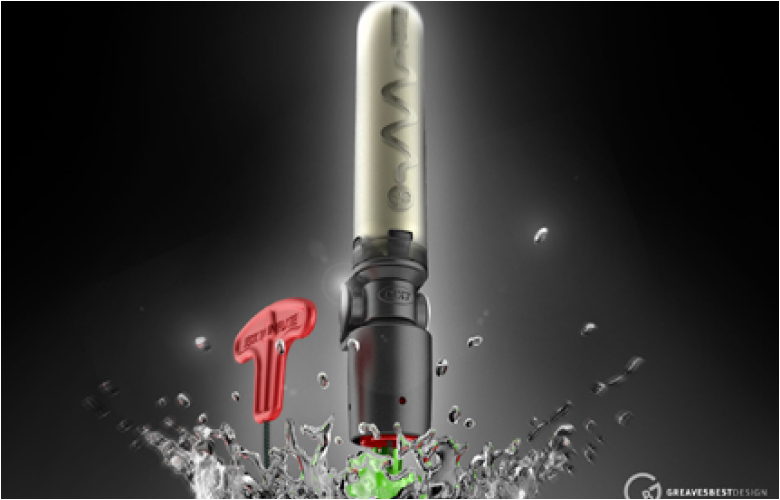
You don’t have to be a rendering expert to create photorealistic images of your 3D model. Simply import your data into KeyShot, assign materials by dragging and dropping them onto the model, adjust the lighting, and move the camera. Done.
Powerful
Amazing features in the most remarkable user interface for rendering. The most simple approach to illuminate your products and scenes. More material and color options than ever before. Enhancements that completely integrate visual production within your product development pipeline. This is KeyShot.

Fast
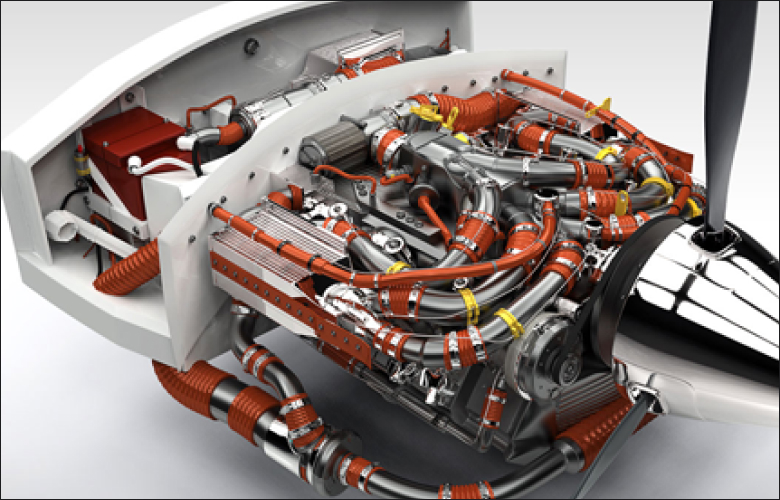
Everything inside KeyShot happens in realtime. KeyShot uses unique rendering technology which makes it possible to see all changes to materials, lighting, and cameras instantly. You donʼt need to hit the render button and wait for minutes or hours to wait for the results. As soon as you assign a material to a part, you will see what a material will look like under the given lighting conditions.
Integrated
KeyShot is tightly integrated with your 3D data. When you import 3D geometry, KeyShot maintains the entire model structure including part and assembly names. Changes made to your model in 3D can import back into KeyShot without having to reassign materials or lighting. In addition, KeyShot can also be accessed directly from within many 3D software packages through a plugin.

Accurate
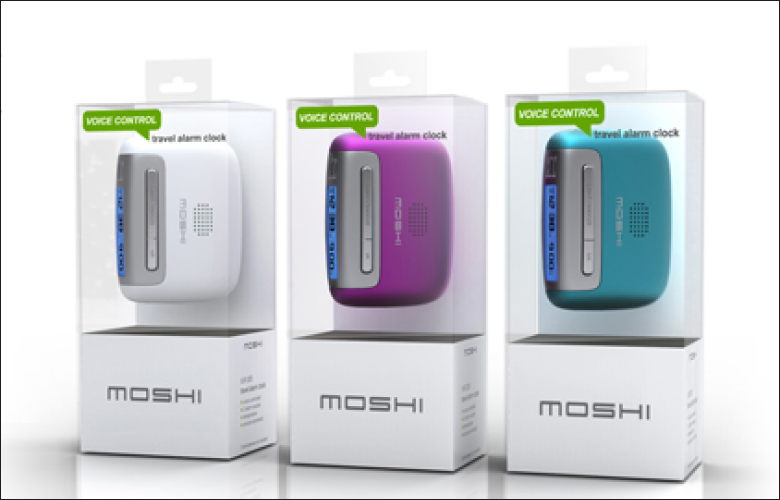
KeyShot is the most accurate rendering solution for your 3D data. KeyShot is the first realtime ray tracing application that uses a physically correct render engine based on scientific research in the areas of scientifically accurate material representation and global illumination.
Large data sets
KeyShot can handle extremely large data sets. There are no restrictions on the size of the data set as long as the computer has enough memory available. KeyShot is highly optimized which makes it possible to work with models with tens of millions of polygons even on a laptop.