
Trusted By The Best















Renderings So Realistic They’ll Ask for Your Photographer
KeyShot makes it easier than ever to create photo-realistic images, all from your CAD data. Learn more about the unique features in KeyShot.
VISUALIZE
Experience Design Freedom
It doesn’t get easier than KeyShot. Our intuitive interface allows you to focus on the design, not the software program.


CPU and GPU Rendering
Access all your computing power, switching from CPU mode to GPU mode with one click for unmatched performance.

Real Time Results
Instantly update every change you make – including material, lighting and geometry – so you can evaluate the results within just a few seconds.

LiveLinking
Use our extensive library of plug-ins to keep your geometry changes updated in KeyShot without losing any work.
COLLABORATE
Company-Wide 3D Rendering Solutions
KeyShot helps you save time, money and improve efficiency within teams and across your organization.
PUBLISH
Make it More Real(istic)
Than Ever
Behind KeyShot’s stunning accuracy is plenty of science and algorithms –
but all you need to do is pick your settings and perfect your scene.

Unmatched scientific accuracy
Use Cie-Lab colors and Gloss values, or digital representations from Mold-Tech and Sørensen leather, for a perfect match.

Advanced lighting
Transform how you visualize interior spaces with the most advanced lighting algorithms possible.

Cloud library
Explore thousands of materials, environments, backplates and models – or upload your own to KeyShot Cloud.

RealCloth™
Create and visualize realistic woven materials with this powerful material type.

Cutaway
Expose the inner workings of your design with dynamic cutaways, set what to exclude, and add animation.

Color library
Enhance your materials by using industry standard color libraries from Pantone and RAL, exclusively in KeyShot.
Trusted by Design
Teams Worldwide

Tailored onboarding and training

Reliable and innovative
software updates

Seamless solutions across
your organization
Learn More About Enterprise Benefits
KeyShot Customers Say…


Unlock the Power of Community
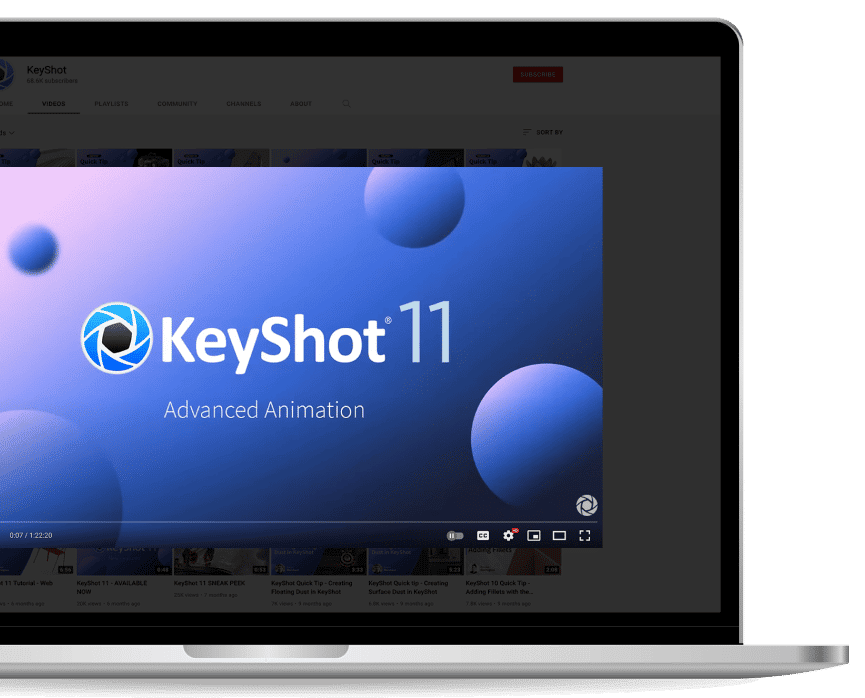
Join Us.
Around the world, KeyShot fans are creating concepts, art and real-world inventions. Grow your network and get inspired by magnificent minds.
Learn with Us.
Whether you’d like individual tutorials or tailored corporate training, or you’re a beginner or advanced KeyShot user, our experts are here to help.

Who knew “stunning” could be so easy?
Experience the 3D visualization workflow preferred by industrial designers around the world.